


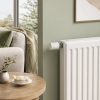
Aqara Essential Smart Radiator Kit
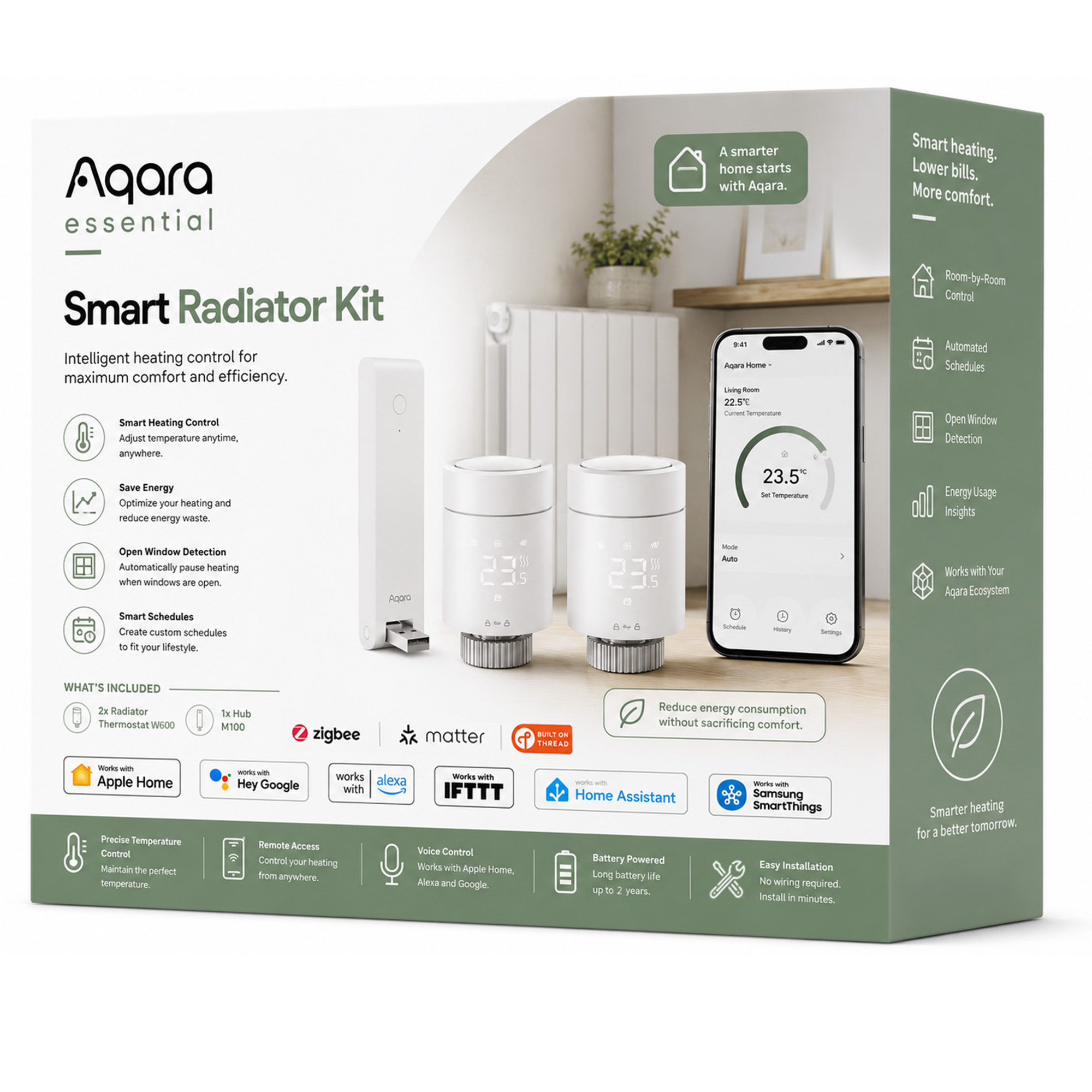
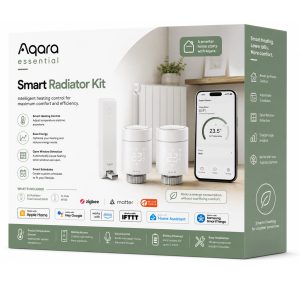
Control heating room by room with the Aqara Essential Smart Radiator Kit. Includes 2 W600 thermostats and Hub M100 for smart schedules and Matter support.
Total RRP: £129.97 | Special Offer: £99.98 – Save £29.99 with this kit (23% OFF)!
Compatibility
Aqara Essential Smart Radiator Kit is compatible with the following systems:











Accessories
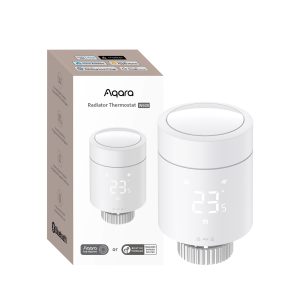
Original price was: £99.98.£94.98Current price is: £94.98. inc. VAT
Description
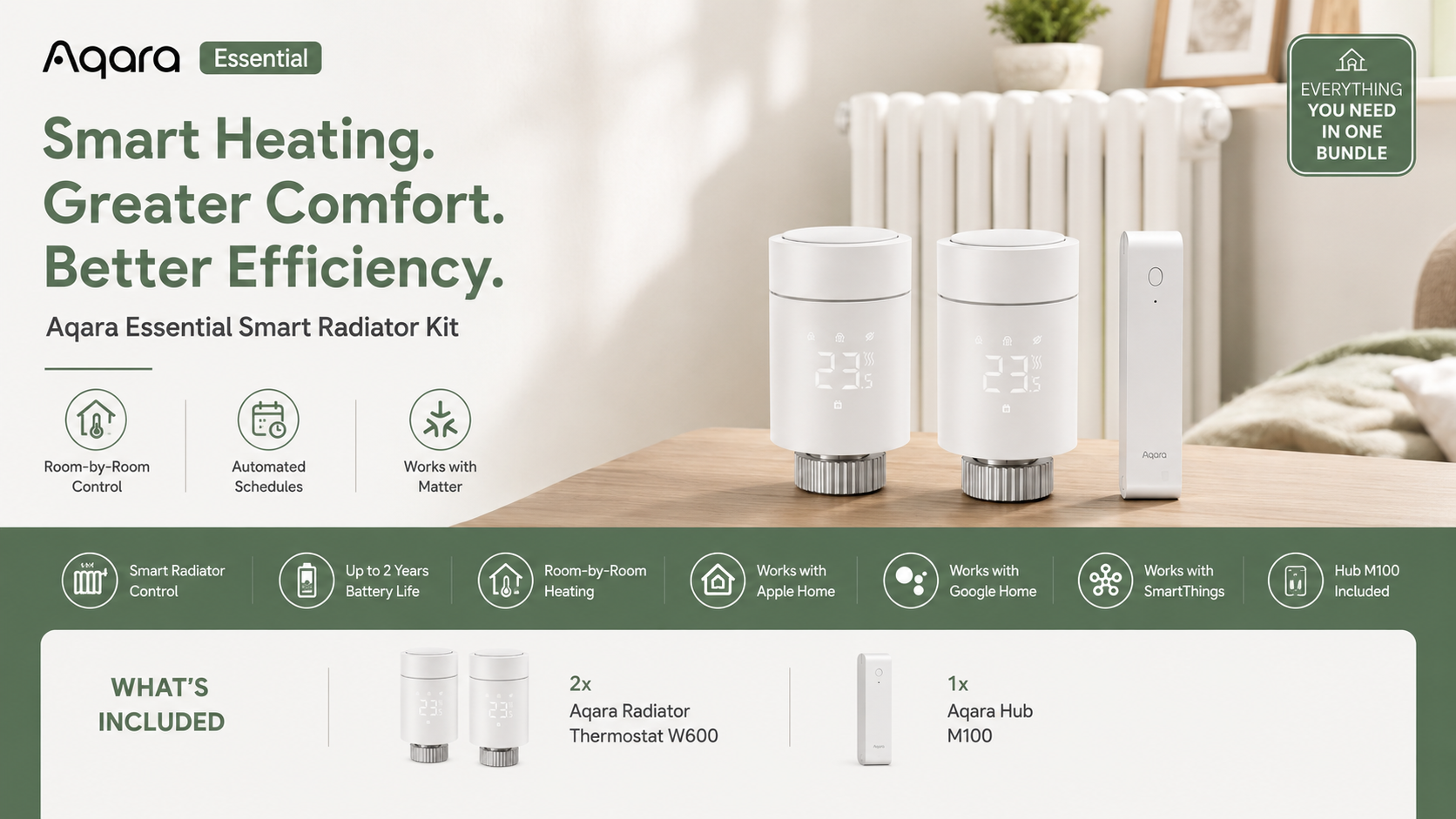
Aqara Essential Smart Radiator Kit
Smarter Heating. Greater Comfort. Better Efficiency.
Take control of your home heating with the Aqara Essential Smart Radiator Kit — a simple starter solution designed to help you manage room temperatures more intelligently.
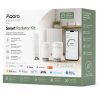
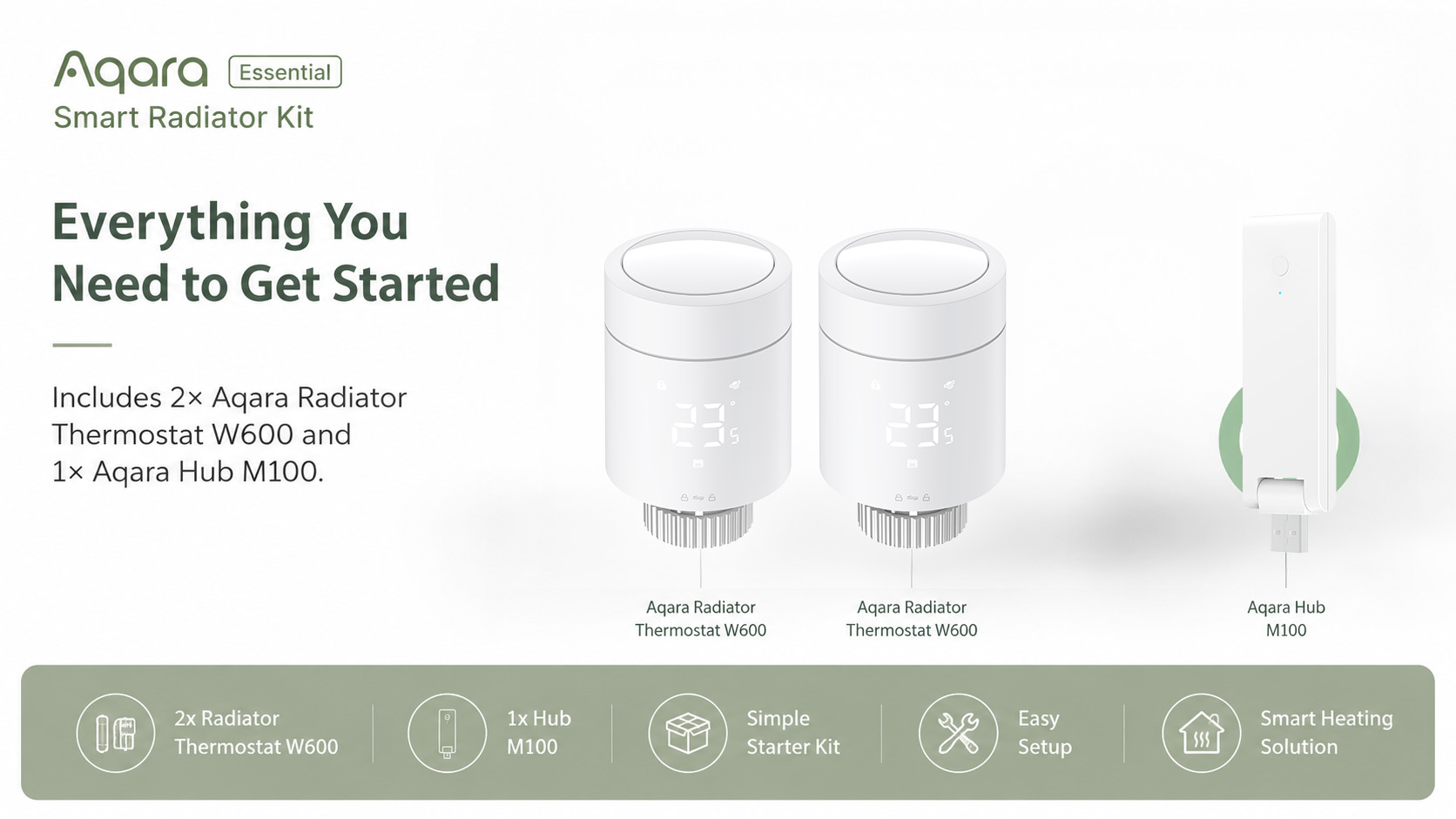
Including 2× Aqara Radiator Thermostat W600 and 1× Aqara Hub M100, this kit gives you everything you need to start controlling your radiators from your phone, create personalised heating schedules, and build smarter automations around your daily routine.
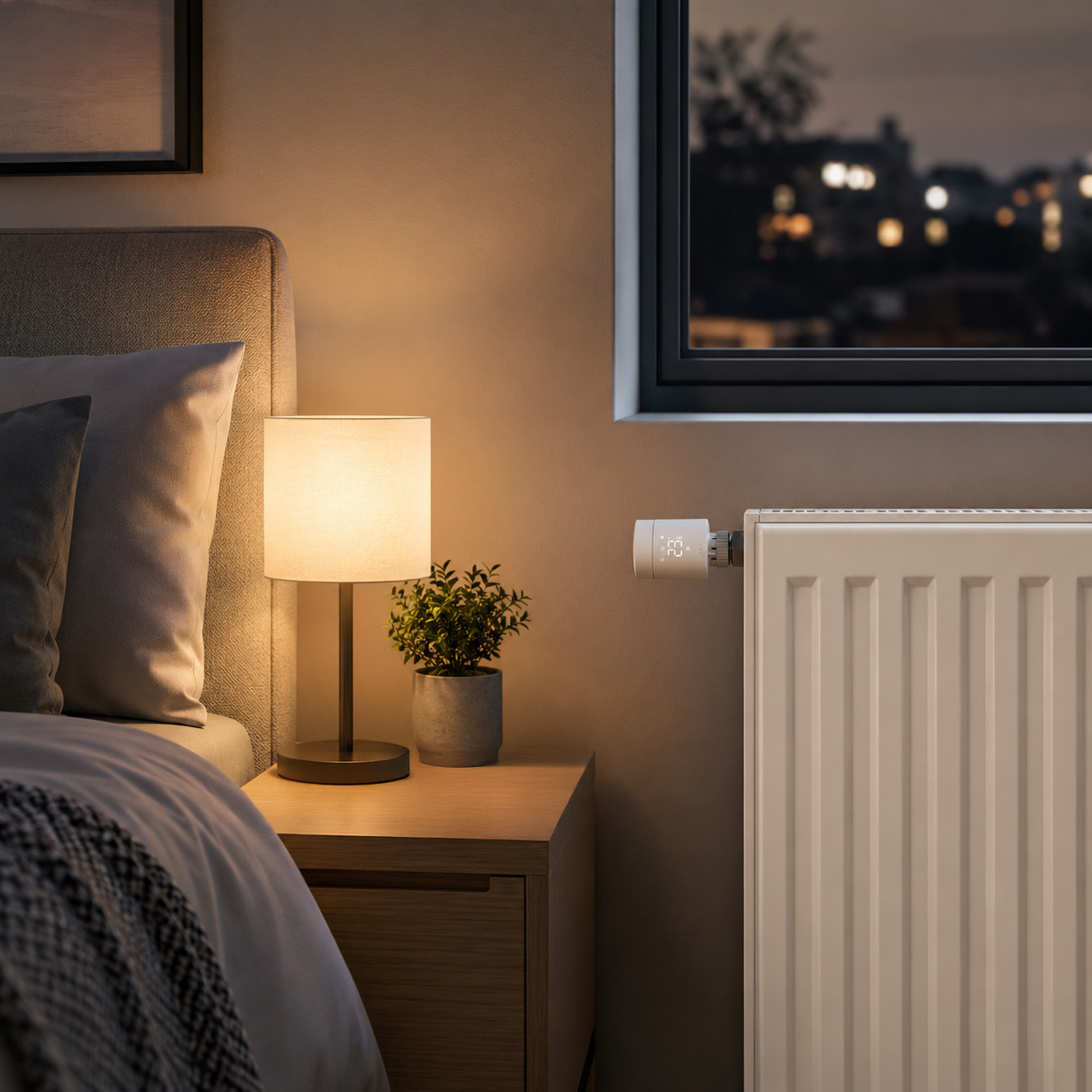
Whether you want to warm up the living room before you get home, keep bedrooms comfortable in the morning, or reduce unnecessary heating in rooms that are not in use, the Aqara Essential Smart Radiator Kit makes heating more convenient, flexible and efficient.
What’s Included
- 2× Aqara Radiator Thermostat W600
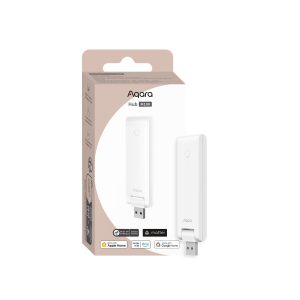
- 1× Aqara Hub M100
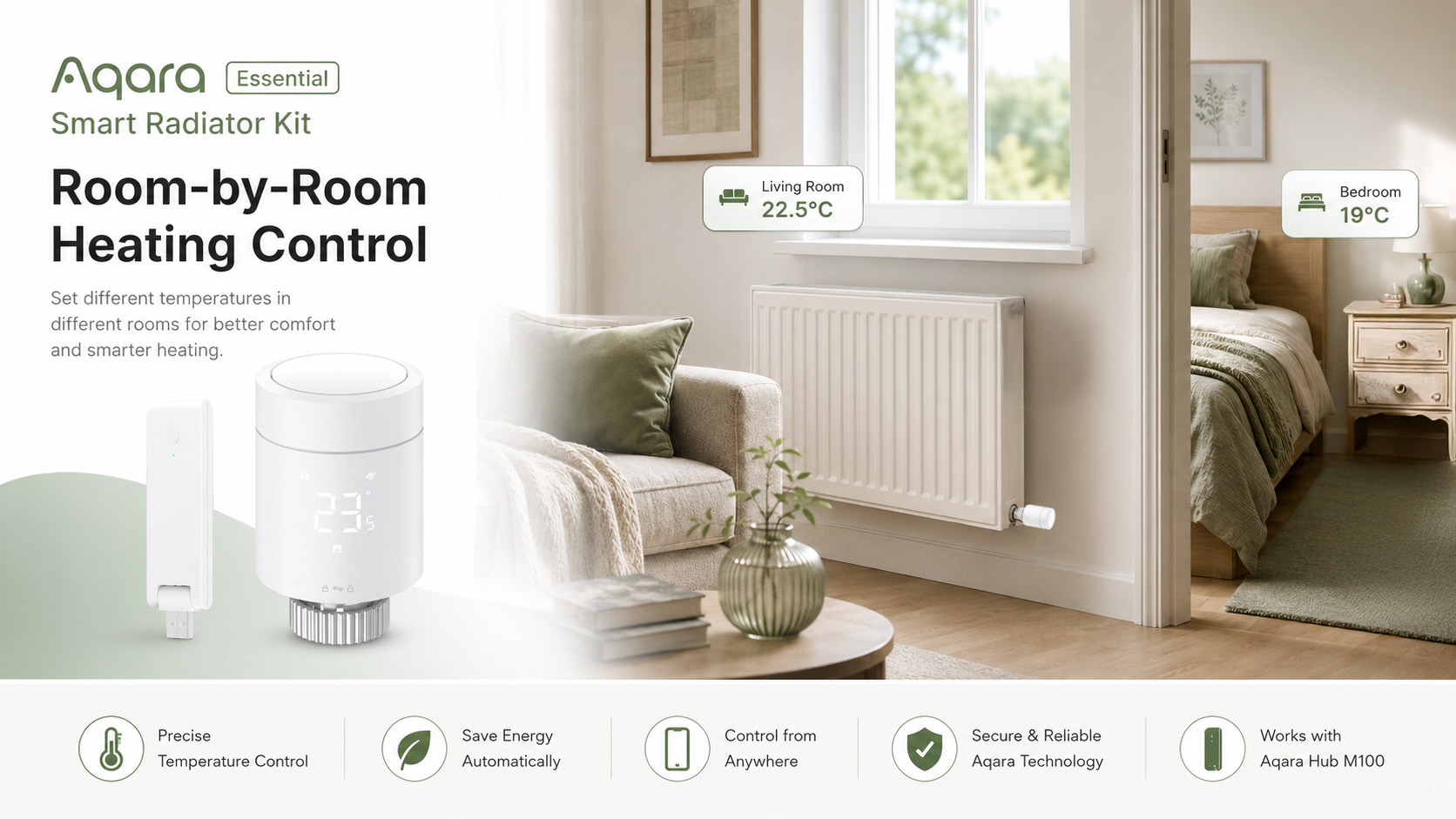
Room-by-Room Heating Control
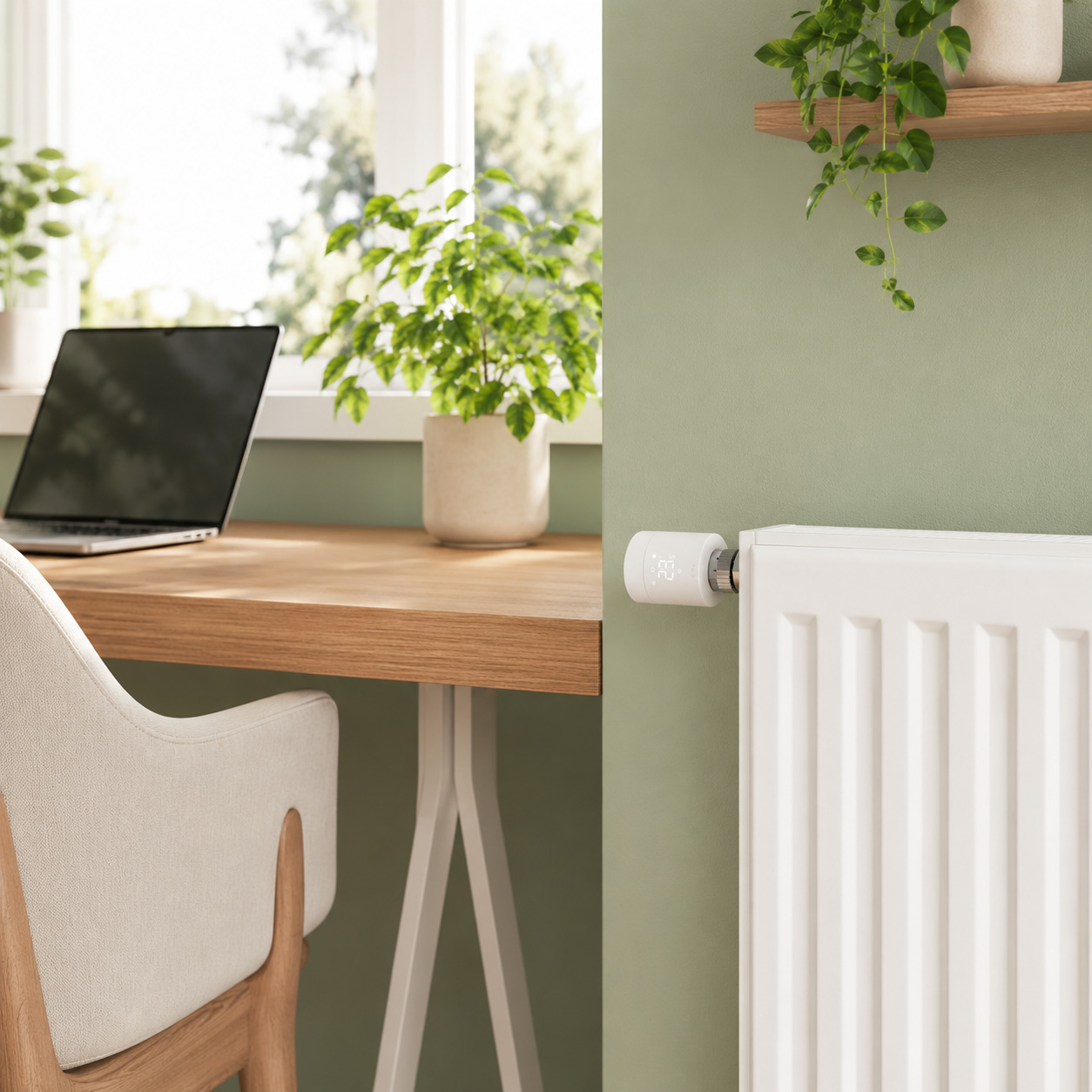
Traditional heating often warms the whole home at once, even when some rooms are empty. With the Aqara Radiator Thermostat W600, you can control individual radiators and manage temperatures room by room.
Set different temperatures for bedrooms, living rooms, home offices or spare rooms, helping you enjoy the right comfort in the right place at the right time.
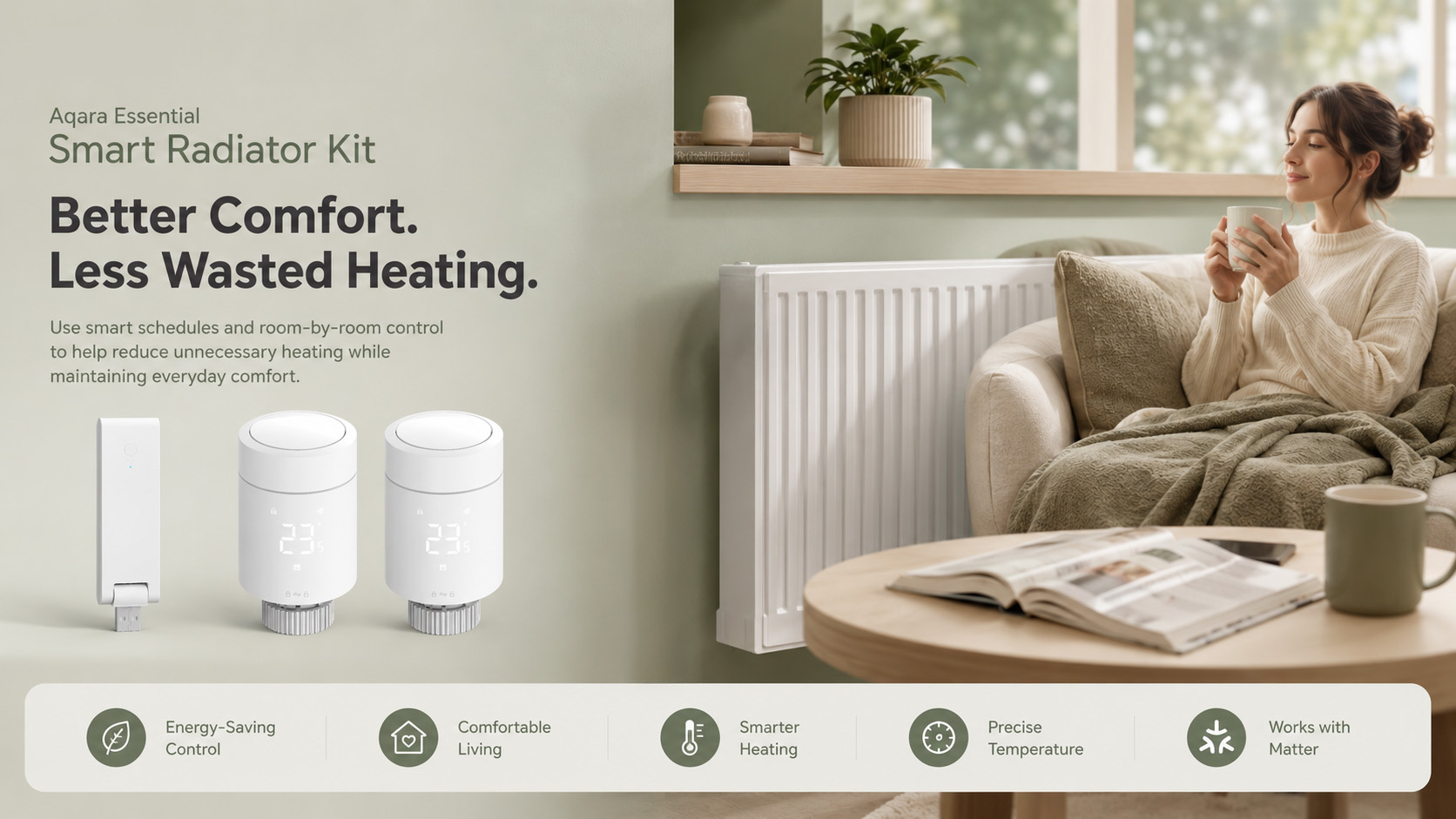
Personalised Heating Schedules
Create heating routines that fit around your lifestyle.
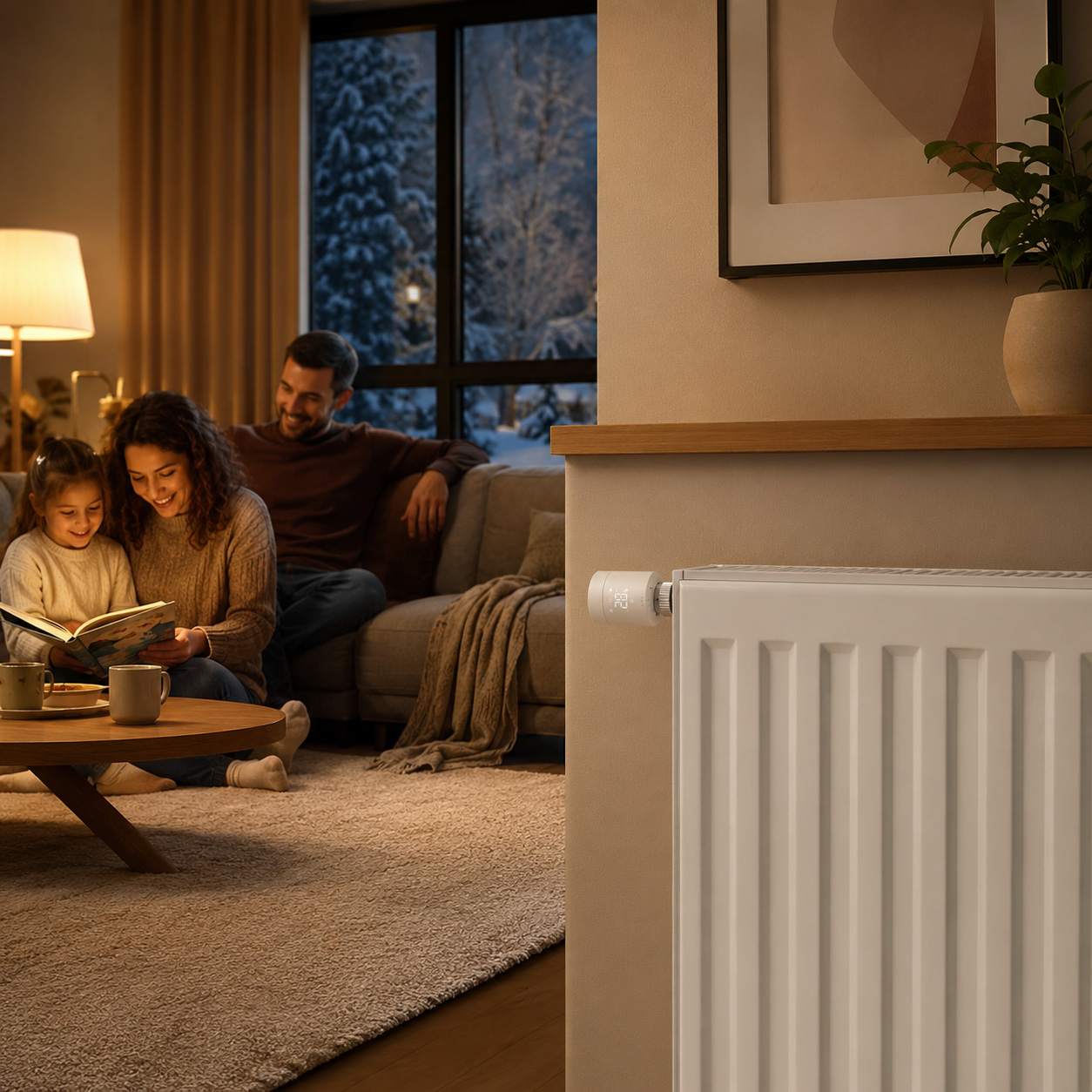
Schedule your bedroom to warm up before you wake, keep your home office comfortable during working hours, or reduce heating automatically in the evening. With smart scheduling, your home can stay comfortable when needed while helping to reduce wasted energy when rooms are not in use.
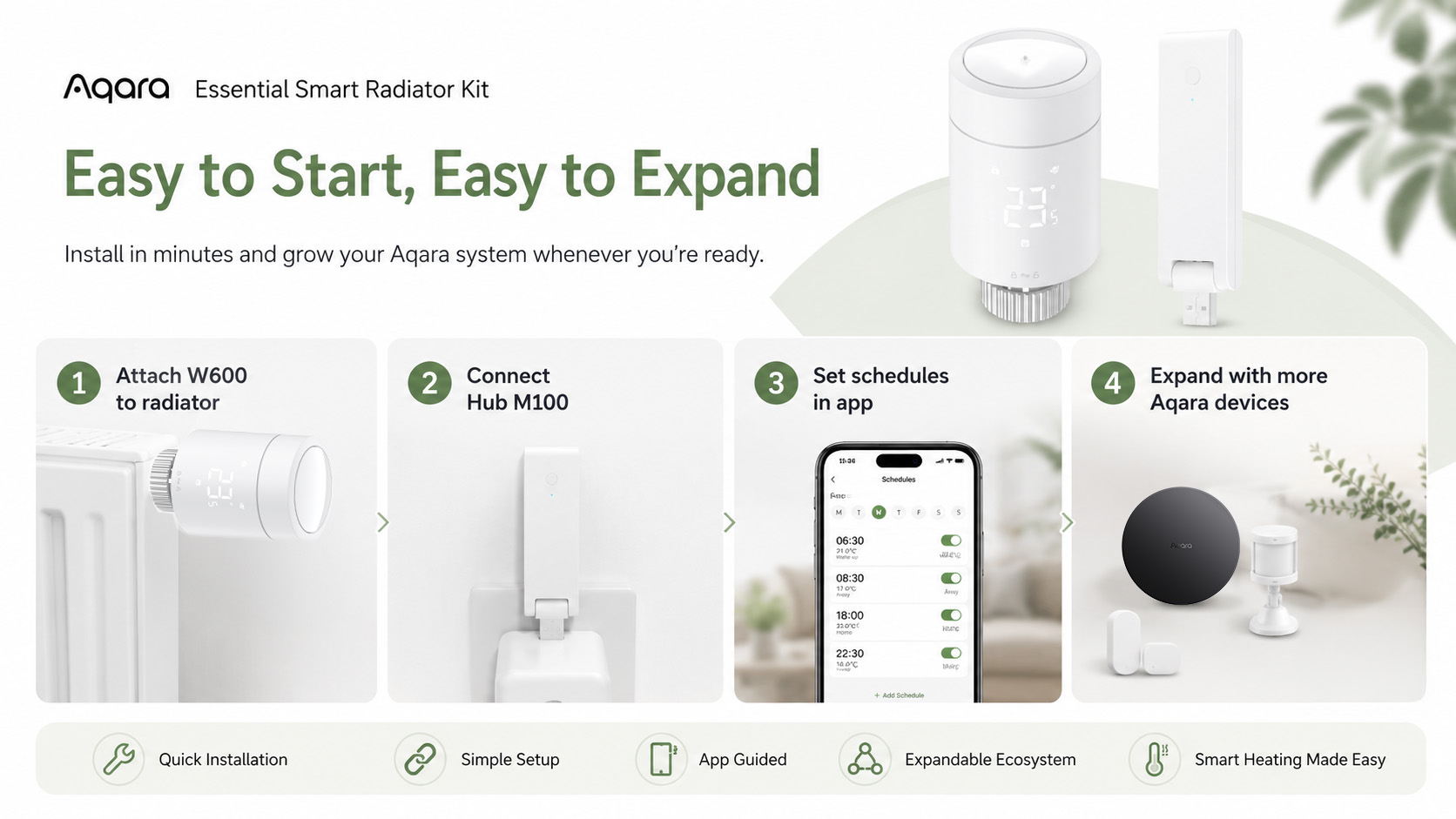
Works with Aqara Sensors for Smarter Automations
The W600 can work with Aqara presence sensors, temperature and humidity sensors, and other Aqara devices to create more intelligent heating automations.
For example, you can create automations that adjust heating based on room occupancy, temperature changes or your daily routine, helping your home respond more naturally to the way you live.
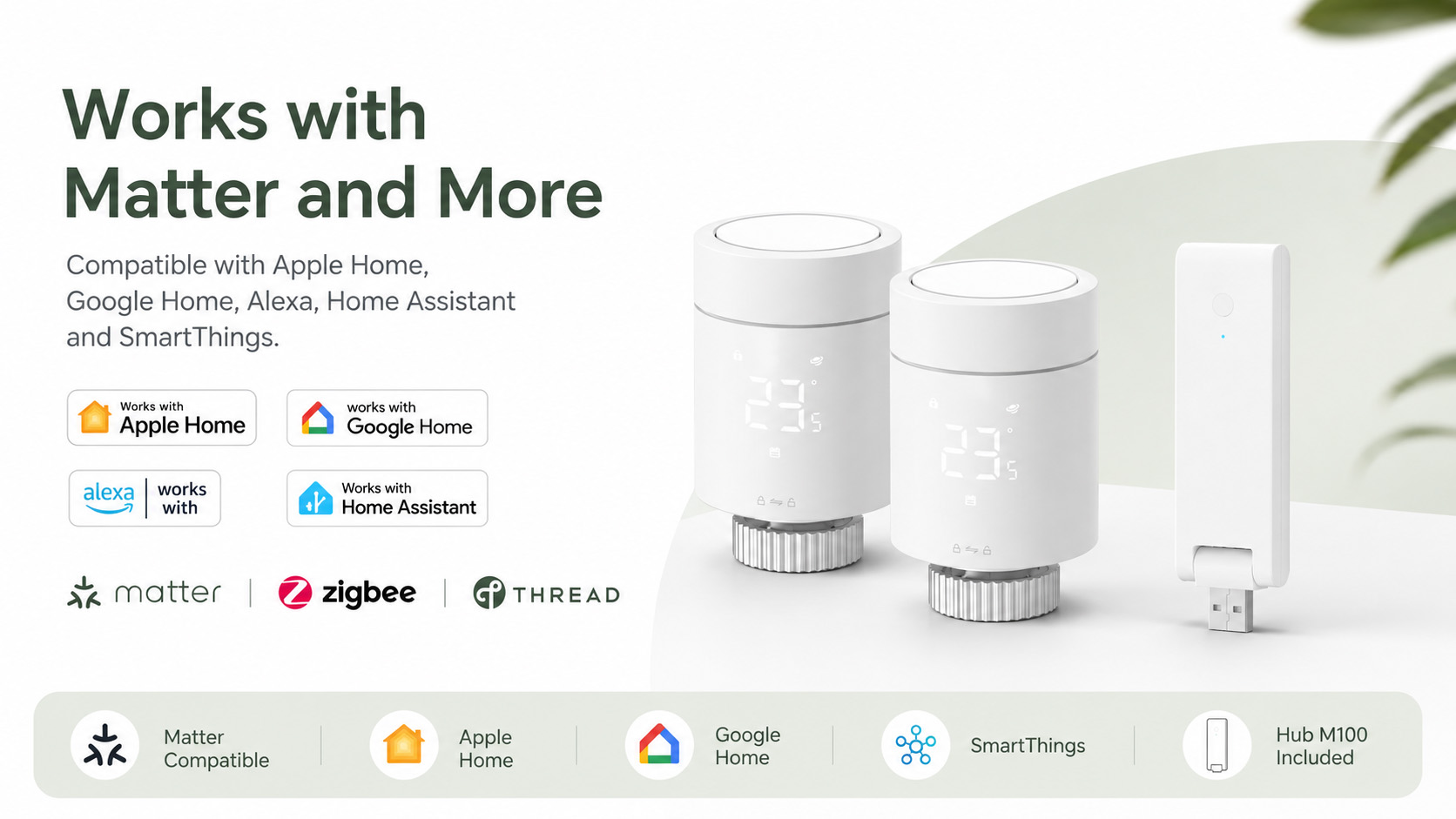
Flexible Matter, Thread and Zigbee Support
The Aqara Radiator Thermostat W600 supports both Thread and Zigbee, giving you flexible options for different smart home setups.
In Thread mode, the thermostat can connect with compatible Matter ecosystems using a Matter Controller and Thread Border Router. In Zigbee mode, it unlocks additional Aqara Home features and works with compatible Aqara hubs, including the included Aqara Hub M100.
The Aqara Hub M100 also acts as a compact smart home hub with support for Zigbee, Thread, Matter, Wi-Fi 6 and local automations, making it a powerful foundation for expanding your Aqara system.
Precise Temperature Control
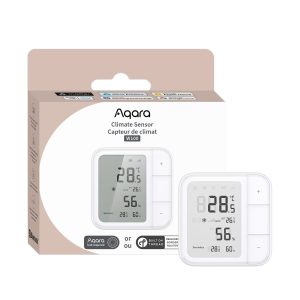
Fine-tune your comfort with 0.5°C temperature adjustment increments and temperature calibration. The W600 can also be linked with compatible Aqara climate sensors, allowing more accurate room temperature readings and helping your heating respond more effectively to the actual conditions in the room.
Easy Control, Wherever You Are
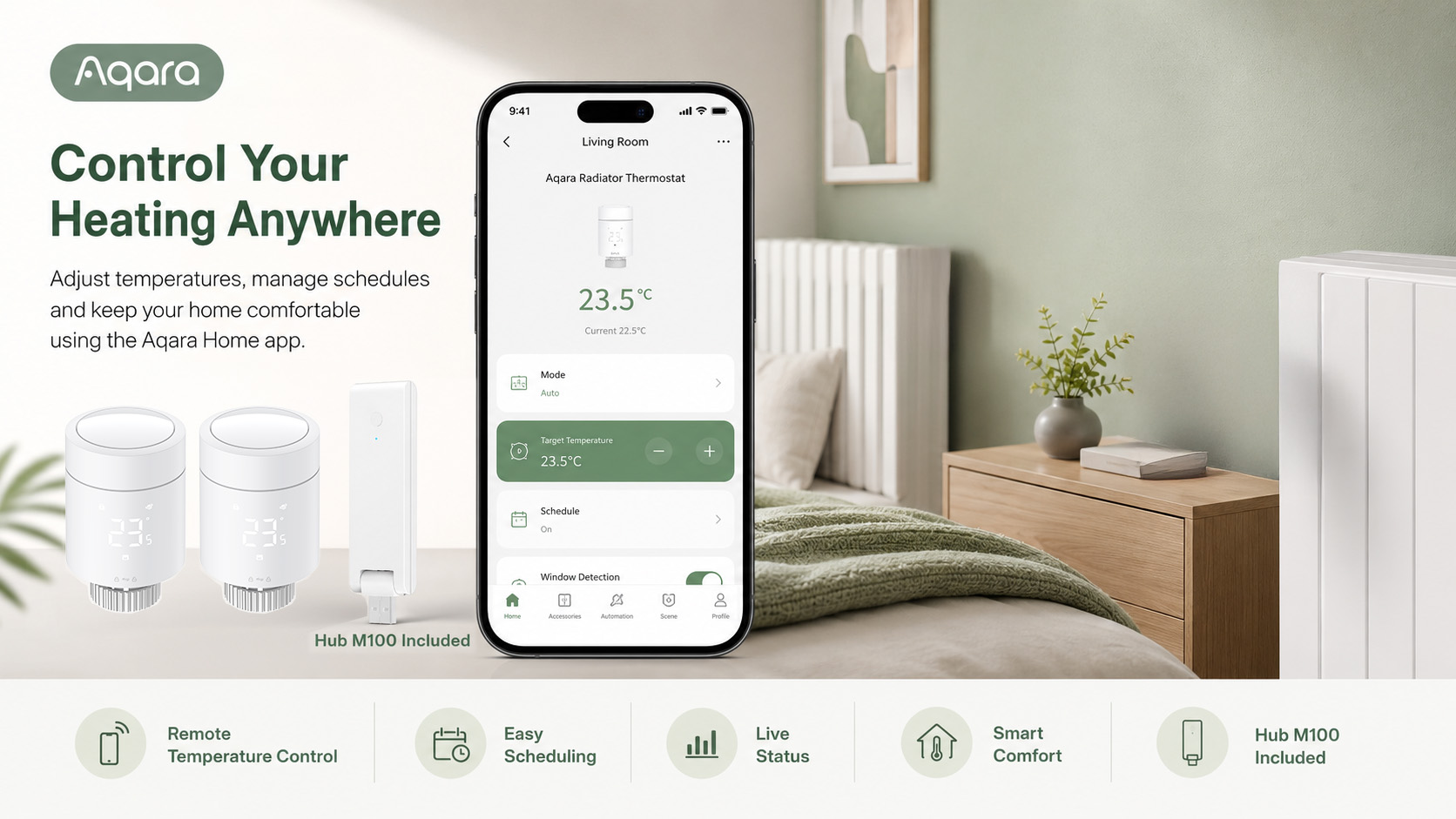
Control your heating your way:
- Adjust temperatures manually on the thermostat
- Control heating remotely through the Aqara Home app
- Use voice control through compatible smart home ecosystems
- Create schedules and automations
- Group multiple radiator thermostats for more consistent room comfort
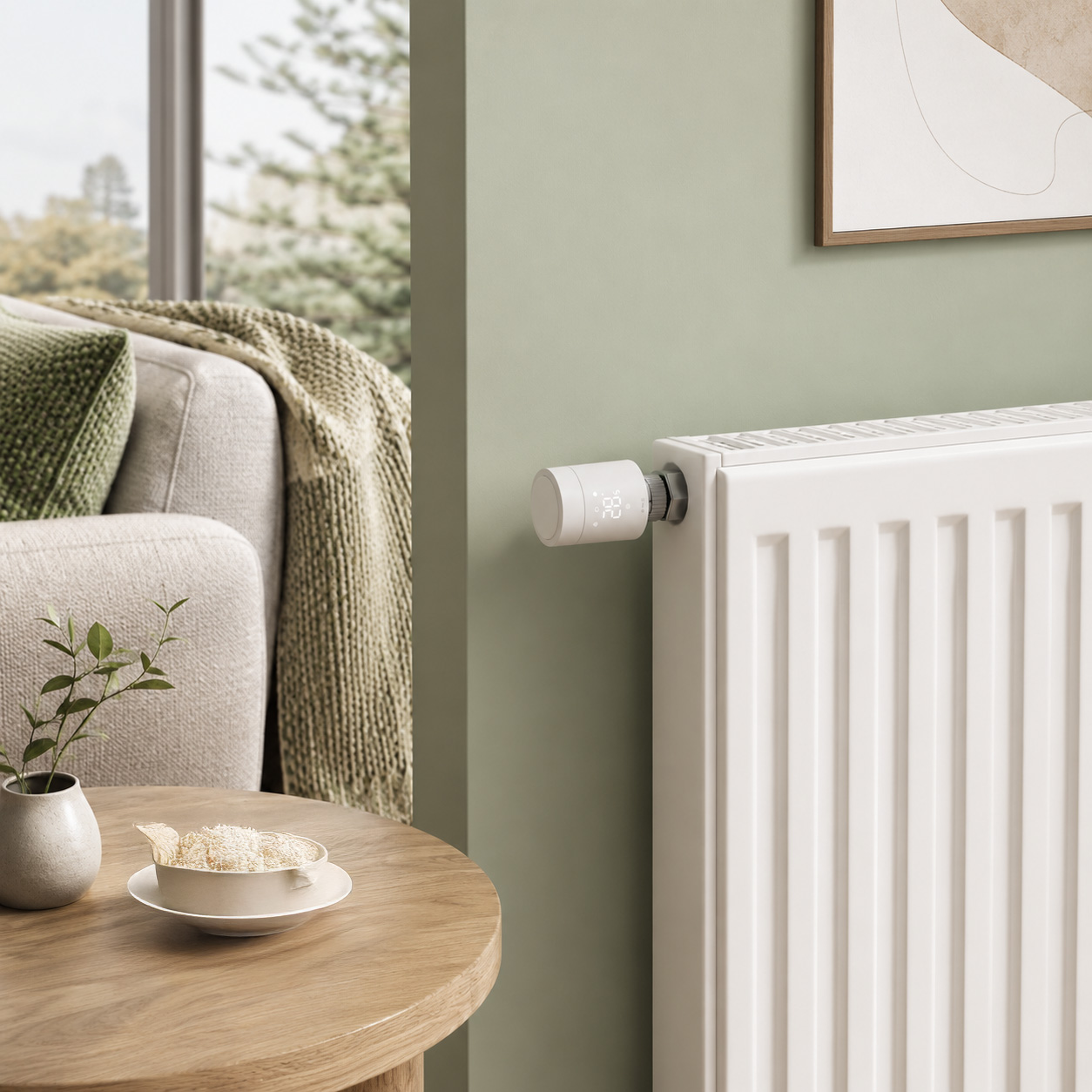
The reversible LED display makes the thermostat easy to read from different angles, while quiet operation below 30 dB helps keep bedrooms and living spaces peaceful.
Designed for Everyday Comfort
With up to 2 years of battery life under typical use, built-in frost protection and a clean, compact design, the Aqara Radiator Thermostat W600 is built for reliable daily heating control.
It is ideal for homeowners, renters, families and anyone looking for a simple way to make their home heating smarter.
Key Features
- Smart radiator control for individual rooms
- Personalised heating schedules
- Remote app control
- Matter, Thread and Zigbee support
- Works with Apple Home, Google Home, Alexa, Home Assistant and SmartThings via compatible setup
- 0.5°C temperature adjustment
- Compatible with Aqara sensors for smarter automations
- Multi-device grouping for rooms with multiple radiators
- Reversible LED display
- Ultra-quiet operation below 30 dB
- Frost protection
- Up to 2 years battery life under typical use
- Compact Aqara Hub M100 included
Start Smart Heating the Easy Way
The Aqara Essential Smart Radiator Kit is the perfect starting point for smarter home heating. Simple to set up, easy to control and ready to expand, it helps you create a more comfortable and efficient home — one room at a time.
Frequently Asked Questions
Which hubs does this device support?
W600 supports Aqara Zigbee 3.0 hubs (except G2H), requiring version 4.3.8+. If adding to Aqara Home in Thread mode, you need a border router that supports Matter & Thread in Aqara Home, such as M3
Which temperature and humidity sensors can this device link with?
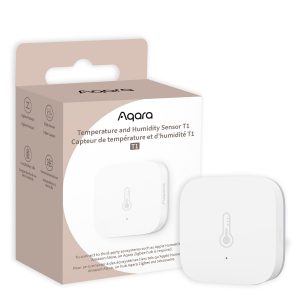
Supports linking with the following Aqara temperature and humidity sensors: Temperature and Humidity Sensor, Temperature and Humidity Sensor T1, Temperature Controller Companion W100.
What is the child lock function? How to enable/disable the child lock function?
After the Child Lock function is activated, the device will first display the current ambient temperature when it is powered on. Adjusting the set temperature will then be temporarily disabled, effectively preventing accidental operation by children. To activate/deactivate, press and hold the top button for 3 seconds. When the child lock icon lights up on the screen, it means the child lock is activated. Press and hold the button again for 3 seconds to deactivate the child lock.
How can this device be added to third-party ecosystem platforms via Matter?
In Zigbee mode, this device can be added to third-party ecosystems through a Matter bridge via an Aqara hub that supports Matter. In Thread mode, this device can be added to third-party ecosystems by directly scanning the Matter code on the device. The corresponding ecosystem needs to have a border router that supports Matter & Thread.
How can I keep the manually set temperature running instead of switching to the preset mode’s temperature?
In Zigbee mode, the device has a Manual Control function. You can set the duration to indefinite.
What happens if my manual settings conflict with the Smart Schedule?
After manually controlling the device, if the current operation conflicts with the original Smart Schedule settings, the default settings have the device automatically reverting to the Smart Schedule after 2 hours.
What type of heater is this device compatible with?
This device is designed for radiator use, with a standard compatible valve size of M30x1.5mm. It can also be used with different adapters (included), supporting the following valve specifications: M28x1.5mm, Caleffi, RA, RAV, RAVL, Giacomini, Oventrop M30x1.5mm
What is frost protection?
The device enables this feature by default. When the built-in temperature sensor detects a temperature ≤ 5℃, the device activates frost protection and begins heating. When the built-in temperature sensor detects a temperature > 8℃, the device will disable frost protection and return to normal operation.
How to switch the protocol on this device?
First, you need to reset the device. When re-adding the device, go to the device protocol page and select the corresponding protocol switch option on that page.
What is a Smart Schedule?
The Smart Schedule includes 5 preset modes. You can set different temperatures for each preset mode, with time increments of 15 min, supporting up to 7 time periods, with only start times. The default end time is the start time of the next preset mode (if there is no next preset mode, the current one continues)
What is the window detection function?
This feature is only supported in Zigbee mode. The window detection function can be enabled or disabled through the app.
1. When the user opens a window and the detection feature is enabled, if the thermostat detects the window opening (within 5 minutes, the set temperature has not changed, and the actual temperature drops by ≥3℃), the valve will close for 30 minutes and a notification will be sent to reduce heat loss. (Operates only in Manual Mode or Smart Schedule).
2. If connected with an external door/window sensor, when the sensor detects that the user has opened the door or window for a certain period of time, the device will turn off for 30 minutes and send a notification to reduce heat loss. (Only supported in Zigbee mode).
3. Once window detection is triggered, you can disable it by pressing the device button once.
How do you reset the device?
Press and hold the device button for 10 seconds to reset the network information. Double-click and then press and hold the button for 10 seconds to restore factory settings.
What do F1 and F2 represent?
F1 indicates that the device is currently in the pre-installation state. Please complete the installation at this time. F2 indicates that the device is in the calibration state, and the initial calibration process is estimated to take 1–3 minutes.
What to do if the radiator valve cannot be installed?
1. Before installation, please ensure that the device’s internal push rod has not extended. If it has extended, try powering the device on again to make sure the push rod retracts. You can then proceed with installation.
2. Check whether the device is compatible with your valve type: M30×1.5mm, or M28×1.5mm, Caleffi, RA, RAV, RAVL, Giacomini, and Oventrop M30×1.5mm.
What are the common types of device issues?
1. Motor issue
2. Temperature detection issue
3. Window detection triggered (icon alert)
How do you disable window detection?
1. You can disable window detection by pressing the button on the device once
2. You can disable the window detection status through the Aqara Home App.
Videos
Kit Contents
Product Specifications
Physical and Performance Attributes | |||||||||||||||||
|---|---|---|---|---|---|---|---|---|---|---|---|---|---|---|---|---|---|
| Dimensions (L x W x H) | 140 × 60 × 145 mm | ||||||||||||||||
Misc Product Attributes | |||||||||||||||||
Aqara Radiator Thermostat W600 Specifications:
| |||||||||||||||||
You may also like…
-

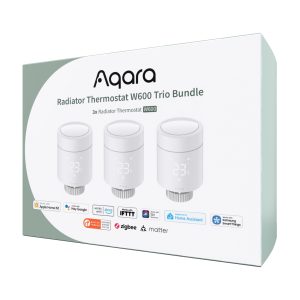
Aqara Radiator Thermostat W600 Trio Bundle
£134.99 inc. VAT Add to basket -
Aqara Temperature and Humidity Sensor T1
£19.99 inc. VAT Add to basket -
10% OFF!
Aqara Climate Sensor W100
Original price was: £39.98.£35.99Current price is: £35.99. inc. VAT Add to basket -
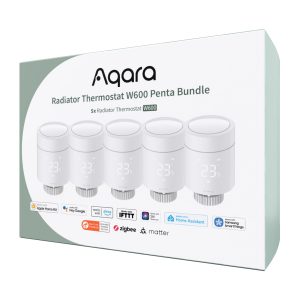
Aqara Radiator Thermostat W600 Penta Bundle
£209.99 inc. VAT Add to basket