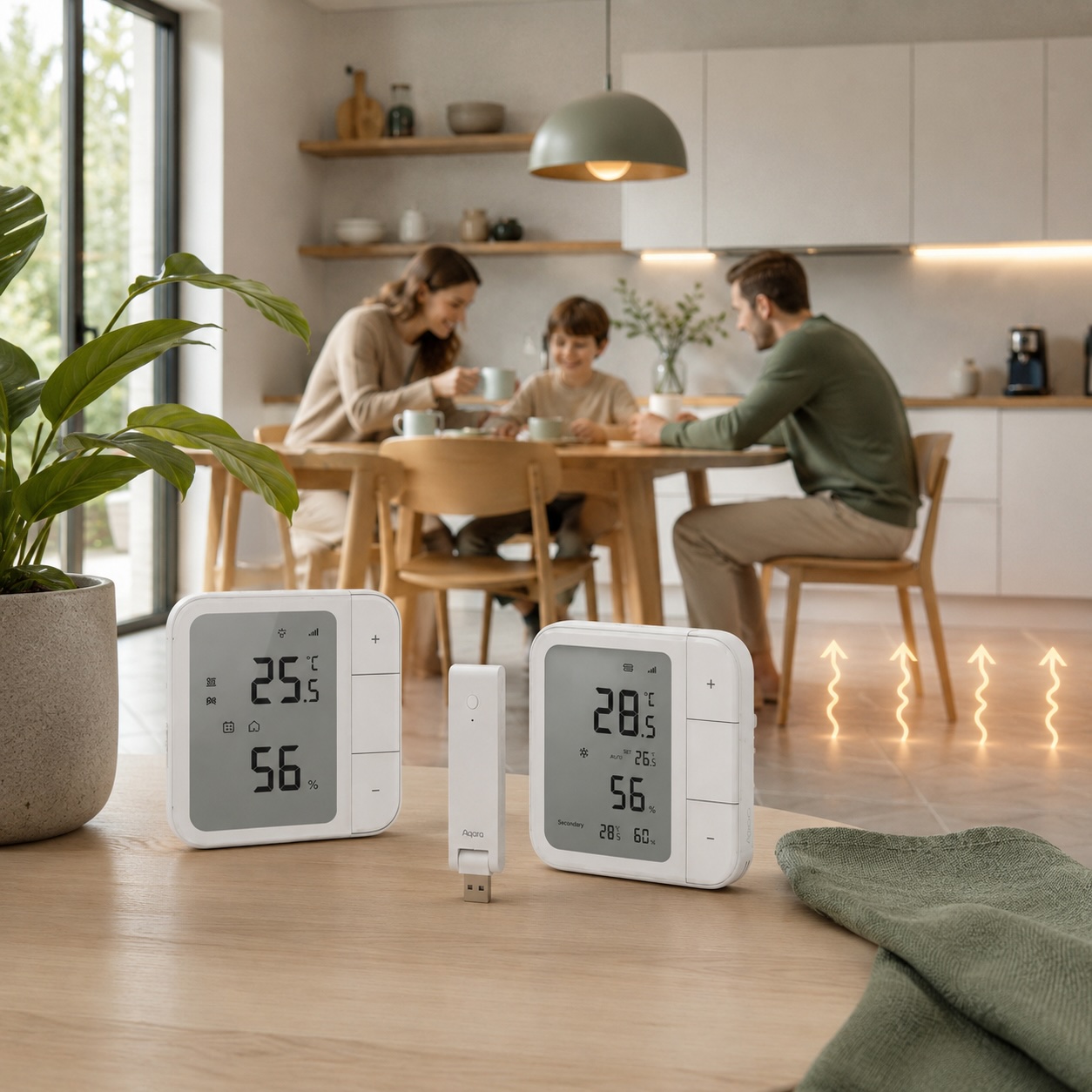
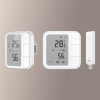
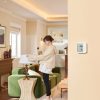
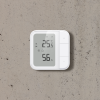
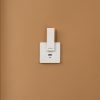
Aqara Essential Smart Floor Heating Kit
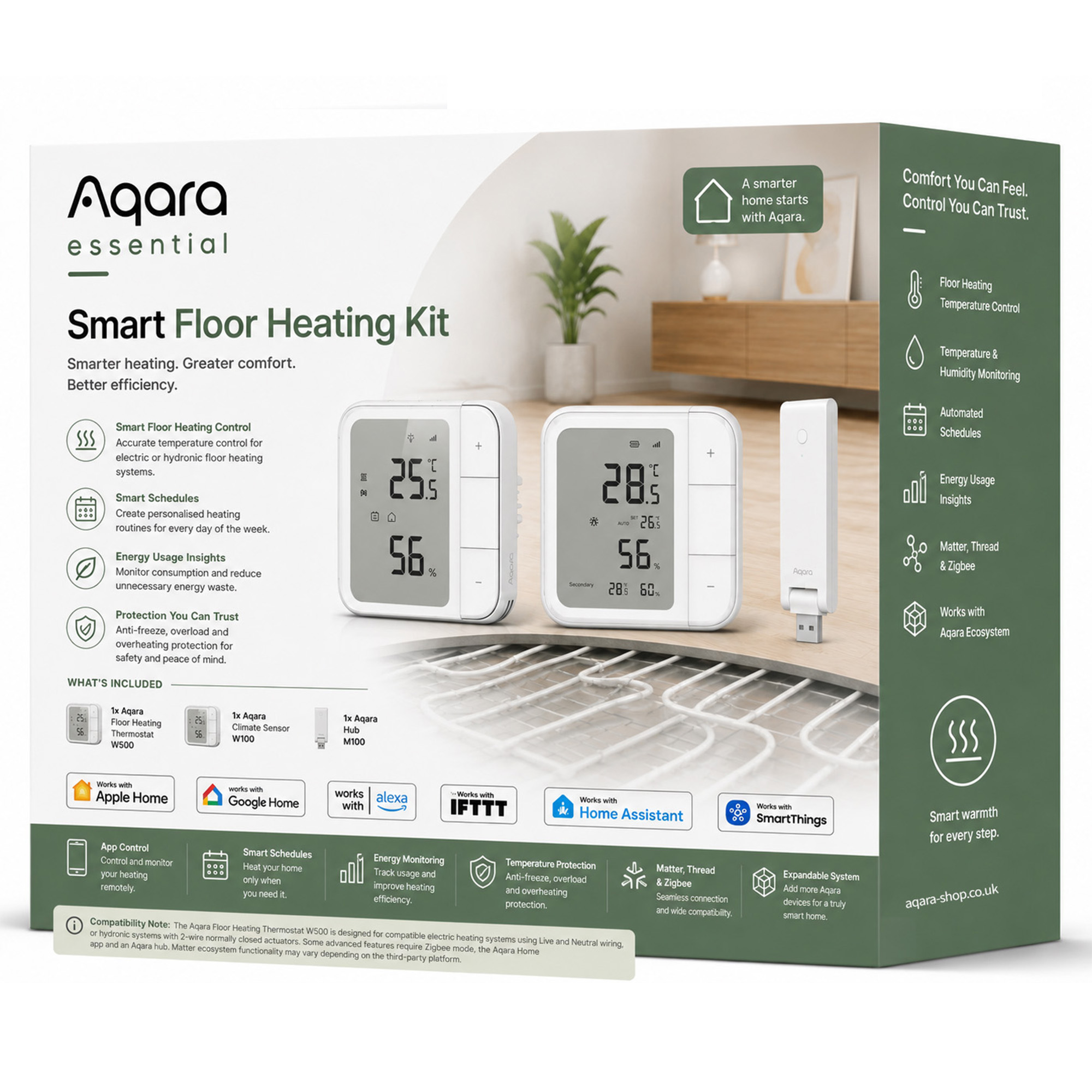
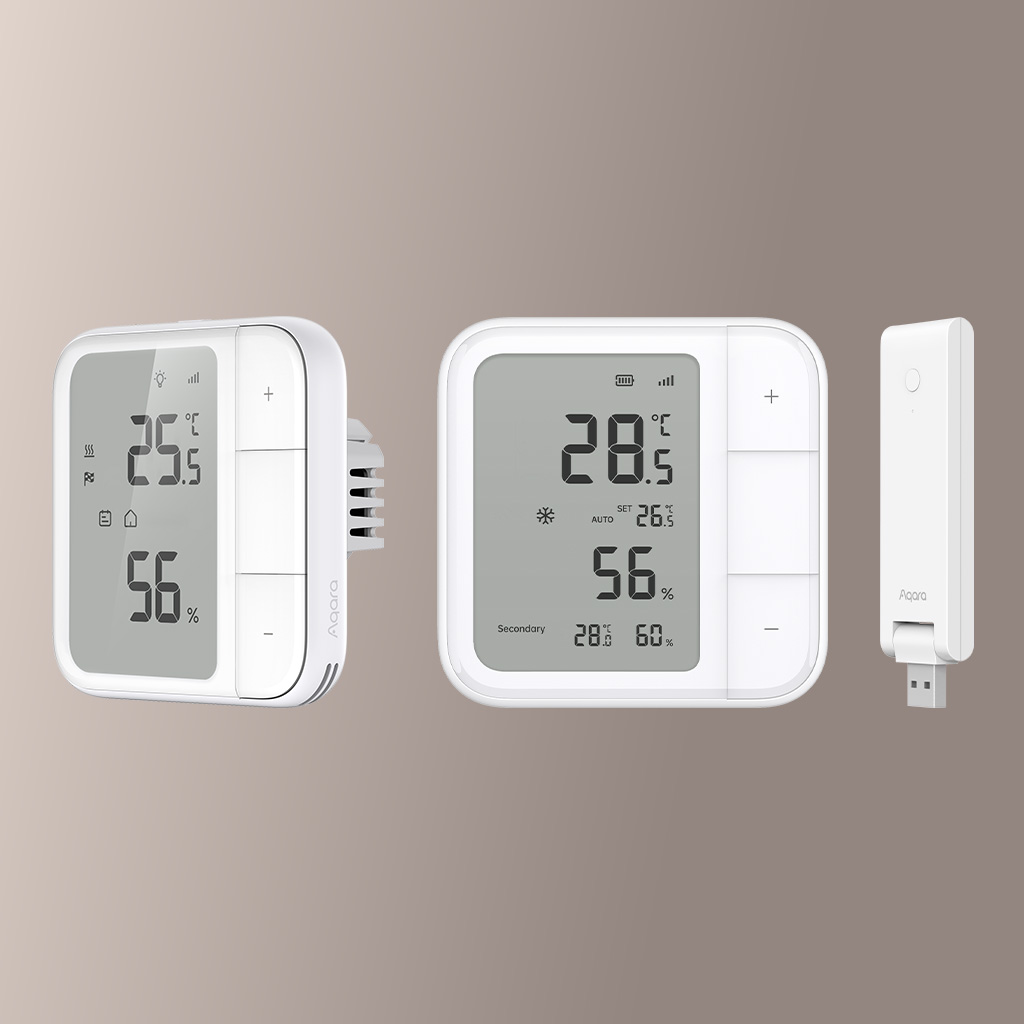
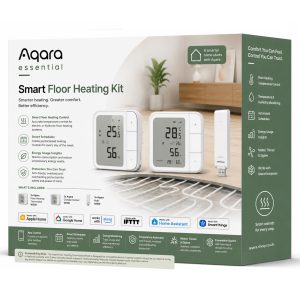
Control your floor heating smarter with the Aqara Essential Smart Floor Heating Kit. Includes W500 Thermostat, W100 Climate Sensor and M100 Hub for smart schedules, energy monitoring and app control.
Total RRP: £139.95 | Special Offer: £104.99 – Save £34.96 with this kit (25% OFF)!
Compatibility
Aqara Essential Smart Floor Heating Kit is compatible with the following systems:









The Aqara Floor Heating Thermostat W500 is designed for compatible electric heating systems using Live and Neutral wiring, or hydronic systems with 2-wire normally closed actuators. Some advanced features require Zigbee mode, the Aqara Home app and an Aqara hub. Matter ecosystem functionality may vary depending on the third-party platform. Professional installation is recommended where required.
Accessories
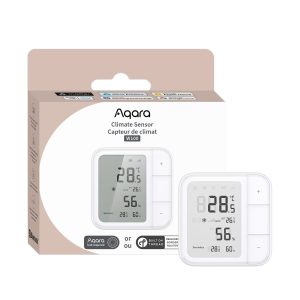
Original price was: £104.99.£99.98Current price is: £99.98. inc. VAT
Description
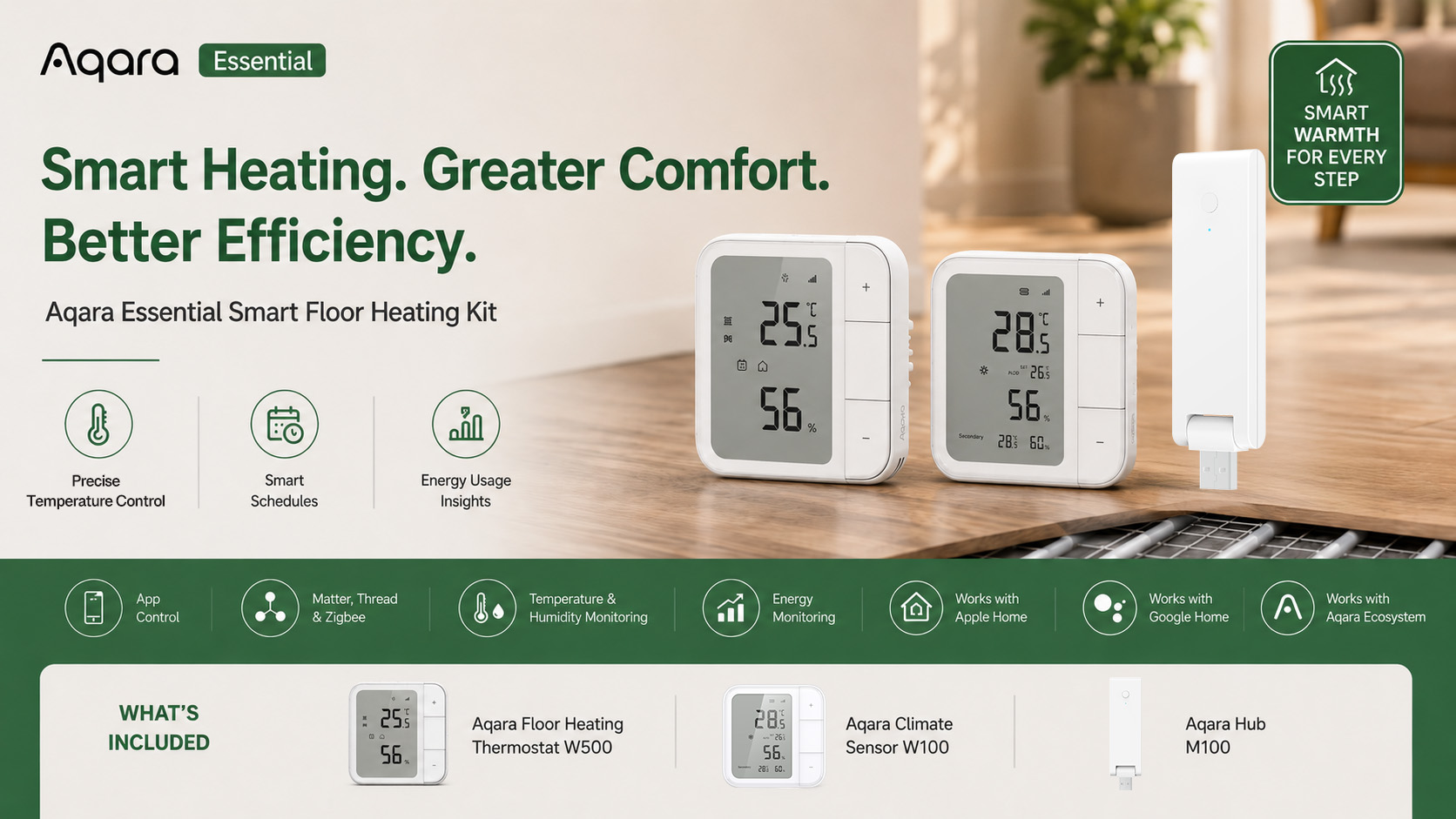
Aqara Essential Smart Floor Heating Kit
Intelligent comfort from the ground up
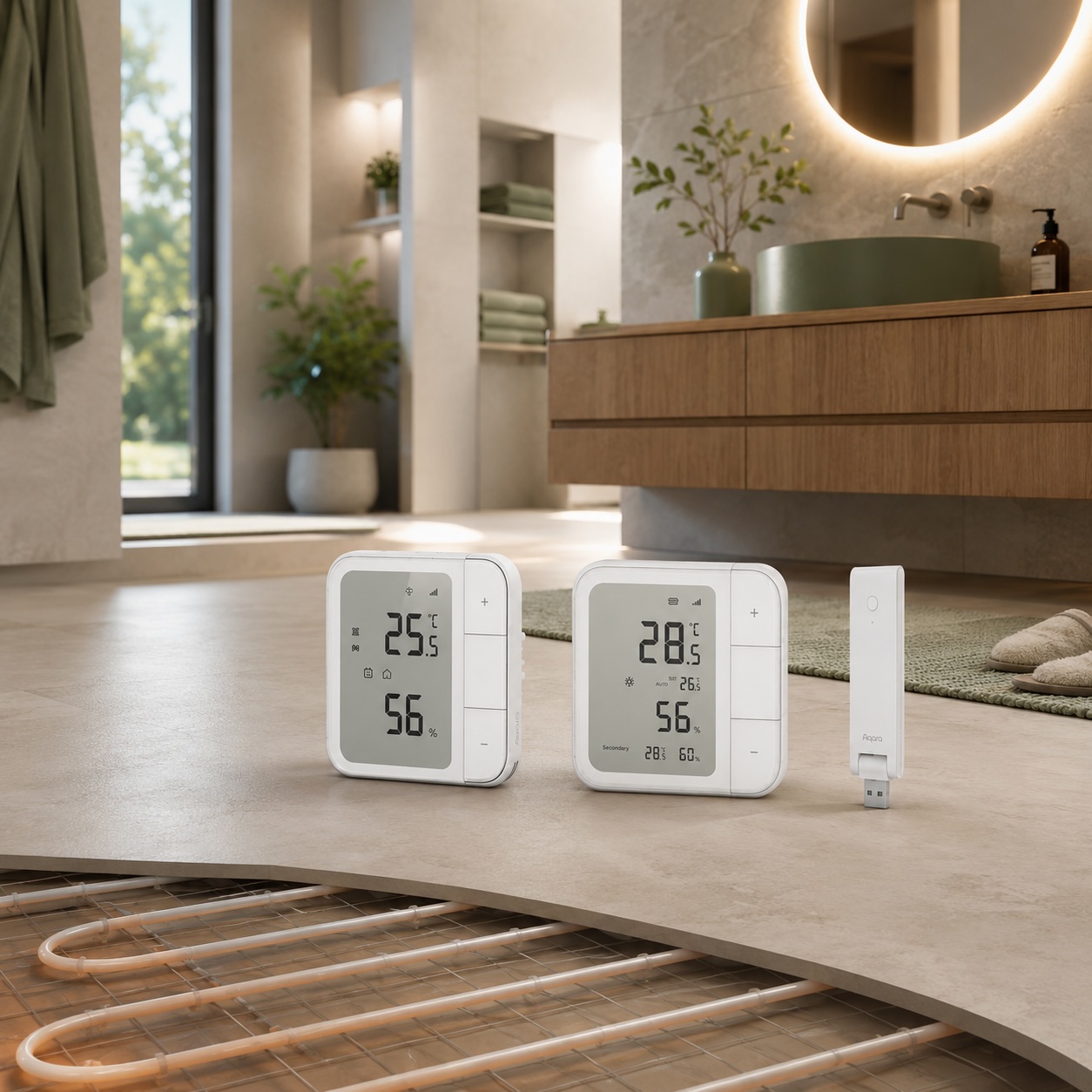
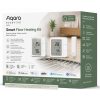
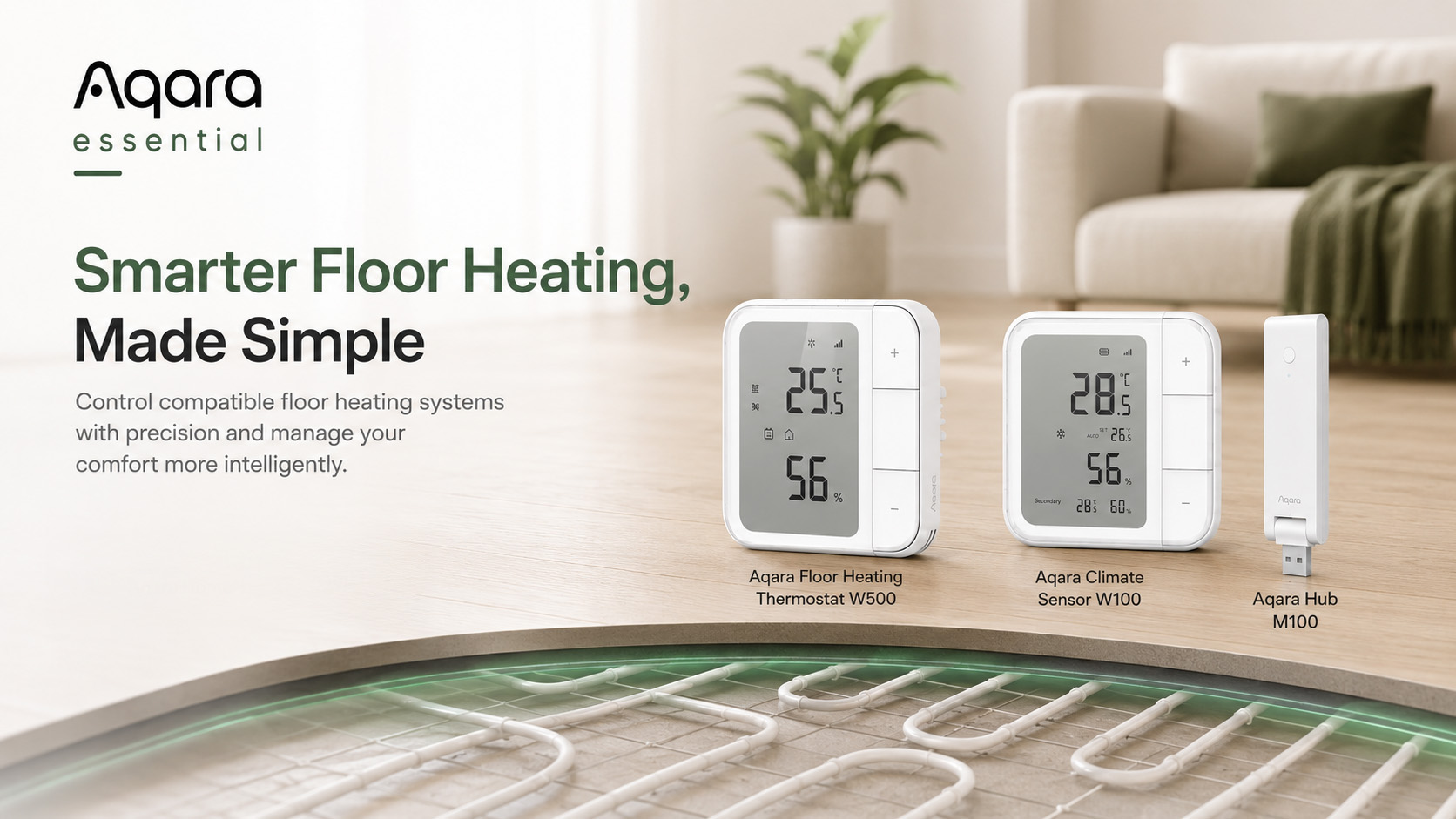
Create a warmer, smarter and more efficient home with the Aqara Essential Smart Floor Heating Kit. Designed for compatible electric and hydronic floor heating systems, this complete kit combines the Aqara Floor Heating Thermostat W500, Aqara Climate Sensor W100 and Aqara Hub M100 to give you precise temperature control, smart scheduling, energy usage insights and seamless smart home connectivity.
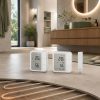
Whether you want to warm your bathroom before you wake up, keep your living space comfortable throughout the day, or reduce unnecessary heating waste, this kit gives you everything you need to manage your floor heating more intelligently.
With support for Matter, Thread and Zigbee, the Aqara Essential Smart Floor Heating Kit is built to work with modern smart home ecosystems while unlocking advanced Aqara Home features when used with the included hub.
What’s Included
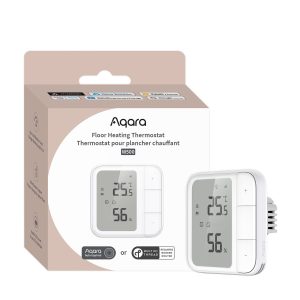
- 1× Aqara Floor Heating Thermostat W500
- 1× Aqara Climate Sensor W100
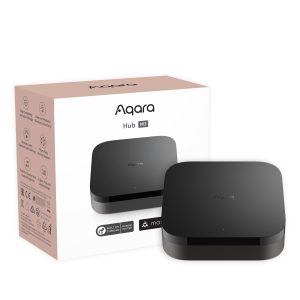
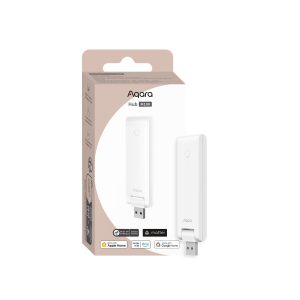
- 1× Aqara Hub M100
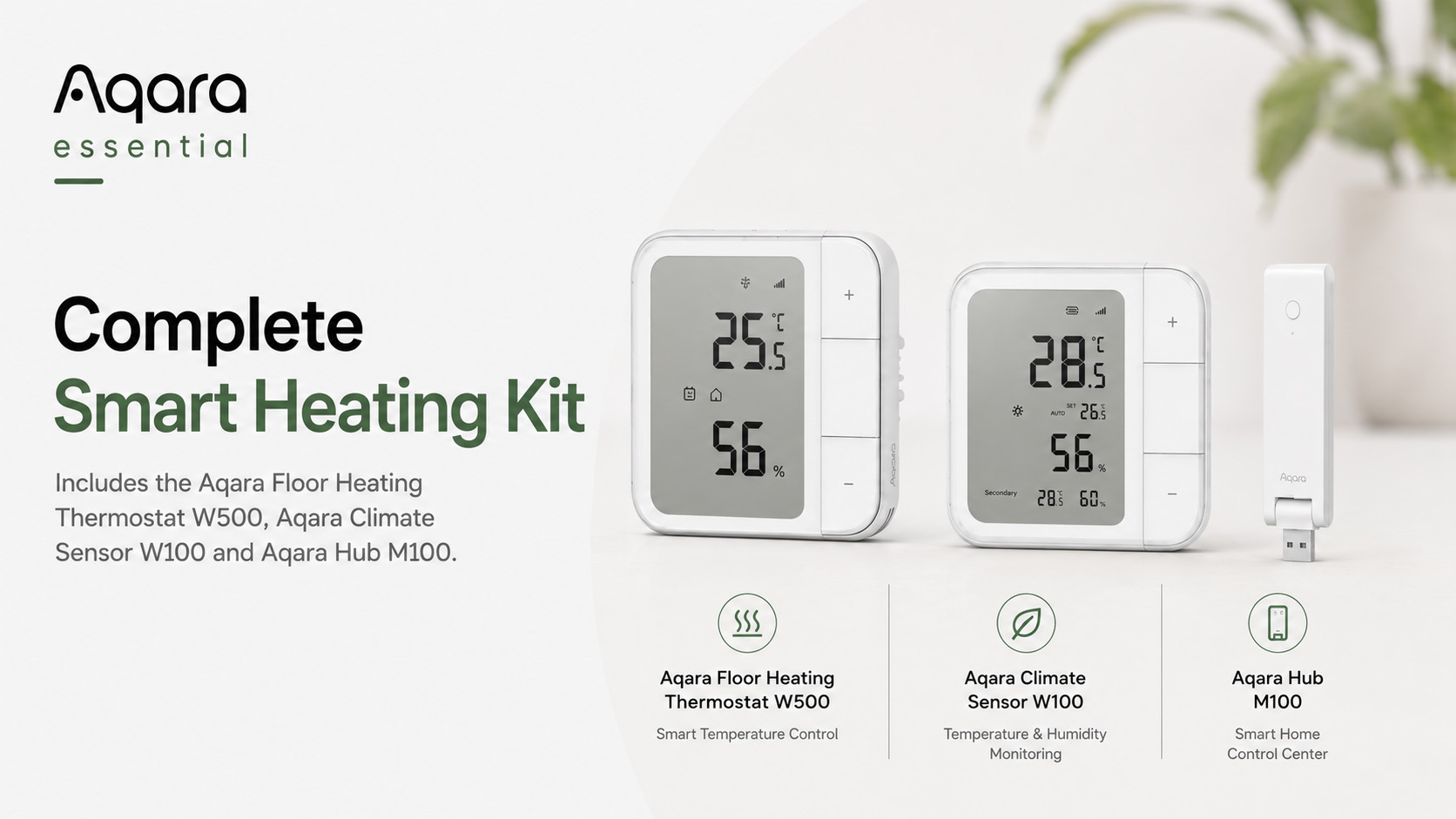
Smarter Heating, Greater Comfort
Enjoy precise floor heating control with the Aqara Floor Heating Thermostat W500. Set personalised schedules, adjust temperatures remotely, and maintain a more stable indoor environment with intelligent temperature management.
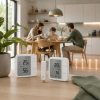
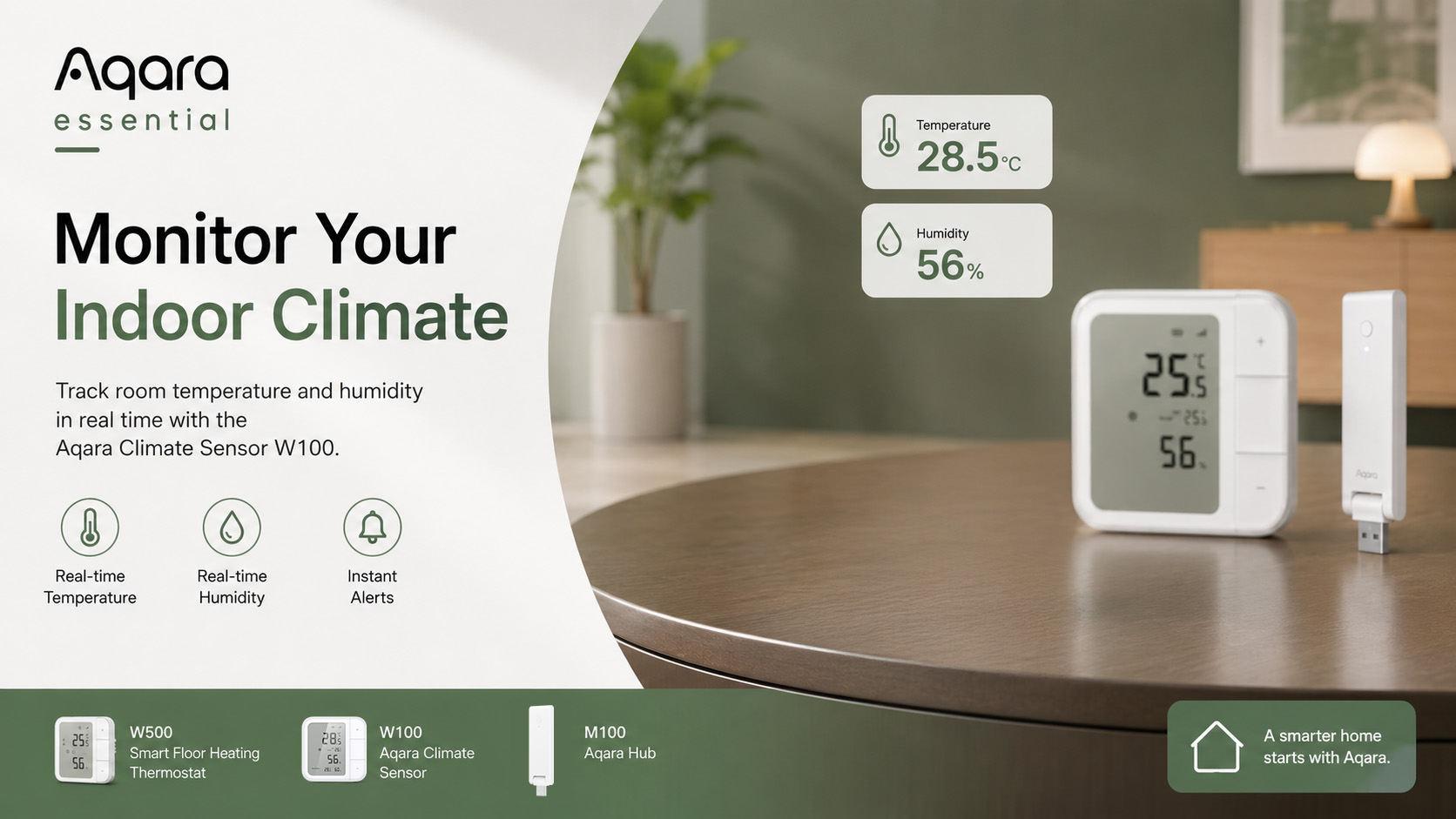
The included Aqara Climate Sensor W100 adds real-time temperature and humidity monitoring, helping you better understand your room conditions and create smarter automations for everyday comfort.
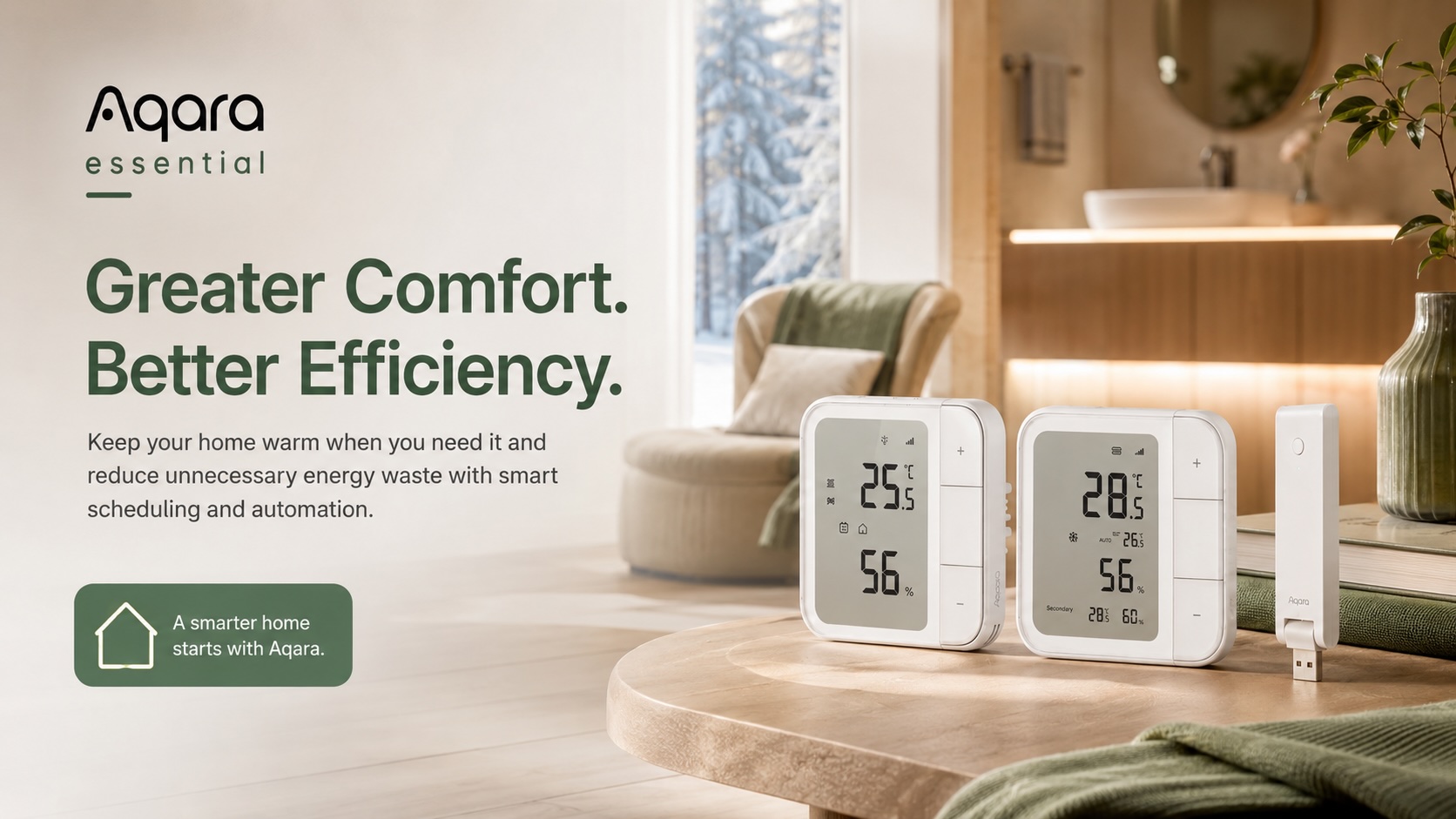
Save Energy Without Sacrificing Comfort
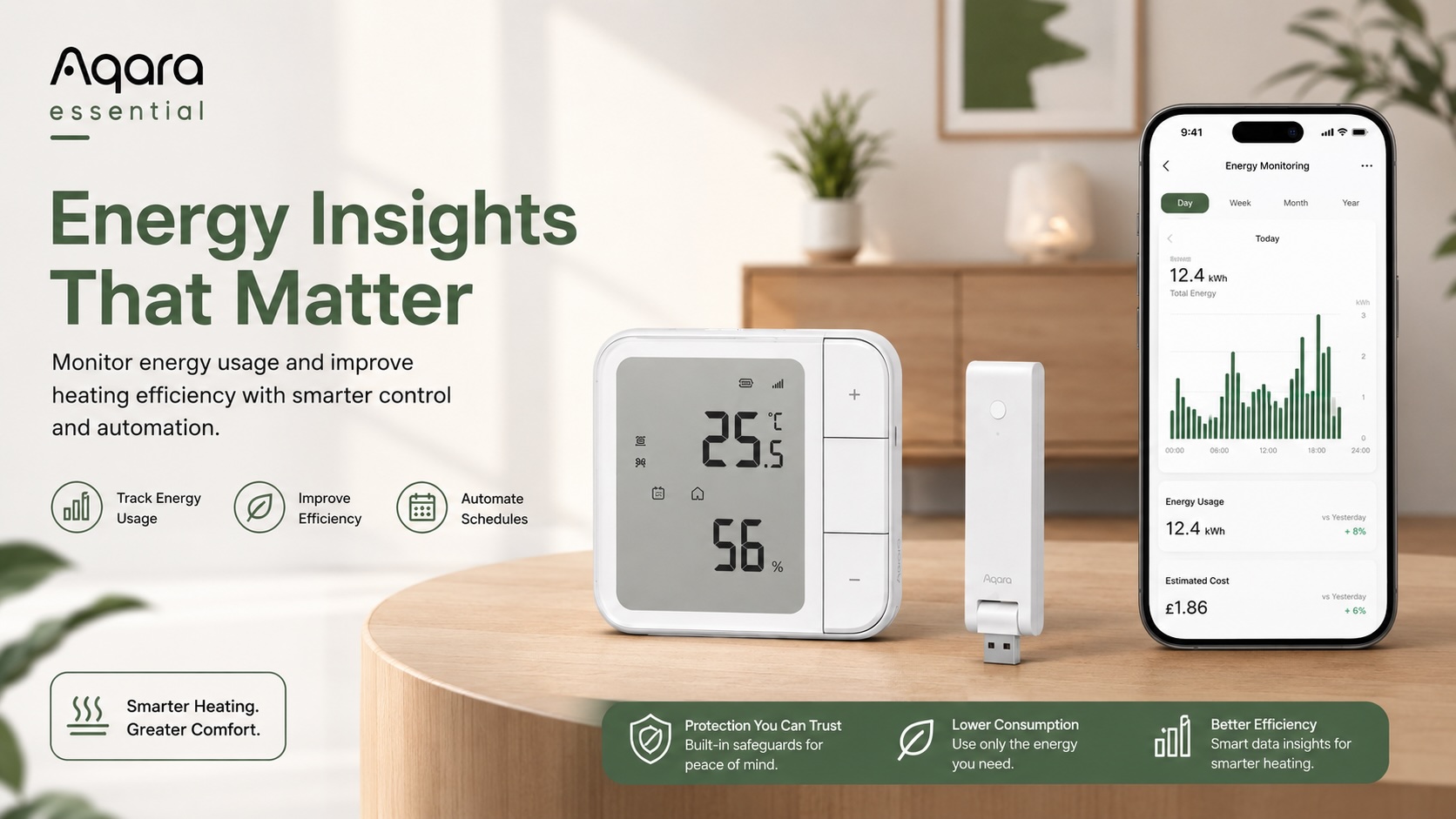
Heating only when needed helps reduce unnecessary energy waste. With smart scheduling, energy monitoring and automation support, this kit helps you manage your floor heating more efficiently.
You can create daily heating routines, monitor energy usage, and use Aqara automations to reduce heating when conditions change, such as when a window is opened using a compatible Aqara Door and Window Sensor.
Built for Modern Smart Homes
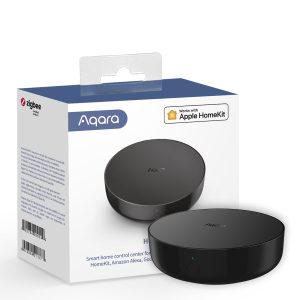
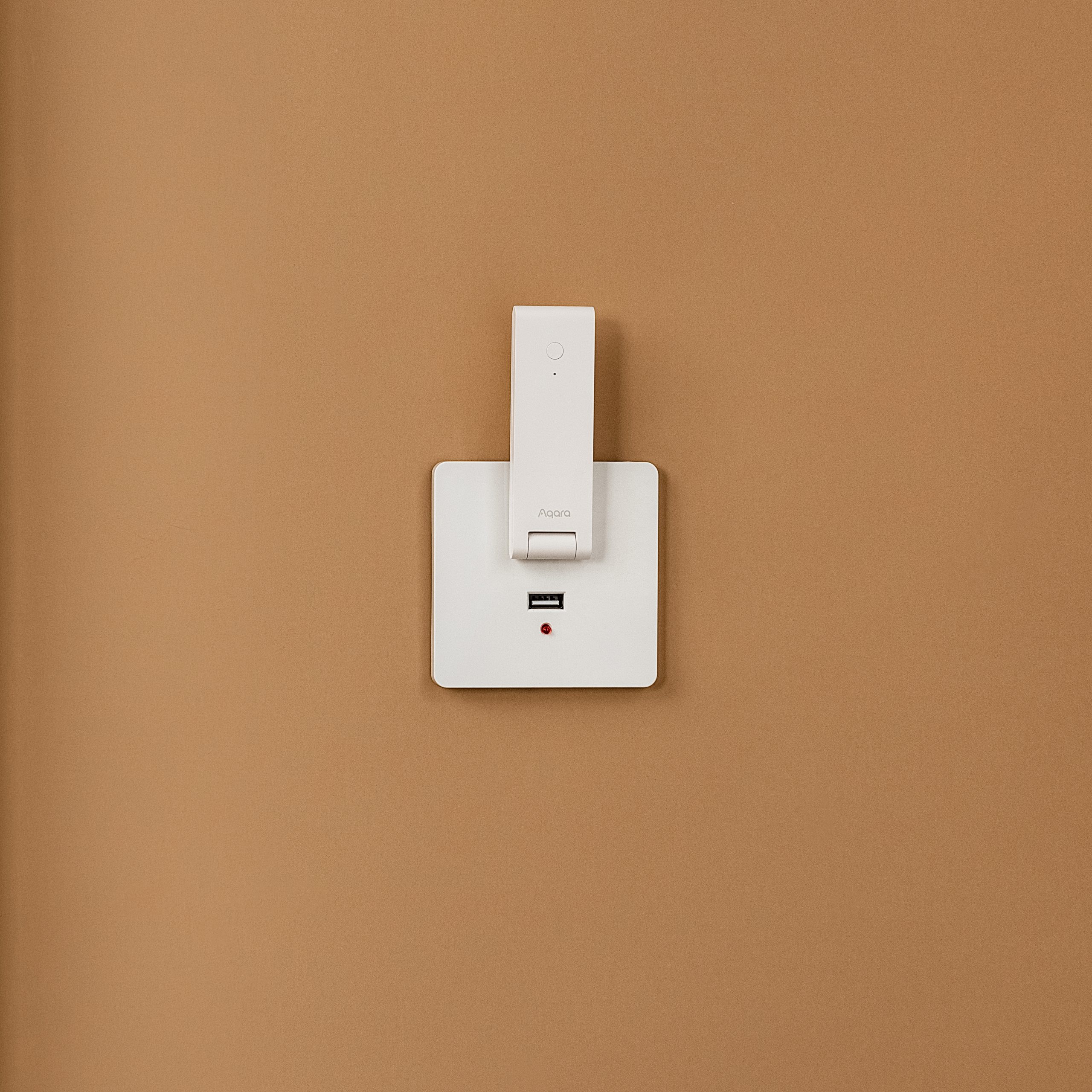
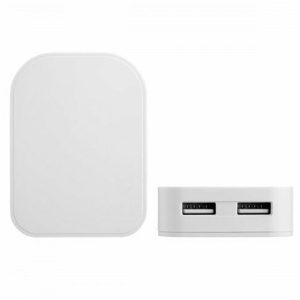
The included Aqara Hub M100 connects your Aqara devices and helps bridge them into compatible smart home platforms. It supports Zigbee and Thread devices, acts as a Matter Bridge and Matter Controller, and helps enable reliable local automations through the Aqara Home app.
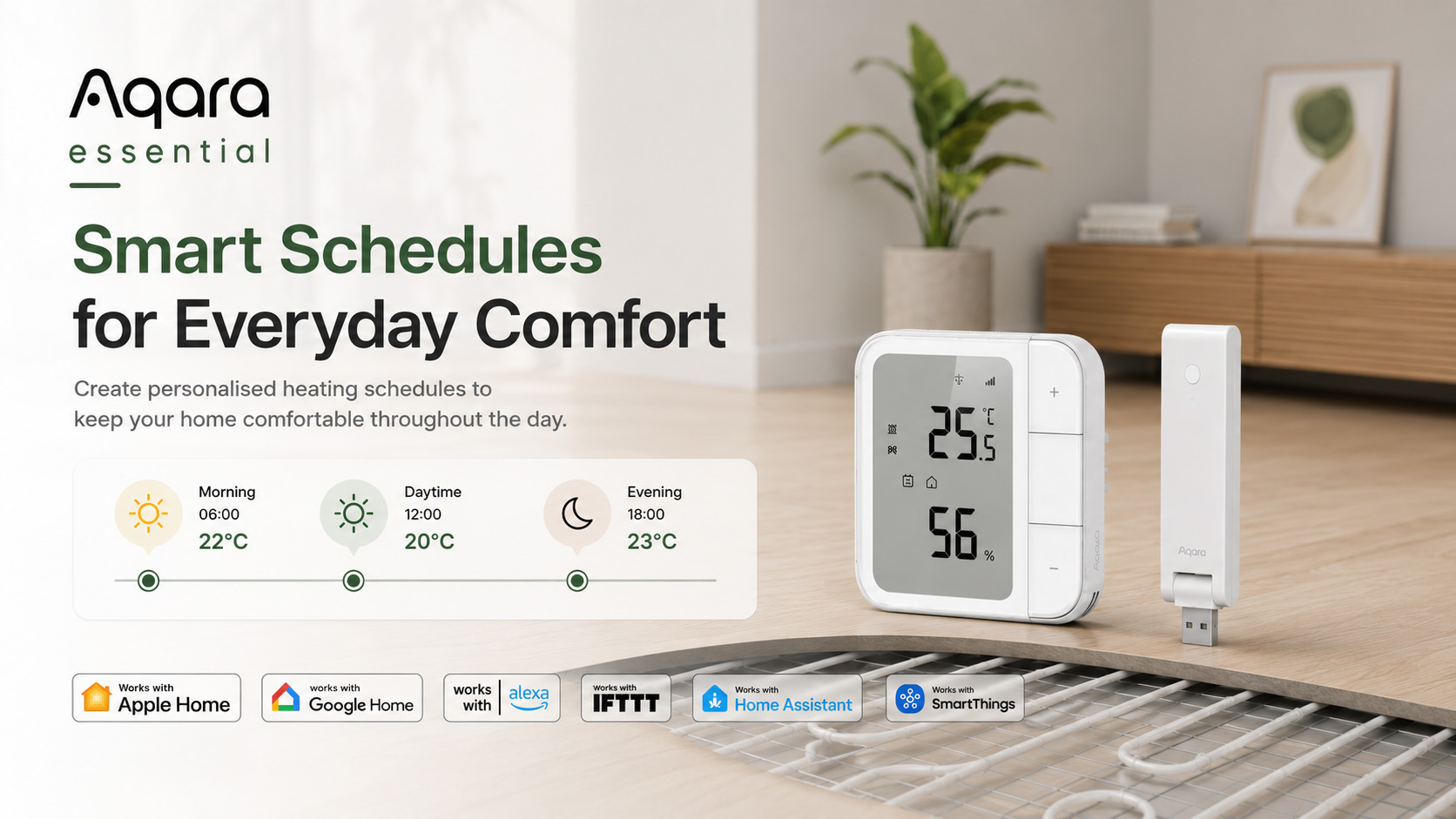
Control your floor heating through the Aqara Home app, create automations, and connect with major smart home ecosystems including Apple Home, Amazon Alexa, Google Home, Home Assistant and Samsung SmartThings, depending on device mode and platform compatibility.
Key Features
Smart Floor Heating Control
Control compatible electric or hydronic floor heating systems with precision using the Aqara Floor Heating Thermostat W500.
Remote App Control
Adjust settings, monitor your heating and create automations through the Aqara Home app.
Personalised Smart Schedules
Create heating schedules for different times of day and days of the week, helping keep your home warm when you need it and saving energy when you don’t.
Temperature & Humidity Monitoring
The Aqara Climate Sensor W100 provides accurate room temperature and humidity readings, giving you better visibility over your indoor environment.
Energy Usage Insights
Monitor real-time power usage and review daily or monthly energy consumption to better manage heating efficiency.
Matter, Thread & Zigbee Support
Enjoy flexible connectivity with support for modern smart home standards and Aqara’s advanced Zigbee-based features.
Local Automations
The Aqara Hub M100 supports local execution of selected automations, helping your smart home respond quickly and reliably.
Safety Protection Features
The Floor Heating Thermostat W500 includes protection features such as anti-freeze protection, overheating protection, overload protection and floor material protection when used with compatible setup requirements.
Perfect For
- Bathrooms
- Kitchens
- Living rooms
- Extensions
- Garden rooms
- Modern smart homes
- Energy-conscious households
- Floor heating upgrades
Why Choose the Aqara Essential Smart Floor Heating Kit?
The Aqara Essential Smart Floor Heating Kit is designed to make smart heating easier. Instead of buying separate devices and checking compatibility yourself, this bundle gives you a complete Aqara solution for intelligent floor heating control, climate monitoring and smart home integration.
It’s a practical starting point for anyone looking to improve comfort, reduce heating waste and build a smarter home with Aqara.
Frequently Asked Questions
What is the size of the device's screen display?
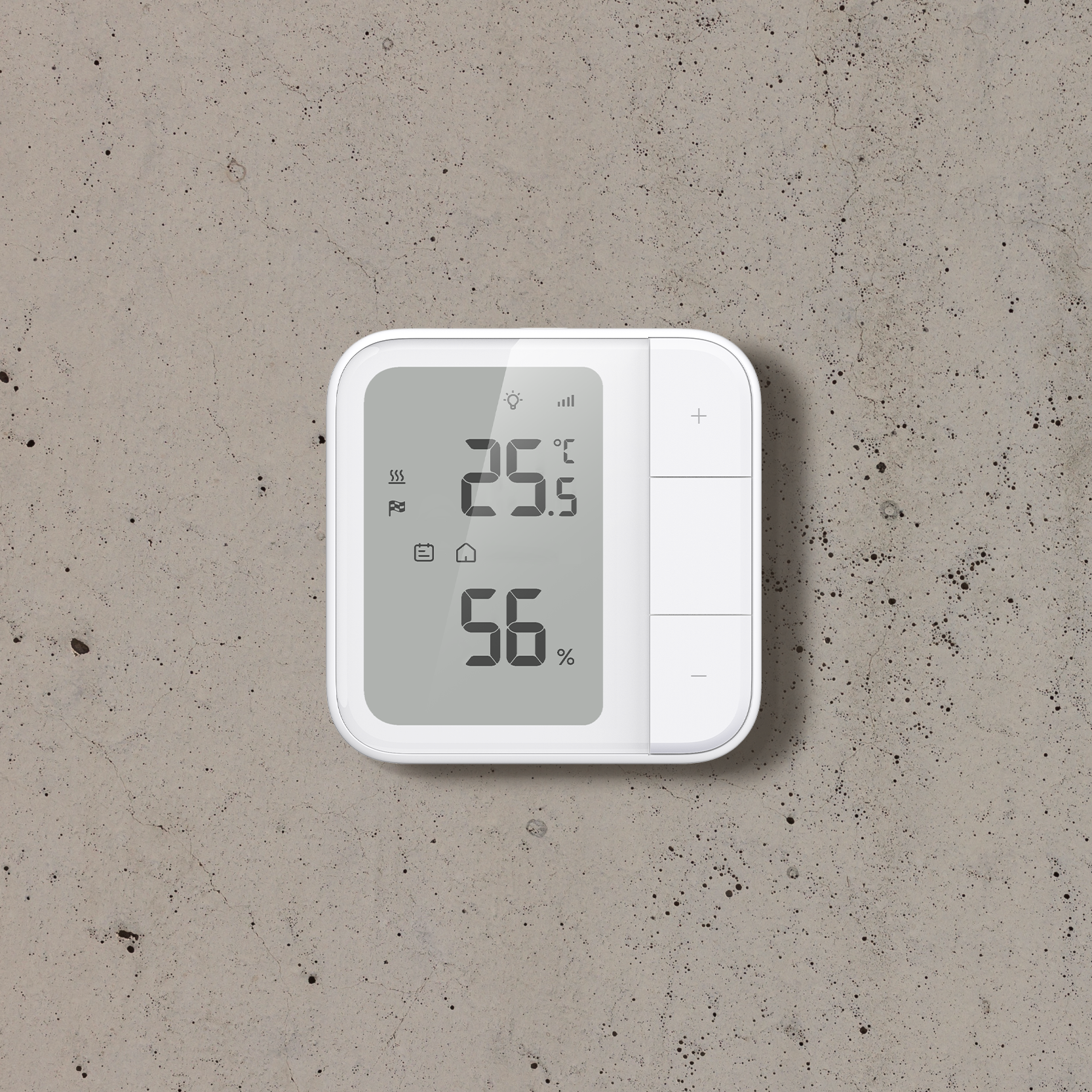
The device’s LCD screen size is 55*73mm, with a display area of 50*70mm.
Which temperature and humidity sensors can be paired with this device?
Supports pairing with the following Aqara temperature and humidity sensors: Temperature and Humidity Sensor, Temperature and Humidity Sensor T1, TVOC Air Quality Monitor, and Climate Sensor W100.
What is the child lock function? How to enable/disable the child lock function?
After the child lock function is activated, the device’s buttons will be disabled to effectively prevent accidental operation by children. To activate the child lock, press and hold the “+” and “−” buttons simultaneously for 2 seconds. When the child lock icon appears on the screen, it indicates the lock is active. To deactivate it, press and hold the “+” and “−” buttons again for 2 seconds.
How to switch the temperature unit displayed on the device screen?
Single press the “+” and “-” buttons simultaneously to toggle between temperature units displayed on the screen.
How can this device be added to third-party ecosystem platforms through Matter?
In Zigbee mode, the device can be added to third-party ecosystems via Matter Over Bridge through a Matter-supported Aqara hub (excluding the Camera Hub G2H Pro). In Thread mode, the device can be added directly to third-party ecosystems by scanning the Matter code on the device. The corresponding ecosystem must have a border router that supports Matter & Thread.
What happens if my manual control conflicts with an existing Smart Schedule?
After manually controlling the device, if the current operation conflicts with the original Smart Schedule settings, the device will automatically revert to the Smart Schedule after 2 hours.
After the device has been idle for a period of time, sometimes when I try to press a button on the device, there's no response. What could be causing this?
This may be because the device is in sleep mode. When the device is in sleep mode (screen backlight is off), you’ll need to press any button first to activate the device before controlling it.
What types of heaters is this device compatible with?
This device is compatible with most electric floor heating thermostats, supports 230V Valve control, and can control devices with maximum 16A and power less than 3600W. Please refer to the product details page for specific information.
In Thread mode, the multiple temperature source selection feature is not available. When I connect an NTC to my device, where does the temperature reading come from?
When you use an NTC, the W500 will default to using the temperature data from the NTC as its temperature and humidity data source.
Are the device's anti-freeze protection, overload protection, floor overheating protection, and device overheating protection all enabled by default?
Yes, these are protective measures that W500 implements for user safety and electrical safety. They are enabled by default.
Can this device monitor the power usage and energy consumption of my water-based floor heating?
No, it only supports power usage and energy consumption recording for electric floor heating devices that are directly connected to the circuit.
How to switch the protocol on the device?
First, you need to reset the device. When re-adding the device, enter the device protocol page and select the desired protocol option on that page.
Is this device waterproof?
This device is for indoor use only and does not have a waterproof rating. Additionally, the device should be placed away from direct sunlight, coverings, or heat sources.
Videos
Kit Contents
Product Specifications
Physical and Performance Attributes | |||||||||||||||||
|---|---|---|---|---|---|---|---|---|---|---|---|---|---|---|---|---|---|
| Dimensions (L x W x H) | 101 × 101 × 55 mm | ||||||||||||||||
Misc Product Attributes | |||||||||||||||||
Aqara Floor Heating Thermostat W500 Specifications:
| |||||||||||||||||
You may also like…
-
18% OFF!

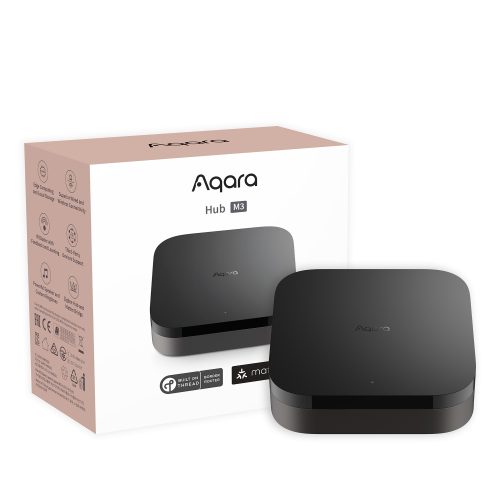
Aqara Hub M3
Original price was: £159.98.£129.98Current price is: £129.98. inc. VAT Add to basket -
10% OFF!
Aqara Climate Sensor W100
Original price was: £39.98.£35.99Current price is: £35.99. inc. VAT Add to basket -
Aqara Hub M100
£29.99 inc. VAT Add to basket -
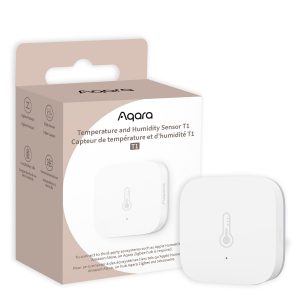
Aqara Temperature and Humidity Sensor T1
£19.99 inc. VAT Add to basket