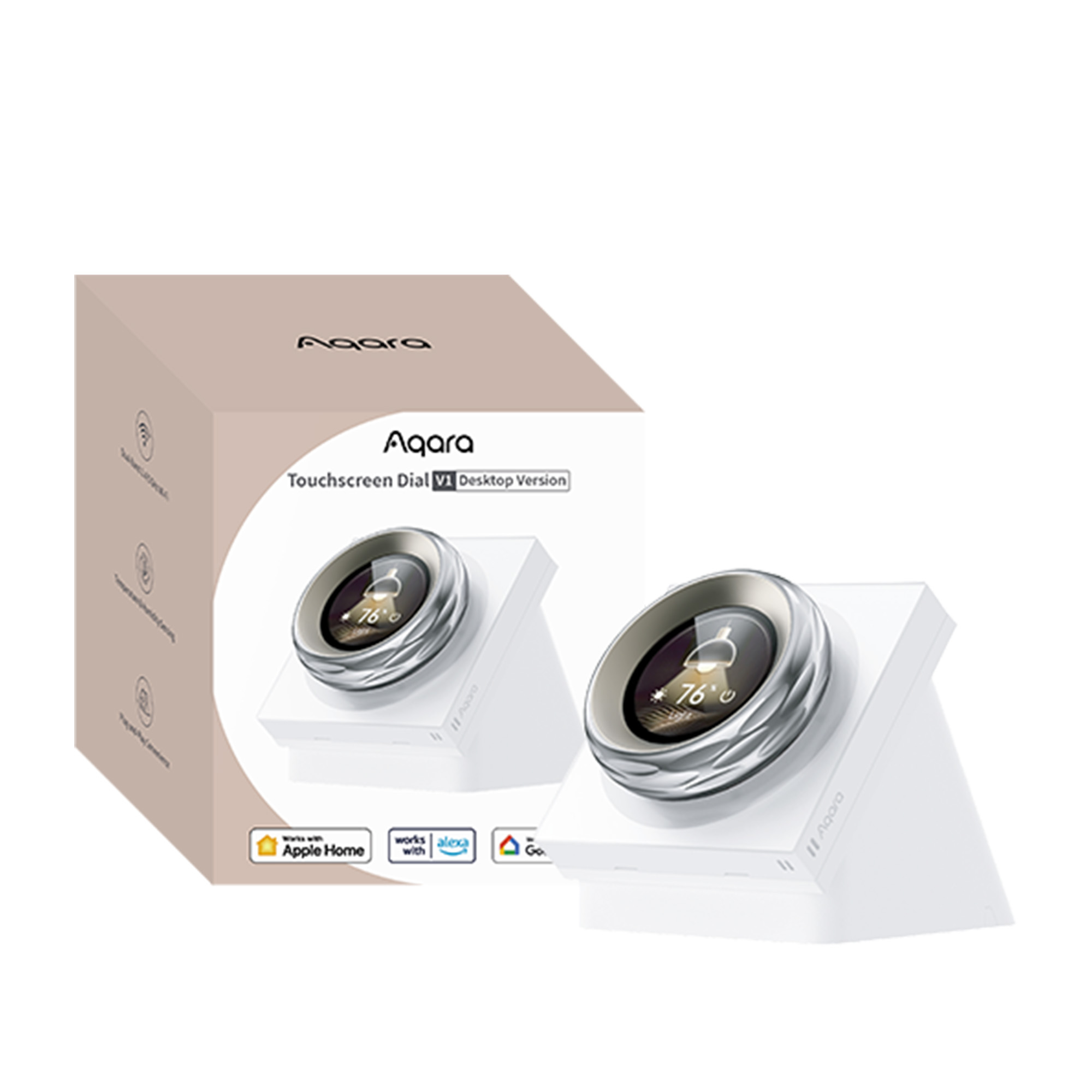
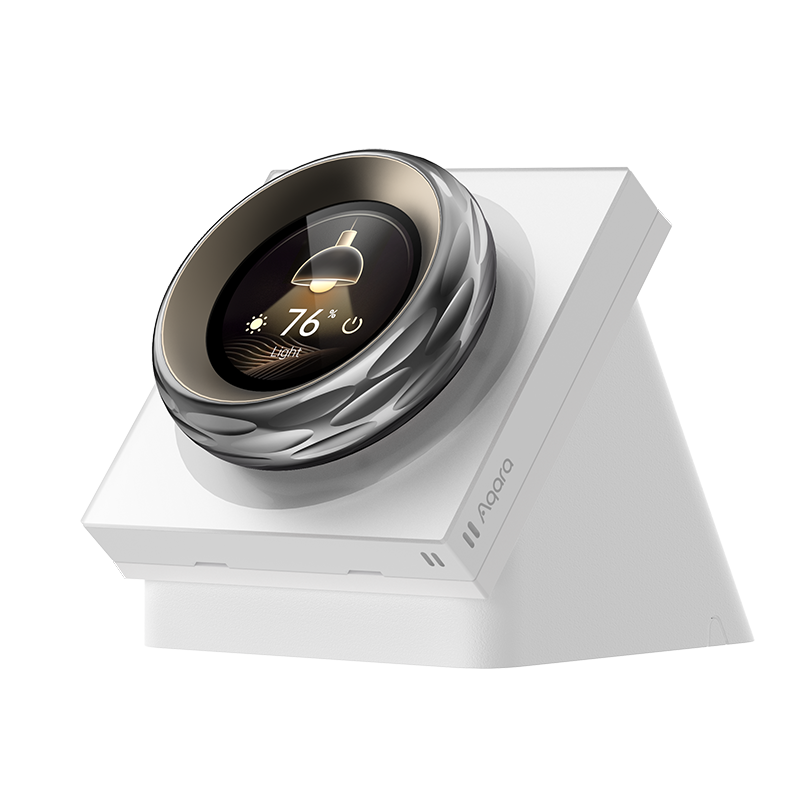
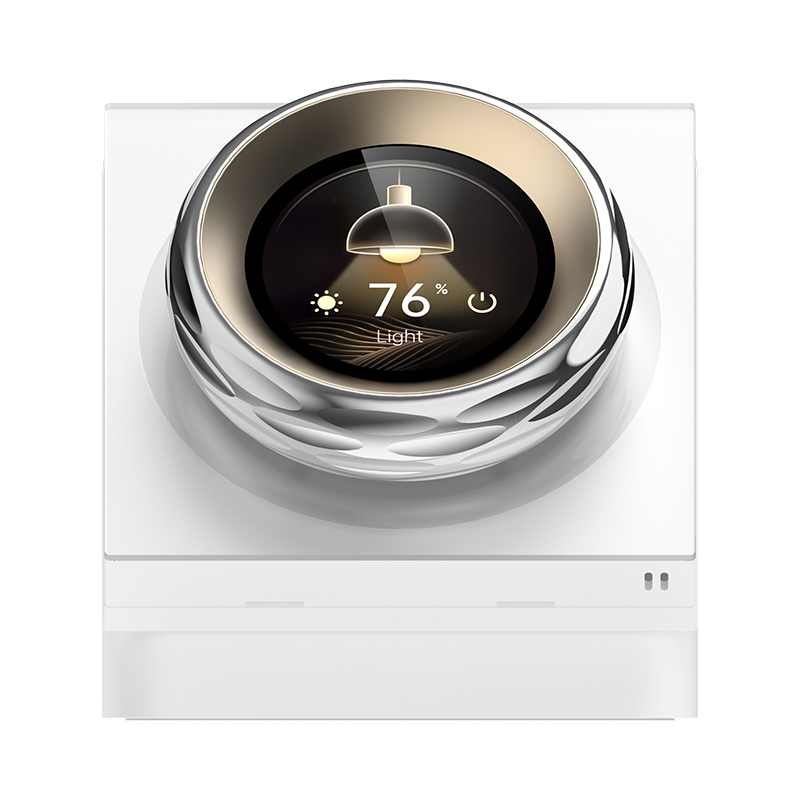
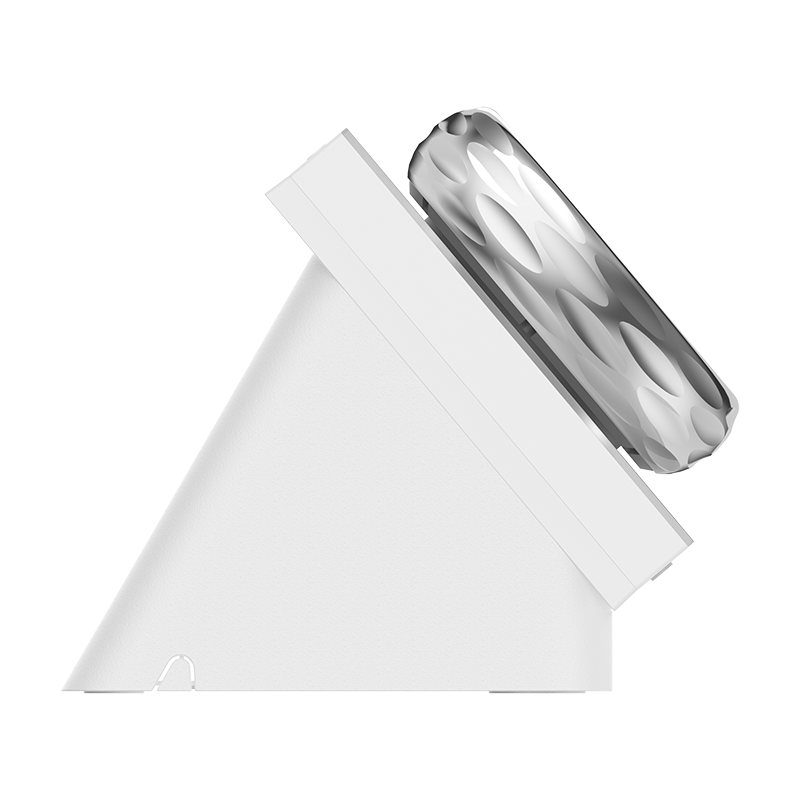
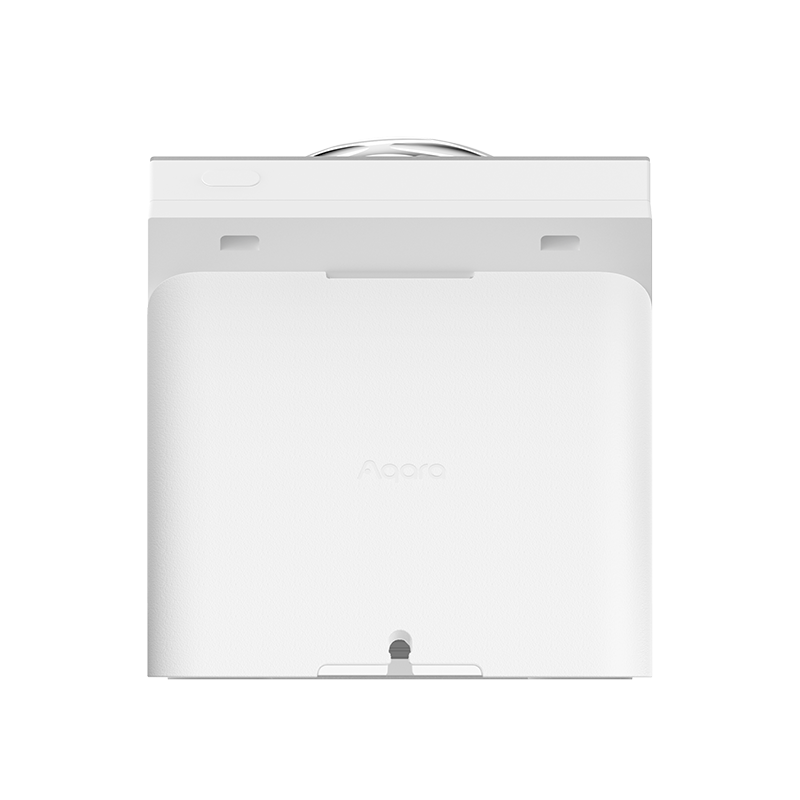
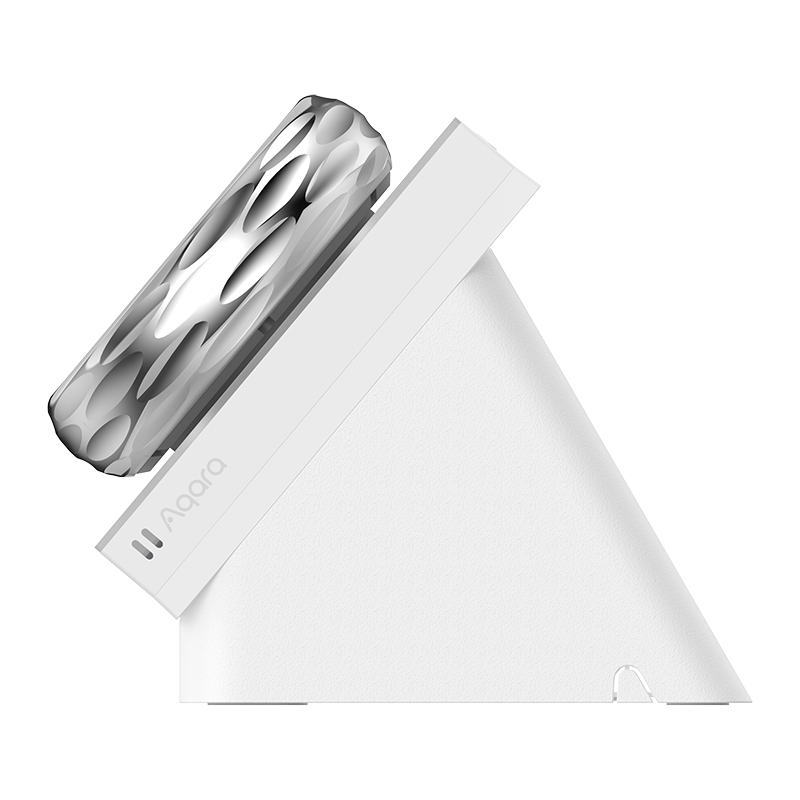
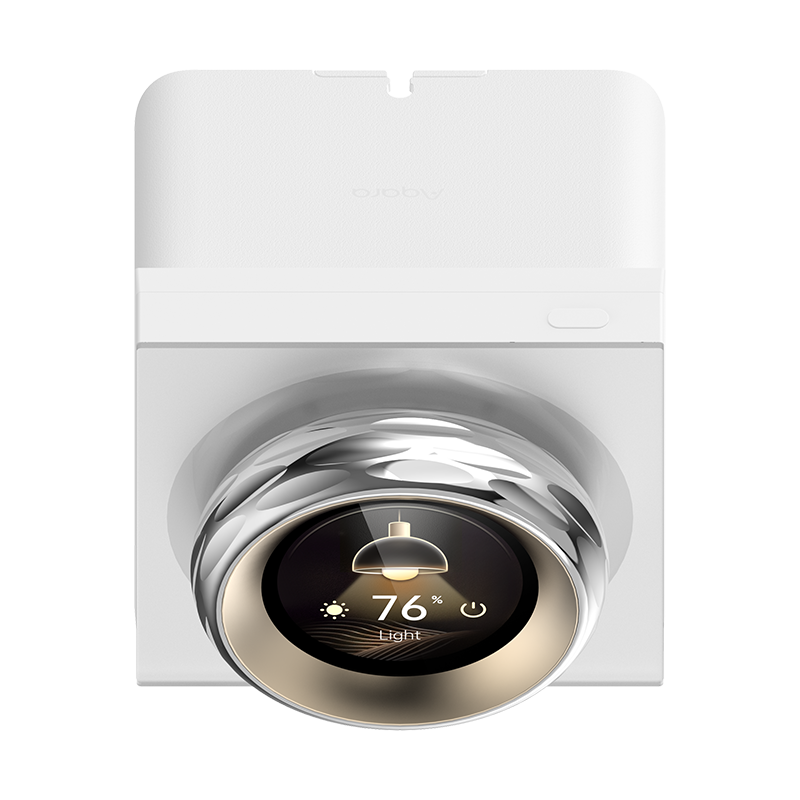
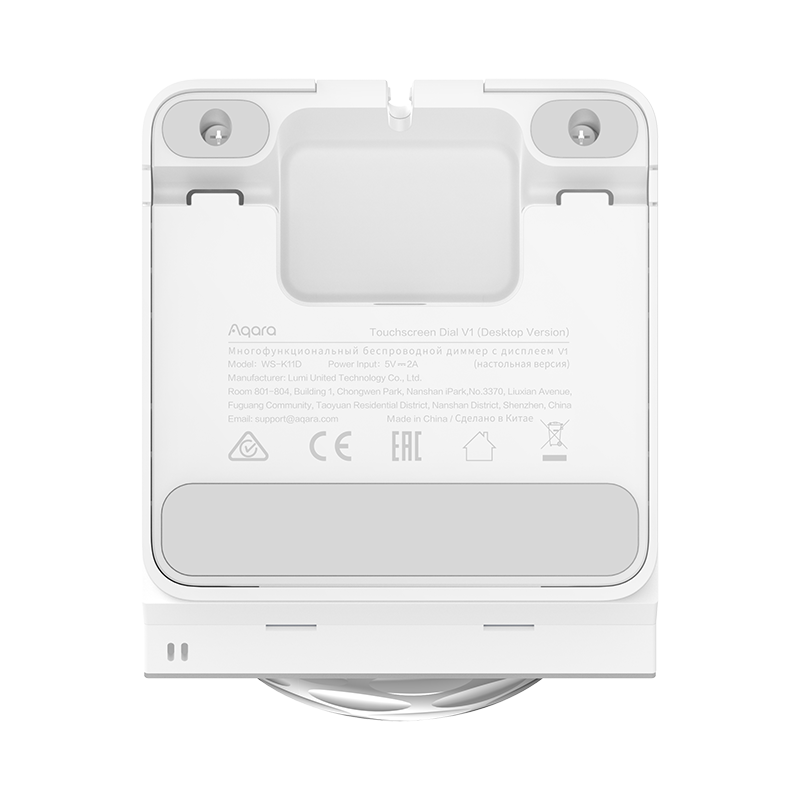
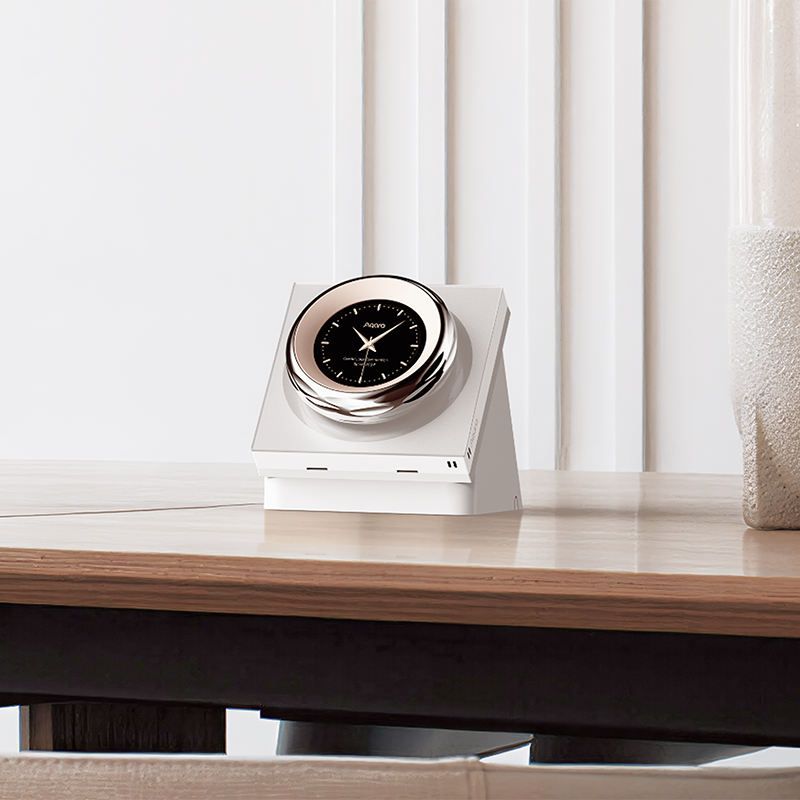
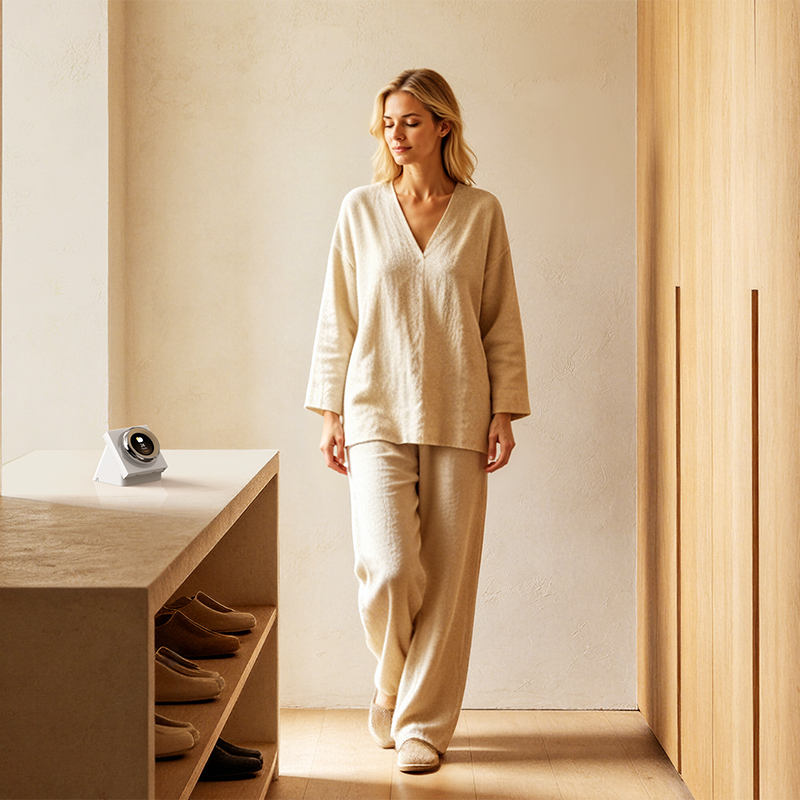
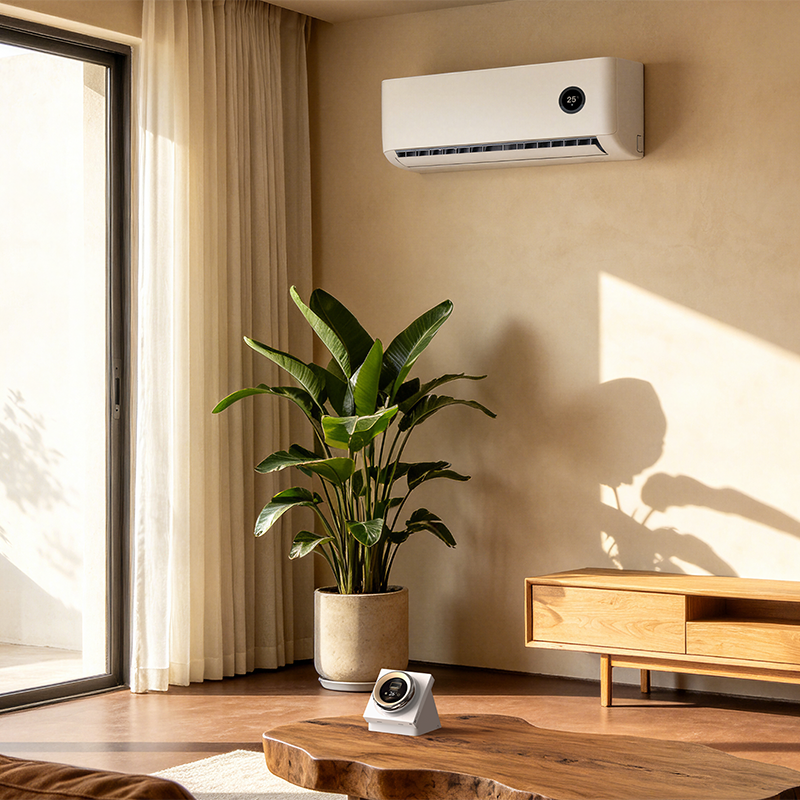
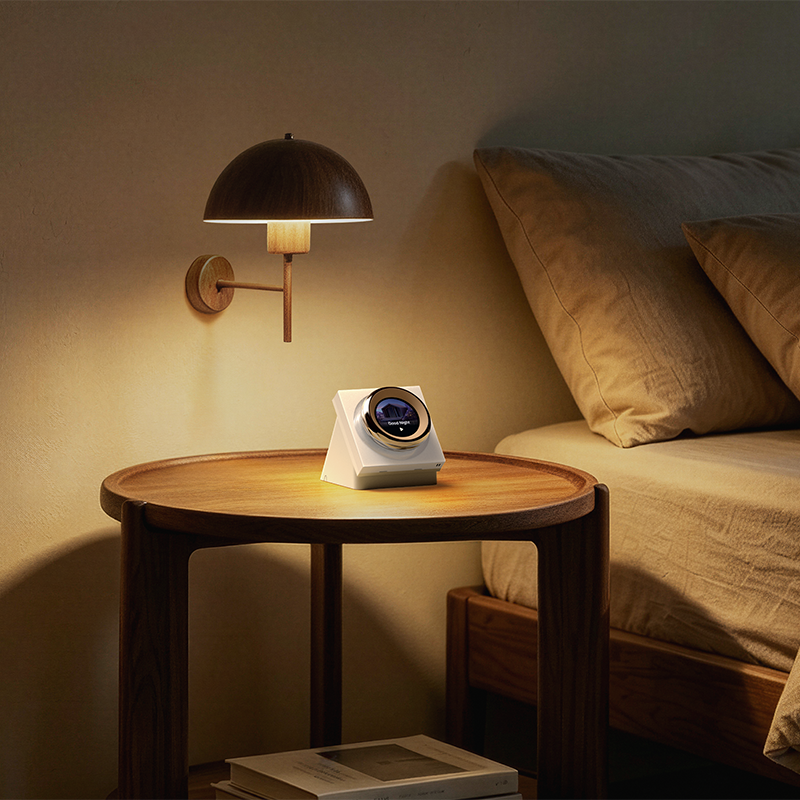
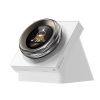
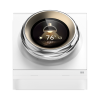
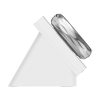
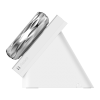
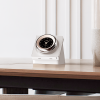

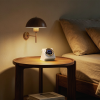
Aqara Touchscreen Dial V1 (Desktop Version)
Discover the Aqara Touchscreen Dial V1 – a versatile smart wall switch with a touchscreen, haptic feedback, and multi-device control. Monitor temperature, humidity, and automate scenes seamlessly. Perfect for modern smart homes.
*The Aqara Touchscreen Dial V1 is not a dimmer switch. If you wish to use it for dimming lights, the Aqara Dimmer Switch H2 and automation set up is required. The dial can adjust brightness for compatible Aqara devices on-screen only – it does not directly dim lights via wired dimming control.
Compatibility
Aqara Touchscreen Dial V1 (Desktop Version) is compatible with the following systems:



£199.99 inc. VAT
Description
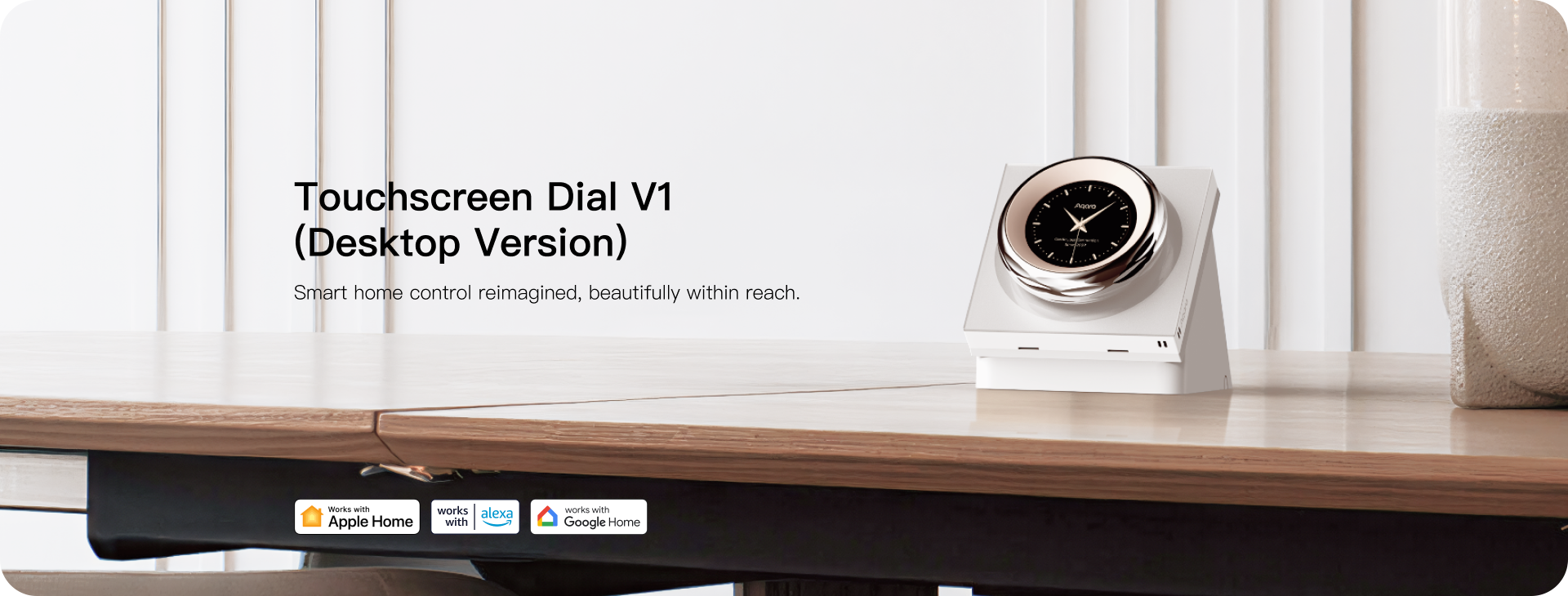
Aqara Touchscreen Dial V1 (Desktop Version)
Smart home control reimagined, beautifully within reach
Aqara Touchscreen Dial V1 EU is a haptic feedback rotary dial wall switch with 2 relay switches and 6 wireless switches, paired with a 1.32-inch round touch screen, which can adjust the compatible Aqara device by sliding, clicking, and rotating. It achieves precise adjustment through ITS vibration and sound feedback. In addition, it has a variety of rich sensors that can monitor indoor temperature and humidity, and set the proximity activation function according to the actual size of the space to reduce light pollution. In addition, the switch seamlessly integrates with third-party ecosystems via Wi-Fi to achieve a more versatile smart home setup.
Aqara Touchscreen Dial V1 Features:
- Multi-Device/Scene Control: Equipped with 2 Relay switches and 6 wireless switches①, users can control on/off of the device through the relay switch, and the touchscreen dial also supports different Aqara devices② control in one screen, such as colours of Aqara light bulbs, the percentage of the curtain open or closed through Aqara curtain driver, the temperature of the Aqara thermostat. What’s more, the touchscreen dial supports adjusting the device by sliding, clicking, and rotating, providing users with a variety of control methods.
- Haptic Feedback Dial: The Aqara Touchscreen Dial V1 EU is equipped with haptic feedback rotary dial③, which tells the user the accuracy through vibration and sound feedback. Different from other smart switch, it can not only turn on and off, but also adjust the device between 1%-100%, to meet users’ needs for precise adjustment.
- Third-Party Compatibility over Wi-Fi: Support dual-band Wi-Fi, which has stronger anti-interference ability. Users can choose the appropriate frequency band according to the actual use range. 5GHz is faster, 2.4GHz has a wider coverage range, and is compatible with Apple HomeKit and Home Assistant. In addition, the switch can connect to Amazon Alexa and Google Home via cloud.
- Temperature & Humidity Sensing: Built-in temperature and humidity sensor, even if the user does not have a temperature and humidity sensor at home, it can also monitor the indoor temperature and humidity④ in real time. What’s more, users can connect the Aqara temperature and humidity sensor and the Aqara thermostat E1 to achieve automatic and personalised temperature adjustment.
- Proximity Activation⑤: The Aqara Touchscreen Dial V1 EU has a built-in presence sensor, allowing users to activate the screen based on distance. Users can trigger the screen to light up according to the actual area of the space, reducing light pollution during use. Users can also set auto-brightness in the screen to ensure optimal visibility and protect your eyes. The switch’s default automation allows users to set automation according to their preferences when someone approaches, bringing users a convenient experience.
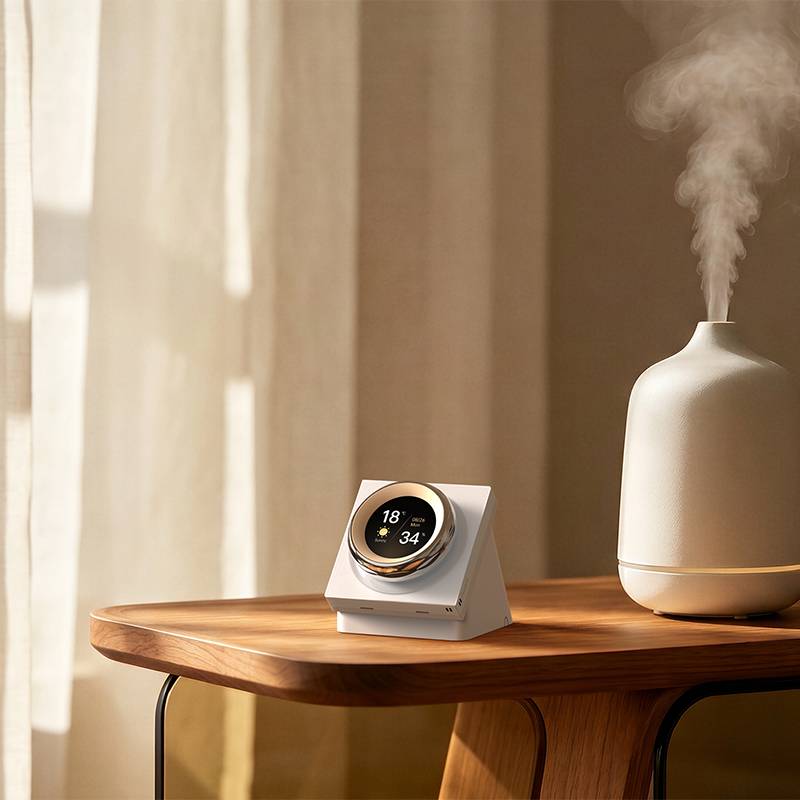
- Personalised Screen: Provides screen protection for displaying time, date, weather, indoor temperature and humidity. Each screen protection mode has 4 themes. Users can choose a beautiful and personalised UI interface.
- Sleek and Beautiful Design Surface: Adopts advanced sandblasting technology and skin-feeling Matte AG Glass Technology, and the surface is as smooth and warm as skin, and it feels very comfortable. CNC Precision Engraving creates a unique edge design, showing high-end quality in details. Users can feel the pleasant experience brought by the design aesthetics and silky feel.
① This feature might be unavailable in some third-party Matter ecosystems, but is already supported by the device. To guarantee this functionality, we suggest connecting the device to Aqara Home (iOS/Android).
② Available types and model may vary based on current compatibility.
③The dial doesn’t support ‘rotate’ action in Aqara Home automation, it can only rotate to control compatible Aqara devices on-screen. Also, the dial is not exposed to third-party systems.
④Temperature and humidity status can also serve as IF conditions for triggering automations.
⑤Proximity activation distance can be set within five different settings from near to far (0.2-0.6-1-1.5-2 meters).
Automations:
Morning Wake-Up Routine
IF Someone is approaching (morning period based on preference), THEN Trigger “Morning Scene” <gradually turn on the Bedroom Ceiling Light T1M (brightness increases from 10% to 100% in 10 minutes) & Turn on the Dual Relay Module T2 to activate the coffee maker>
Start your day with a gentle wake-up routine. The light gradually brightens to mimic a natural sunrise, and coffee brews automatically for a refreshing, energising morning experience
(Touchscreen Dial V1 + Roller Shade Controller T1S + Dual Relay Module T2 + Aqara Hub)
Automatically Turn on the Light When Approaching in Night Mode
IF Someone is approaching, THEN turn on the light
When the switch detects someone at night, it can automatically turn on the light which control by the relay switch of Touchscreen Dial V1 to provide lighting for users who get up late at night.
(Touchscreen Dial V1 + LED Strip T1 + Aqara hub)
Energy-Saving Mode
IF Temperature rises to 28 °C or drops to 18 °C, THEN If above 28 °C: Turn on the AC in cool mode and set it to 26 °C. If Temperature below 18 °C: Turn on the AC in heat mode and set it to 26 °C.
Keep your home comfortable by automatically adjusting the AC’s temperature. This automation ensures a consistent climate while optimising energy use.
(Touchscreen Dial V1 + Hub M3)


Smart Command Center
Unifies your key device controls, letting you fine-tune lighting, curtains, AC and scenes via turning, swiping and tapping.

*Up to 18 devices or scenes can be linked.
Precise Device Control
Using the dial*, control of air conditioning, lighting brightness, curtain positioning and even changing lighting colour becomes intuitively satisfying.
*The dial functionality is not supported on third-party systems.


Navigate Devices the Easy Way
Supports convenient device navigation through intuitive interactions: swipe left/right to move one at a time, or press and hold to use the dial for quick scrolling.
*The dial functionality is not supported on third-party systems.
Access Scenes & Routines
Supports configuration of up to 6 wireless switches for automation and one-tap Aqara scene access.

A Dial You Can Feel
Experience tactile feedback when turning the dial, so that any change to lights, curtains, AC etc., feels deliberate, responsive and simple.

Now with adjustable vibration settings and audio feedback for clear, multi-sensory confirmation.

Turning the dial* can adjust the temperature of colour lights, brightness of dimmable lights, curtain opening percentage, ACC and device-list scrolling.
*The dial functionality is not supported on third-party systems.
No Hub Required
Dual-band Wi-Fi and simple code-scanning let the dial connect more flexibly to Aqara Home, while support for Apple Home, Amazon Alexa, and Google Home allows it to fit almost any ecosystem.

Supports independent control with dual-band Wi-Fi and offers flexible network options.

Supports code scanning for HomeKit or Aqara Home access and also works with Amazon Alexa and Google Home.
*Sample QR code for reference only.
Activates on Approach
Proximity based screen activation brings the interface to life as users approach, opening up extra automation possibilities from presence-based triggers.

The screen automatically activates on approach, avoiding the manual tap-to-wake process. The approach distance can also be adjusted, allowing you to fine-tune sensitivity to your space.

Proximity can also be used as an automation trigger, activating device or scene based on your preference.
* This feature is exclusive to the Aqara Home app.
Built-in Climate Sensor
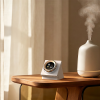
Includes a built-in indoor temperature and humidity sensor and can link other climate sensors to expand household readings.

Includes built-in temperature and humidity sensor, with the option to link other Aqara climate sensors in other rooms and display relevant data on the screen via device card/screensaver.

Supports automations based on the dial's temperature and humidity readings, expanding your smart home routines.
A Display That Delights
The display can show different screensavers, weather, time or room temperature. You can choose between light or dark themes.
*This feature is exclusive to the Aqara Home app.


Minimalist Fit
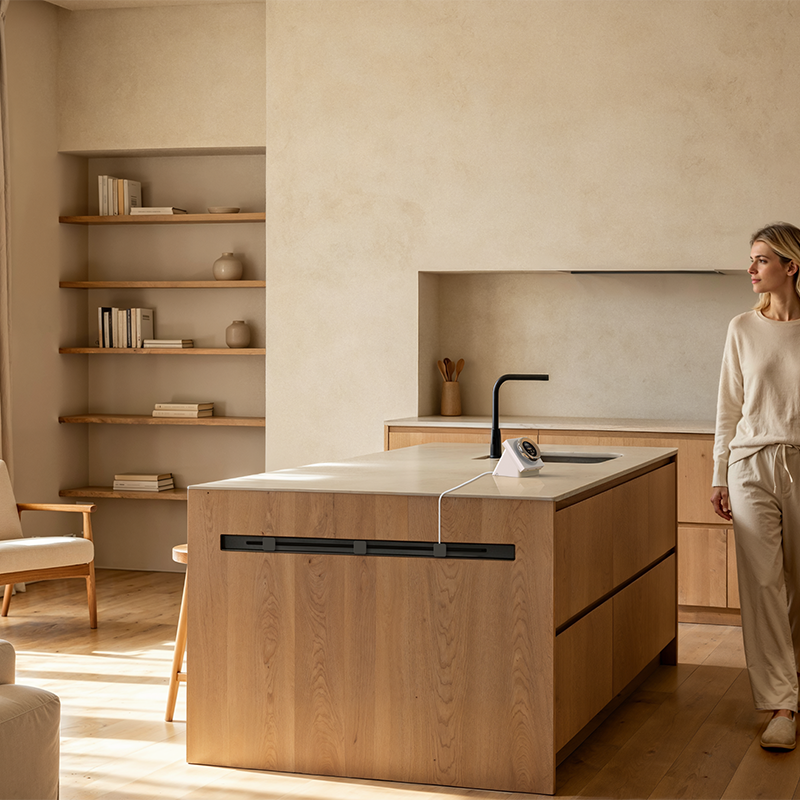
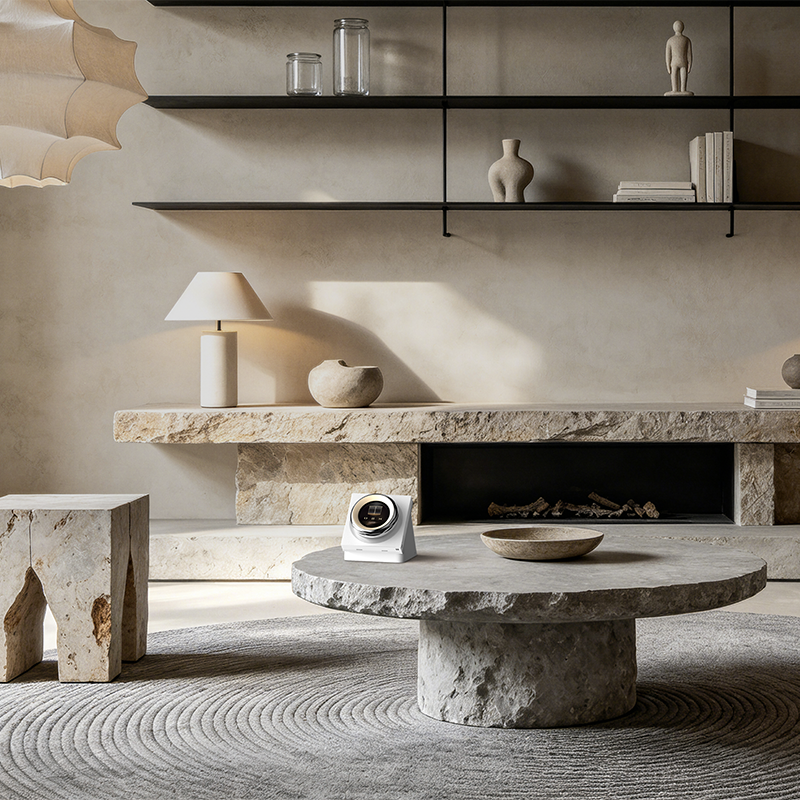
The slim, minimalistic design of the Touchscreen Dial complements home interiors, being stylish, intuitive and fun to use.
Smart Automation

WHEN "Sleep" scene is triggered
IF Current temperature is below 20°C
THEN Dim LED Bulb T2 to 10% brightness;
Set colour temperature to 2700K;
Close Roller Shade Controller to 100%;
Set Radiator Thermostat W600 to 18°C;
After 5 minutes, turn off LED Bulb T2.

WHEN Humidity is detected to be below 40%
THEN Turn on the Smart Plug (activate humidifier)
WHEN Humidity is detected to be above 65%
THEN Turn off the Smart Plug (deactivate humidifier)
Frequently Asked Questions
How to install the Touchscreen Dial V1?
- Use a flat-head screwdriver to pry open the switch panel.
- Use a screwdriver to loosen the terminal screws on the back of the switch, connect the live wire to the L hole, connect the neutral wire to the N hole (refer to actual with/no-neutral wiring in your house), connect the load (light) wire to the L1, L2, confirm the wiring is correct, then tighten the terminal screws. Note: The maximum load must not exceed 2200W.
- Use the supplied screws to secure the switch to the wall junction box and snap on the switch panel.
Note: Please ensure the main power is turned off before installation!
How to reset the Touchscreen Dial V1?
When first-time powered on (not connected to the network), it will enter networking mode by default (screen displaying an adding QR code).
Reset after connection: go to “Settings” – “Rebind” in the device’s drop-down menu.
Will connecting the terminal to the wrong hole cause a short circuit?
If the wiring is incorrect, the wall switch may fail to operate or even short-circuit, potentially causing damage. Be sure to follow the wiring instructions carefully or consult a professional electrician for installation.
- If the neutral and live lines are reversed, the switch may still work, but turning it off leaves the live line active at the fixture, creating a shock hazard.
- If the light load (L1) is misconnected to the L or N terminal, there won’t be a short circuit, but the switch won’t respond until correctly connected.
How much power is required for the lamp to work properly with the Touchscreen Dial V1?
No minimum load requirement, but the maximum current under resistive load conditions for the total number of circuits is 8A, Max 8 A (Resistive Load).
Which devices are supported for on-screen control?
Supported device: lights, curtain controllers, thermostats, switches, sockets, etc. Meanwhile, associated devices continuously updated and improved. Specific products may vary based on actual usage.
Does this device need to be used with a hub?
The device is a Wi-Fi device and can operate independently without a hub. Note: to configure Aqara Zigbee devices, a compatible hub is required.
How many devices/scenes are supported for screen control/configuration via app?
Maximum number: 18.
Does it have a built-in voice assistant?
This product does not have a built-in voice assistant, but you can enable Aqara Copilot for its control.
Does it support HomeKit?
This product supports HomeKit. Once successfully connected to HomeKit, the product will display as 2 electrical switches (wired to load) and 6 wireless switches.
How to configure devices, scenes, services, etc.?
1)In the Aqara Home app device details page, select “Configure”.
2)Tap the bottom “Add” button to configure the necessary devices, scenes, etc.
How many loads does the Touchscreen Dial V1 have?
The Touchscreen Dial V1 supports 2 loads (L1, L2).
Videos
Product Specifications
Physical and Performance Attributes | |||||||||||||||||
|---|---|---|---|---|---|---|---|---|---|---|---|---|---|---|---|---|---|
| Dimensions (L x W x H) | 110 × 110 × 74 mm | ||||||||||||||||
Misc Product Attributes | |||||||||||||||||
Specifications:
| |||||||||||||||||
You may also like…
-

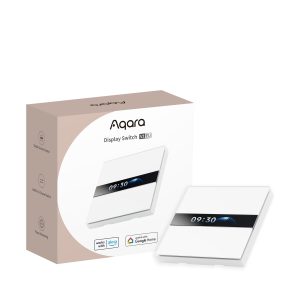
Aqara Display Switch V1
£119.99 inc. VAT Add to basket -
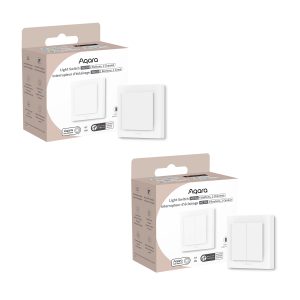
Aqara Light Switch H2
Price range: £41.99 through £44.99 inc. VAT Select options This product has multiple variants. The options may be chosen on the product page -
20% OFF!
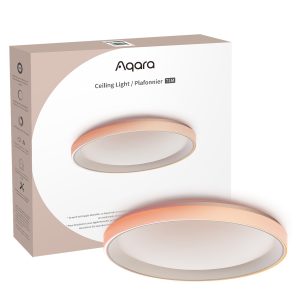
Aqara Ceiling Light T1M
Original price was: £149.99.£119.99Current price is: £119.99. inc. VAT Add to basket -
23% OFF!
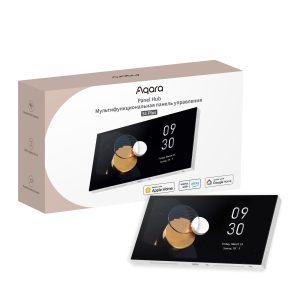
Aqara Panel Hub S1 Plus
Original price was: £469.99.£359.99Current price is: £359.99. inc. VAT Add to basket