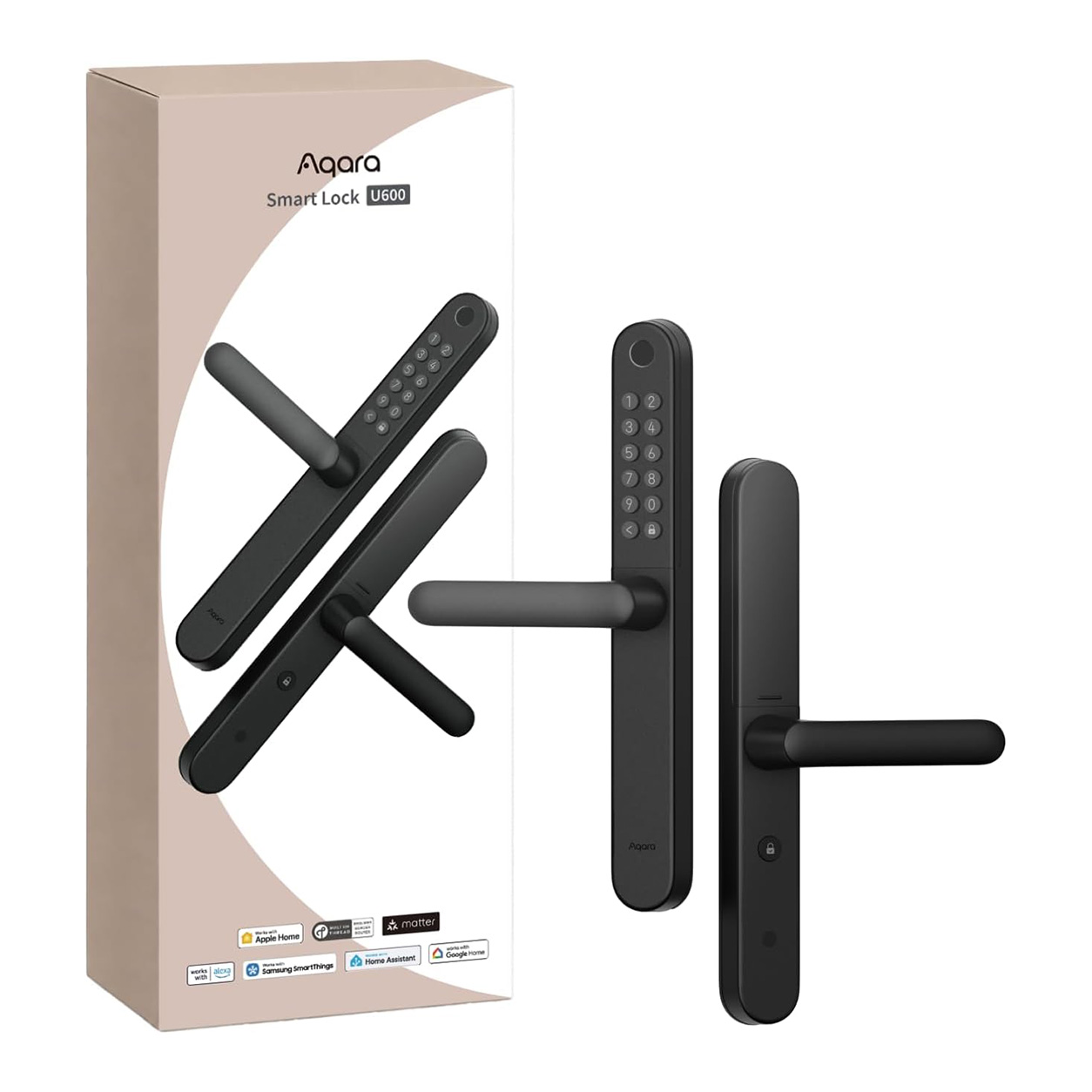
Aqara Smart Lock U600
Shop the Aqara Smart Lock U600, a slim UK smart lock with Apple Home Key, fingerprint access, Matter over Thread, PIN codes and easy installation.
Compatibility
Aqara Smart Lock U600 is compatible with the following systems:


£229.00 inc. VAT
Description
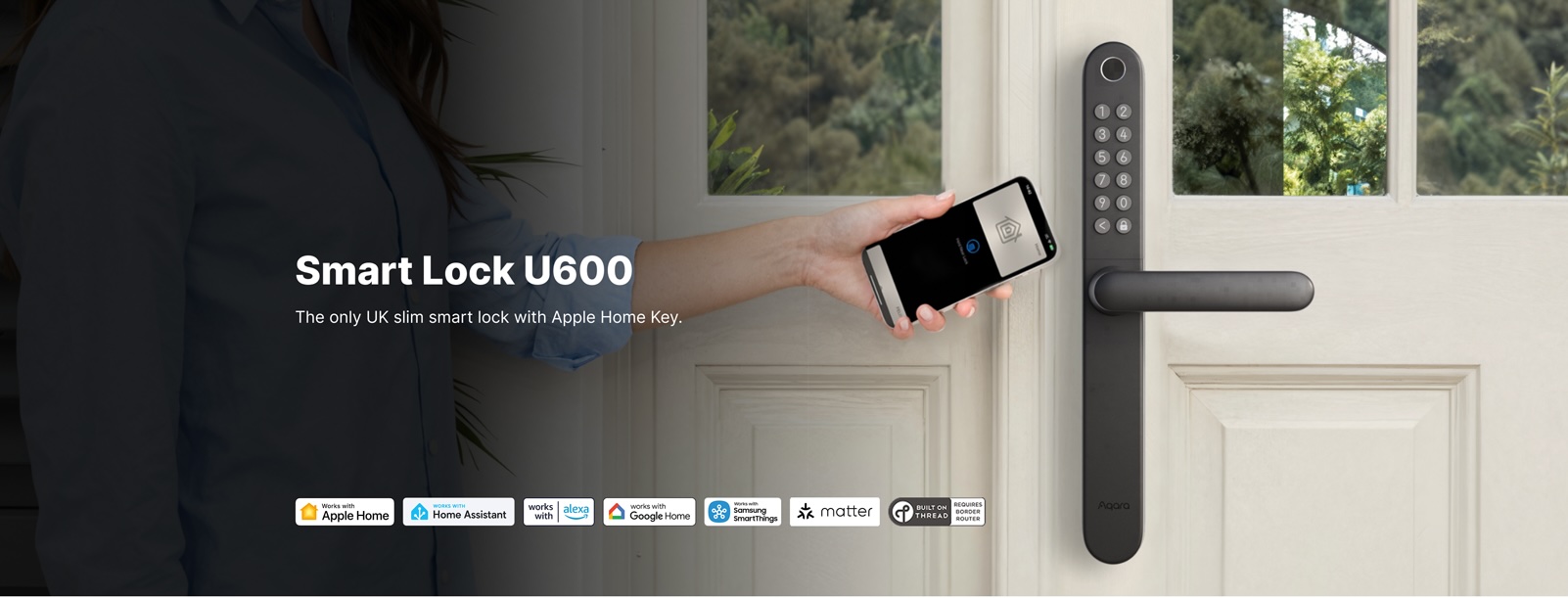
Aqara Smart Lock U600
The only UK Slim smart lock with Apple Home Key
Upgrade your front door with the first and only UK slim smart lock to work out-of-the-box with Apple Home Key. Simply scan the Matter code on the box or device and connect it directly to Apple Home. Designed specifically for British homes, the slim 335 × 40.5 × 28 mm panel fits standard UK door parameters, most users complete installation in 15–30 minutes with just a screwdriver, and the lock is fully and easily reversible for renters.
Aqara Smart Lock U600 Features:
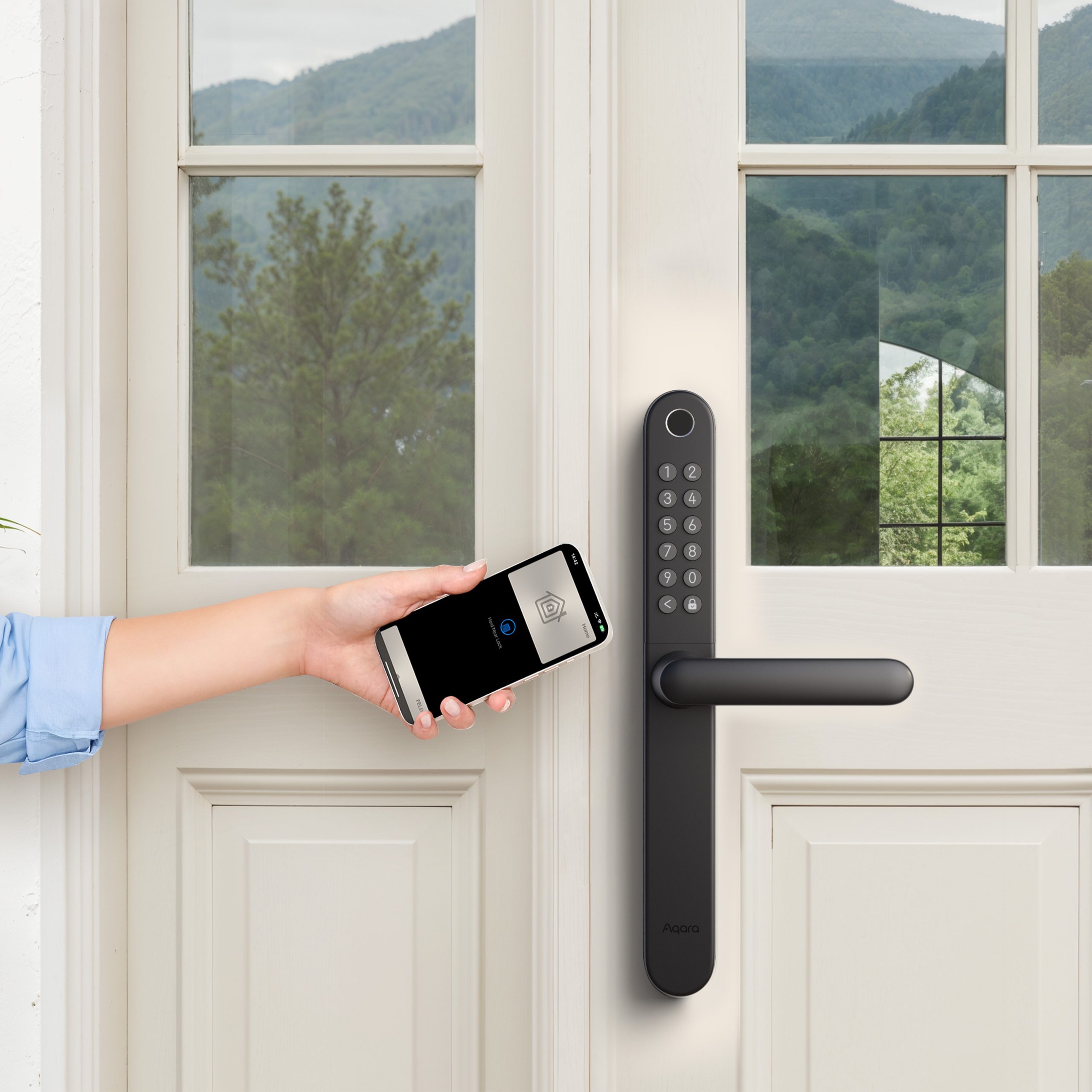
- Exclusive UK Slim Lock with Native Apple Home Key: The first and only UK slim smart lock to work out-of-the-box with Apple Home Key. Tap iPhone or Apple Watch via Express Mode without unlocking the phone; works with frozen, wet or gloved hands and requires no app launch for daily quick access.
- Native Matter over Thread for Multi Smart Home Ecosystems: Adopts Thread local mesh network with native Matter protocol, directly compatible with Apple Home, Google Home, Amazon Alexa, Home Assistant, SmartThings and Homey. Powered by Matter over Thread, the Smart Lock U600 works by design with Apple Home, Home Assistant, Google Home, Amazon Alexa, Samsung SmartThings and other ecosystems, ensuring stable and reliable performance.
- Multiple Unlock Methods & Complete Multi-User Access Management: Comes with six unlock methods including fingerprint, Apple Home Key,Samsung wallet Digital Home Key, App automation, permanent/timed/offline PIN, physical key.
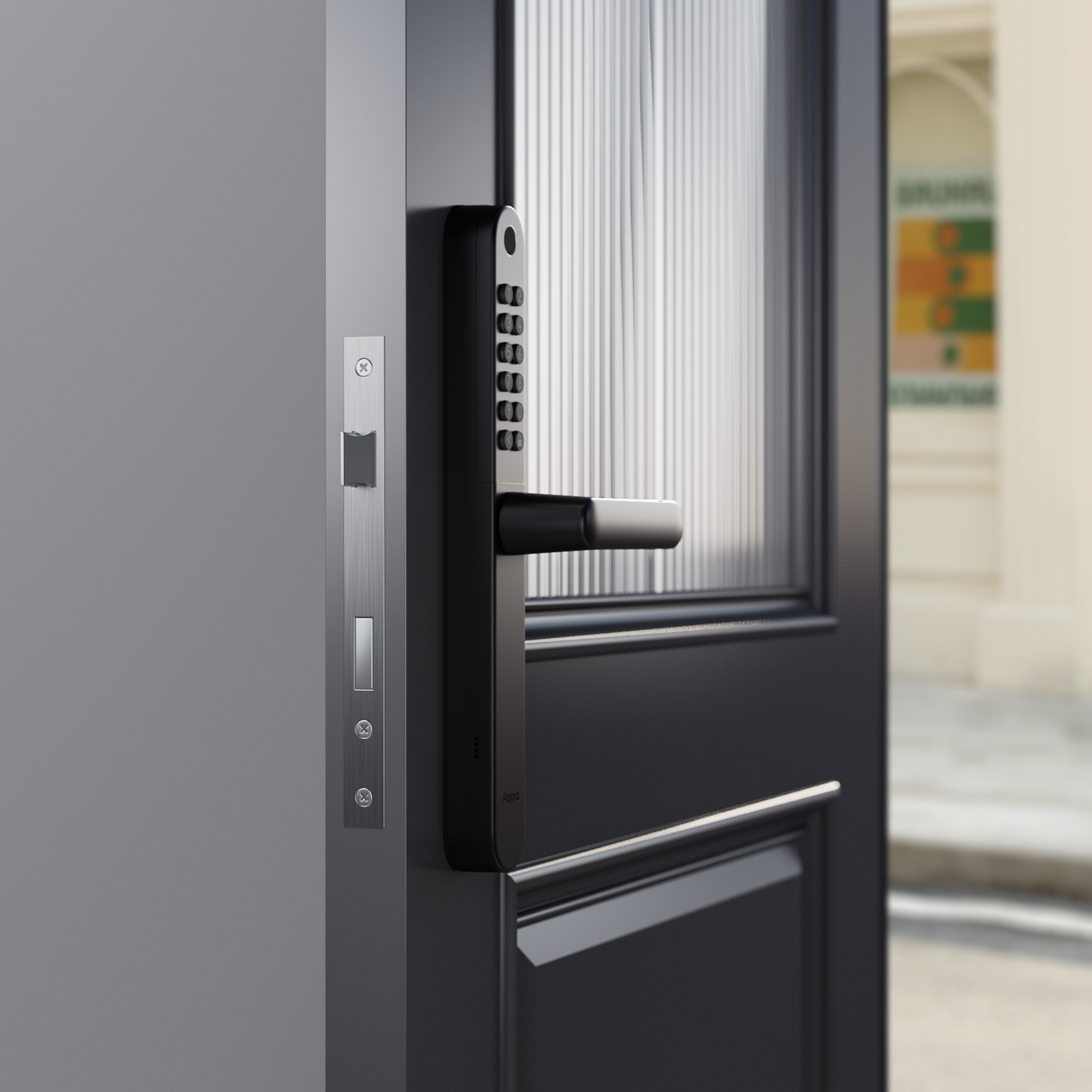
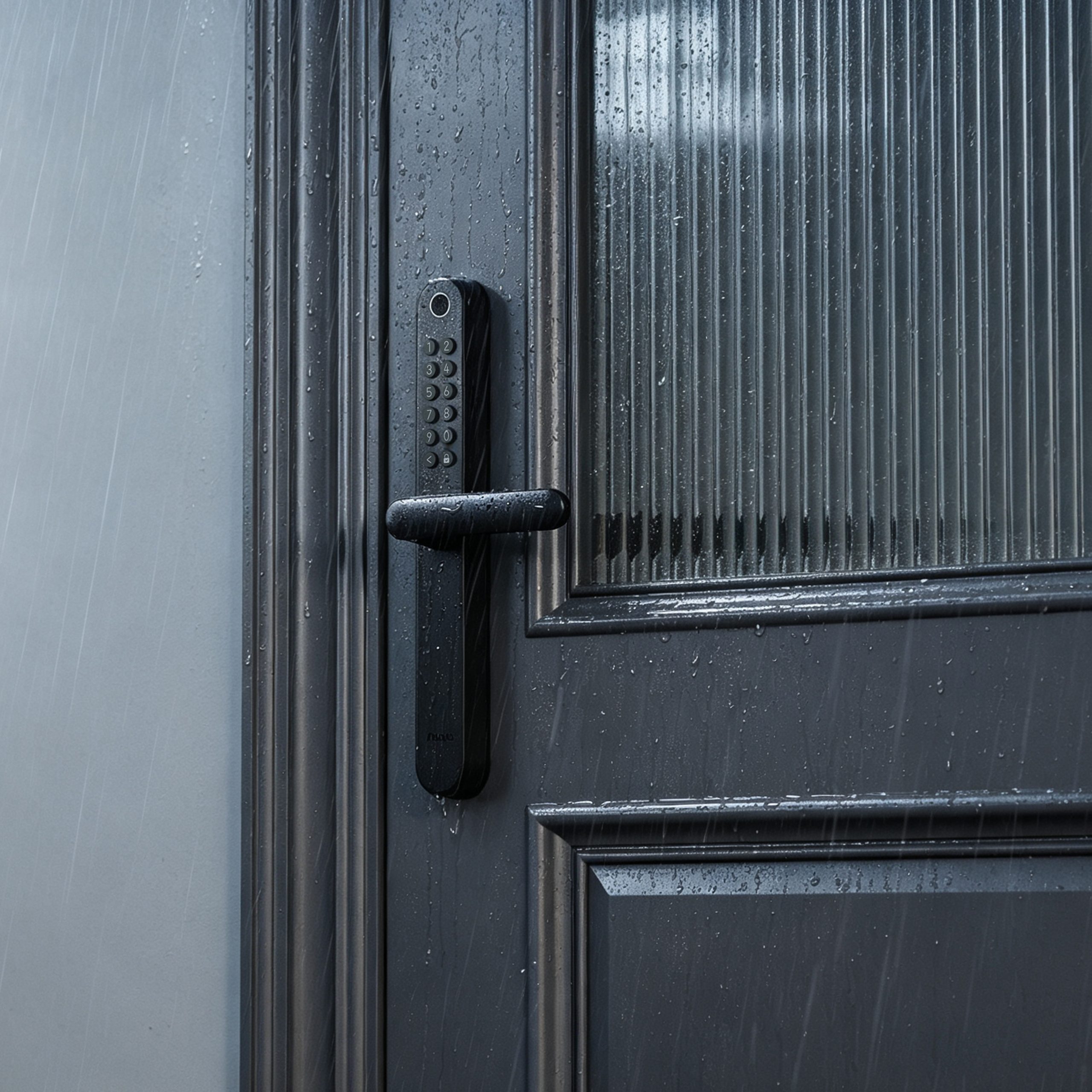
- IP65 Weatherproof & USB-C Emergency Power:Achieving an IP65 weatherproof rating, it operates reliably across a wide temperature range from -20°C to +55°C, perfectly suited for British outdoor climate. Built-in concealed USB-C port provides emergency power supply to unlock the lock when batteries run out.
- Renter-Friendly Easy Installation: Slim 335 × 40.5 × 28mm outer panel matches standard UK door sizes without extra modification, fully reversible lock structure for renters. Most users finish installation in 15–30 minutes just with a screwdriver.
- Seamless Cross-Device Smart Scene Automation: Achieves seamless automated linkage with Aqara smart lights, air conditioners, security cameras and Video Doorbell G410. Supports welcome-home auto power-on of living room appliances.
*To use the device with a particular Matter ecosystem, a Thread-enabled Matter Controller of this ecosystem is required.


Ready for Apple Home Key Right in Your Apple Wallet
U600's digital key can be stored in Apple Wallet on iPhone and Apple Watch. Simply tap your phone to the lock to unlock, just like Apple Pay. No separate app needed, no extra key fob to carry. Supported on iPhone XS or later (iOS 18.6+) and Apple Watch Series 6 or later (watchOS 11.5+).
*To use Apple Home Key, an Apple Home hub is required, such as HomePod, HomePod mini or Apple TV.

More Flexible Unlock Methods

Digital Home Key in Samsung Wallet
U600 supports Samsung Wallet Digital Home Key when connected via Samsung SmartThings. Once set up, you can unlock the door even if the phone is powered off. Everyone in your home can use the Home Key through Samsung SmartThings, offering a secure and convenient way to enter.


Permanent
Password
Offline
Password
Scheduled
Password
App
Control

Fingerprint Unlocking in 0.5 Seconds
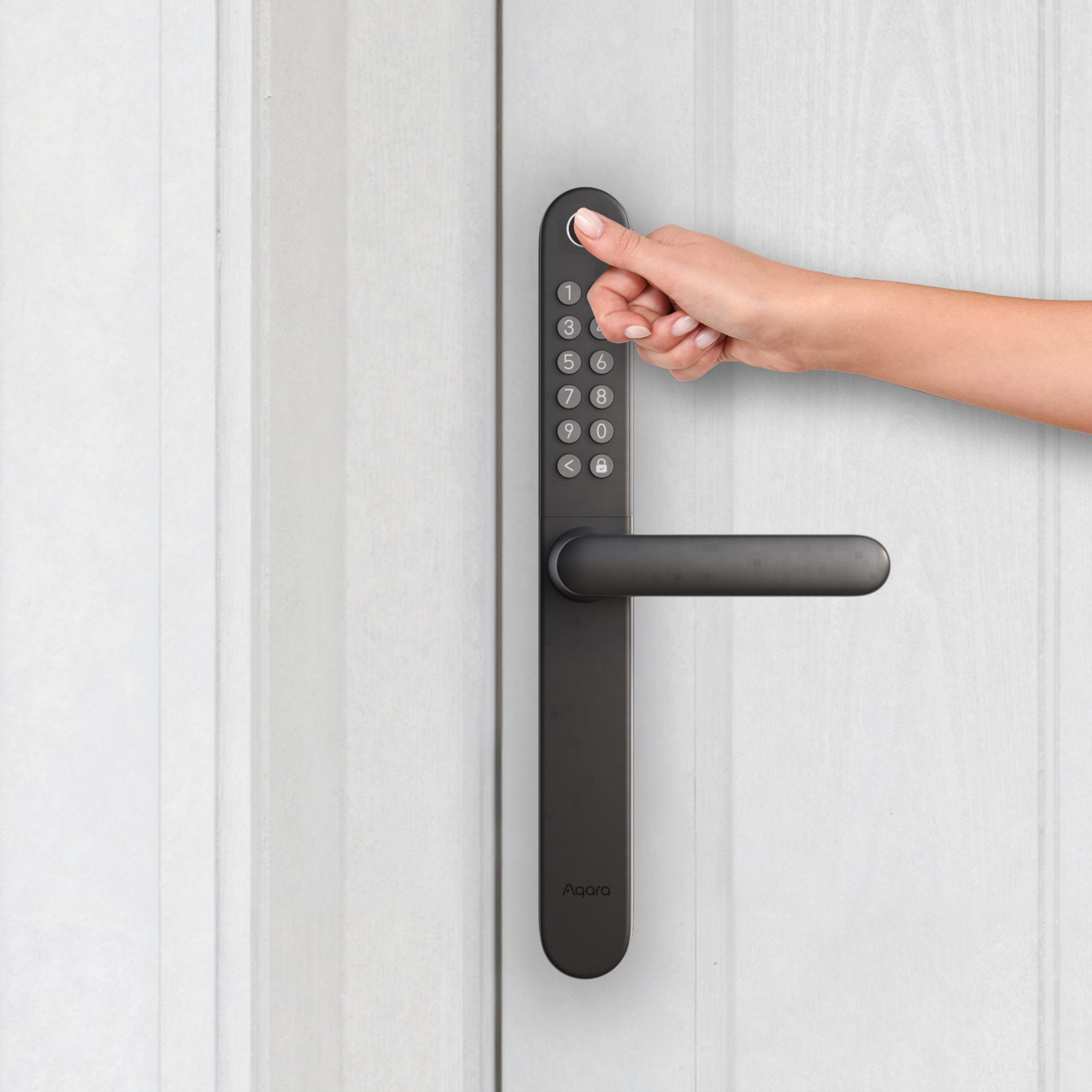
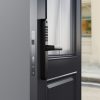
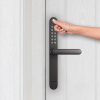
The ultra-fast fingerprint reader can match a print in less than half a second. It is positioned at a natural thumb height on the outer panel for intuitive one-handed operation. Stores up to 50 fingerprints, easily covering multiple household members.


Voice
Control
Mechanical
Key
NFC
Card
Automation
Customise Your Smart Lifestyle
Create personalised smart home scenarios by linking your U600 with other Aqara devices.


Matter over Thread Support
Powered by Matter over Thread, the Smart Lock U600 works by design with Apple Home, Home Assistant, Google Home, Amazon Alexa, Samsung SmartThings and other ecosystems, ensuring stable and reliable performance.
*To use the device with a particular Matter ecosystem, a Thread-enabled Matter Controller of that ecosystem is required.
Purpose-Built for UK Doors
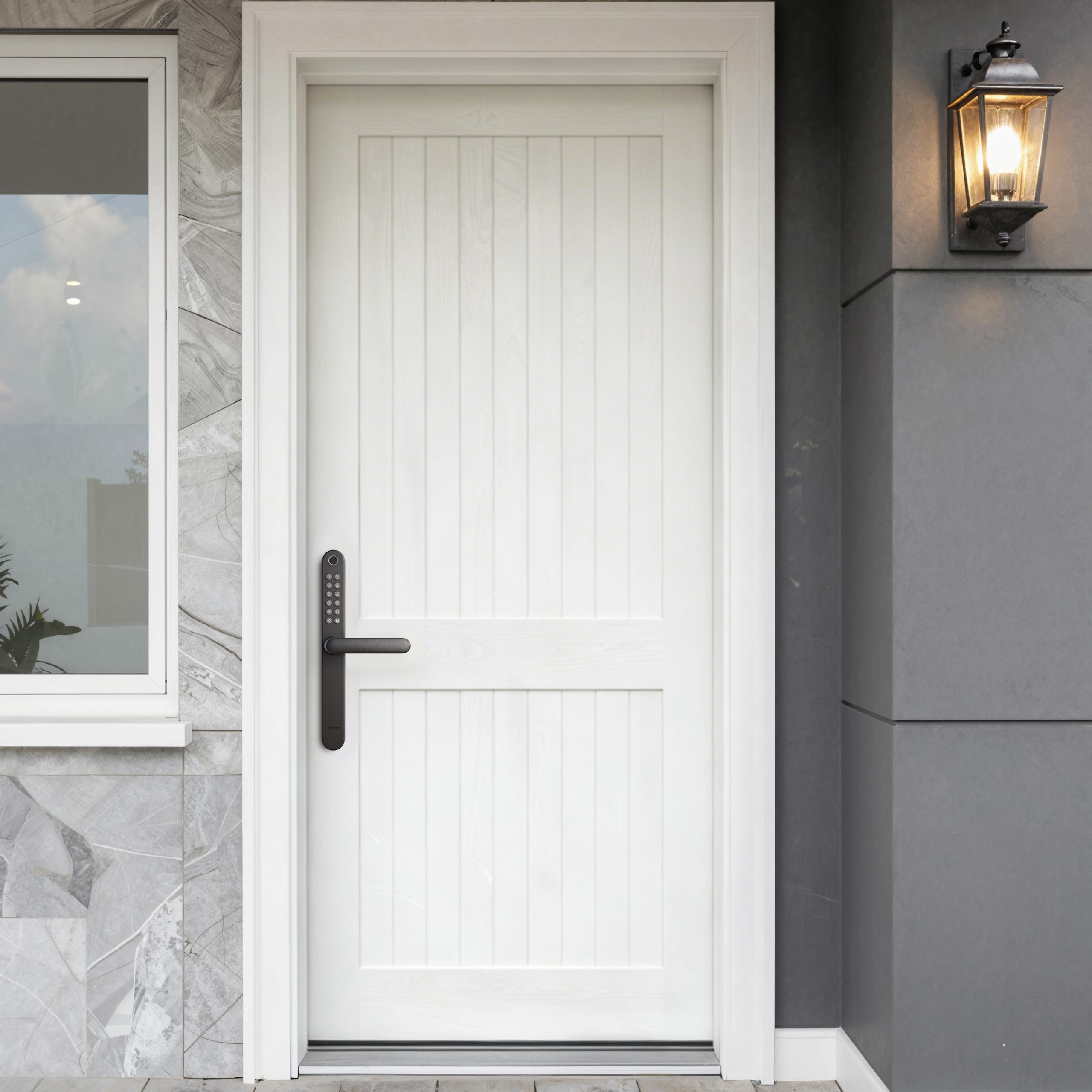
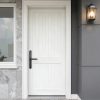
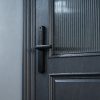
U600 is built to fit standard UK multipoint doors and weather-tested for British conditions, with a slim, elegant profile that looks right at home on any front door.


Five Certifications. Total Peace of Mind.
U600 is built to fit standard UK multipoint doors and weather-tested for British conditions, with a slim, elegant profile that looks right at home on any front door.


Aqara Smart Lock U600 Automation Examples:
1.A welcome home
Come home without fumbling for switches, the lights and air conditioner prepare a cozy environment for you automatically.
IF Unlocked after 18:00, THEN the living room lights and the air conditioner turn on automatically.
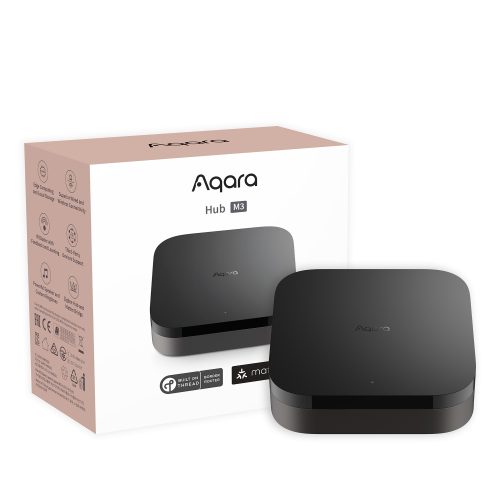
(Smart Lock U600 + Hub M3 + Smart Light)
2.Instant Visitor Unlock with a Single Click
The U600 is designed to work in perfect harmony with our Video Doorbell G410 with a built-in hub, offering a seamless user experience that combines security and convenience. When a visitor arrives at your doorstep and presses the Video Doorbell G410, you will receive an instant notification on your smartphone. With just a tap, you can access a live video feed to see who is at your door so you can open the door immediately.
(Smart Lock U600 + Smart Video Doorbell G410)
Frequently Asked Questions
What kind of lock is compatible with the U600?
The U600 does not require replacing the door lock’s bolt. It requires the original lock’s backset to be between 35–70 mm, center distance between 72–92 mm, door thickness between 40–80 mm, and the handle depression angle during opening to be less than 60°.
How to change the handle direction?
Before installation, remove the temporary fixing screws inside the handle. Use the hex screws from the accessories to secure the handle according to the door opening direction: position the handle to the right for right-opening doors and to the left for left-opening doors. You can also watch the installation video for a more intuitive guide.
What is U600’s Wireless Protocol?
The U600 supports Matter over Thread and Bluetooth wireless protocols, enabling convenient interconnection and operation with Aqara whole-house Intelligence devices.
Do I need a Matter Hub to use the Smart Door Lock U600 normally?
1) Aqara Home users: The door lock functions can be used normally without a hub, but it is recommended to use Aqara M3, M100, or G5 Pro hub to enhance remote control and automation functions.
2) Other Matter ecosystem users: A Thread border router that supports Matter is required. For more information, please visit the link: https://www.evehome.com/en/hub
What functions are available when the Aqara Smart Door Lock U600 is connected to Aqara M3, M100, or G5 Pro Hub devices?
By binding the Smart Door Lock U600 to an Aqara M3, M100, or G5 Pro Hub device, you can achieve scene Automation, remote locking/unlocking, and more features in future updates.
Do I need Aqara Home to use this product with other ecosystems?
No, you can bind a third-party app separately.
Basic functions such as near-field locking and unlocking are natively compatible with third-party apps. However, we recommend using the Aqara Home App to access exclusive features and detailed settings, such as remote unlocking, passage modes, night lock mode, etc.
Why can’t Smart Lock U600 be bound to other Ecosystems?
- Already bound: One Ecosystem binding has been completed; the Matter code on the lock becomes invalid. Generate a new QR code from the bound Ecosystem.
- Not bound: Press Reset to restore factory settings and try again
How to use home keys?
1) Standard mode: Open Apple Wallet, select your door card, and place your iPhone/watch close to the NFC area to unlock.
2) Verification required mode: Set up in Apple Home, then unlock using Face ID or password, and place your device close to the NFC area.
What should I do if the U600 door lock cannot be bound to the Apple Home app or fails to generate passwords and Apple Home Keys?
Please follow these steps to resolve issues between the Aqara Smart Door Lock U600 and Apple Home App:
- Update Firmware: Ensure the U600’s firmware is updated and follow the recommended reset and setup procedures.
- After turning on the door lock, press the “Settings” button on the door lock, then use the Home App to scan the Matter QR code.
- You can also create a new “Home”: If you encounter errors like “Cannot add personal password” in the “Password” step in the Apple Home App, create a new “Home” in the app.
- Reset HomePod Mini: Reset the HomePod Mini and integrate it with the new Home to test the door lock functionality. If successful, the issue may stem from the original Home configuration.
- If pairing times out, try resetting the door lock and delete the Smart Lock U600 in the system “Settings > Matter Accessories” on your phone/tablet, then try rebinding the Apple Home App.
- Migrate Home Settings: If the issue persists, consider migrating to a new home setup. Use the “HomeKit Controller” app to back up and restore your HomeKit configuration, simplifying the process.
- Personal Password Length: Ensure the lock’s personal passwords are between 4-10 characters to ensure compatibility with the Home App.
- Thread Border Router Alert: If you receive a “Thread Border Router Required” alert, refer to the Apple support link: https://support.apple.com/en-us/102078
- Reset Door Lock: For instructions on resetting the door lock, refer to the electronic user manual.
- Check iPhone Model Compatibility: Ensure your iPhone model supports Home Key, check: https://support.apple.com/guide/iphone/unlock-your-door-with-a-home-key-iph0dc255875/ios For further assistance or any questions, please feel free to contact us.
Is it possible to use this product without connecting to a smartphone?
To use all features and settings normally, you need to connect the Smart Lock U600 to the Aqara Home App or any third-party Ecosystem on your phone. After binding and configuration, it can be used directly.
Does this product support setting a scheduled password for visitors?
Yes.
- Aqara Home App users: You can set periodic or single use passwords via Bluetooth connection, or set remote periodic passwords by binding to a Hub.
- Apple Home App users: You can set passwords remotely through the Home App.
How to reset the Smart Lock U600 settings?
Press and hold the reset button for 5 seconds. When you hear “Resetting the door lock, please verify administrator fingerprint or password,” enter the administrator fingerprint or password to reset. The reset process may vary under different binding states; follow voice or app prompts.
How to reset the lock if I forget my password?
Please contact our customer service for help.
If the Smart Lock U600 runs out of power, how do I unlock the door?
When the keypad or lock Battery level drops below 20%, the Smart Lock U600 will alert users in advance, and the lock will still Work normally for about 2 weeks. In emergency situations, you can still unlock with a physical key or power the door lock through the USB-C interface.
What should I do if the Smart Lock U600 cannot recognize my fingerprint?
Please ensure your finger is dry and clean before attempting to unlock. Since fingerprints may change over time, re-register periodically. For children and the elderly, please update fingerprints regularly or register multiple fingers.
What if I am locked out after multiple authentication failures?
After 10 Multiple verification failures with fingerprint/password/NFC, the lock will disable password input for 30 minutes. Use internal unlocking or Bluetooth unlocking to unlock. Additionally, you can adjust the lock duration in the Aqara Home App under “Settings” > “Failed Attempts Lockout”.
How can I update the firmware of the U600 smart lock?
Aqara Home users: Update firmware through the settings page. Keep your phone close to the device during the update process (15-20 minutes). Apple Home users: OTA updates are supported through Apple Home. Note that the update frequency and timing between Aqara Home and Apple Home may not be synchronized.
How to use remote lock/unlock?
Aqara Home users: Bind the door lock to an Aqara M3, M100, or G5 Pro hub device to use remote features. Apple Home users: Need to connect to an Apple home hub (such as HomePod or Apple TV) and a Thread protocol gateway to achieve remote control.
How can I add fingerprints and passwords without using the app?
Click the settings button (after binding): Enter the local settings page. If an Aqara administrator is set, administrator credentials are required. If no Aqara administrator is set, you can enter directly.
Does U600 support Wi-Fi wireless protocol?
No, it does not. The Smart Door Lock U600 supports the Thread protocol, which is more stable than Wi-Fi and has a longer battery life.
What if the lock does not respond after verifying the password?
Check if the lock is out of power. If the problem persists after replacing the batteries, please contact customer service: support@aqara.com.
How can I access the installation video?
1) Download the Aqara Home App, go to the Smart Lock U600 page, and follow the prompts to complete installation.
2) Scan the QR code to view the installation video in the user manual.
3) Scan the QR code to view detailed installation instructions in the electronic user manual.
What certifications and tests has the Aqara Smart Door Lock U600 passed?
The Aqara Smart Door Lock U600 has passed multiple global authoritative certifications, including 1) CE 2) Matter Certification 3) Aliro 4) IP65 (front lock) etc.
If my door is already difficult to lock, can I directly install the Smart Door Lock U600?
Not recommended. A smart lock cannot fix mechanical issues such as door deformation, bolt damage, or misaligned top/bottom bolts. If the door requires excessive force to lock or unlock, adjust the door and existing bolt mechanism before installing the Smart Door Lock U600.
Does lifting the handle mean the door is already locked?
No. For multi-point locks, lifting the handle usually only extends the mechanical bolts and does not necessarily mean the smart lock has completed electronic locking. To confirm the door is locked, use the lock button, app locking, auto-locking, or another explicit locking method.
Why do I still need to lift the handle after installing the Smart Door Lock U600?
Many British multi-point locks require lifting the handle first to extend multiple bolt points on the door edge, allowing the door to fully enter a lockable state. This is determined by the original lock structure and is not an additional complex operation introduced by the smart lock.
When auto-locking is disabled, will lifting the handle still automatically lock?
No. When auto-locking is disabled, lifting the handle will only extend the mechanical bolt point but will not automatically complete electronic locking. To lock, press the lock button, or use the app or Automation to lock.
What should I do if the door lock sound is too loud or too quiet?
Users can adjust the volume in the app or local settings. Some security-related alert sounds may not be completely silenced to prevent users from missing critical security alerts.
Is the Aqara Smart Door Lock U600 limited to specific door-opening directions?
There are no restrictions. The Aqara Smart Door Lock U600 supports all door opening directions, including left/right, inward/outward.
Is the Aqara Smart Door Lock U600 waterproof and can it be used outdoors?
The external front panel (keyboard area) of the Aqara Smart Door Lock U600 has a waterproof rating of IP65, which effectively protects against light daily water splashes.
What is the working temperature and humidity for the Aqara Smart Door Lock U600?
Operating temperature: -20°C ~ 55 °C. Operating humidity for inner panel: 0 ~ 93% RH
How is the Aqara Smart Door Lock U600 powered?
The U600 is powered by just 4 LR6 AA batteries. In emergency situations, you can use the USB-C power port on the side of the external panel to power the device using an external power source.
How long is the battery life of the Aqara Smart Door Lock U600?
The average battery life is 10 months, but this will vary depending on different working environments and conditions. Battery performance decreases in low-temperature environments. Battery life was determined by Aqara laboratories using LR6 AA batteries and simulating 10 wake-ups per day at 25℃.
What should I do if the Aqara Smart Door Lock U600 runs out of power?
1) If you are outside, you can power the lock through the emergency USB-C power port at the external panel button.
2) If you are inside, simply replace the LR6 AA batteries.
Will the Aqara Smart Door Lock U600 be unlocked by a Tesla Coil?
No. The Aqara Smart Door Lock U600 is carefully designed to effectively resist electromagnetic interference and has undergone rigorous electromagnetic compatibility testing. Tesla coils will not affect the normal operation of the Aqara smart lock.
How many ways can I unlock the Aqara Smart Door Lock U600?
The Aqara Smart Door Lock U600 supports 7 unlocking methods: fingerprint, password, Aqara NFC, Apple Home Key, Aqara Home app, Apple Home/Matter platform, and mechanical key.
Using the Matter platform requires a Matter controller from the platform.
What can I do if the keyboard of the Aqara Smart Door Lock U600 is locked due to repeated verification failures for password/fingerprint/NFC?
If this lock is locked due to failed verification, you can still unlock normally through the application (Aqara Home/Apple Home) or mechanical key. After a few minutes, all verification functions will return to normal. You can also change the lock settings through the Aqara Home application.
Why does the Aqara Smart Door Lock U600 still come with a mechanical key?
The mechanical key is designed for special emergency situations where users cannot unlock using standard verification methods (fingerprint/password/mobile application/NFC/HomeKey), allowing normal unlocking. It is recommended to keep the key in your car or office, just in case.
How many sets of passwords can the Aqara Smart Door Lock U600 support?
The Aqara Smart Door Lock U600 supports up to 75 simultaneous passwords, including regular passwords and temporary periodic passwords. Additionally, up to 8 sets of Single Use Passwords can be generated per hour.
How many digits can the fixed numeric password of the Aqara Smart Door Lock U600 be set to? Is phantom password supported?
The Aqara Home platform allows setting a fixed password of 6-10 digits. If other Matter platforms allow setting 4-10 digit passwords, they are also compatible with the U600. A password allows adding any numbers before or after the fixed password to prevent onlookers from seeing your input. The maximum length for a password is 20 digits.
Does the Aqara Smart Door Lock U600 support Single Use Passwords?
Yes. You can generate temporary one-time passwords through the Aqara Home application.
How many fingerprints does the Aqara Smart Door Lock U600 support?
The Aqara Smart Door Lock U600 supports up to 50 fingerprints.
How do I set fingerprints on the Aqara Smart Door Lock U600?
Install the Aqara Home App, add and connect the door lock, then set up fingerprints according to the App prompts. You can also press the settings button and follow voice prompts for local fingerprint setup.
What should I do if the Aqara Smart Door Lock U600 indicates unsuccessful fingerprint enrollment?
If the Aqara Smart Door Lock U600 indicates fingerprint enrollment failure, make sure your finger is dry and that there is no obvious damage to the fingerprint. Complete fingerprint collection requires seven attempts. Press your finger completely on the recognition area and try changing the enrollment angle according to voice/Aqara Home app prompts (avoid repeatedly enrolling the same angle). For a better unlocking experience, we recommend enrolling the thumbprint of your dominant hand.
Why do fingerprint verifications on the Aqara Smart Door Lock U600 fail?
Make sure your finger is free from dirt or moisture, place your finger completely on the fingerprint recognition area, and try again. If multiple failures cause the fingerprint verification to be locked, use a password and delete the old fingerprint in the Aqara Home App, then set a new fingerprint. You can set multiple fingerprints to avoid verification failure due to issues with a single finger.
Why are the fingerprints of children or elderly more likely to fail the verification?
The fingerprint module unlocks after identifying, comparing, and verifying the collected fingerprint. Severely worn fingerprints in elderly individuals or shallow/incomplete fingerprints in children may reduce the success rate of fingerprint unlocking. In such cases, it is recommended to use password and NFC/HomeKey unlocking as alternative methods.
How should I maintain the U600 in daily use?
- Keep the fingerprint, keypad, and NFC areas clean.
- Replace the batteries promptly after low battery alerts.
- Do not use corrosive cleaners to wipe the door lock.
- Regularly check if the door is sagging, deformed, or not closing properly.
- Keep the mechanical key as an emergency backup method.
Why does the Aqara Smart Door Lock U600 use Bluetooth?
Bluetooth provides higher connection speed, stability, and power efficiency.
Can the Aqara Smart Door Lock U600 be connected to multiple mobile phones at the same time?
Since Bluetooth only supports 1-to-1 connections, the Aqara Smart Door Lock U600 can only connect to one phone at a time.
How can the Aqara Smart Door Lock U600 be unlocked via Bluetooth locally through the mobile app?
Install the Aqara Home app on your phone and add the door lock. Press the unlock icon on the app’s home screen, then press the handle to unlock.
What is admin permission for the Aqara Smart Door Lock U600 and how to set it?
The initial administrator account is set up when the lock is first added to the Aqara Home App. An administrator account is required to enter local settings mode. The initial administrator account can add more administrator accounts on the Aqara Home App.
What other types of permissions are supported besides the admin permission, on the Aqara Smart Door Lock U600?
In the Aqara Home App, permissions are divided into three types: administrator, regular user, and temporary user. Administrator permissions support various credential unlocking methods, adding users, and lock function settings. Regular users can use password, fingerprint, NFC, and other unlocking functions. Temporary users only support periodic password unlocking.
How many accounts does the Aqara Smart Door Lock U600 support?
The Aqara Smart Door Lock U600 supports up to 100 accounts: up to 75 password accounts and 25 NFC card users. The number of Matter users and credentials is subject to Matter platform limitations; refer to the app for exact details.
Why doesn’t the door handle rebound when I press it down after installing the door lock?
This is most likely caused by two reasons: 1. The screws securing the handle are tightened too much. Try disassembling the door lock and loosening the screws by one turn. 2. The positioning aid accessory was not used during installation, causing the door lock to not be vertically aligned with the ground, which can also prevent the handle from rebounding.
What are the precautions for installing the door lock?
- First, verify that all accessories are included by referring to the manual or installation video. If any parts are missing, contact Aqara customer support at support@aqara.com;
- Follow the installation video (accessible by scanning the QR code on the packaging), the installation manual, or the Installation guide for the smart door lock U600 in the Aqara app.
- When installing the front lock, pay particular attention to the direction of the square shaft arrow and the handle (during formal installation, the arrow and handle should point in the same direction; however, when testing whether the handle fully retracts the bolt, the arrow and handle should point in opposite directions).
- When installing the rear lock, use the positioning aid to assist in installing the rear lock’s mounting plate; otherwise, the door lock may be installed crookedly, eventually preventing the handle from being pressed down or rebounding properly.
Videos
Product Specifications
Physical and Performance Attributes | |||||||||||||
|---|---|---|---|---|---|---|---|---|---|---|---|---|---|
| Dimensions (L x W x H) | 381 × 152 × 50 mm | ||||||||||||
Misc Product Attributes | |||||||||||||
Aqara Smart Lock U600 Specifications:
| |||||||||||||
You may also like…
-
Sale!

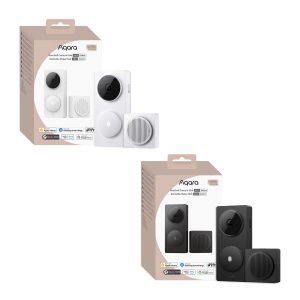
Aqara Doorbell Camera Hub G410 Select
Original price was: £149.99.£129.98Current price is: £129.98. inc. VAT Select options This product has multiple variants. The options may be chosen on the product page -
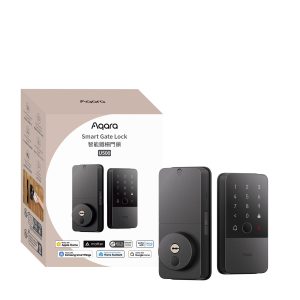
Aqara Smart Gate Lock U500
£289.99 inc. VAT Add to basket -
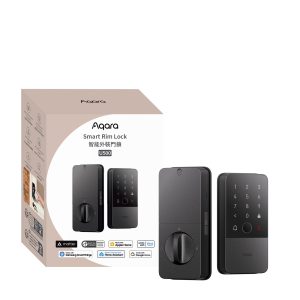
Aqara Smart Rim Lock U500
£279.98 inc. VAT Add to basket -
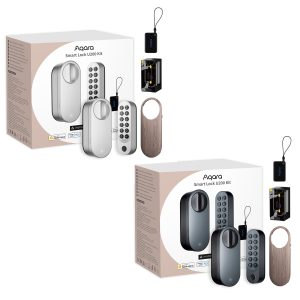
Aqara Smart Lock U200+ Kit
£179.99 inc. VAT Select options This product has multiple variants. The options may be chosen on the product page