Aqara Essential Wi-Fi Security Kit
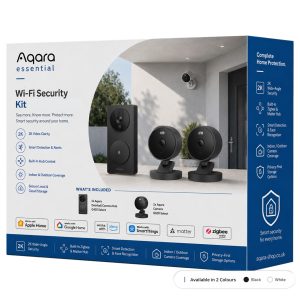
Protect your home with the Aqara Essential Wi-Fi Security Kit, featuring G410 doorbell camera hub, 2 G100 cameras, 2K video and smart alerts.
Total RRP: £233.97 | Special Offer: £179.99 – Save £53.98 with this kit (23% OFF)!
Compatibility
Aqara Essential Wi-Fi Security Kit is compatible with the following systems:









Accessories
£179.99 inc. VAT
Description
Aqara Essential Wi-Fi Security Kit
Complete front-door and outdoor security in one smart bundle.
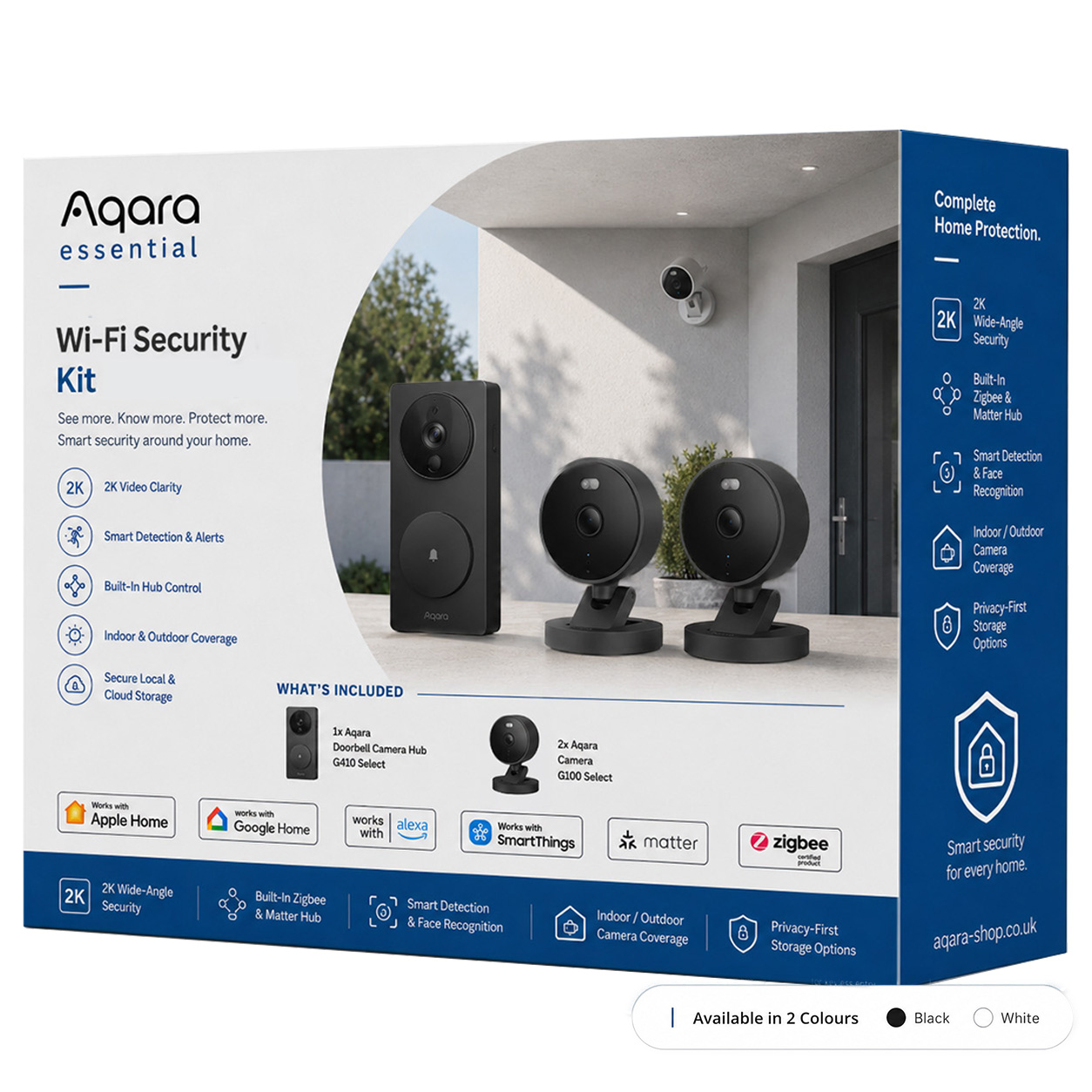
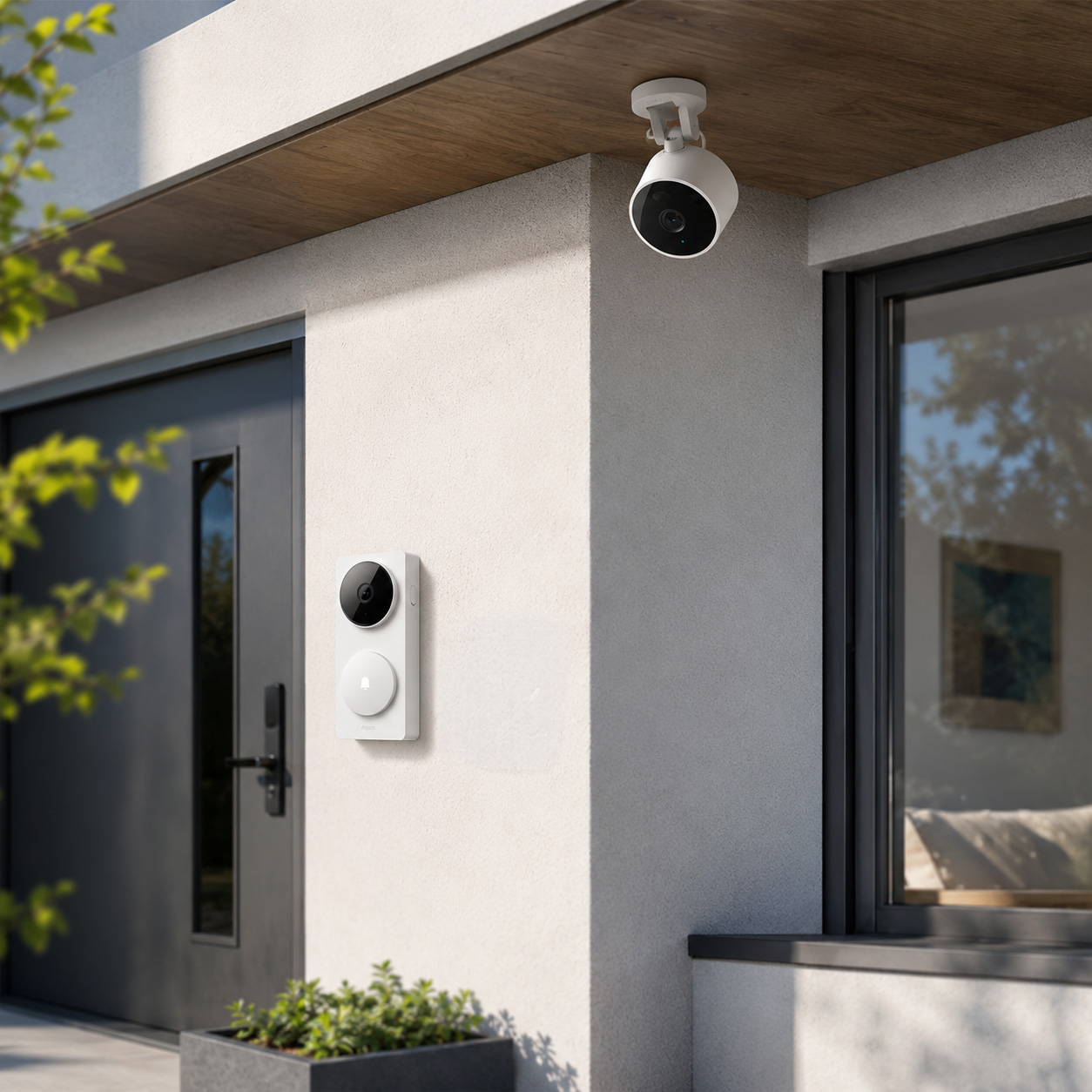
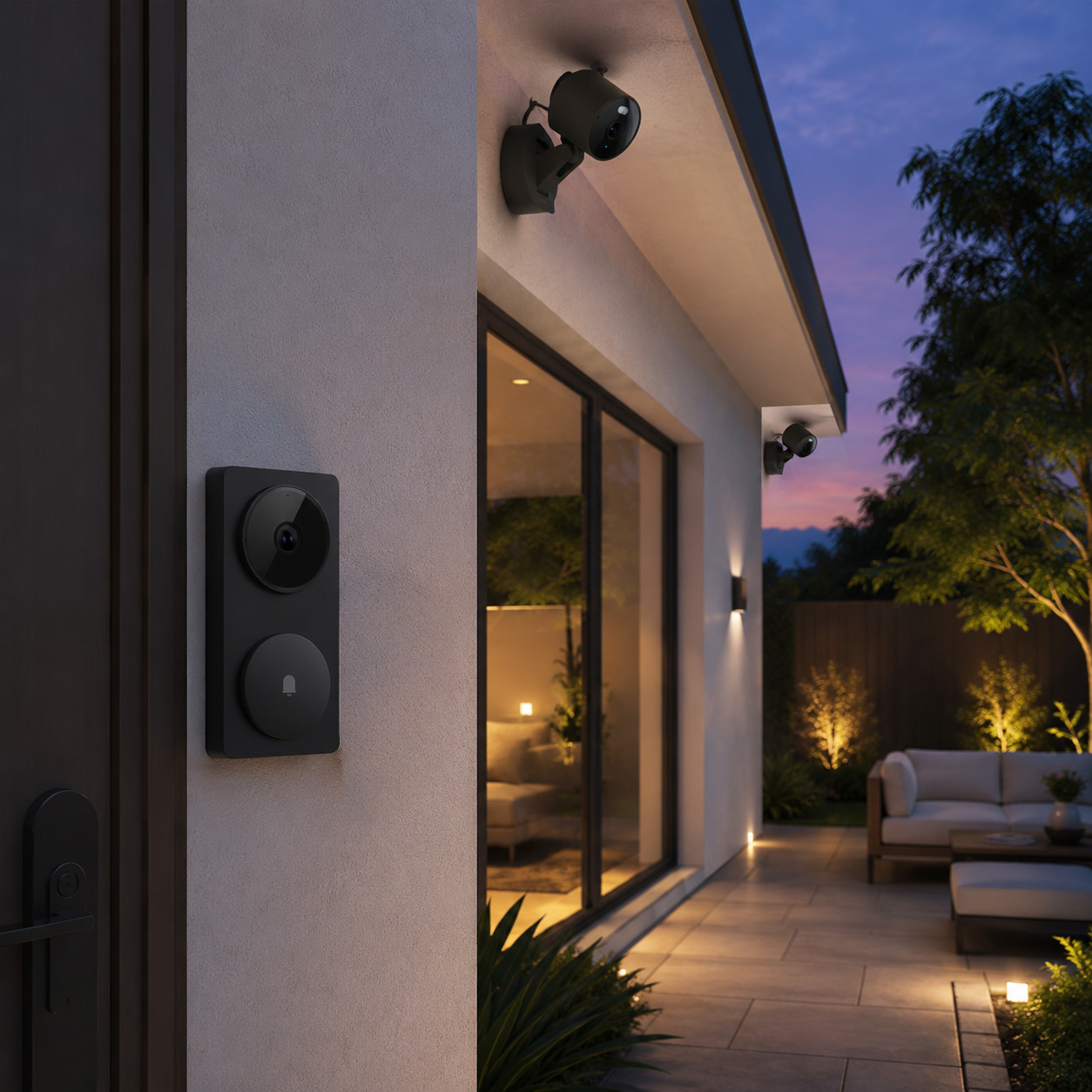
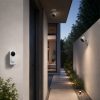
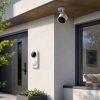
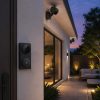
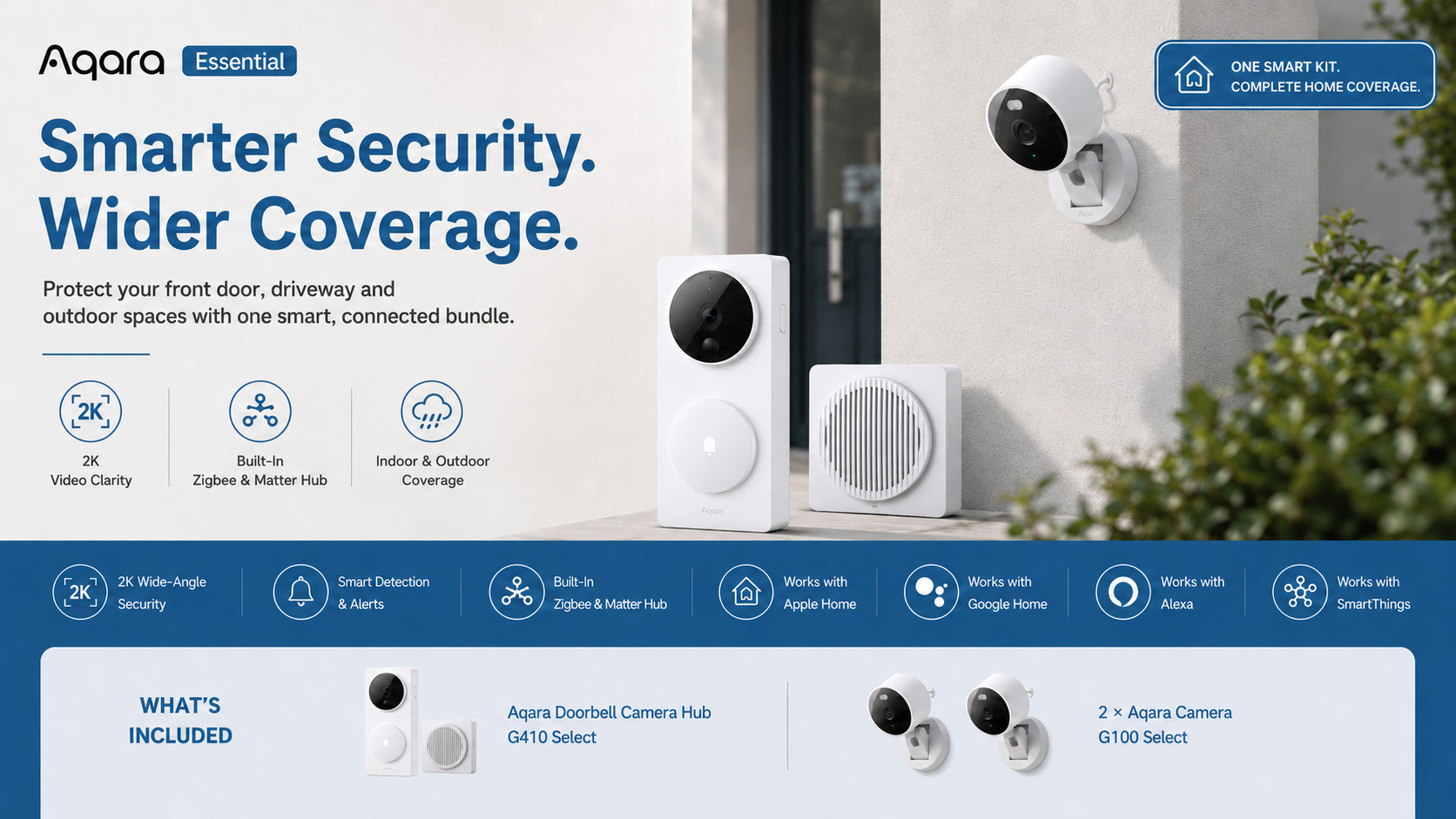
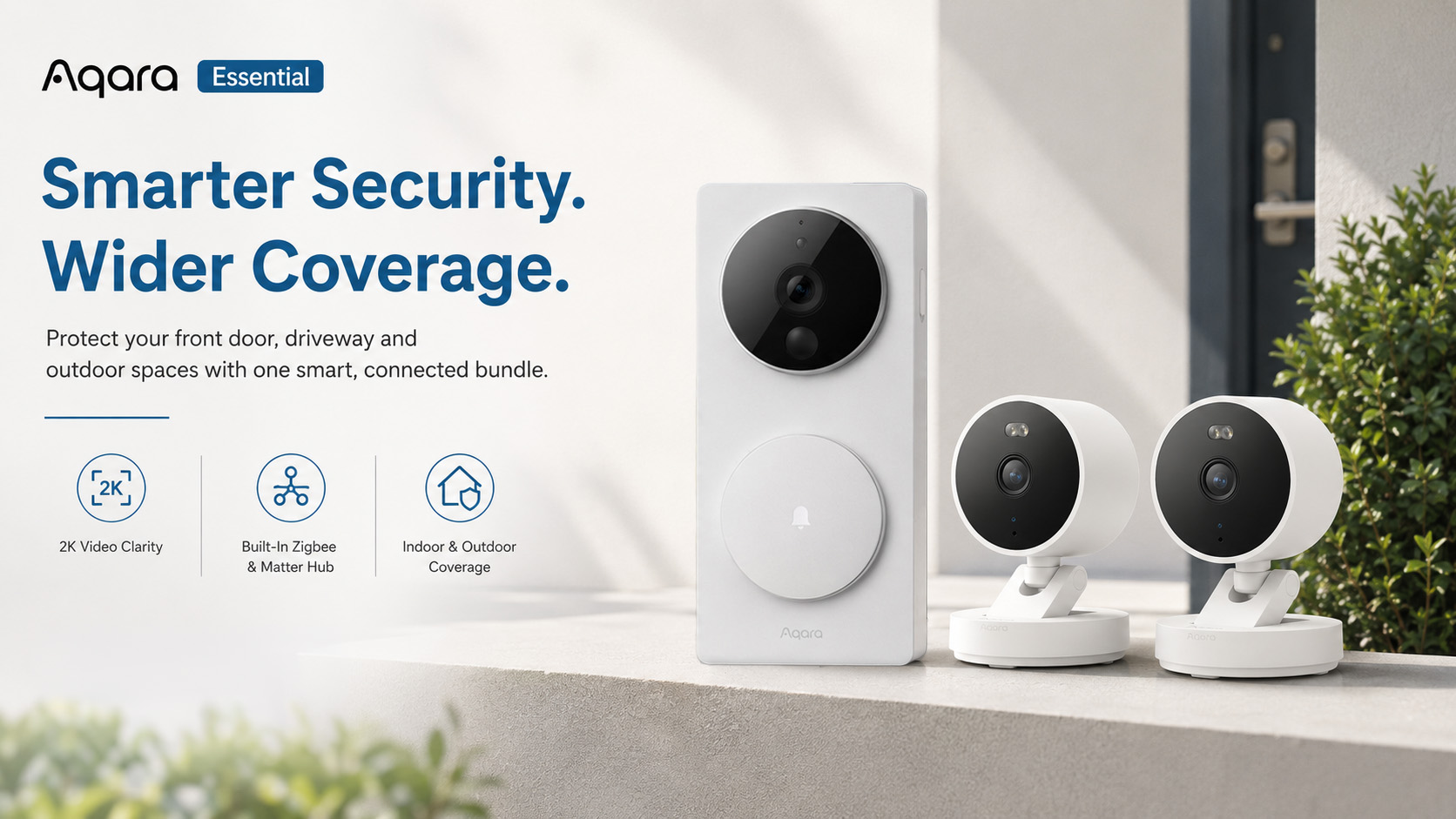
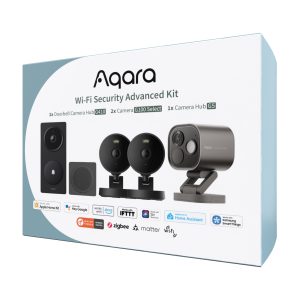
The Aqara Essential Wi-Fi Security Kit gives your home wider protection with one powerful Aqara Doorbell Camera Hub G410 Select and two Aqara Camera G100 Select cameras. Designed to help you monitor your front door, driveway, garden, side entrance, or indoor spaces, this kit combines sharp 2K video, intelligent detection, flexible storage, and smart home ecosystem support in one easy-to-use package.
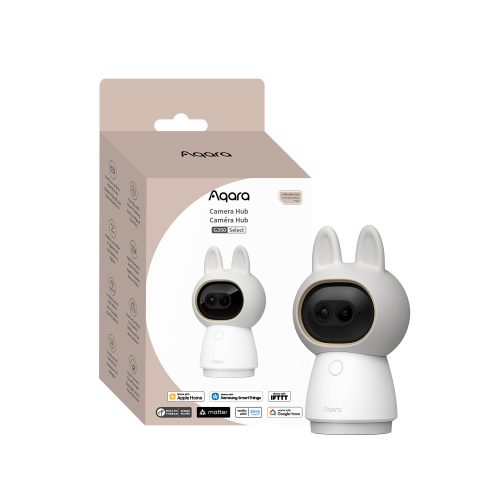
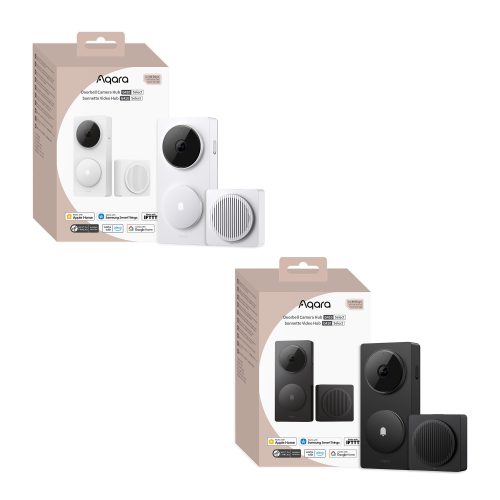
At the heart of the kit is the Aqara Doorbell Camera Hub G410 Select — a smart video doorbell, chime, and hub in one. It offers 2K video clarity, advanced detection, local face recognition, two-way audio, and built-in support for Aqara Zigbee devices and Matter bridging. Paired with two Camera G100 Select cameras, you can expand your coverage around the home with reliable indoor or outdoor monitoring, colour night vision, invisible infrared night vision, local recording, and instant app alerts.
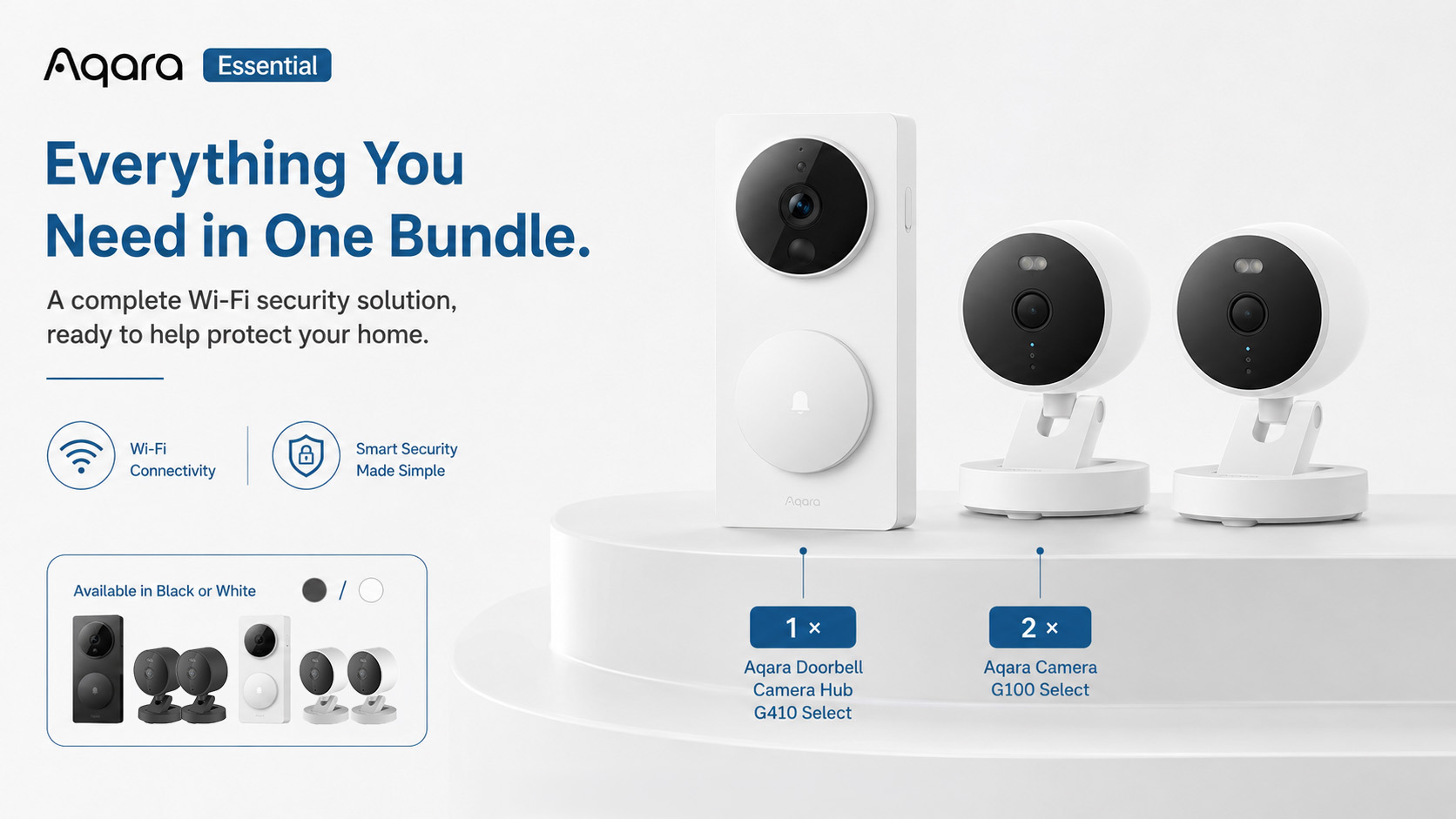
Available in black or white, the kit is ideal for customers who want a clean, coordinated security setup that works beautifully around modern homes.
What’s Included
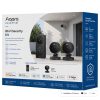
- 1 × Aqara Doorbell Camera Hub G410 Select
- 2 × Aqara Camera G100 Select
Available in Black or White Kit
Key Features
2K Video Clarity
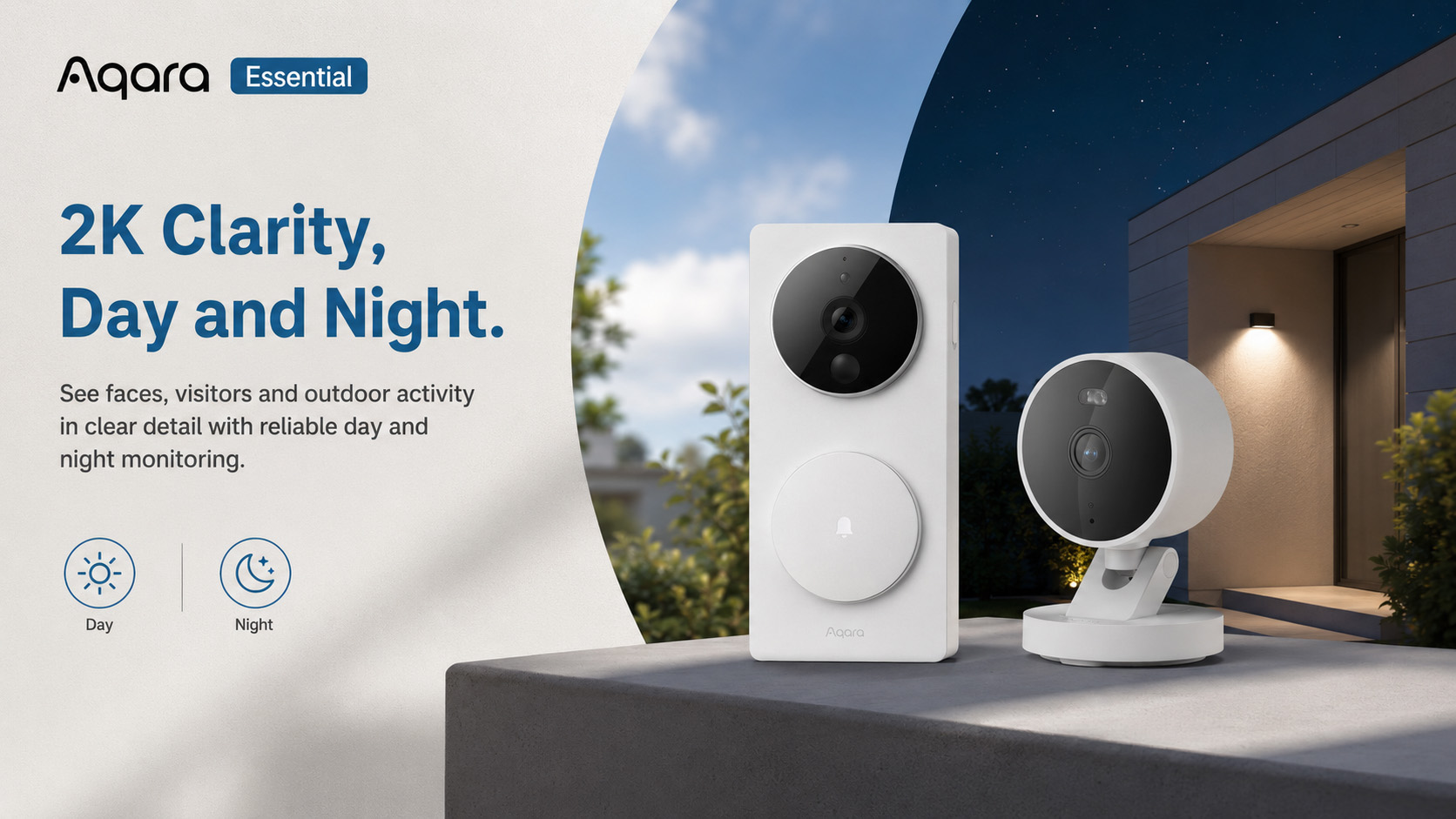
See more detail at your front door and around your home with crisp 2K resolution from both the G410 doorbell and G100 cameras.
Complete Doorstep & Outdoor Coverage
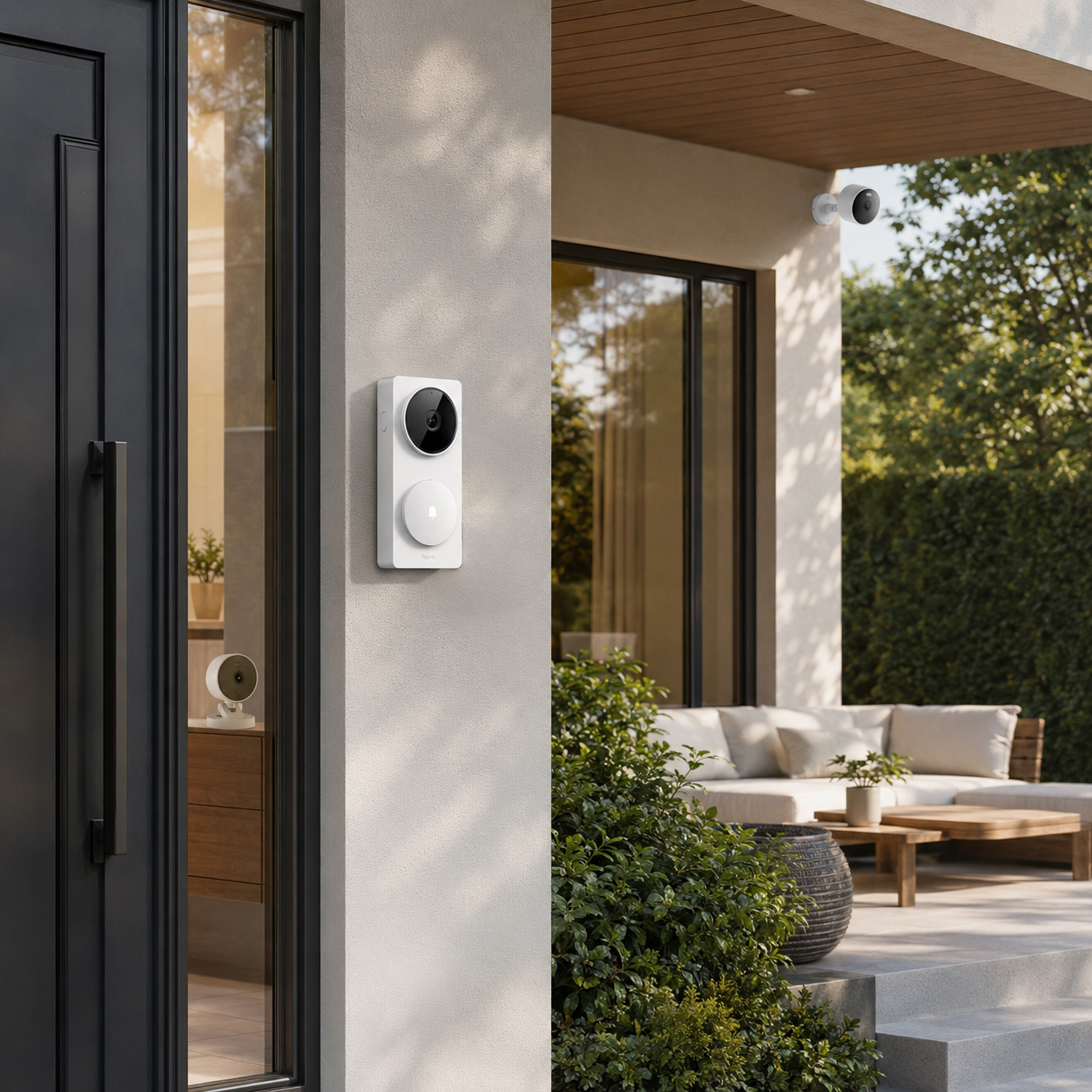
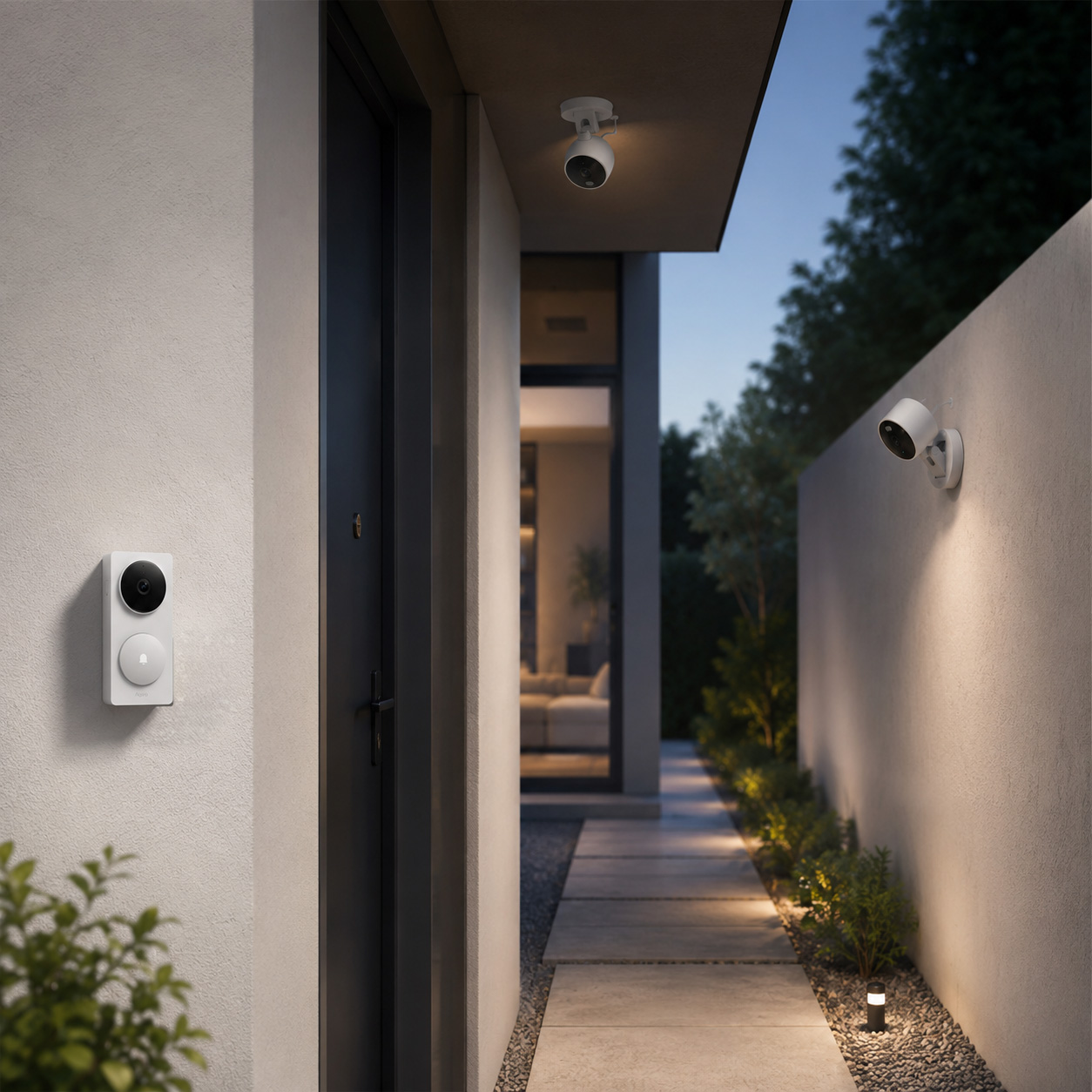
Use the G410 to monitor visitors at the door, while the two G100 cameras cover key areas such as the driveway, garden, garage, side path, or indoor spaces.
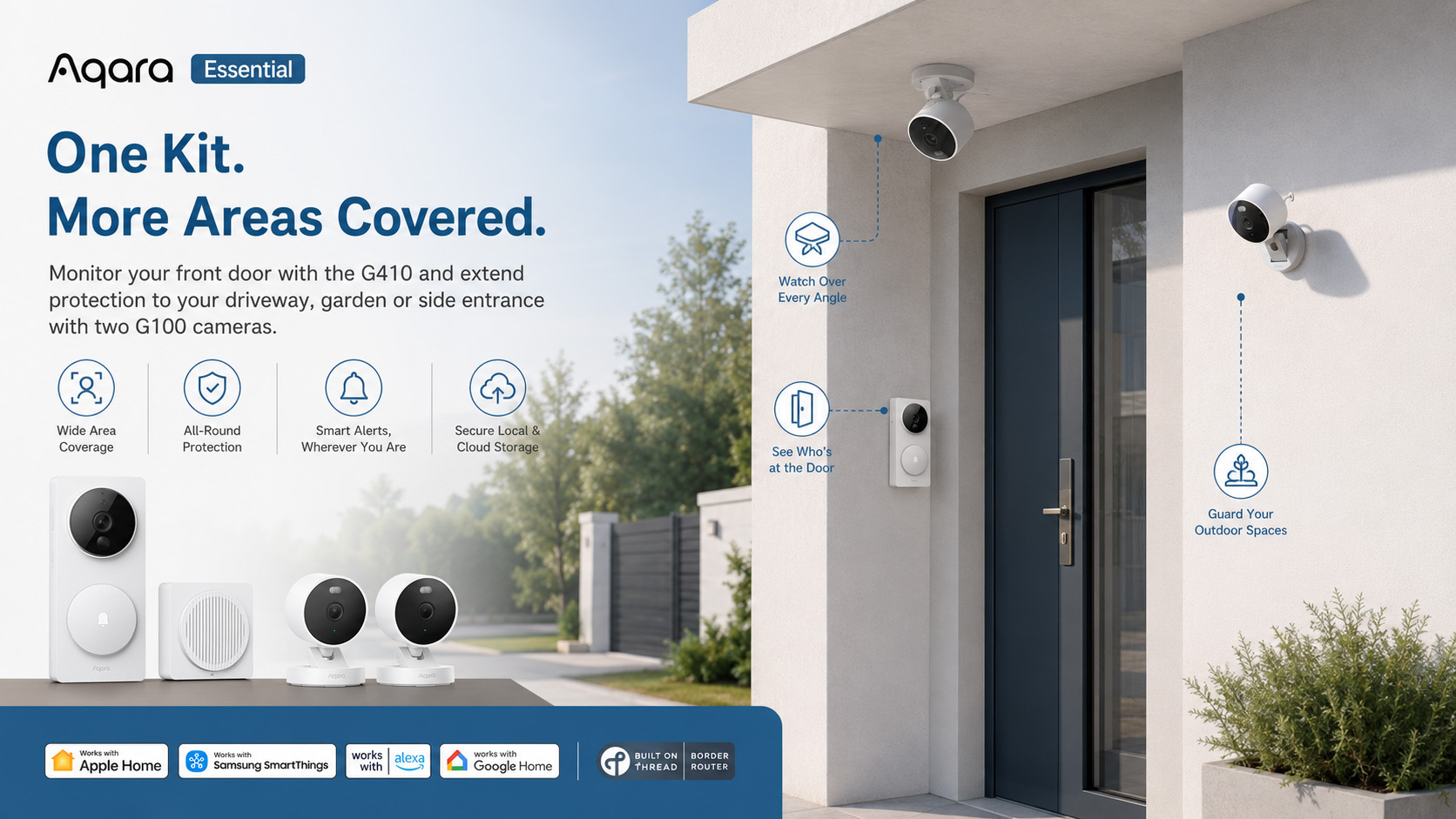
Smart Detection & Alerts
Receive instant alerts when motion, people, visitors, or key events are detected, helping you stay aware of what matters most.
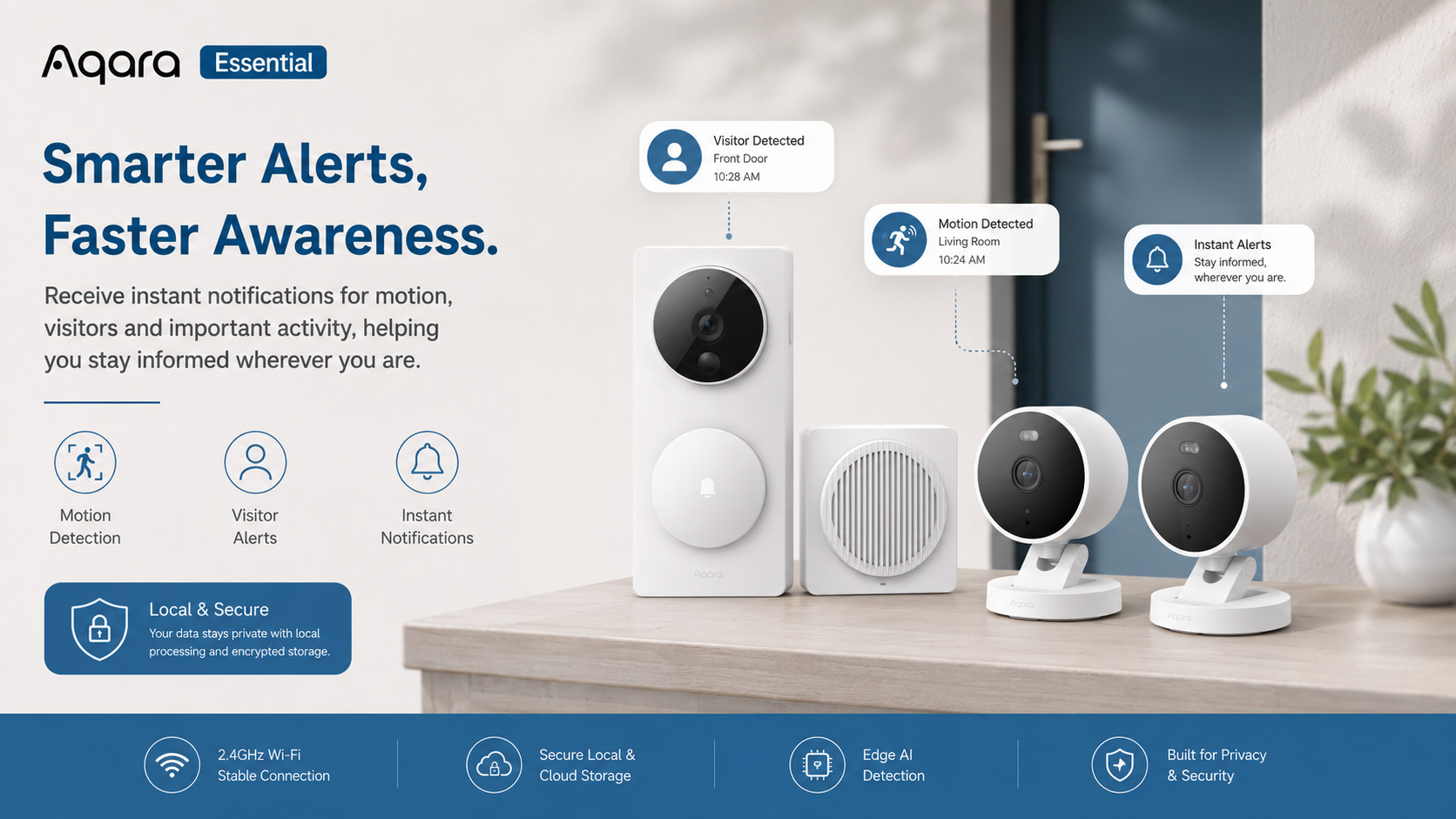
Built-in Smart Home Hub
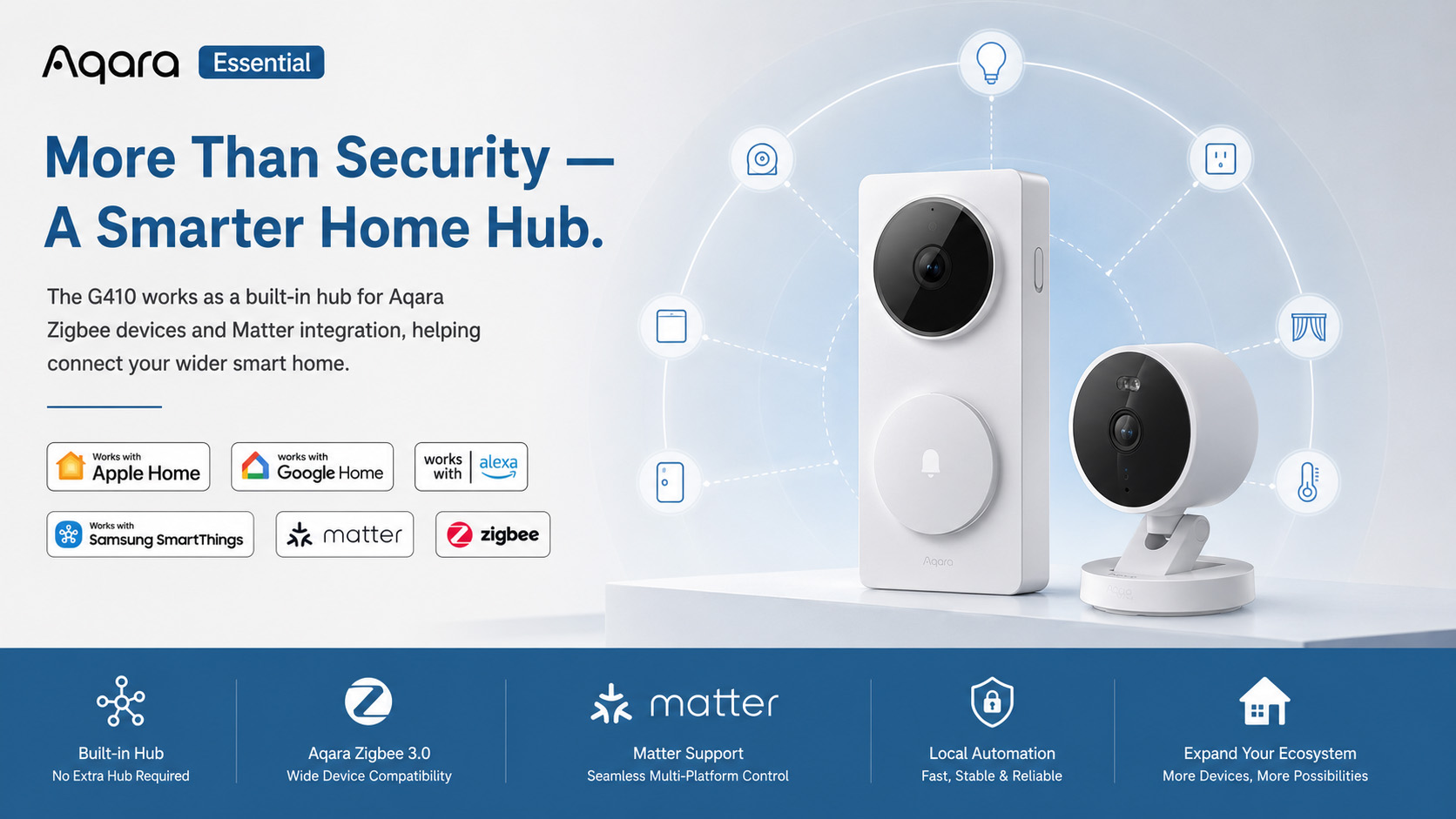
The G410 works as a hub for Aqara Zigbee devices and supports Matter bridging, making it easier to connect and control your wider smart home setup.
Flexible Storage Options
Choose from local microSD recording, NAS backup, or optional encrypted cloud storage, giving you more control over how your footage is saved.
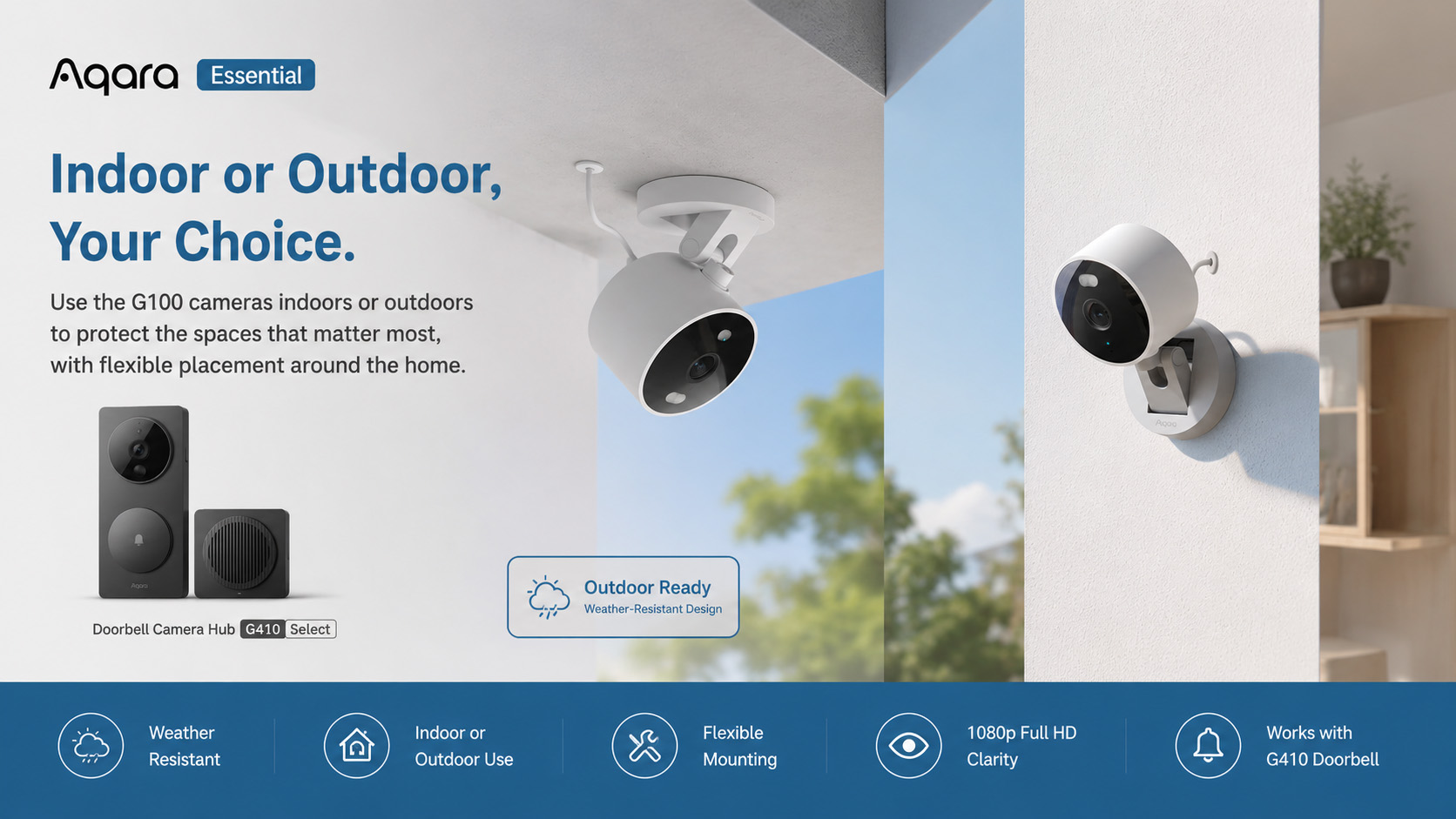
Indoor & Outdoor Ready
The Camera G100 Select is built for indoor or outdoor use with IP65 protection, making it suitable for year-round home monitoring.
Works with Major Smart Home Ecosystems
Compatible with popular platforms including Apple Home, Google Home, Amazon Alexa, Samsung SmartThings, Matter, Zigbee, and Home Assistant via supported integrations.
One system. Total visibility.
The Aqara Essential Wi-Fi Security Kit gives you everything you need to secure your home entrance and surrounding areas in one connected setup. The G410 handles identity, access, and control at the door, while the G100 cameras extend protection across your property.
It’s not just security hardware—it’s a coordinated smart home safety system that actually works together.
Frequently Asked Questions
Why is my battery life so short?
Battery life issues may have several causes/solutions 1. After connecting the doorbell to the Aqara Home app or the Apple Home app, please avoid keeping the app open for extended periods. If not in use, close the app or let it run in the background. 2. The farther the detection distance is set in the loitering detection feature, the more likely the doorbell will be triggered by nearby activity. Please adjust the detection range according to your actual needs. 3. Mixing old and new batteries, using non-LR6 type batteries, or batteries that do not output 1.5V can all reduce battery life. 4. If the distance between the doorbell and the repeater/chime exceeds 10 meters (the maximum connection range), or if there are many physical obstructions or sources of wireless interference in the environment, communication quality may degrade, leading to increased power consumption and shorter battery life.
How does the power saving mode increase the battery life of the doorbell?
In “power saving mode”, the proximity activation sensor will be turned off, and the doorbell can only be activated by pressing the bell or remotely viewing the doorbell video from the App. The number of times the doorbell is activated will decrease, which will significantly extend the battery life of the doorbell.
Why can't I see any visitors in the recorded videos?
If the loitering time setting in loitering detection is too long, the doorbell may start recording only after the visitor has already left the camera’s field of view. Please reduce the loitering time setting.
What types of batteries does the doorbell support?
1. The doorbell supports AA batteries or rechargeable lithium batteries with a discharge voltage of 1.5V. Using NiMH batteries with an output voltage of 1.2V will result in inaccurate power calculations. LR6 type alkaline AA batteries are recommended. 2. When replacing batteries, it is recommended to replace all 6 batteries with new ones of the same model at once. Mixing old and new batteries or different types of batteries will reduce battery life.
Why can't my doorbell trigger activate recording via the activate sensor?
1. Check if Power Saving Mode is enabled. In this mode, the doorbell only activates and records when the button is pressed or when video is accessed via the app. Switch to Normal Mode to enable the proximity activation sensor. 2. Make sure the cloud recording switch in the loitering detection settings is turned on. 3. Check the detection interval setting in loitering detection. If the interval is set too long, it may delay the triggering of the next event.
When using a DC power supply as an external power supply, how do you distinguish the positive and negative poles on the terminal?
When the external power supply is from a DC. power supply, the terminals do not distinguish between positive and negative poles, and both terminals can be connected to the positive or negative pole.
Why does the doorbell image freeze, skip frames, and intercom become choppy?
Please check whether the installation distance between the doorbell and the repeater/chime exceeds the allowable range, or if there are other sources of Wi-Fi interference operating on the same frequency. You can improve the connection by adjusting the repeater/chime installation location or changing the router’s Wi-Fi channel.
Why does the indicator light still turn on when the doorbell is activated, even after the indicator light has been turned off?
Please make sure the indicator light switch is off. If the doorbell is connected to HomeKit, please make sure to turn off the indicator light switch in Apple’s “Home” app to ensure synchronization.
What protocol does the doorbell use for wireless connection? How to bind sub-devices?
The doorbell and repeater, as well as the repeater and router are connected via Wi-Fi. The indoor bell has a hub function and can access sub-devices of Aqara or third-party ecosystems using the Zigbee or Thread protocol.
Is the doorbell waterproof? In what outdoor environments can it be installed?
The doorbell is not fully waterproof by design. It is recommended to install it at an entrance with an eave or porch for protection. Alternatively, you can use the official Aqara silicone waterproof cover, which helps reduce the risk of rainwater splashing onto and wetting the doorbell.
Why can't I remove the back panel fastening screws when I disassemble the doorbell to replace the battery?
To prevent the fastening screws from falling off and being lost when disassembling the doorbell, the back panel fastening screws are designed to be unable to be removed. Please do not pull out the screws forcibly.
What formats can custom audios be uploaded in? What is the maximum number of audios that can be uploaded?
Custom audios only support uploading audio files in MP3 format. The maximum size of a single file is 2M. Each device only supports uploading a maximum of 5 custom audios.
Do all doorbell-related automations need to be performed through the cloud?
Doorbell-related automations can be executed locally. For example, if you set the doorbell to detect a ring and then play a ringtone on the repeater, this automation will be a local automation.
Why can't my doorbell recognize my face? What are the factors that affect face detection?
1. The face detection function is disabled by default. You can go to the device settings page of the App – More settings – Detection settings – Face detection, to enable the function and set related parameters; 2. The face detection sensitivity is medium by default. If the face cannot be detected, please adjust the sensitivity to high 3. Please check whether the lighting conditions in the doorbell’s installation environment are adequate. If there is too much backlight or insufficient light, the face detection rate will be reduced. Additionally, face detection accuracy may also be reduced when using infrared night vision at night.
Does the doorbell support package detection?
When the doorbell is connected to Aqara Home, there is no package detection function. However, after connecting to HomeKit, the package detection function can be enabled with an Apple home hub device (such as HomePod).
Do the high temperature alarm and low temperature alarm detect the device temperature or the ambient temperature? What is the significance?
The high and low temperature alarm detects the ambient temperature at the doorbell installation location. The high and low temperature alarm will issue an early warning before the battery fails due to the influence of excessive ambient temperature.
Can the doorbell work without connecting to a repeater? Can the user unbind doorbell and the repeater and still use the device?
The doorbell relies on the Wi-Fi signal forwarded by the repeater to connect, and is bound one-to-one with the repeater before leaving the factory. Users cannot unbind it by themselves, nor can they remove the repeater for use.
What is the distance and angle detected by the proximity activation sensor?
The proximity activation sensor can detect targets within a range of 1-5 meters. Users can adjust it according to actual needs. The horizontal detection angle of the proximity activation sensor is 100° and the vertical detection angle is 100°.
How does the approach trigger feature work in loitering detection?
Approach trigger refers to when a target produces a vertical displacement approaching the doorbell within the doorbell’s wake sensor detection range, which will trigger the doorbell to wake up. For example, walking directly toward the doorbell in front of it, or approaching the doorbell from the side at a certain angle, the displacement needs to be greater than a certain threshold (the judgment threshold for approaching the doorbell at different distances varies); if moving parallel to the front of the doorbell (vertical displacement is 0), it will not wake up the doorbell. After enabling the approach trigger, it can filter out most ineffective targets crossing in front of the doorbell, reduce the number of doorbell wake-ups, and enhance the doorbell’s battery life.
Why is the image always blurry after connecting the camera to the Apple Home App?
After the camera is connected to the Apple Home app, the video resolution and frame rate will automatically adjust based on the current network quality. When the network is poor, both resolution and frame rate will be lowered. Once the network connection improves, the video quality and frame rate will automatically increase. Therefore, if the image appears poor, improving the camera’s network connection is recommended.
Why isn't the highest resolution for doorbell video clarity 1536p?
1. After connecting the doorbell to the Apple Home app, the maximum resolution is restricted to 1600×1200p due to current limitations of the HomeKit platform. 2. If the doorbell is only connected to the Aqara Home app, it can support up to 1536p resolution. However, once it is also added to HomeKit, the resolution in the Aqara Home app will be restricted to 1600×1200p as well, due to hardware encoding limitations.
What are the requirements for the doorbell installation environment?
1. The doorbell only supports IPX3 waterproof rating and should not be installed in locations where it may be exposed to rain. Even with Aqara’s official silicone protective cover, it only prevents rain from entering the doorbell through the front button area and is not completely waterproof. 2. Please avoid installing the doorbell in a position where sunlight may directly hit the lens, as this may accelerate aging of the imaging components, affect image quality, or increase power consumption and affect video connection stability.
Videos
Kit Contents
-
Sale!

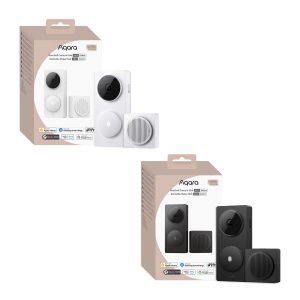
Aqara Doorbell Camera Hub G410 Select
Original price was: £149.99.£129.98Current price is: £129.98. inc. VAT Select options This product has multiple variants. The options may be chosen on the product page -
Sale!
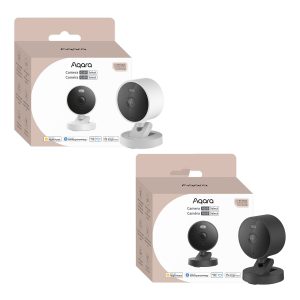
Aqara Camera G100 Select
Original price was: £41.99.£36.98Current price is: £36.98. inc. VAT Select options This product has multiple variants. The options may be chosen on the product page
Save money with these kits!
-
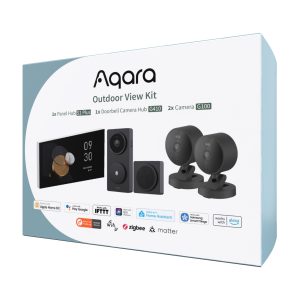
Aqara Outdoor View Kit
£524.99 inc. VAT Add to basket -
Aqara Wi-Fi Security Kit Plus
£329.99 inc. VAT Select options This product has multiple variants. The options may be chosen on the product page
Product Specifications
Physical and Performance Attributes | |||||||||||||||||||||||
|---|---|---|---|---|---|---|---|---|---|---|---|---|---|---|---|---|---|---|---|---|---|---|---|
| Dimensions (L x W x H) | 149 × 96 × 73 mm | ||||||||||||||||||||||
Misc Product Attributes | |||||||||||||||||||||||
Aqara Doorbell Camera Hub G410 Specifications:
| |||||||||||||||||||||||
You may also like…
-
Aqara Wi-Fi Security Kit Plus
£329.99 inc. VAT Select options This product has multiple variants. The options may be chosen on the product page -
Aqara Outdoor View Kit
£524.99 inc. VAT Add to basket -
Sale!
Aqara Doorbell Camera Hub G410 Select
Original price was: £149.99.£129.98Current price is: £129.98. inc. VAT Select options This product has multiple variants. The options may be chosen on the product page -
Aqara Smart Lock U200 Lite Kit
£129.00 inc. VAT Select options This product has multiple variants. The options may be chosen on the product page