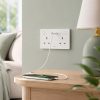
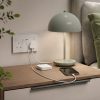
Aqara Essential Smart Socket Kit
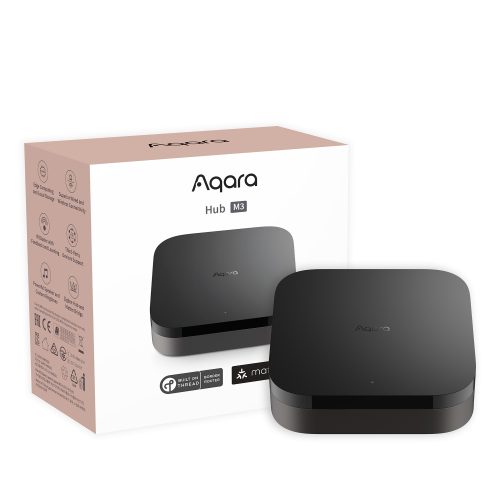
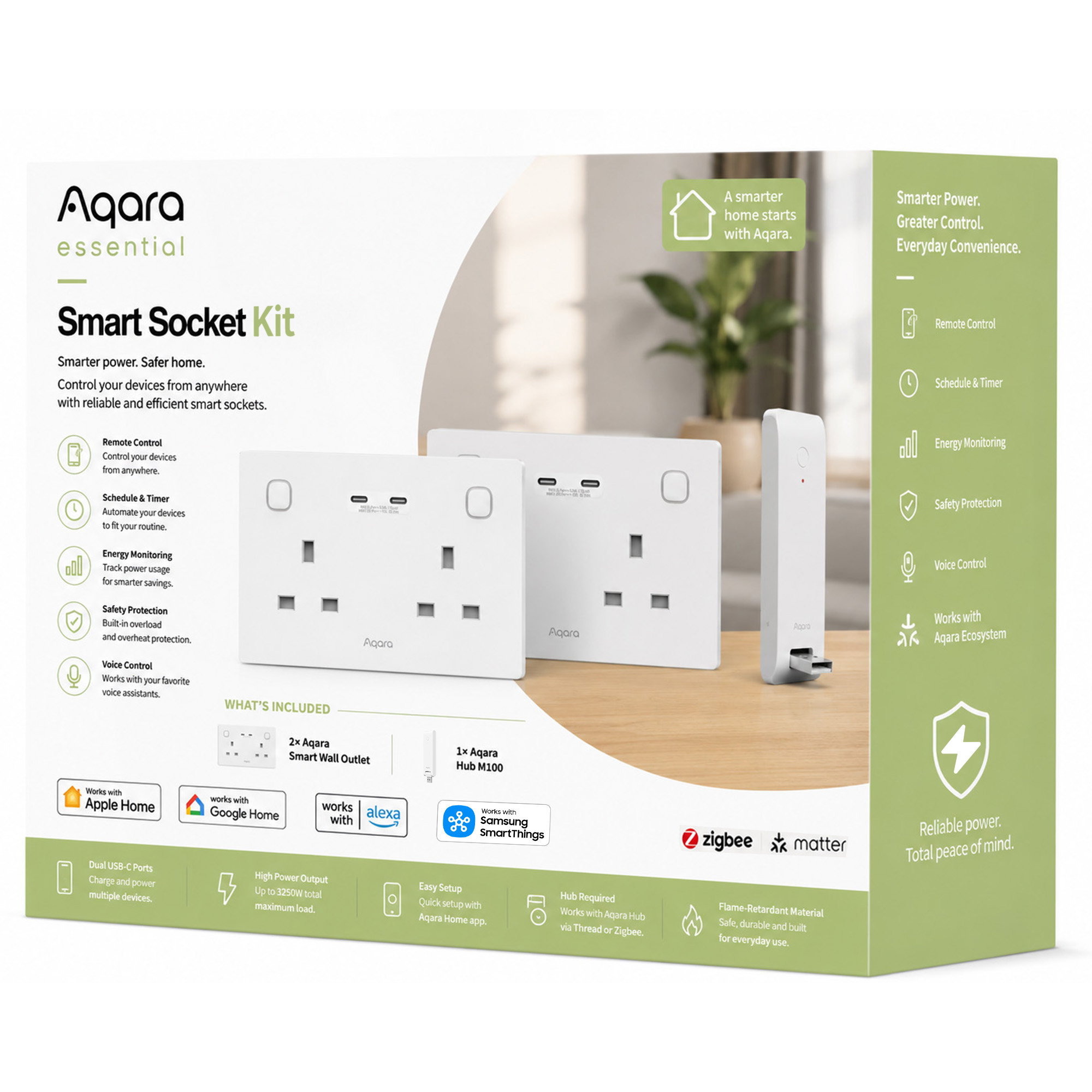
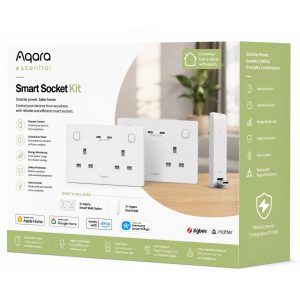
Control appliances, monitor energy use and charge devices faster with the Aqara Essential Smart Socket Kit, featuring 2 smart outlets and Hub M100.
Total RRP: £169.95 | Special Offer: £129.99 – Save £39.96 with this kit (24% OFF)!
Compatibility
Aqara Essential Smart Socket Kit is compatible with the following systems:







Accessories
Available on back-order
£129.98 inc. VAT
Description
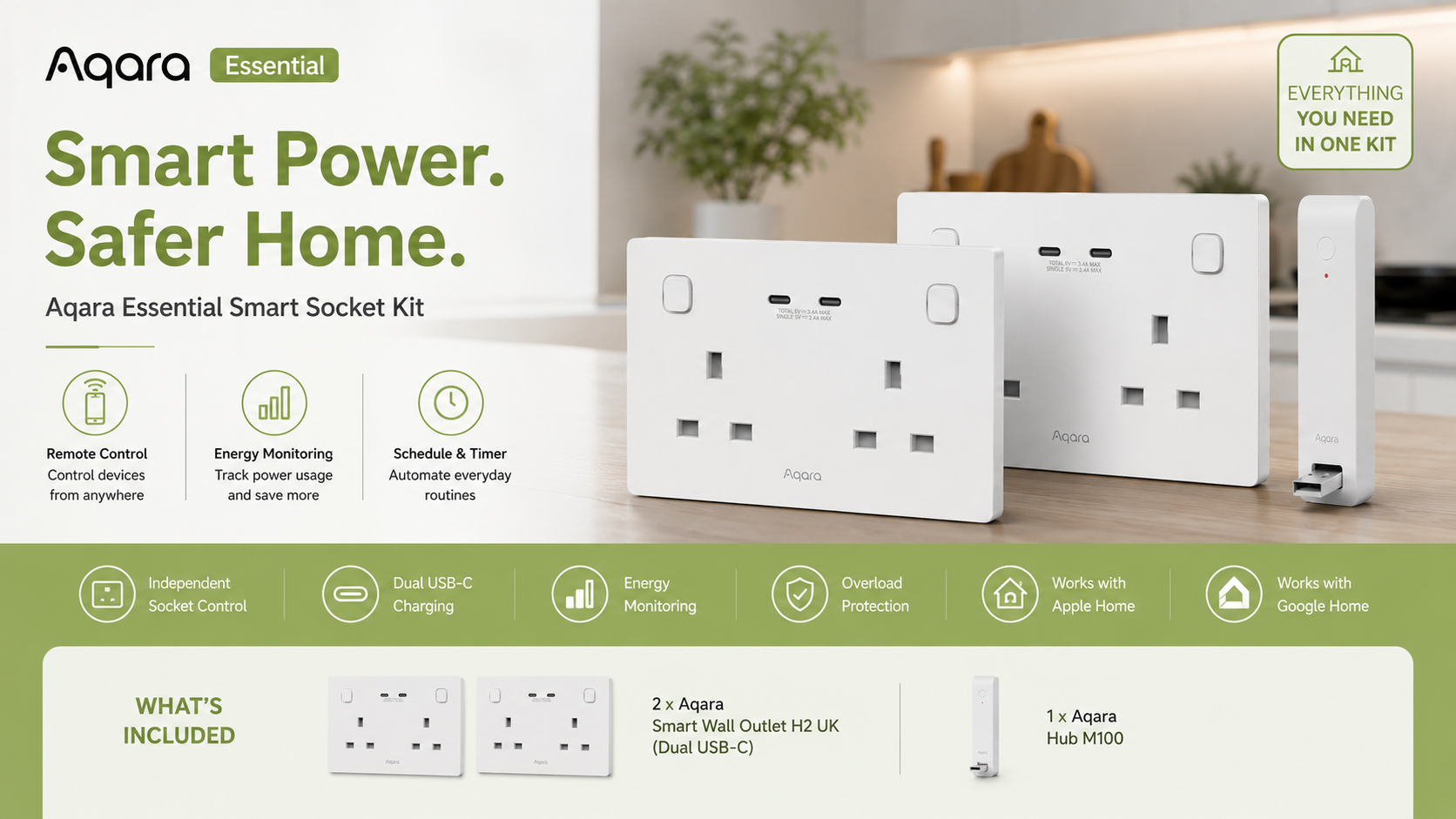
Aqara Essential Smart Socket Kit
Smart Power. Safer Home. Greater Control.
Upgrade everyday power control with the Aqara Essential Smart Socket Kit — a simple, powerful starter solution designed to make your home smarter, safer and more energy efficient.
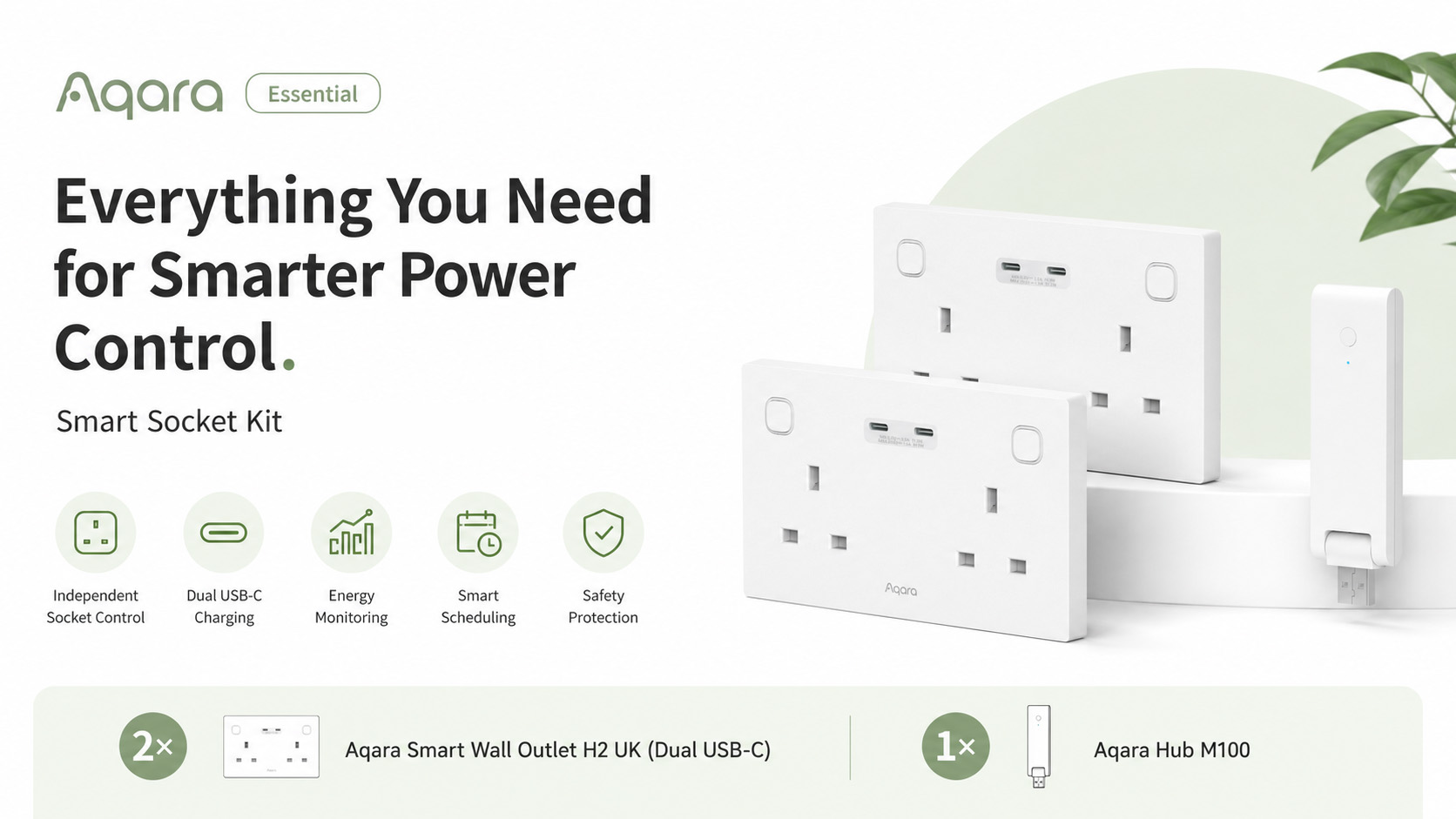
This kit includes 2 Aqara Wall Outlet H2 UK (Dual USB-C) smart wall sockets and 1 Aqara Hub M100, giving you everything you need to control appliances, monitor energy usage, automate routines and enjoy fast USB-C charging from one complete smart home package.
Whether you want to manage devices remotely, reduce unnecessary energy use, schedule appliances, or create smarter daily routines, this kit brings intelligent power control to the heart of your home.
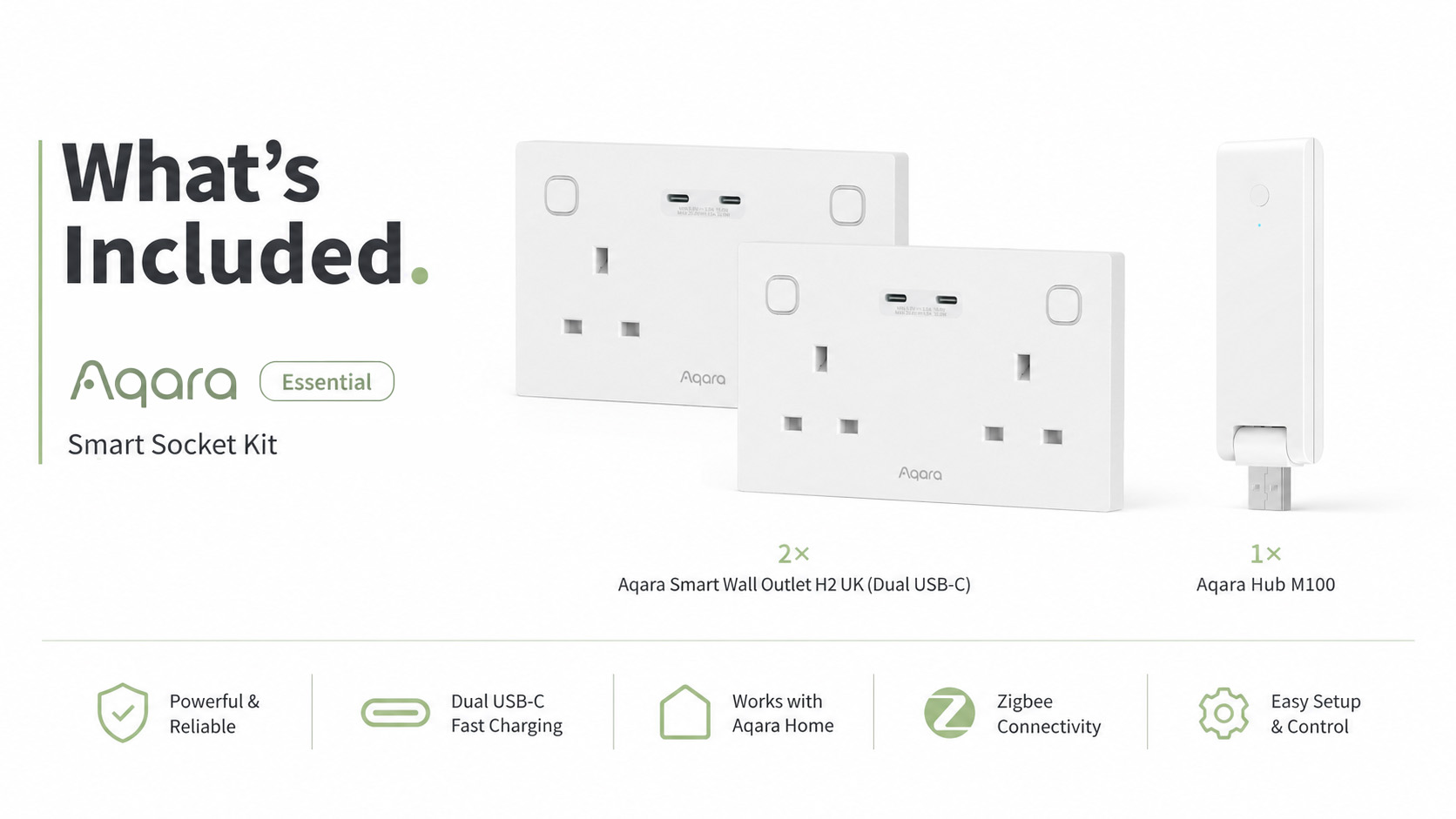
What’s Included
- 2 × Aqara Wall Outlet H2 UK (Dual USB-C)
- 1 × Aqara Hub M100
Smarter Control for Everyday Appliances
The Aqara Wall Outlet H2 UK gives you independent control of two AC sockets, allowing you to manage connected appliances separately through the Aqara Home app, smart automations, schedules, voice assistants or compatible smart home platforms.
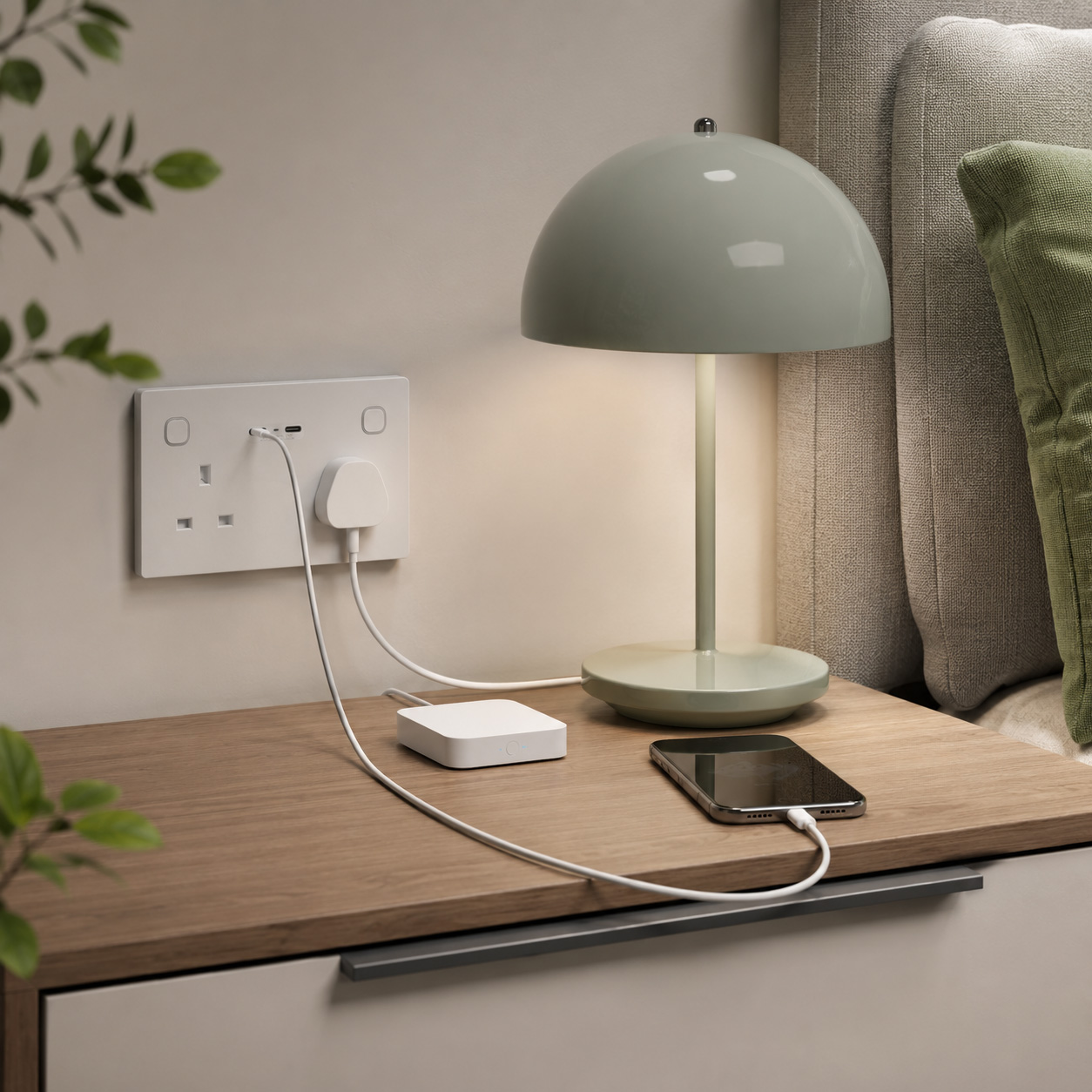
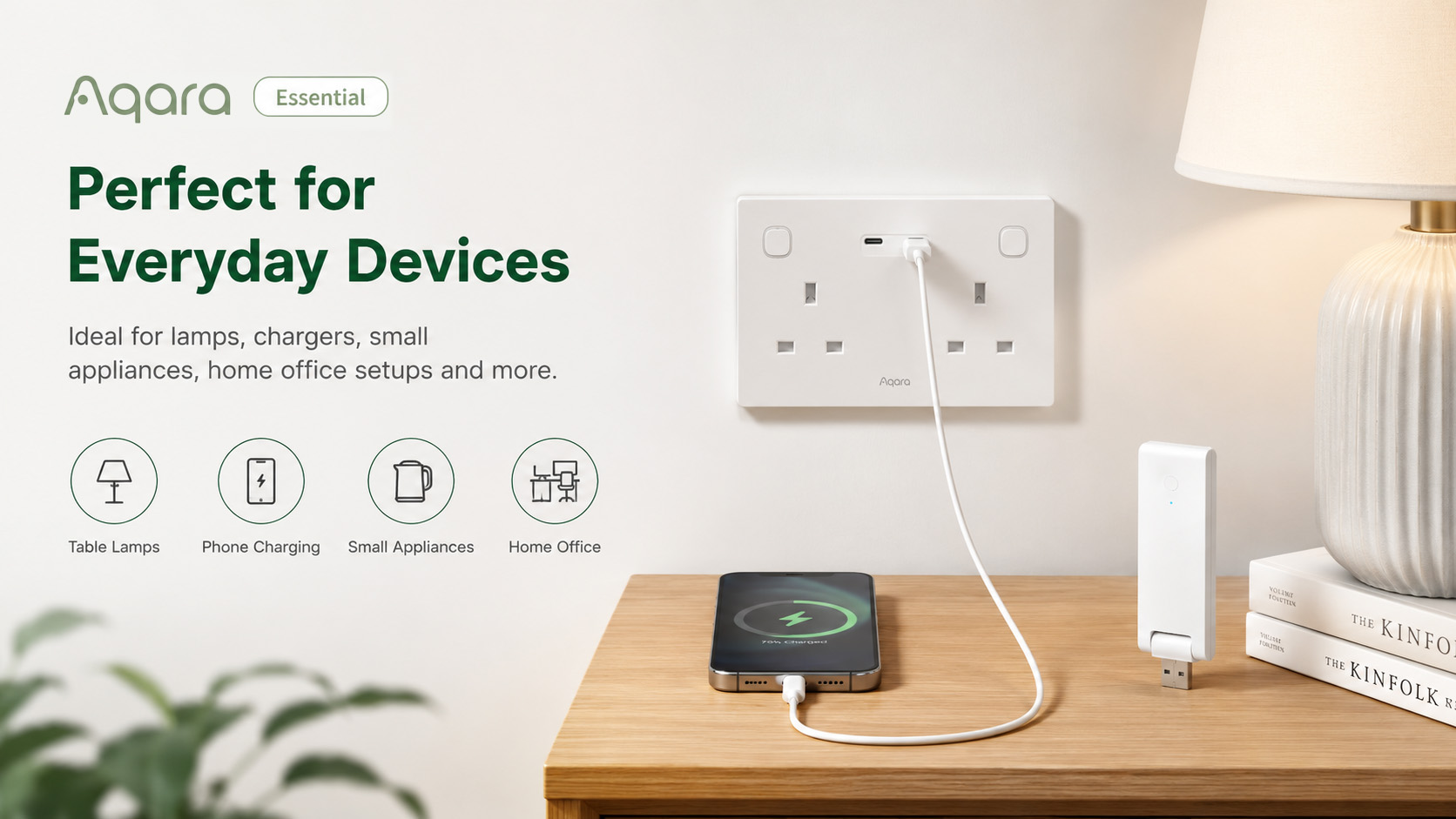
Turn lamps, chargers, home office equipment, fans and other appliances on or off from anywhere, or automate them around your daily routine for greater convenience.
Built-In Dual USB-C Fast Charging
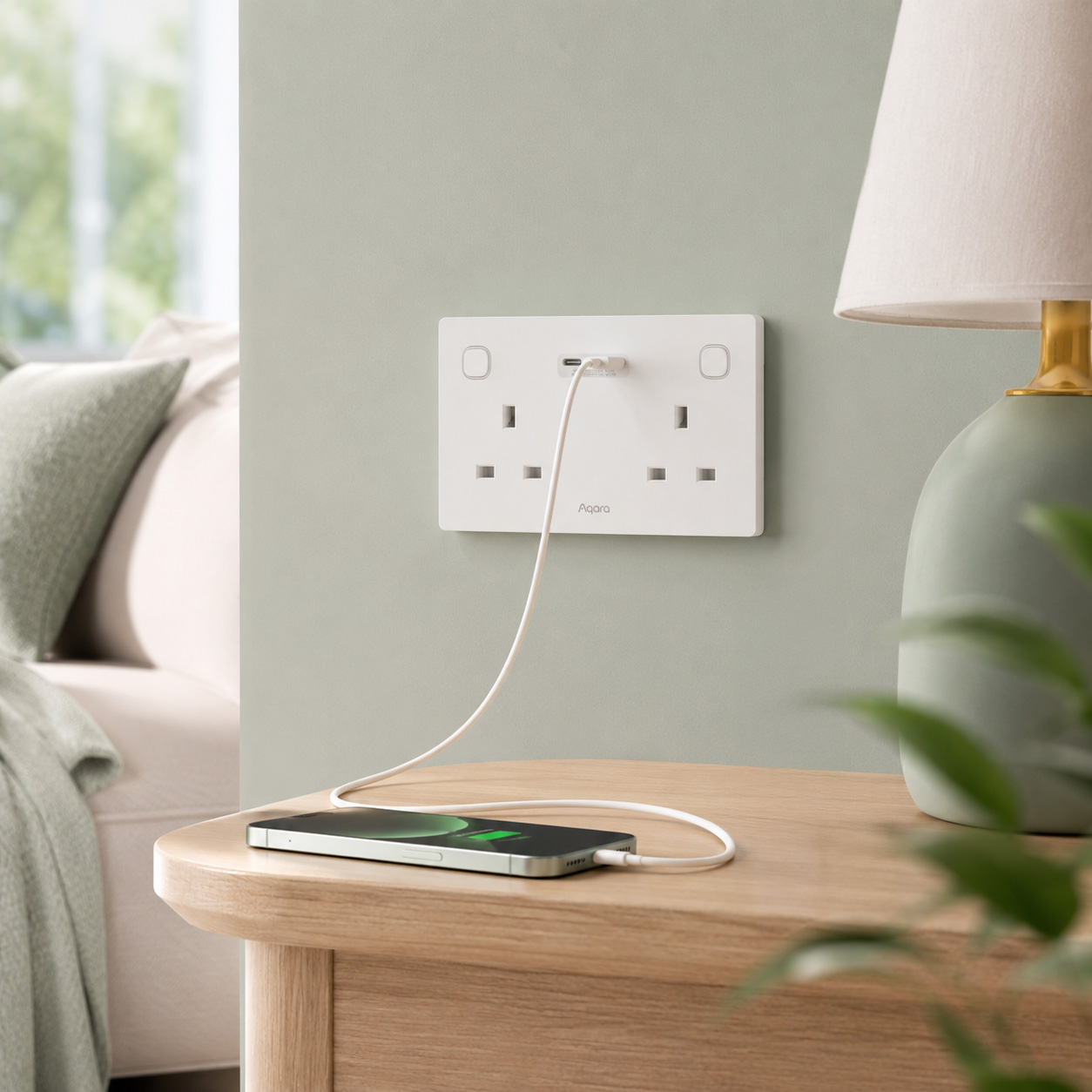
Charge phones, tablets and everyday devices directly from the wall socket without needing extra adapters.
With two dedicated USB-C ports, the Wall Outlet H2 UK provides fast and convenient charging while keeping your space tidy and clutter-free. Charging can also be scheduled or controlled through the app, helping you manage power usage more efficiently.
Energy Monitoring for Smarter Savings
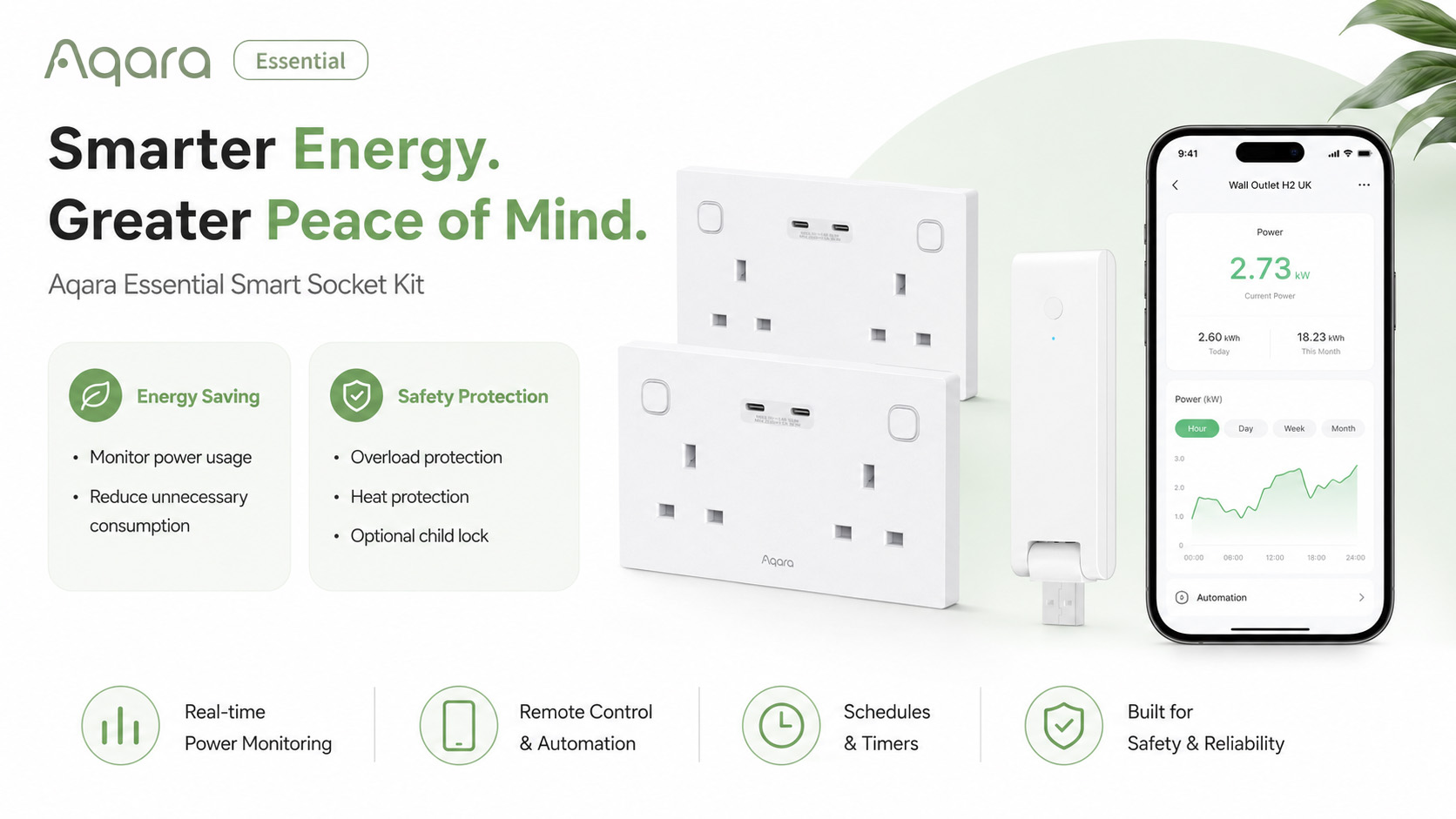
Track the energy consumption of connected devices and gain better visibility of how your home uses power.
Through the Aqara Home app, you can monitor electricity usage and create automations based on power thresholds, schedules or daily routines. This makes it easier to reduce standby waste, avoid unnecessary consumption and build a more efficient smart home.
Designed with Safety in Mind
The Aqara Essential Smart Socket Kit is built for everyday peace of mind.
The Wall Outlet H2 UK includes overload protection, heat protection and optional child lock functionality, helping to reduce risks from overheating, excessive load or accidental button presses.
It is a smarter, safer way to power the devices you use every day.
Thread, Zigbee and Matter Support
The Wall Outlet H2 UK supports both Thread and Zigbee, giving you flexible setup options depending on your smart home needs.
Use Thread mode for direct Matter ecosystem integration, or Zigbee mode with the included Aqara Hub M100 to unlock advanced Aqara features, including individual outlet monitoring, enhanced automations, child lock and additional protection settings.
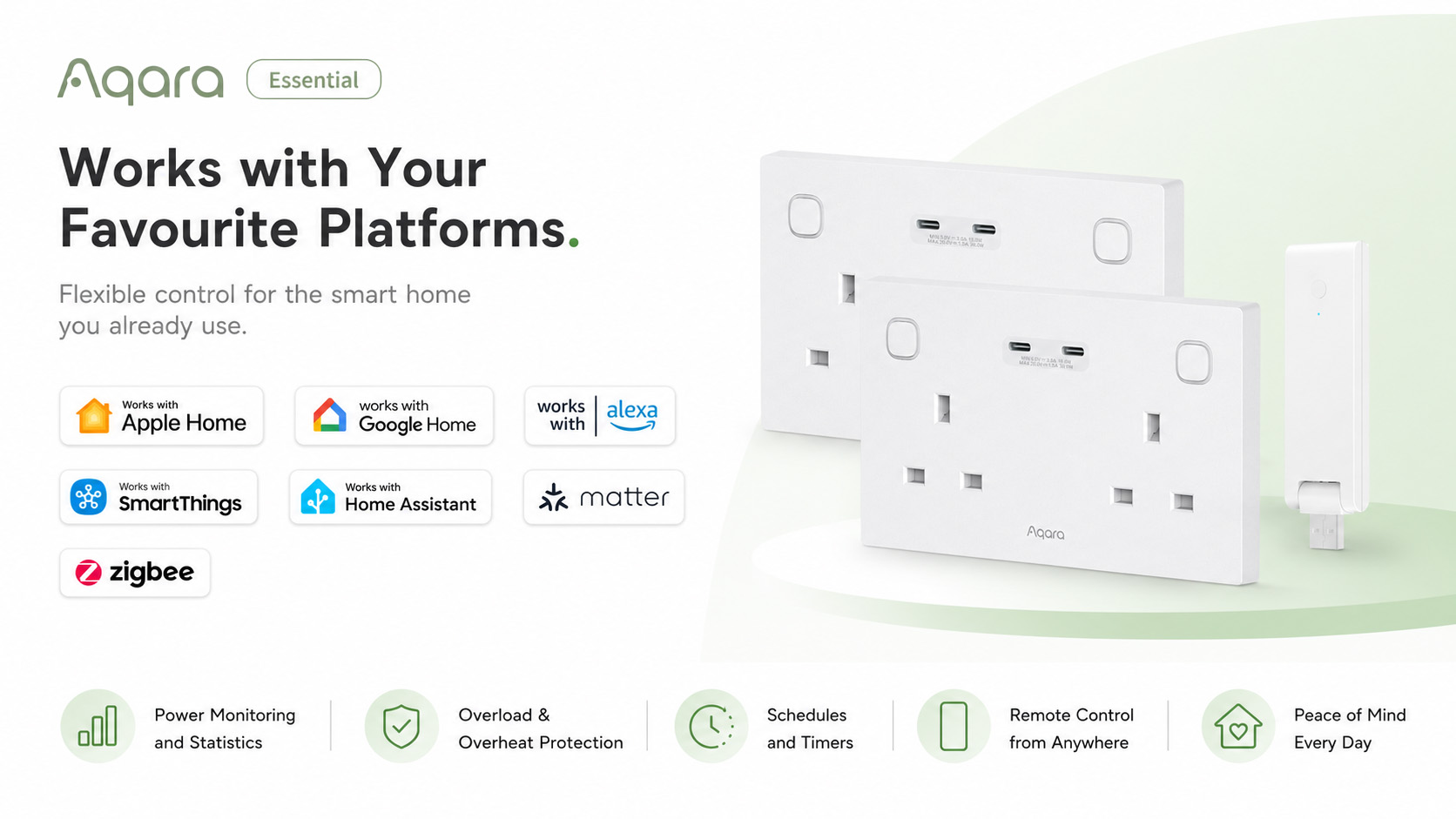
The included Hub M100 also works as a Matter Bridge, Matter Controller and Thread Border Router, helping connect Aqara devices with popular ecosystems including Apple Home, Google Home, Amazon Alexa, SmartThings and Home Assistant.
Create Powerful Smart Home Automations
With the Aqara Hub M100 included, you can create automations that make your home work around you.
Popular automation ideas include:
- Turn appliances off automatically when you leave home
- Schedule lamps to switch on in the evening
- Stop charging devices overnight
- Monitor high-energy appliances
- Turn off devices when power usage exceeds a set limit
- Create scenes for work, sleep, holidays or energy saving
Perfect For
- Living rooms
- Bedrooms
- Kitchens
- Home offices
- Charging stations
- Media setups
- Energy-saving smart home upgrades
Key Features
- Independent control of two AC outlets
- Dual USB-C charging ports
- Thread and Zigbee support
- Matter compatible
- Energy monitoring
- Scheduling and timer control
- Remote app control
- Voice assistant support
- Overload and heat protection
- Optional child lock
- Includes Aqara Hub M100
- Works with the wider Aqara ecosystem
Start Your Smart Home with Smarter Power
The Aqara Essential Smart Socket Kit is the perfect starting point for anyone looking to make their home more convenient, efficient and connected.
With smart socket control, USB-C charging, energy monitoring and the powerful Aqara Hub M100 included, this kit gives you everything you need to take control of everyday power and build a smarter home from the ground up.
Frequently Asked Questions
What is the default protocol of Wall Outlet H2 UK?
The default protocol is Matter over Thread. Note: Factory reset or reset will not change the current protocol.
How to identify the current communication protocol?
After factory reset or reset, when adding the device, identify the current protocol by checking the LED indicator:
Blue flashing: Matter protocol
Purple flashing: Zigbee protocol
Red: Addition timeout
How to switch the protocol from Thread to Zigbee?
1) Install the Aqara Home app, and enable Wi-Fi and Bluetooth.
2) Restore the device to factory settings (press any button 10 times continuously) or reset it (press any button twice continuously, then press and hold for 5s within 3s) to enter network configuration mode (first-time device setup will automatically enter network configuration mode), and the indicator light will slowly flash.
3) In the Aqara Home app, tap “Add Accessory”, scan the Matter code on the button, select Zigbee in the “Switch Protocol” page, and follow the app instructions to complete setup.
How to switch the protocol from Zigbee to Thread?
1) Install the Aqara Home app, and enable Wi-Fi and Bluetooth.
2) Restore the device to factory settings (press any button 10 times continuously) or reset it (press any button twice continuously, then press and hold for 5s within 3s), then enter network configuration mode.
3) In the Aqara Home app, tap “Add Accessory”, bring your phone close to the device, the Wall Outlet H2 UK will appear in the top left of the application, tap the icon and select Thread in the “Switch Protocol” page, and follow the app instructions to complete setup.
Does Wall Outlet H2 UK require neutral and ground wires?
Yes
How to connect Wall Outlet H2 UK to a mobile phone?
Using the device in a specific Matter ecosystem (Thread mode)
Requires a Matter controller and Thread border router in that ecosystem:
1) Double-click any button, then press and hold for 5 seconds until the blue indicator light starts flashing, indicating the device has entered network configuration mode.
2) Open a Matter-compatible app, scan the Matter code on the manual or product, or enter the setup code to add the device to the app.
3) Follow the app instructions to complete setup.
Using the device in Aqara Home (Thread mode)
Requires an Aqara gateway with border router functionality (such as Hub M3):
1) Double-click any button, then press and hold for 5 seconds until the blue indicator light starts flashing, indicating the device has entered network configuration mode.
2) In the Aqara Home app, tap “Add Accessory”, select Wall Outlet H2 UK, scan the Matter code on the manual or product, or enter the setup code to add the device to the app, and select Thread in the “Switch Protocol” page.
3) Follow the app instructions to complete setup.
Using the device in Aqara Home (Zigbee mode)
Requires an Aqara Zigbee gateway:
1) Double-click any button, then press and hold for 5 seconds until the blue indicator light starts flashing, indicating the device has entered network configuration mode.
2) In the Aqara Home app, tap “Add Accessory”, bring your phone close to the device, the Wall Outlet H2 UK will appear in the top left of the application, tap the icon and select Zigbee in the “Switch Protocol” page.
3) Follow the app instructions to complete setup.
How to reset Wall Outlet H2 UK?
Double-click any button and then press and hold for 5s within 3 seconds, the indicator light will flash quickly to indicate successful reset. Removing the device has the same result as resetting.
How to factory reset?
Press any button 10 times continuously until the blue indicator light starts flashing, indicating the device has entered network configuration mode.
What's the difference between factory reset and device reset?
Reset only clears the device’s network configuration information, while other configuration items are retained; Factory reset clears both network information and configuration information, restoring the device to its factory state.
What types and sizes of back boxes does Wall Outlet H2 UK support?
This product is compatible with Metal Flush, Plasterboard, Surface Mount and other types of back boxes. It can also adapt to different depths of back boxes, with a minimum compatible depth of 25mm.
What is the purpose of the 10mm spacer included in the package?
When the back box depth is less than 25mm, the product needs to be used with a 10mm spacer.
What's the difference in USB output power between the single USB-C version and dual USB-C version?
Wall Outlet H2 UK(Single USB-C)
When a single port is connected to a PD-supported device: Output is 9V DC/2.22A (20W), or 12V DC/1.67A (20W)
When a single port is connected to a non-PD device: Output is 5V DC/3A (15W)
Wall Outlet H2 UK(Dual USB-C)
When a single port is connected to a PD-supported device: Output is 9V DC/3A (27W), or 12V DC/2.5A (30W), or 15V DC/2.0A (30W), or 20V DC/1.5A (30W).
When a single port is connected to a non-PD device: Output is 5V DC/3A (15W).
When two ports are connected simultaneously: Output is 5V DC/3A (shared) for both, with a total power of 30W
*The voltage adopted depends on the protocol communication between the outlet and the connected device
Why is the total output power of Wall Outlet H2 UK (Dual USB-C) lower when both USB-C ports are connected to loads compared to when only one USB-C port is connected?
The two USB-C ports share the same power module. When both USB-C ports are connected to loads, according to the protocol chip rules, the voltage will be reduced to 5V for both, with current limited to 3A, resulting in a maximum total power of 15W.
This limitation does not apply when only one USB-C port is connected to a load.
How does Wall Outlet H2 UK measure power?
Matter: Currently only supports total power metering, measuring the total power of socket 1 (left), socket 2 (right), and USB module
Zigbee: Supports dual power metering, one for measuring the total power of socket 1 (left) and USB module, and another for measuring socket 2 (right) power
How to unlock when the button child lock is enabled?
1) You can cancel the child lock through the App
2) If you want to unlock using the device button, you need to reset (press any button twice continuously, then press and hold for 5s within 3s) to unlock
What is the purpose of the multi-function button mode for Wall Outlet H2 UK in Zigbee?
After enabling multi-function mode, it supports configuring automation for double-clicking or long-pressing the buttons, but single-clicking always controls the relay only
Does the USB switch in the app control both USB-C ports simultaneously for the Wall Outlet H2 UK (Dual USB-C)?
Yes
Why are there three outlet device cards when connecting this product to Matter?
The three device cards represent: Socket 1/Socket 2/USB module
Since third-party platforms don’t support default labels, users need to distinguish them by renaming
Can Wall Outlet H2 UK operate normally when offline?
The device can still control the relay, functioning like a traditional outlet
What security measures can ensure the safe use of the outlet
1) Under Zigbee, the outlet supports maximum power setting, while under Matter the default maximum power is 3250W. When the actual power exceeds the maximum setting, it will automatically turn off the outlet to ensure safety;
2) Matter/Zigbee can also trigger additional protection measures through power-related automation configurations
Videos
Kit Contents
Save money with these kits!
-

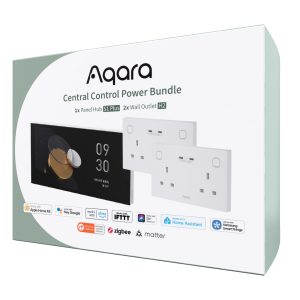
Aqara Central Control Power Bundle
£449.99 inc. VAT Add to basket -
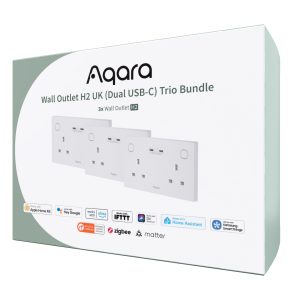
Aqara Wall Outlet H2 UK (Dual USB-C) Trio Bundle
£189.98 inc. VAT Add to basket -
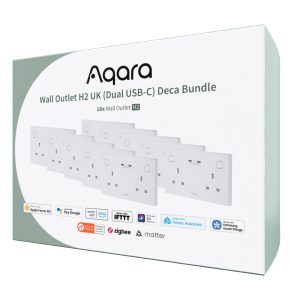
Aqara Wall Outlet H2 UK (Dual USB-C) Deca Bundle
£549.98 inc. VAT Add to basket -
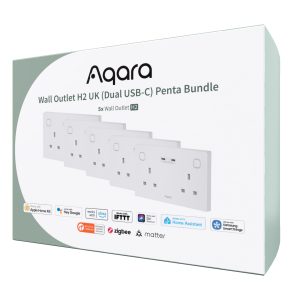
Aqara Wall Outlet H2 UK (Dual USB-C) Penta Bundle
£289.99 inc. VAT Add to basket
Product Specifications
Physical and Performance Attributes | |||||||||||||||||||
|---|---|---|---|---|---|---|---|---|---|---|---|---|---|---|---|---|---|---|---|
| Dimensions (L x W x H) | 154 × 96 × 58 mm | ||||||||||||||||||
Misc Product Attributes | |||||||||||||||||||
Specifications:
| |||||||||||||||||||
You may also like…
-
Aqara Wall Outlet H2 UK (Dual USB-C) Penta Bundle
£289.99 inc. VAT Add to basket -
Aqara Wall Outlet H2 UK (Dual USB-C) Trio Bundle
£189.98 inc. VAT Add to basket -
Aqara Wall Outlet H2 UK (Dual USB-C) Deca Bundle
£549.98 inc. VAT Add to basket -
Aqara Central Control Power Bundle
£449.99 inc. VAT Add to basket