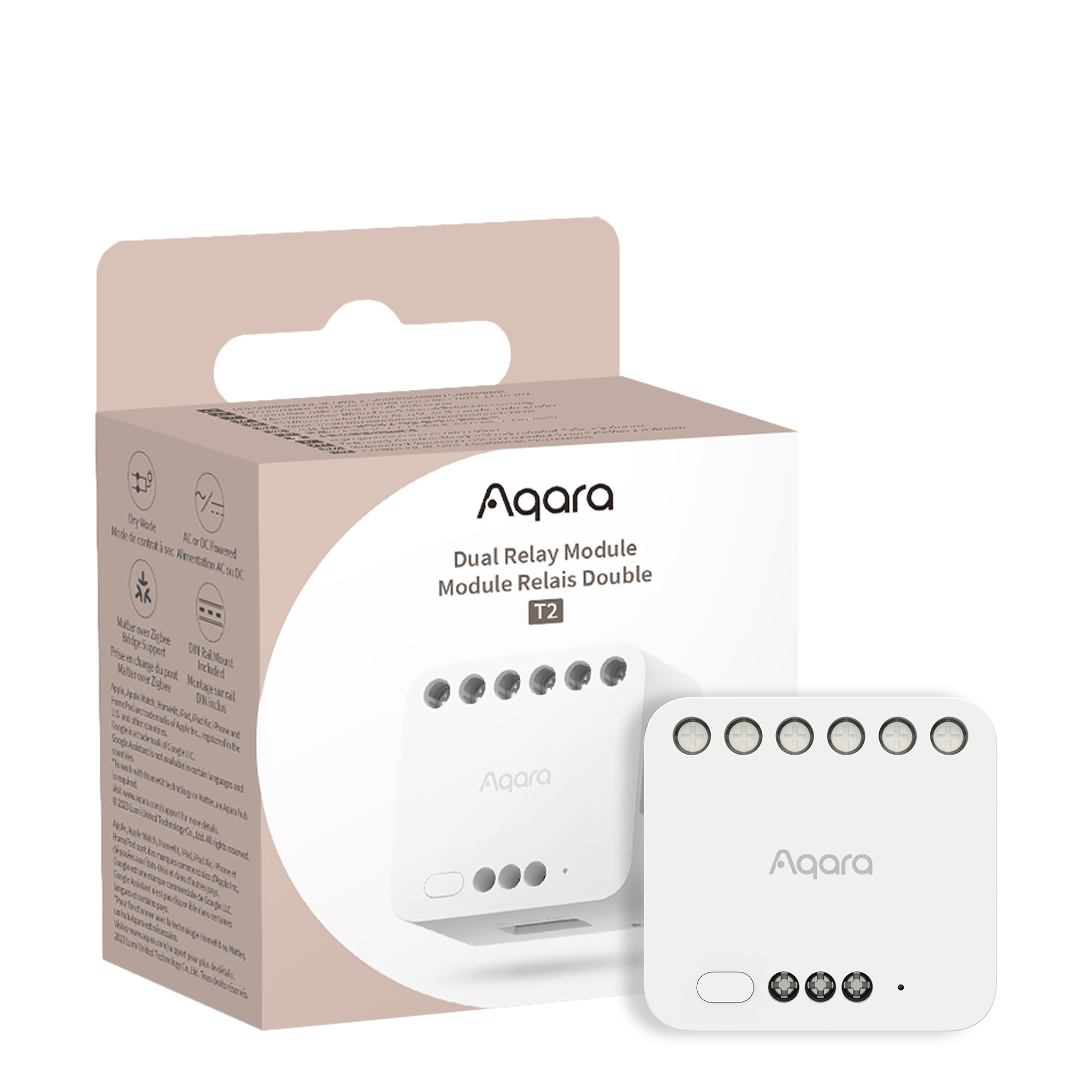
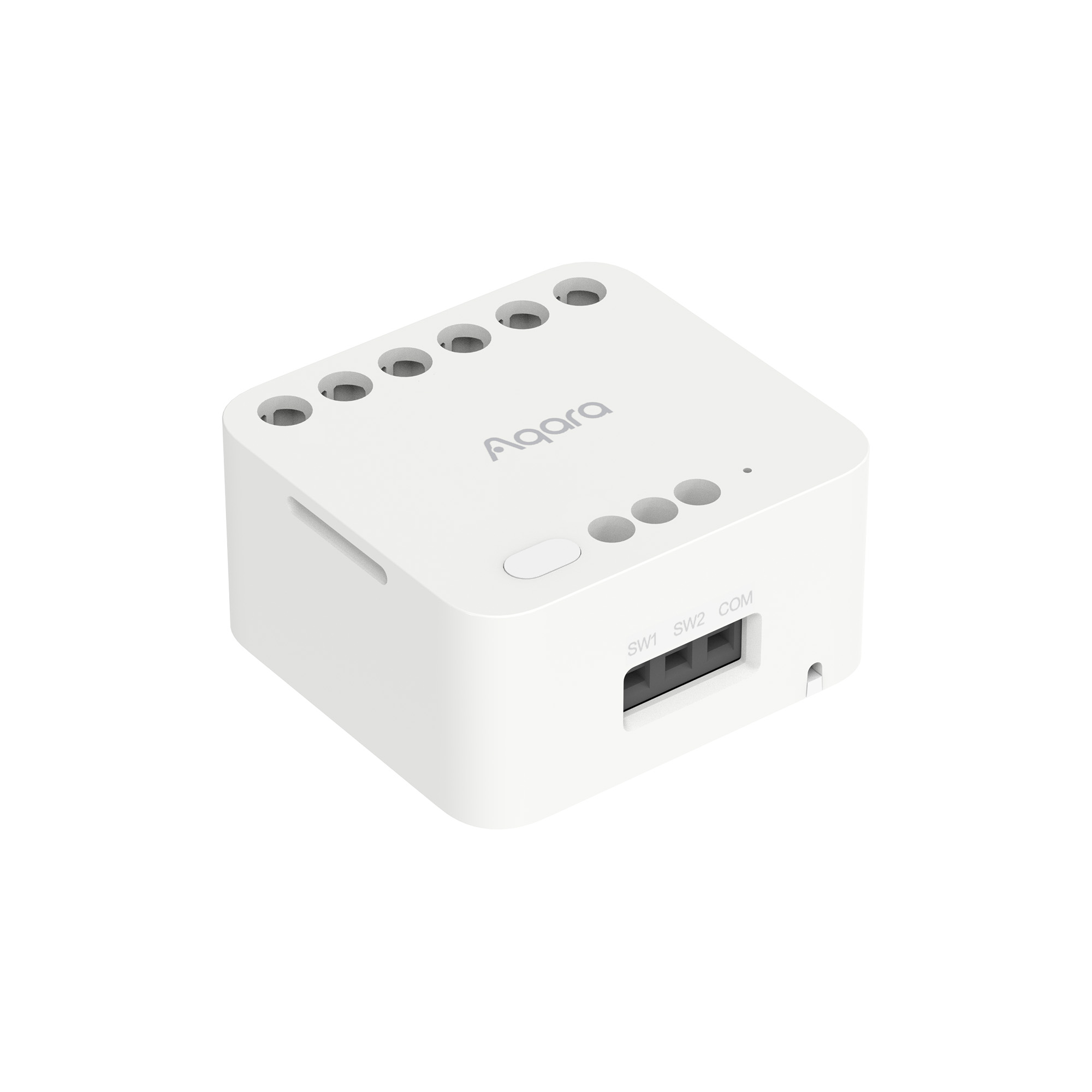
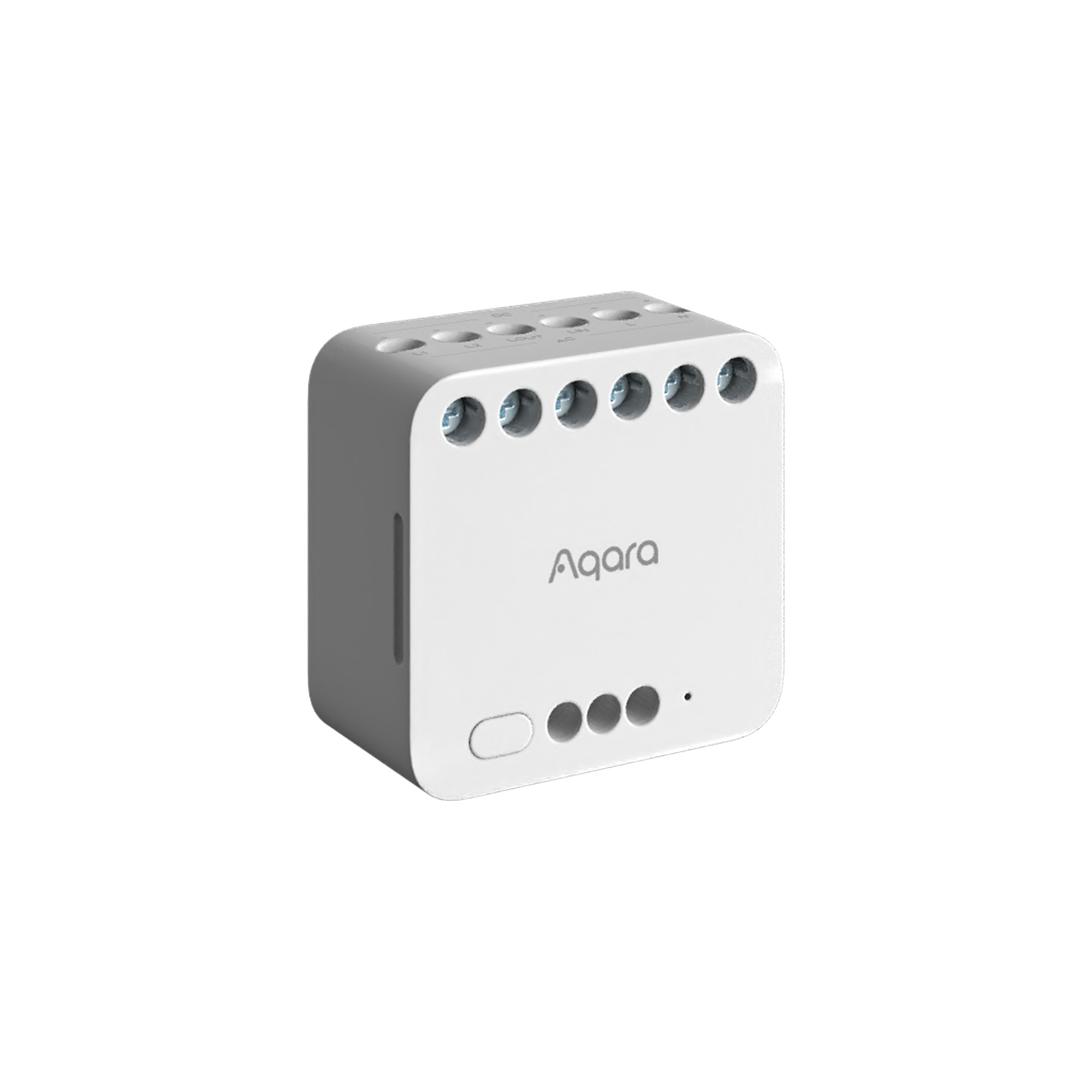
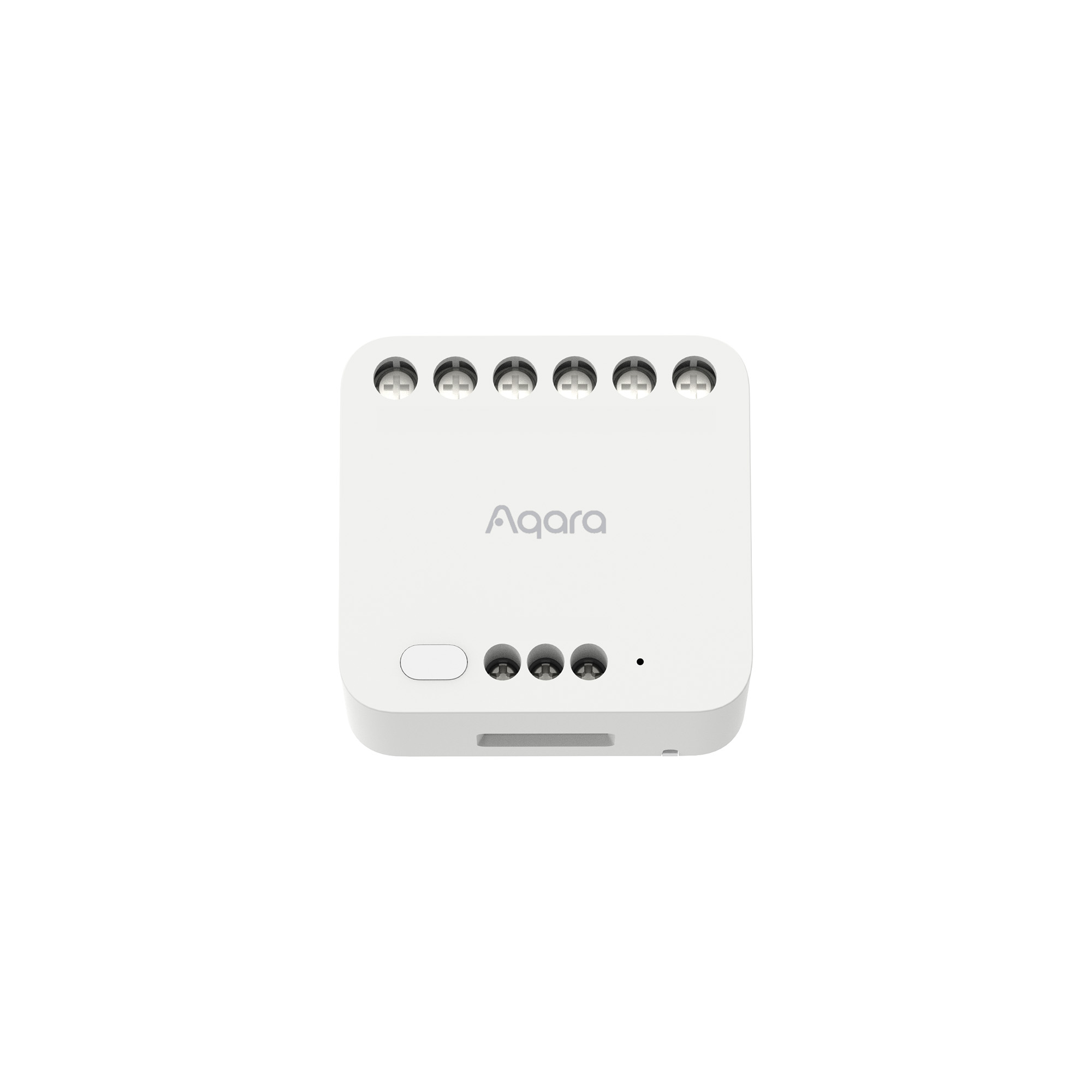
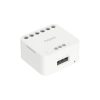
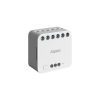
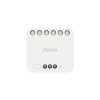
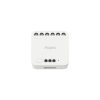

Aqara Dual Relay Module T2
Upgrade Your Home with Aqara Dual Relay Module T2: Smart Control for roller blinds, curtain motors, garage doors, awnings, gates, electric sliding doors, pool covers, and More! Transform your traditional devices into smart ones with Zigbee technology. Apple Home & Matter compatible. Enhance safety, energy monitoring, and wireless control for versatile home automation.
Compatibility
Aqara Dual Relay Module T2 is compatible with the following systems:






Apple Home, Google, Alexa, and Matter are not natively supported with this device, they are supported via Aqara Zigbee 3.0 hubs.
Original price was: £34.99.£29.75Current price is: £29.75. inc. VAT
Description
Aqara Dual Relay Module T2
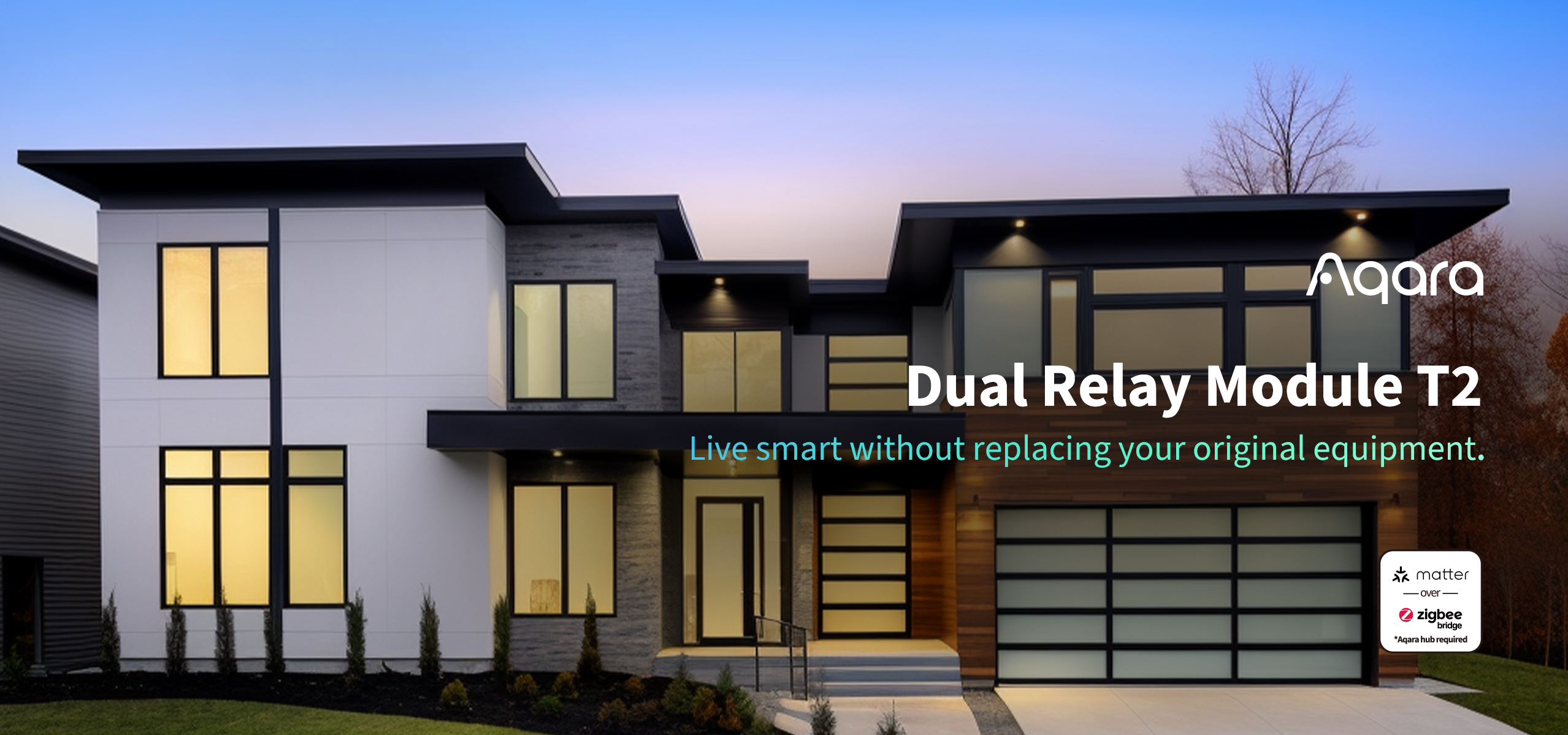
Live smart without replacing your original equipment
The Aqara Dual Relay Module T2 is a device that employs Zigbee technology to regulate power, controlling the on and off functions. It is capable of managing a range of devices including motors, garage doors, lights, switches, and sockets in two modes: dry contact and wet contact. This module can elevate the intelligence and potential of traditional equipment. Linked to the Apple Home platform, the device can be seamlessly operated via the Apple Home app. Additionally, it is broadly compatible with various third-party platforms. With the aid of a hub, features such as app-based remote control, timing control, and power statistics can be implemented.
Aqara Dual Relay Module T2 Features:
- Versatile Solution for Home: The T2 is versatile and can be used in various ways. It can be installed in ceiling lights for smart control or in regular wall switches and sockets for remote access. Additionally, it’s suitable for automating coffee machines, air fresheners, electric heaters, roller blinds, and garage roller doors in homes.
- Apple Home and Matter over Bridge Support*: The T2 is compatible with Apple Home, Matter, Google Home, and Amazon Alexa. It transforms traditional devices into smart ones and seamlessly integrates with multiple third-party systems. This facilitates automated setup and linkage with other compatible products, offering a versatile and user-friendly experience.
- Interlock and Motor Control: Users can connect the Dual Relay Module T2 to bidirectional motors with ease and safety. Now, the T2 can be used to control tubular motors, as a roller shade switch, and even as the core of the system.
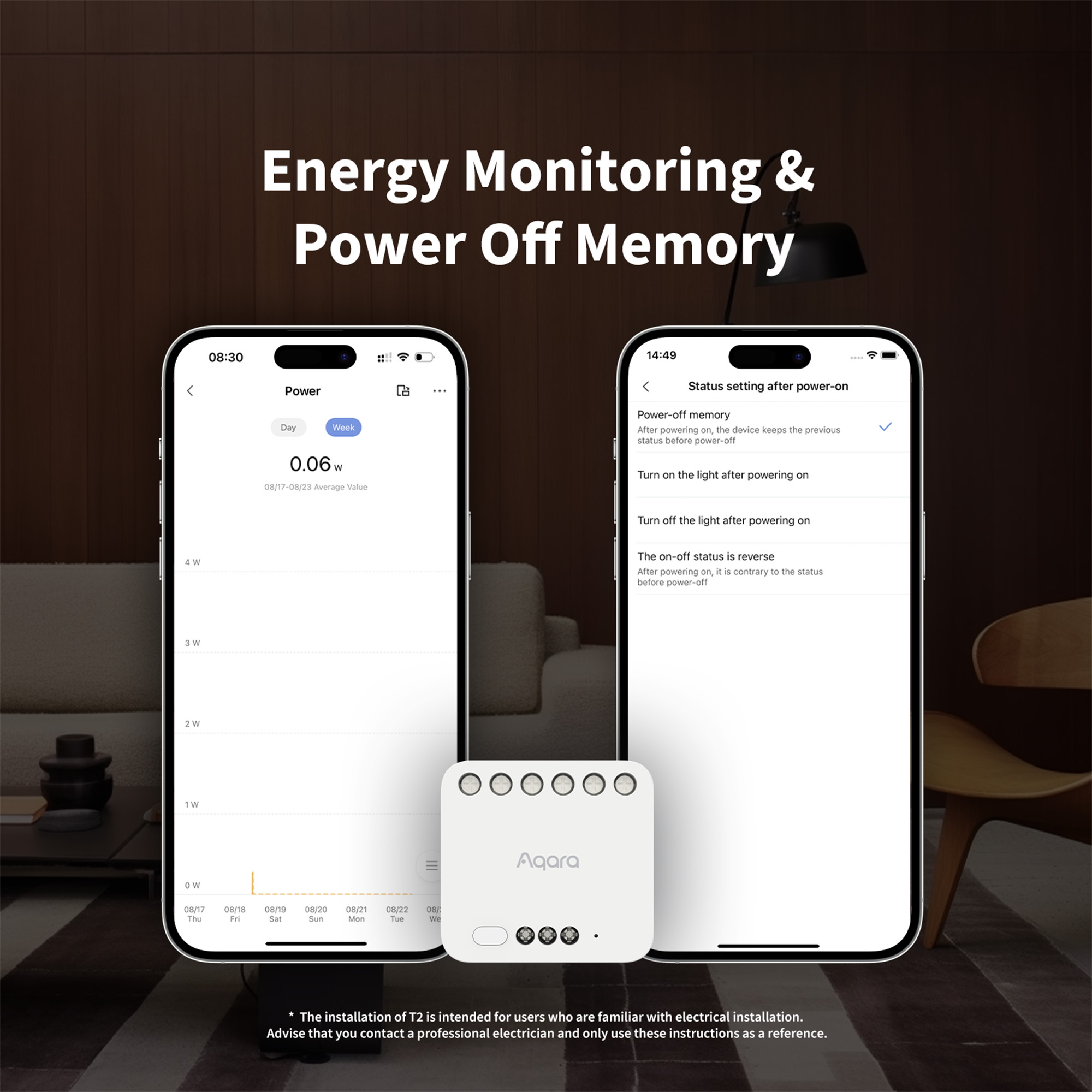
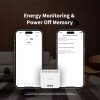
- Energy Monitoring and Power Memory: The Dual Relay Module T2 includes a power on/off state memory function, remembering the last state after power failure. Additionally, it offers power metering and statistics features.
- Enhanced Safety and Security: Safety is paramount when dealing with DIY electrical equipment. We prioritise user safety, considering the complexities of installation and use. We allow adjustment of max and min voltage, current, and power values. In cases of abnormal waking states, the power supply is automatically turned off to ensure safety.**
- Wireless Switch Mode: The convert to wireless switch mode is also supported. Thanks to this feature, the existing wall switch will be able to be converted into a scene controller: arm or disarm the security system, control the curtains or lights just using your old wired switch.***
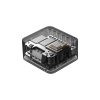
- Easy to Use and Installation: The relay’s DIN rail-mounted design makes it easy to stick it in electrical cabinets and other tight spots. Its compact size makes it even more suitable for other wall boxes, including the 86 mm and US-standard ones.****
*Apple Home, Google, Alexa, and Matter are neither natively supported, they are supported over Zigbee bridge.
**The installation of T2 is intended for users who are familiar with electrical installation. We always advise you to contact a professional electrician and only use these instructions as a reference.
***Please note: the sensor or a switch connected to S1/S2/COM contacts should support the voltage that is supplied to the Relay.
****Please note: the T2 supports the maximum current of 10A. And a wall box with a depth of about 60 mm is recommended. In case the existing wall box is not deep enough, you can try to use a Wireless Remote Switch H1 or a surface-mounted or ultra-thin wall switch to control the Relay.
Aqara Dual Relay Module T2 Automation Scenes:
Garage door controller
IF You arrive within 500 meters from your home, THEN Open the garage door
Thanks to the dry-contact mode, the Relay T2 can be used to make your existing garage door smart*. Just wire the garage door opener, and you will be able to use the garage door in automations as well as expose it to third-party systems. And, the Relay will act as a repeater for your Aqara Door and Window sensor so that you won’t need to worry about the weak signal.
*The garage door opener should be able to be controlled using dry contacts.
Devices: Dual Relay T2 + Hub + Door and Window Sensor
Save energy by using the T2 to control the boilers
IF All the Radiator Thermostats are off, THEN Turn off the boiler
If your boiler can be controlled by dry contacts, you will be able to use the Relay T2 to make it smart. As a result, you will be able to control it remotely, and save energy by linking it with the Radiator Thermostats using Aqara Home or third-party automations.
Devices: Dual Relay T2 + Hub + Radiator Thermostat E1
Install it Behind Wall Switches and Outlets
IF Presence is detected, THEN Turn on a light switch or a heater connected to the outlet
Just install the T2 behind your existing wall switch or outlet, and you will be able to convert it into a smart one. As a result, the existing outlets and switches will be able to participate in automations, and get the power consumption statistic function.
Devices: Dual Relay T2 + Hub + Presence Sensor FP2

Enhanced Compatibility
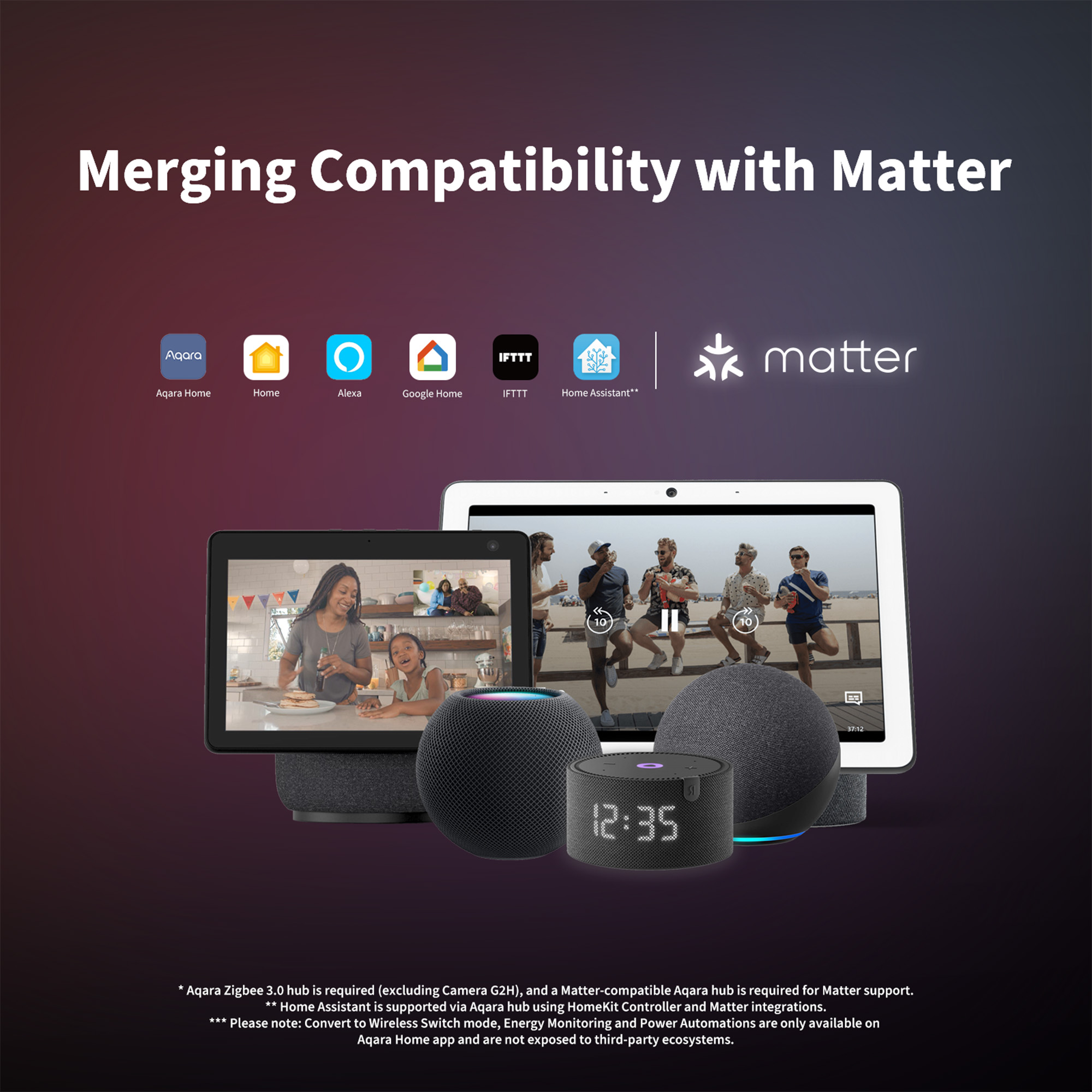
After connecting to an Aqara hub, the T2 offers compatibility with various platforms, including HomeKit, Alexa, Google Home, IFTTT and Matter. It allows traditional devices to become smart and seamlessly integrates them with multiple third-party systems. Forget the limitations of different protocols and platforms and enjoy a seamless smart home experience.

*Aqara Zigbee 3.0 hub is required, and a Matter-compatible Aqara hub is required for Matter support.
**Home Assistant is supported via Aqara hub using HomeKit Controller and Matter integrations.
***Please note: Energy Monitoring, Power Automations and Convert to Wireless Switch mode are only available on Aqara Home app and are not available with third-party ecosystems.
Make your existing devices smart
Transforming conventional devices into smart devices, such as roller blinds, curtain motors, garage doors, awnings, gates and electric sliding doors. Automations and scenes can be triggered by:

Unleash the Potential of Existing Devices
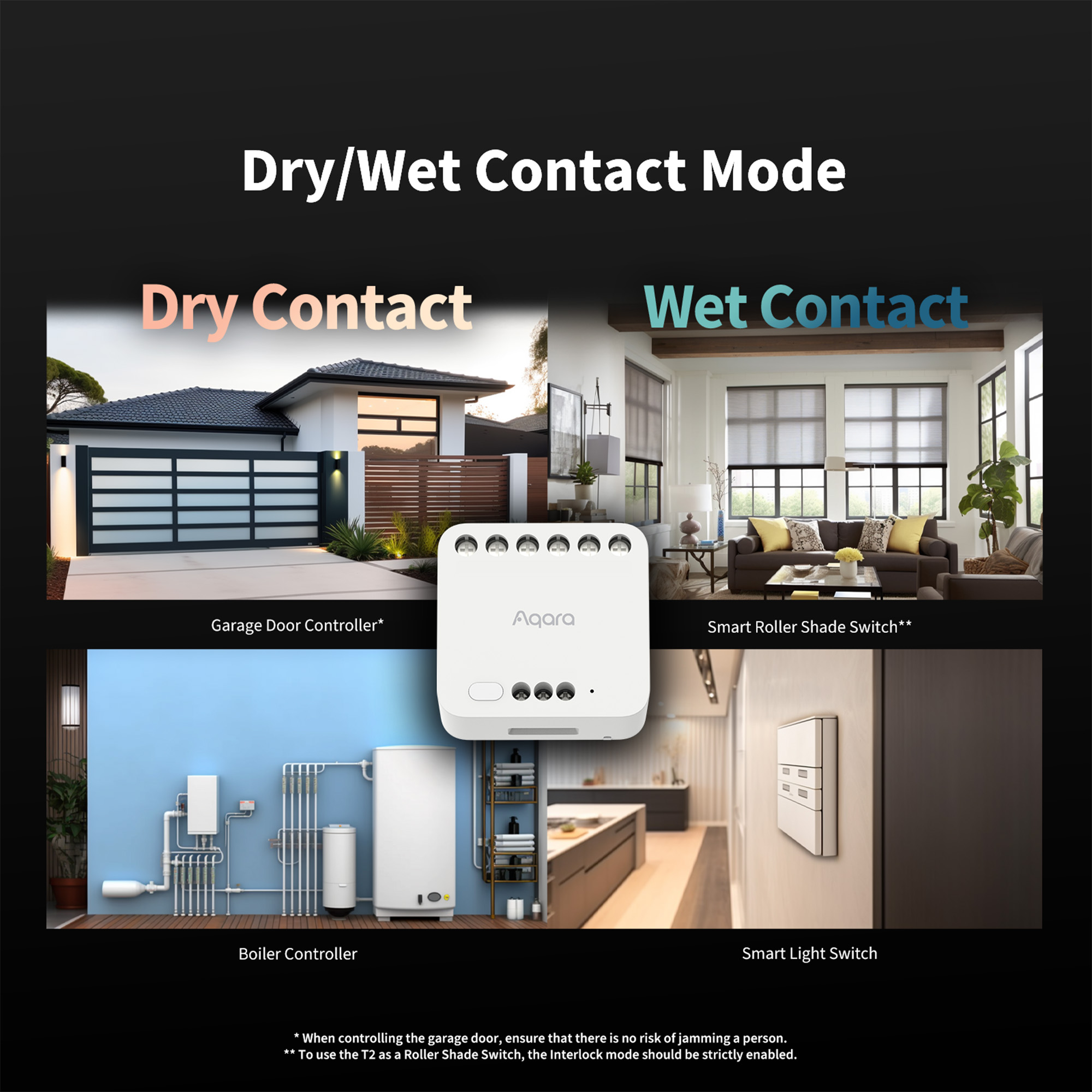
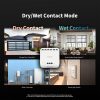
The T2 supports both wet contact and dry contact. In dry contact mode, the open and close pulse signal or the on/off signal can be selected to control motors, garage doors, rolling gates and other equipment. In wet contact mode, intelligent light control can be easily utilised without replacing your original equipment. The T2 can be switched from wet contact to dry contact mode by disconnecting a red jumper wire, allowing you to integrate a variety of devices.

*To use the T2 as a Roller Shade Switch, the Interlock mode must be enabled.
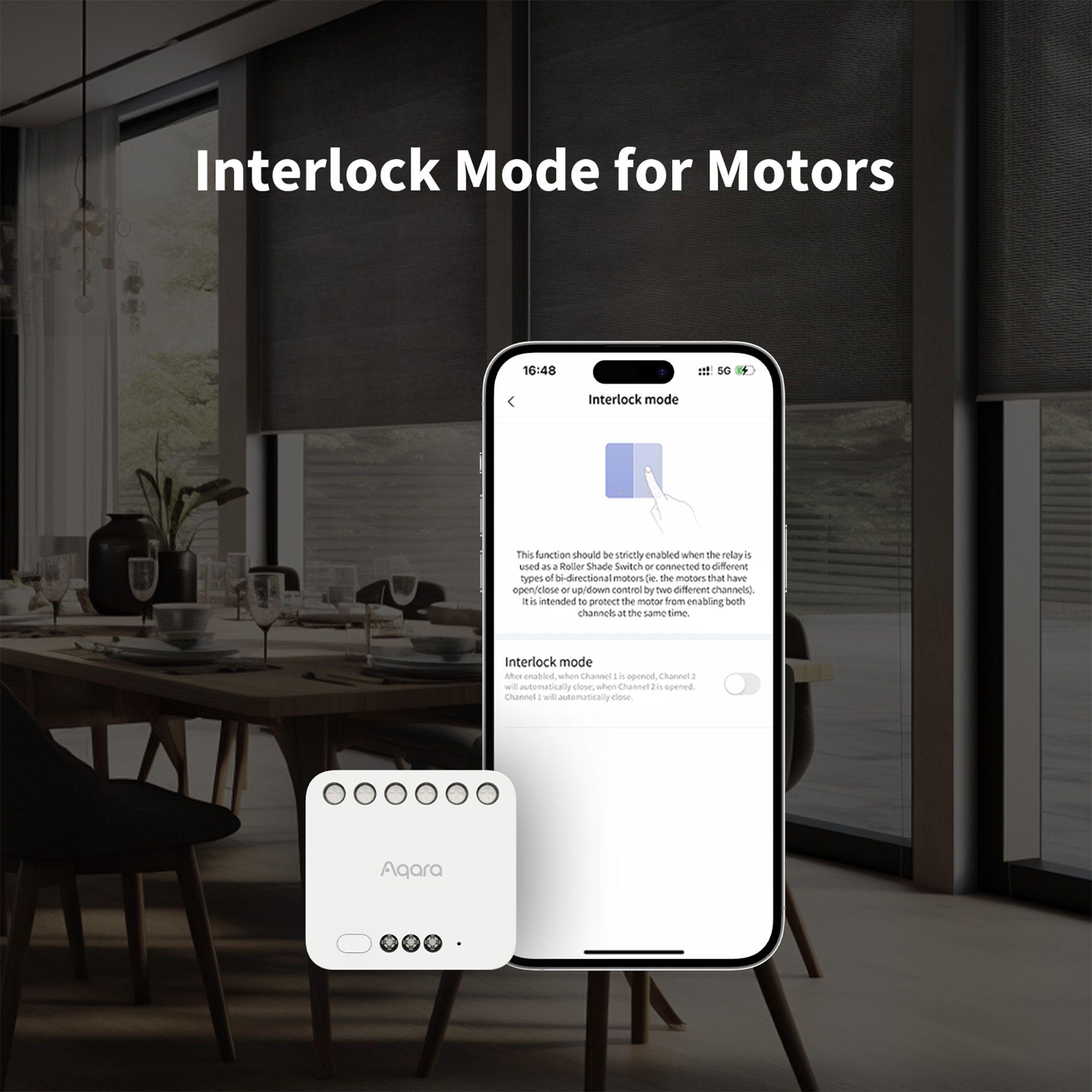
Interlock and Motor Control
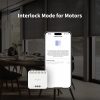
Once set to Interlock mode, the T2 allows users to effortlessly connect to bi-directional motors*. It can effectively control tubular motors, work as a roller shade switch, and be the central part of your water leak protection system.

*To control bi-directional motors, the Interlock mode must be enabled.
Convert to Wireless Switch Mode
Easily turn an existing wall switch into a wireless scene controller, e.g. an arm button for your security system or a wired doorbell. Alternatively, you can connect one or two binary sensors*, and use the T2 in automations.

Smart Doorbell
Wired Doorbell + T2
=
Smart Doorbell
Smart Switch
Ordinary Switch + T2
=
Smart Switch
*Please note: the wireless switch (sensor) mode requires the Relay to be powered by AC or >85V DC. Also, to use the relay with wired sensors, please make sure the voltage supplied to the relay is supported by the sensor.
**Wireless Switch Mode is only available when the relay is powered by AC. Convert to Wireless Switch mode is only available on the Aqara Home app, not third-party ecosystems.
Safety is Fundamental
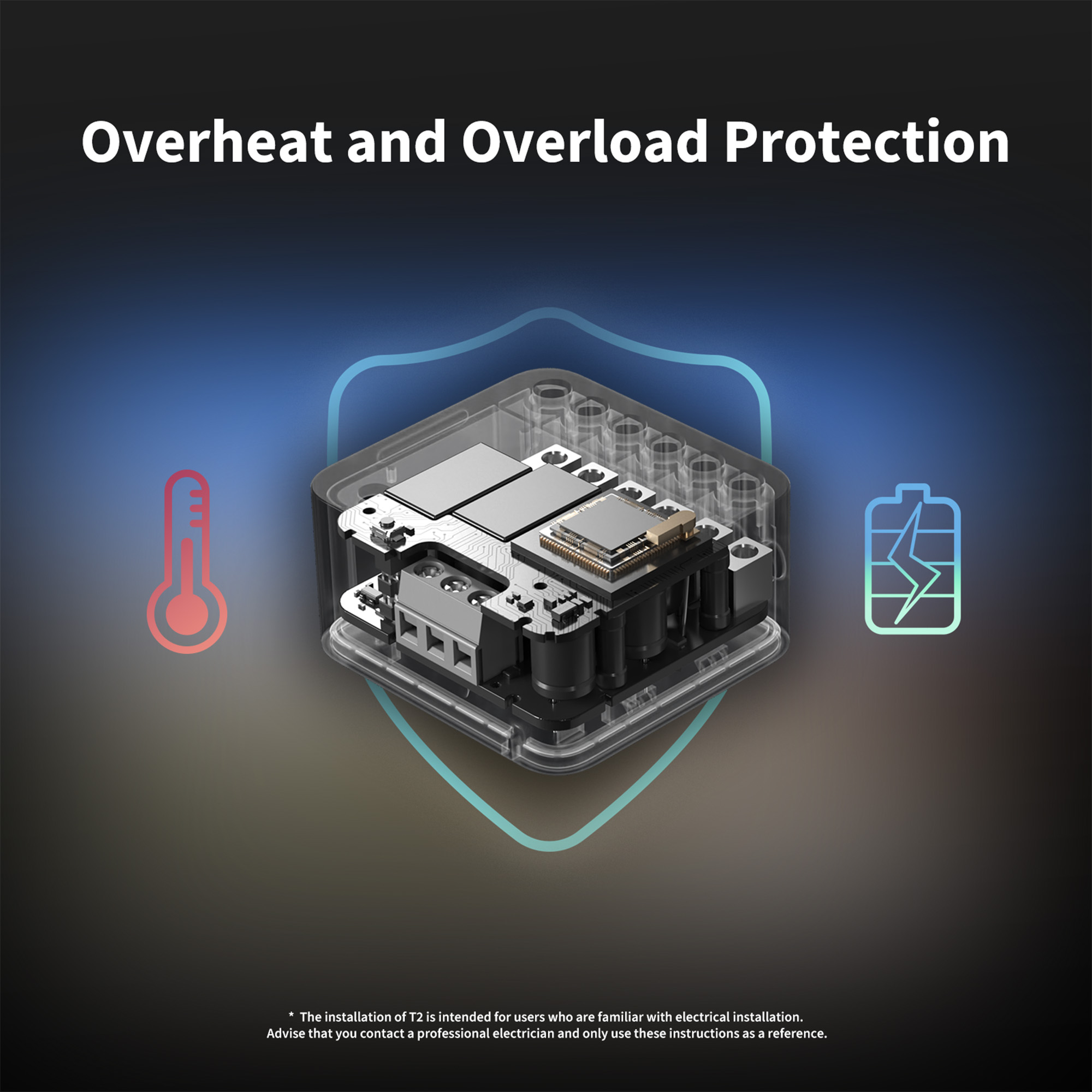
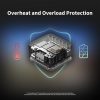
The T2 supports overheat and overload protection, ensuring the reliability and longevity of the equipment. When the temperature is abnormal, or the power exceeds 2500W, the device powers off to ensure electrical safety.*

*Installation of the T2 is intended for users who are familiar with electrical installation. If not, we advise that you contact a professional electrician and only use these instructions as a reference.
Power Off Memory and Energy Monitoring

*Please note: Energy Monitoring and Power Automations are only available when the relay is powered by AC.
Convert to Energy Monitoring and Power Automations are only available on the Aqara Home app, not third-party ecosystems.
Low Idle Consumption
Thanks to Zigbee wireless protocol, the Relay T2 features an ultra-low idle consumption.

*According to digitalzimmer, 1.4W will result in around 5 USD/Year cost (depending on electricity price).
Flexible Installation
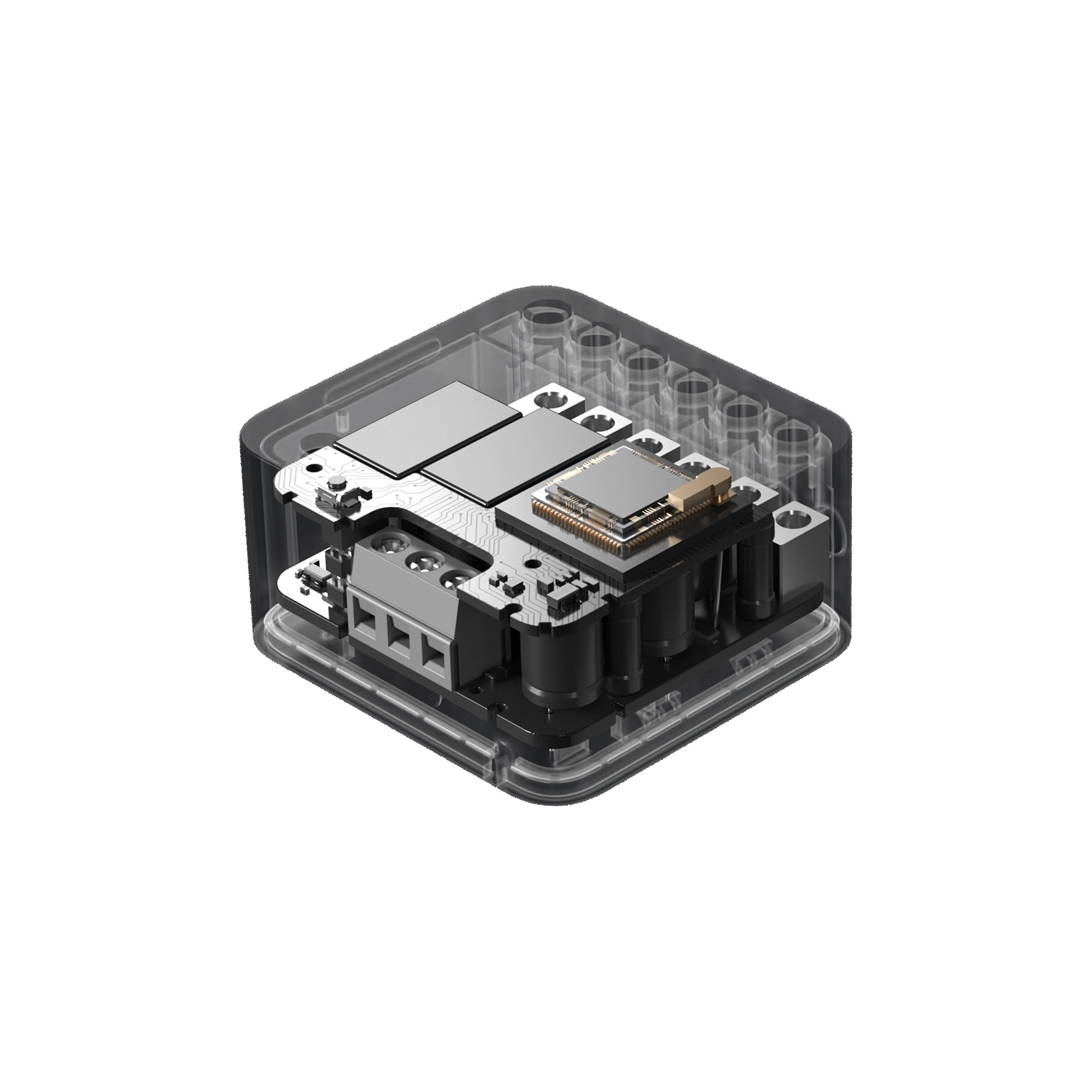
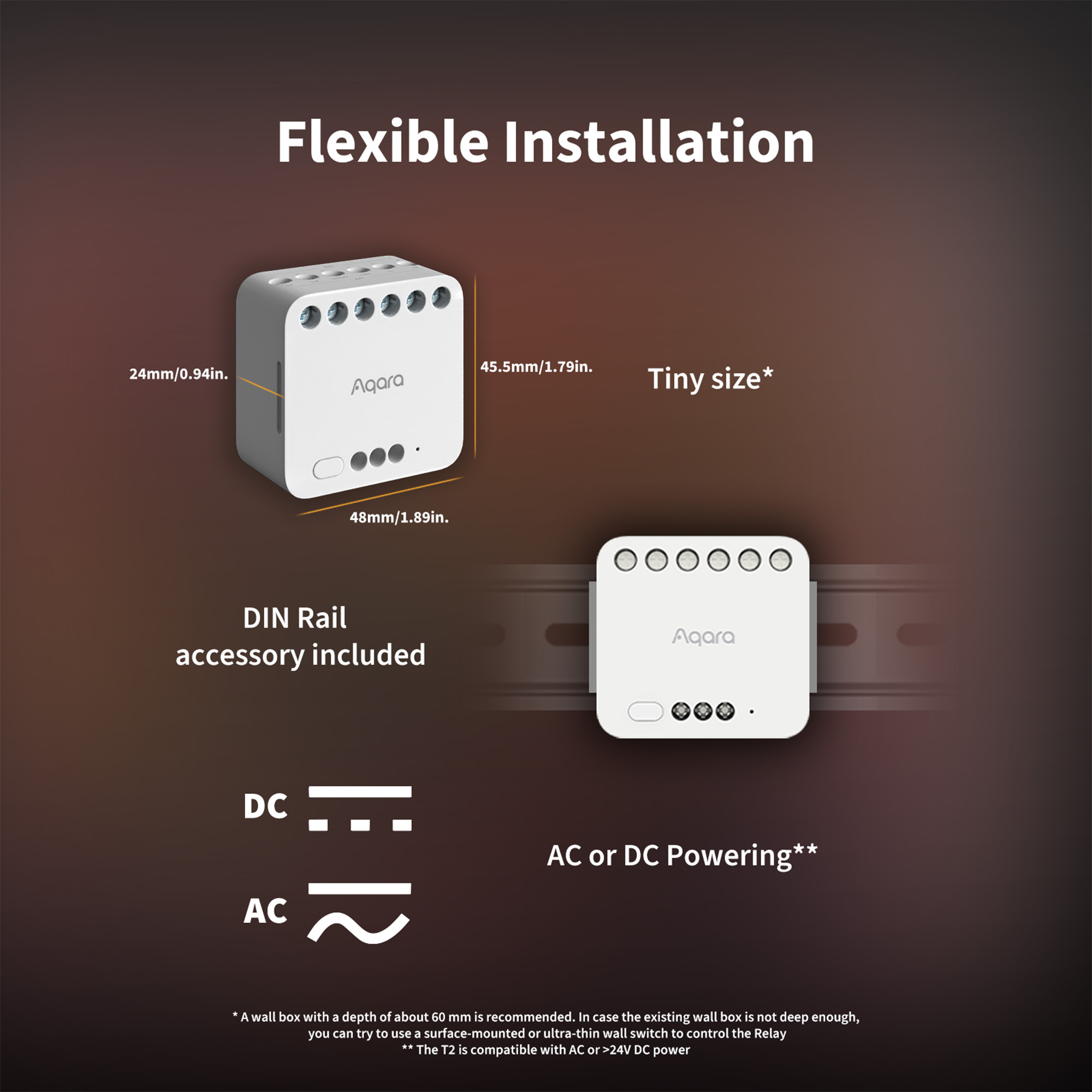
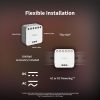
The small size* T2 can be installed behind a switch or wall outlet and it also includes a DIN rail energy monitor**. It is also compatible with both DC and AC power, offering versatility and enabling users to install the T2 into different settings and power sources.

*A wall box with a depth of about 60mm is recommended. If the existing wall box is not deep enough, you may try to use a Wireless Remote Switch H1, or a surface-mounted or ultra-thin wall switch to control the relay.
**The Relay T2 is not a circuit breaker, and its maximum current of 10A does not allow it to control large sections of household circuits.


How can the T2 be properly utilised?

Frequently Asked Questions
What is the difference between a dual relay module T2 and a wall switch?
- Wall switches can be directly controlled locally, while the dual-control module T2 needs to be connected to the existing traditional switch to achieve local control;
- The dual-control module T2 needs to be connected to the neutral and live wires. The wall switch has both neutral and live wire switches and single live wire switches;
- The installation position of the dual-control module T2 is more flexible, it can be placed in the junction box, on the ceiling, and in the electrical box at the same time.
What's the difference between a dual relay module T2 and a wireless switch?
The dual relay module T2 is connected to a wire and the most critical role is to be able to remotely and intelligently control the power supply and disconnection of the connected circuit, allowing ordinary electric lights to be transformed into smart lights;
The wireless switch is a controller that can control devices such as the dual relay module T2 by setting it up via the APP, but it cannot directly control the electric light.
What is the difference between a dual relay module T2 and a 2-way control module?
The dual relay module T2 retains the functionality of the previous generation of dual relay module T2s with the addition of a dry node function, which allows for the adaptation of more devices, while optimising the size of the product, which is smaller than the previous generation; an additional Ding rail assembly has been added to allow the product to be placed inside the electrical box.
How to install the dual relay module T2?
Please strictly follow the wiring instructions in the product manual, and it is recommended that it be operated by professional electricians.
- If you want to achieve both wireless control and local control. Please follow the wiring diagram to connect a conventional switch. The dual relay module T2 can be placed in the junction box.
- If only wireless control is required, please follow the wiring diagram. The 2-way control module T2 can be placed in the ceiling etc.
What are the wiring holes in Dual control module T2 used for?
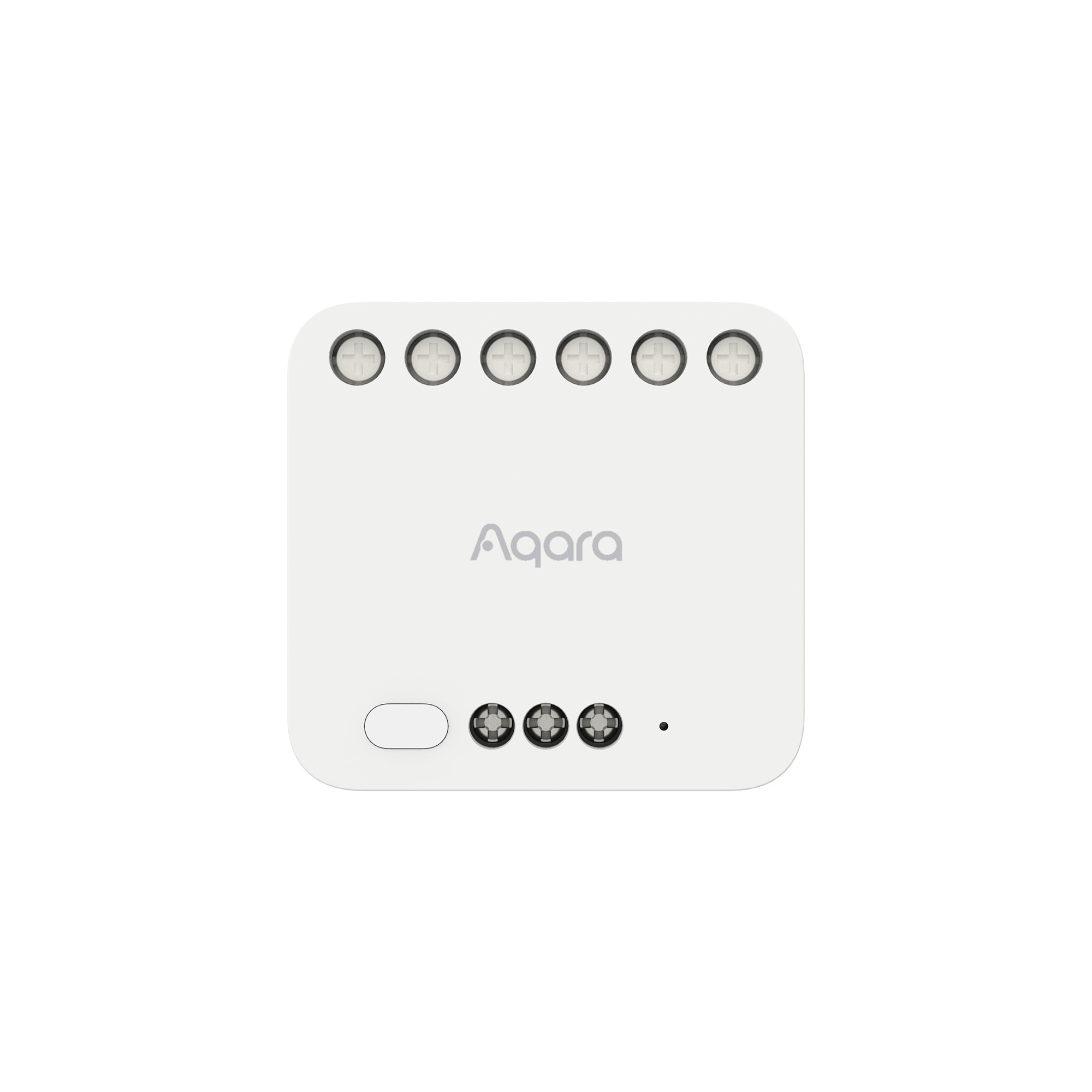
Dual circuit control module T2 has a total of 9 wiring holes, of which hole N is connected to the zero wire and hole L to the firewire.
- If using the wet node mode, the LIN and LOUT holes must be shorted with the supplied red jumper (connect the two holes with wires), the L1 and L2 holes are connected to the luminaire load wires and the S1, S2 and COM holes are connected to the conventional switch.
- If using the dry node mode, the LIN and LOUT holes must not be shorted (no wire to connect the two holes), the L1 and L2 holes are connected to the load line of the controlled equipment, the LOUT hole is connected to the common line of the controlled equipment, and the S1, S2 and COM holes are connected to the traditional switch. Please see the product manual for detailed wiring instructions.
How to identify the fire and load wires?
The firewire is generally red, the zero wire is generally black or blue and the luminaire load wire is generally green or yellow. It is recommended to be tested by a professional electrician using professional tools such as an electric pen before installation.
Will the wrong wiring holes short circuit?
If the zero and fire wires are reversed, it can be used normally, but after the equipment is switched off, the firewire on the luminaire holder is not disconnected and there is a risk of electric shock; if the luminaire load wire is mistakenly connected to the L or N hole, it will not be short-circuited, but the equipment will not respond, restore the correct connection and you can use it; please wire the product according to the wiring diagram in the product manual to ensure that the product can be used normally.
What is the maximum communication distance between the Dual Control Module T2 and the gateway?
The communication distance between the dual relay module T2 and the gateway can reach 7-10 meters when separated by a wall; in the case of more walls, it is recommended to connect as close as possible.
How much power do I need for the T2 to work properly?
The dual relay module T2 has no minimum load requirement as it is connected to the zero and fire wires, but requires a maximum load of no more than 2500 W for the total number of circuits.
Does the Dual Control Module T2 support the dual control function?
By using the dual relay module T2 with the wireless switch, the dual control function can be achieved very easily. The wireless switch can be placed in most locations in the home at will and linked to control the dual relay module T2.
Videos
Save money with these kits!
Product Specifications
Physical and Performance Attributes | |
|---|---|
| Dimensions (L x W x H) | 70 × 42 × 70 mm |
Misc Product Attributes | |
Product Name: Aqara Dual Relay Module T2 AC: 100-250V, 50/60Hz/Max.10A, Max 2500W (Incandescent Lamp); DC: Operating Temperature: -10 °C ~ 40 °C (14 °F ~ 104 °F) Operating Humidity 0 ~ 95% RH, no condensation Zigbee Maximum Output Power : ≤ 13 dBm What is in the Box Dual Relay Module T2 × 1, User Manual × 1, DIN Rail Accessory × 1, Jumper Wire × 1 | |
You may also like…
-

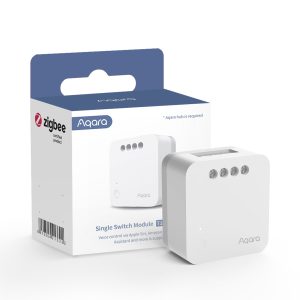
Aqara Single Switch Module T1 (No Neutral)
£28.52 inc. VAT Add to basket -
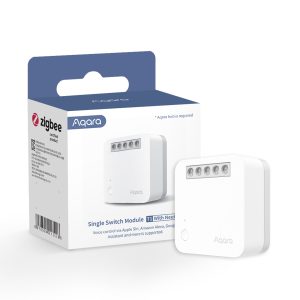
Aqara Single Switch Module T1 (With Neutral)
£27.90 inc. VAT Add to basket -
15% OFF!
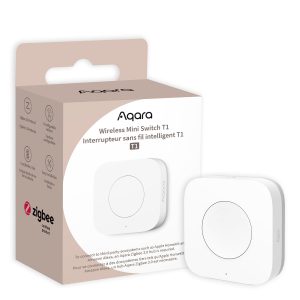
Aqara Wireless Mini Switch T1
Original price was: £17.99.£15.29Current price is: £15.29. inc. VAT Add to basket -
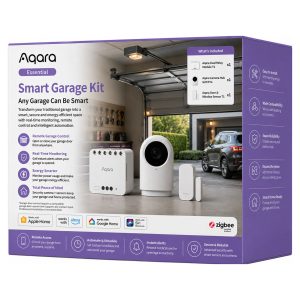
Aqara Essential Smart Garage Kit
£99.98 inc. VAT Add to basket