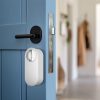
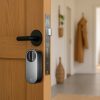
Aqara Essential Smart Door Entry Bundle
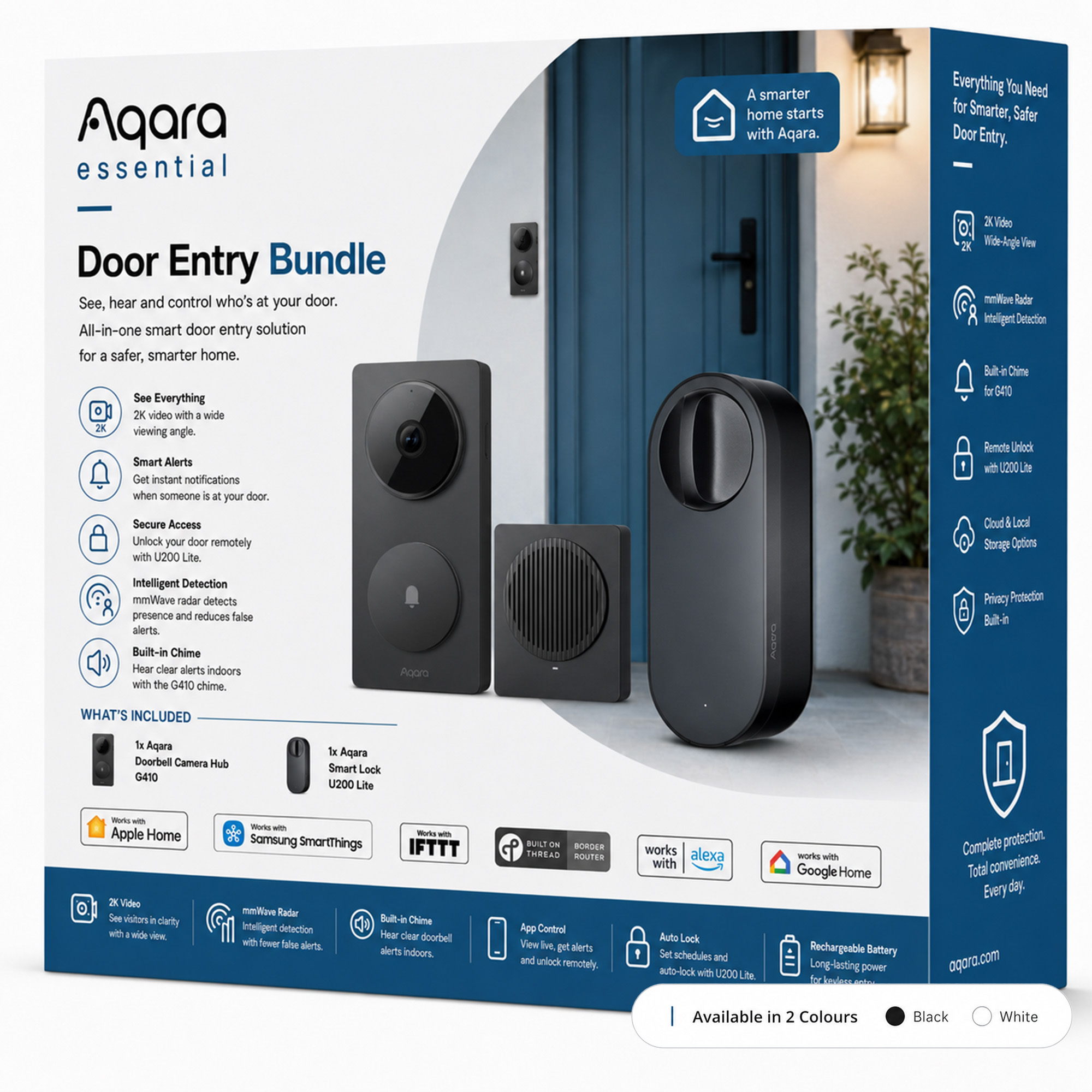
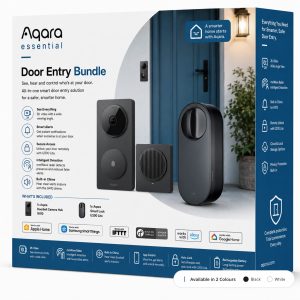
Secure your front door with the Aqara Essential Smart Door Entry Bundle. Includes the G410 Doorbell Camera Hub and U200 Lite Smart Lock for smarter security and keyless access.
Total RRP £278.99
Compatibility
Aqara Essential Smart Door Entry Bundle is compatible with the following systems:




Accessories
£219.98 inc. VAT
Description
Aqara Essential Smart Door Entry Bundle
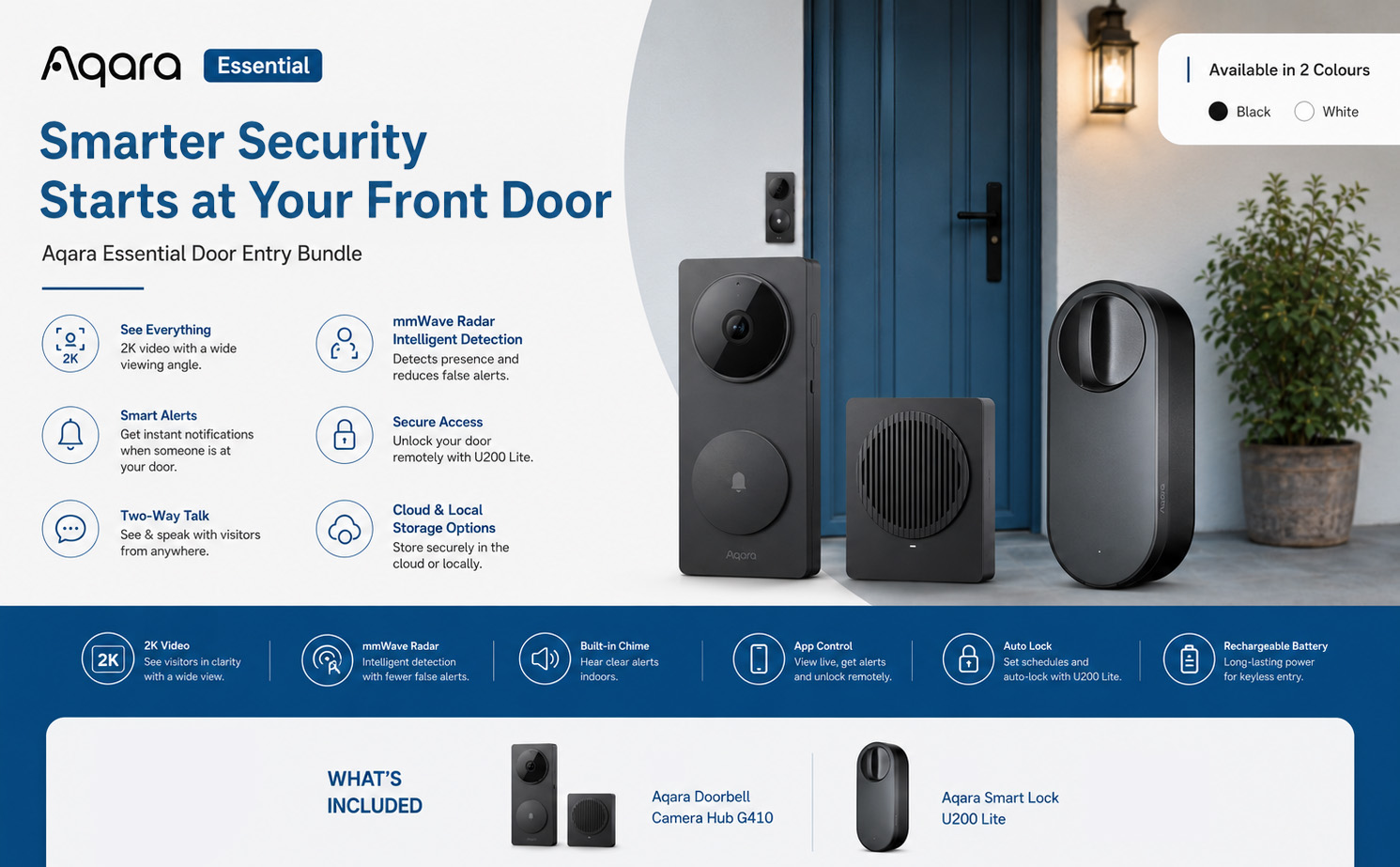
Smarter Security Starts at Your Front Door
Take control of your home’s entrance with the Aqara Essential Door Entry Bundle – a complete smart access solution that combines intelligent video monitoring with keyless door control. Designed to make everyday life safer, simpler and more convenient, this bundle brings together the powerful Aqara Doorbell Camera Hub G410 and the Aqara Smart Lock U200 Lite to create a seamless smart door entry experience.
Whether you’re at home, at work or away on holiday, you’ll always know who’s at your door and enjoy greater control over how people access your property.
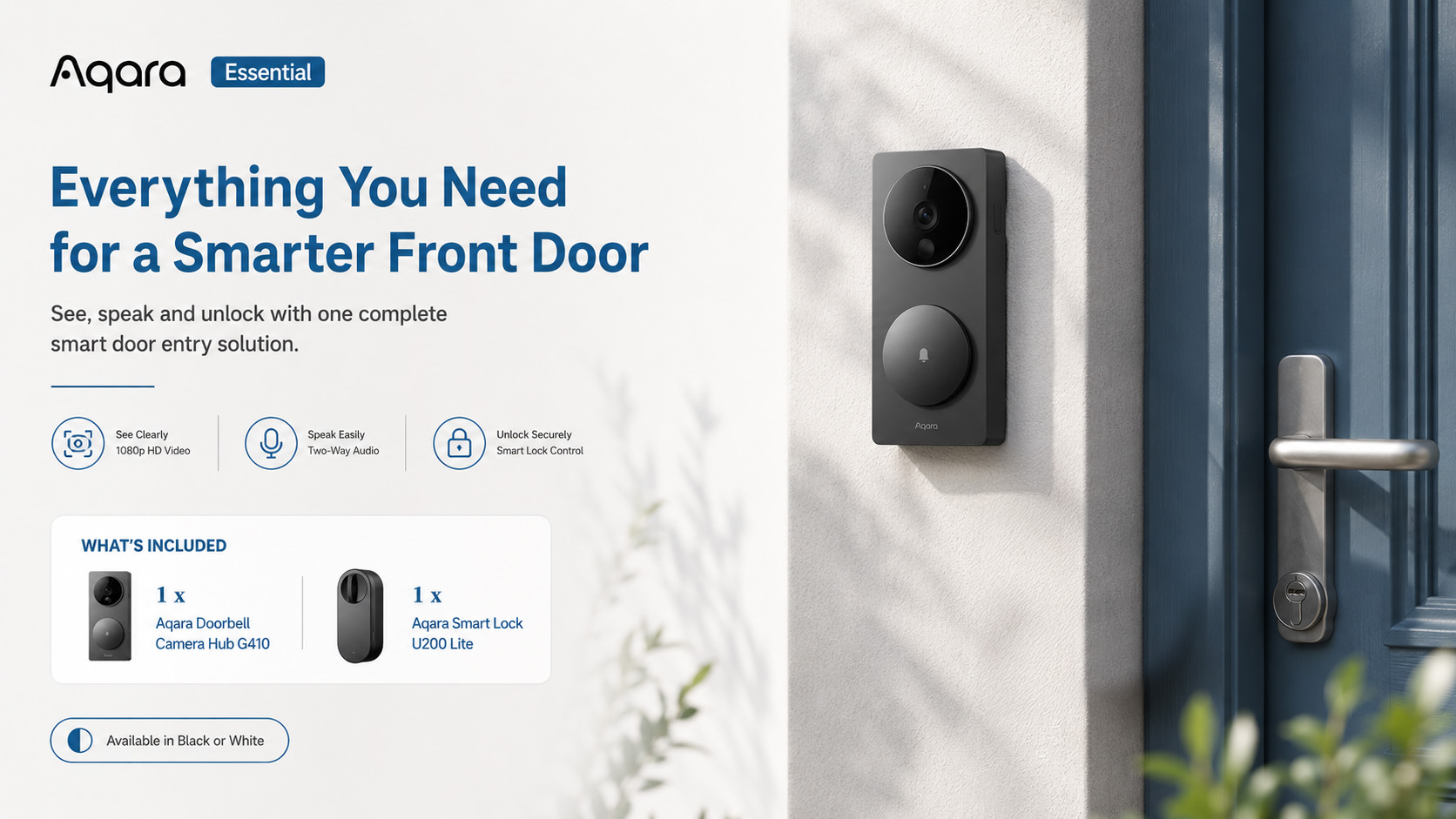
What’s Included
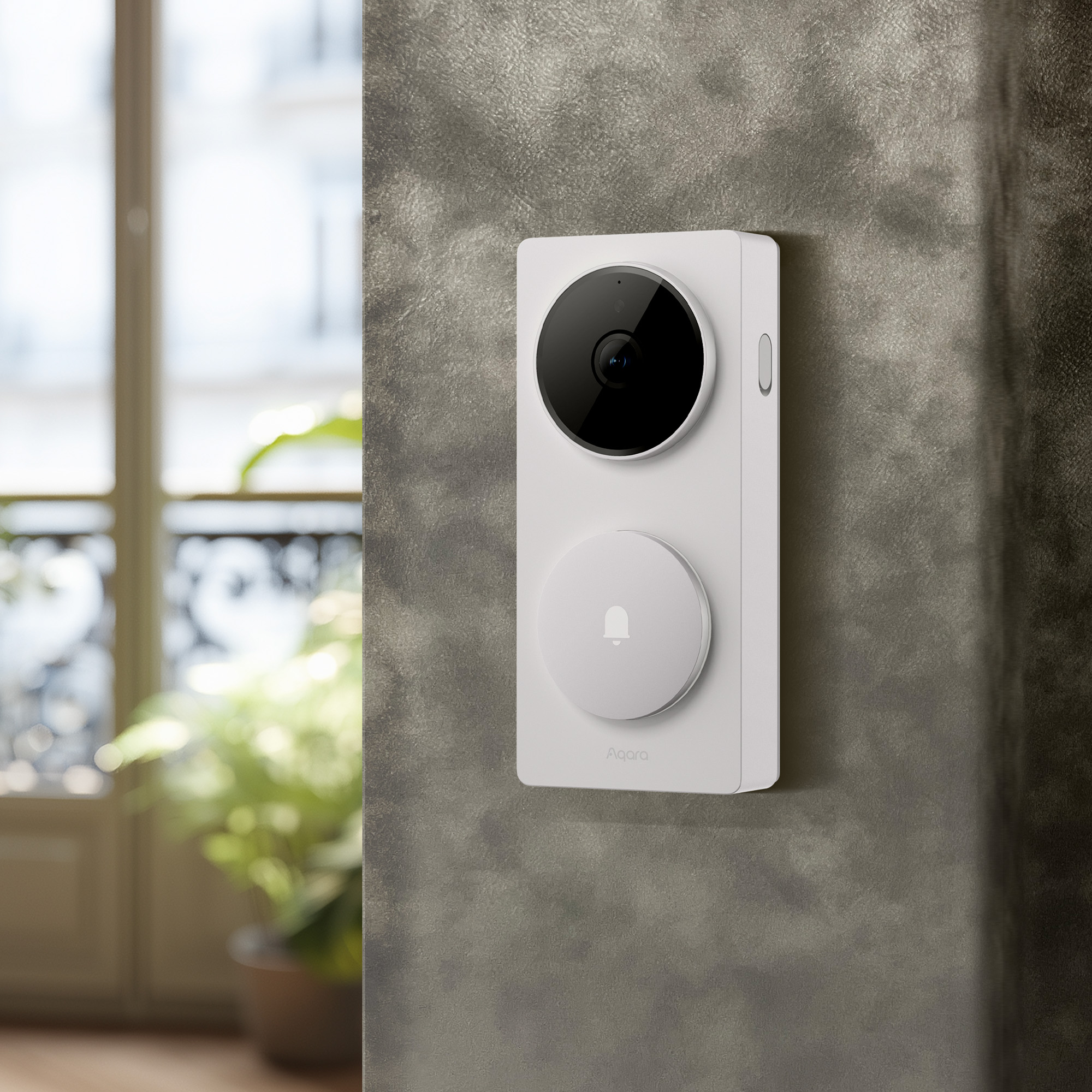
- 1 x Aqara Doorbell Camera Hub G410
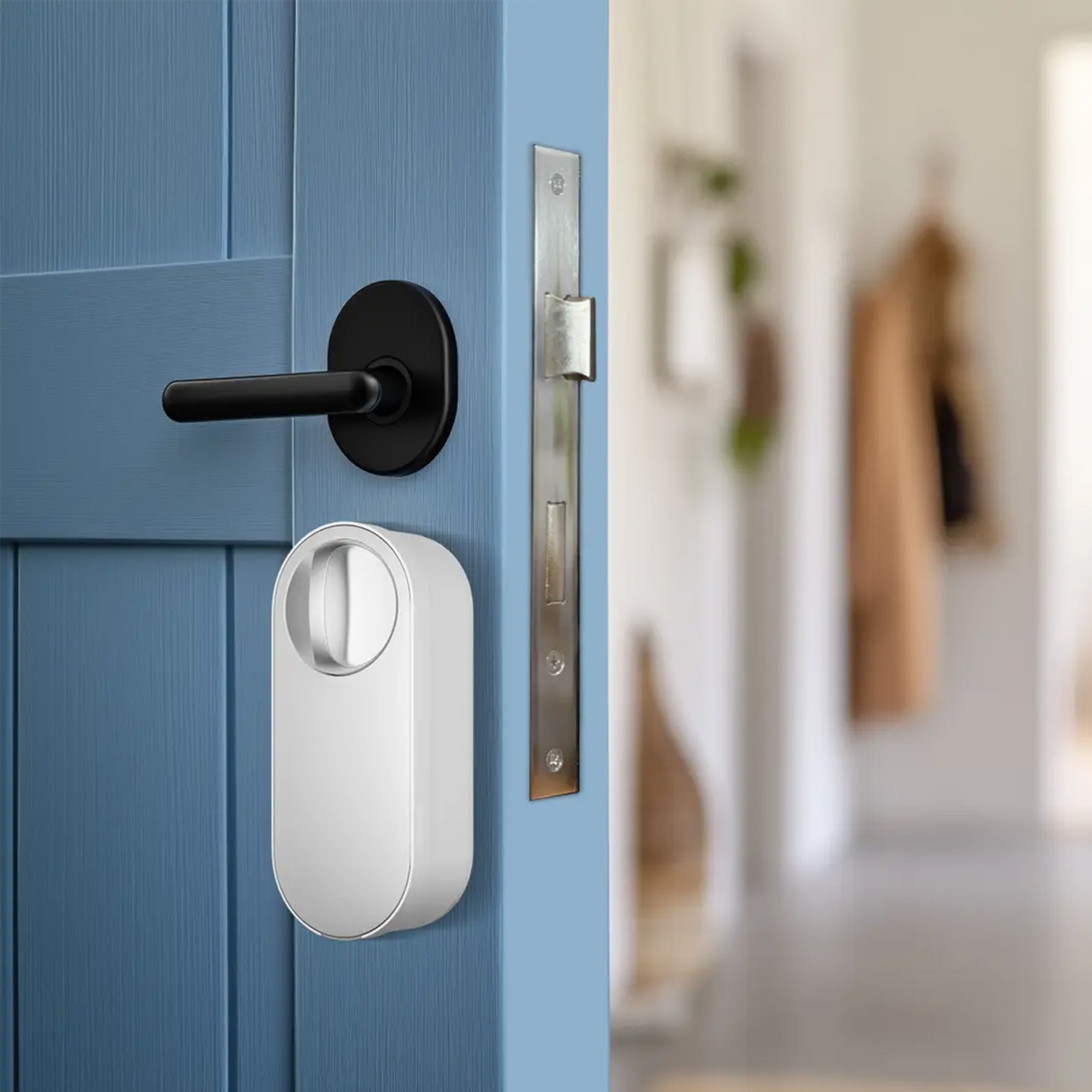
- 1 x Aqara Smart Lock U200 Lite Kit
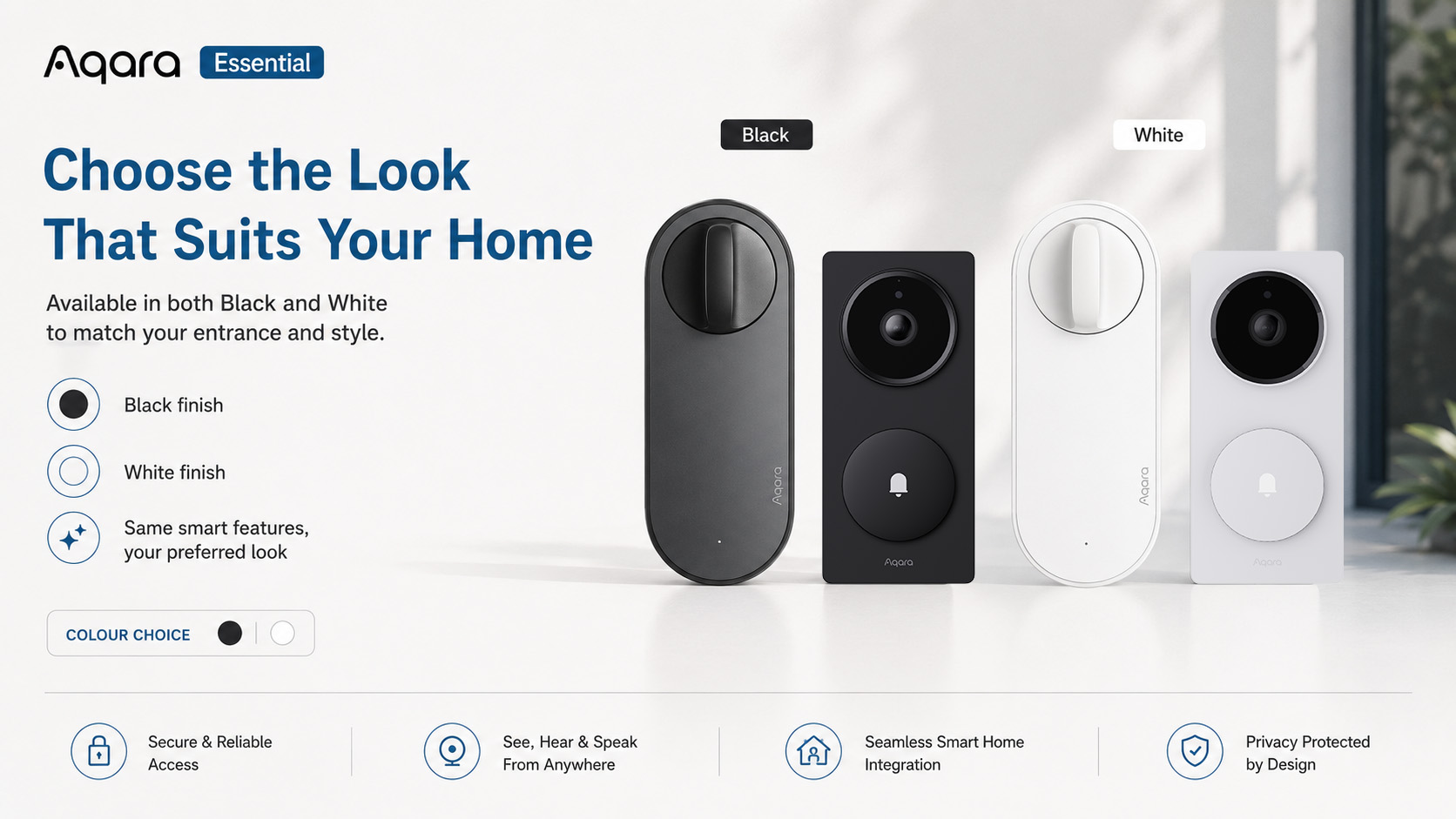
Choose Your Style
Black Edition
A sleek and modern finish that blends perfectly with contemporary doors, darker frames and modern architectural styles.
White Edition
A clean and minimalist finish ideal for lighter-coloured doors, traditional properties and brighter entranceways.
See, Hear and Control Your Front Door
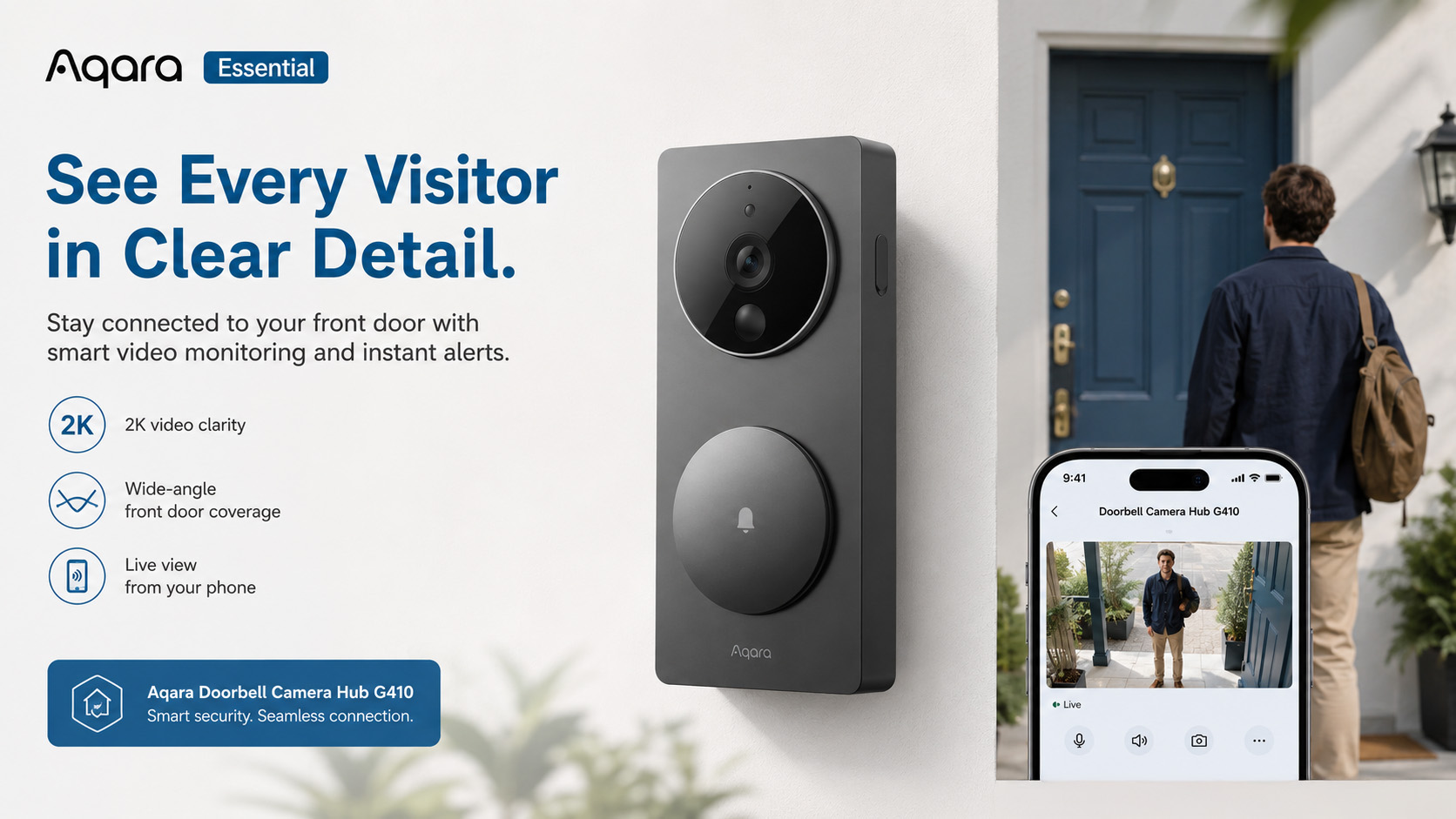
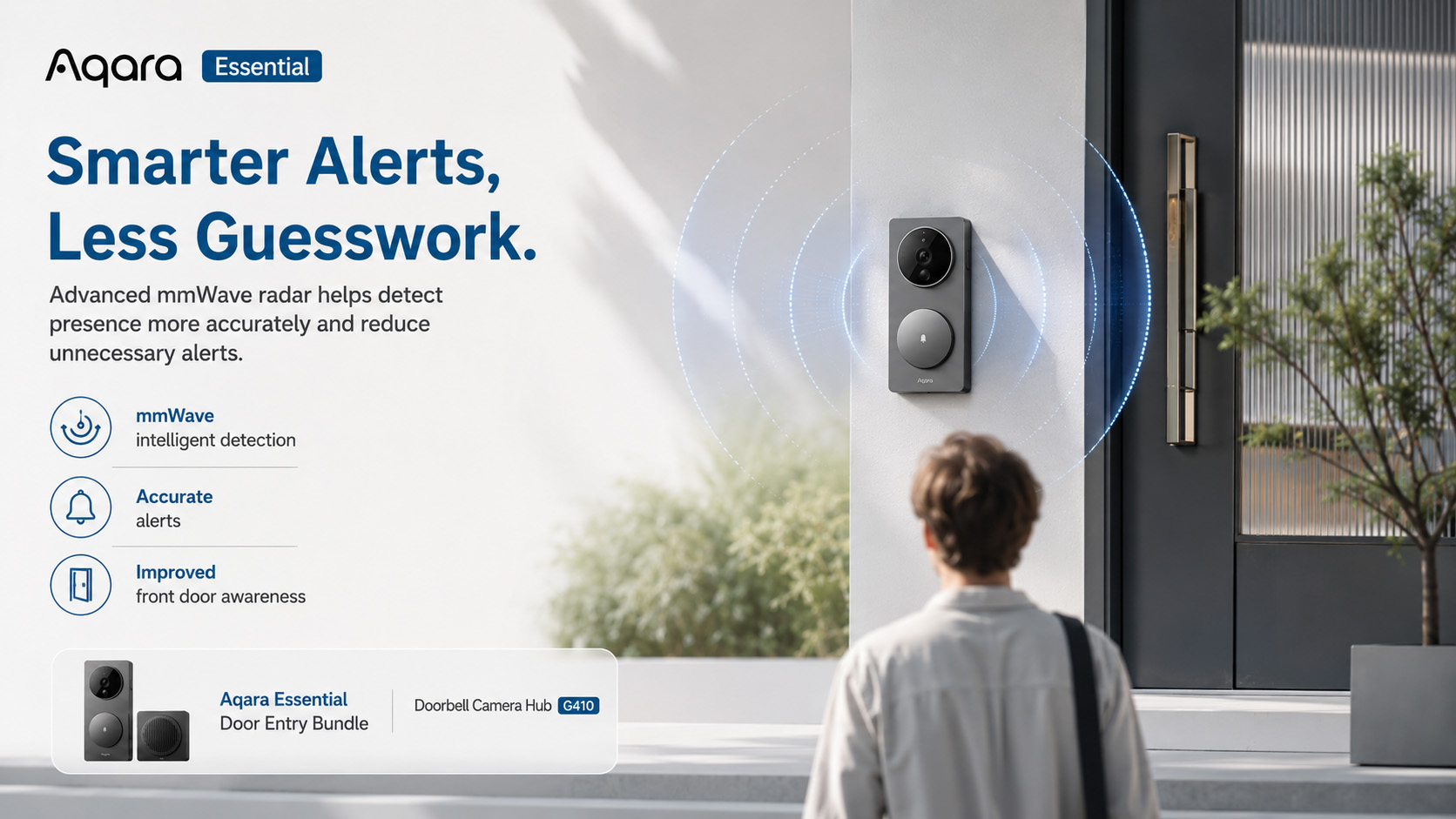
The Aqara Doorbell Camera Hub G410 delivers crystal-clear 2K video quality, allowing you to monitor visitors with exceptional detail. Advanced mmWave radar technology and intelligent face recognition help reduce false alerts while providing accurate notifications when someone approaches your door.
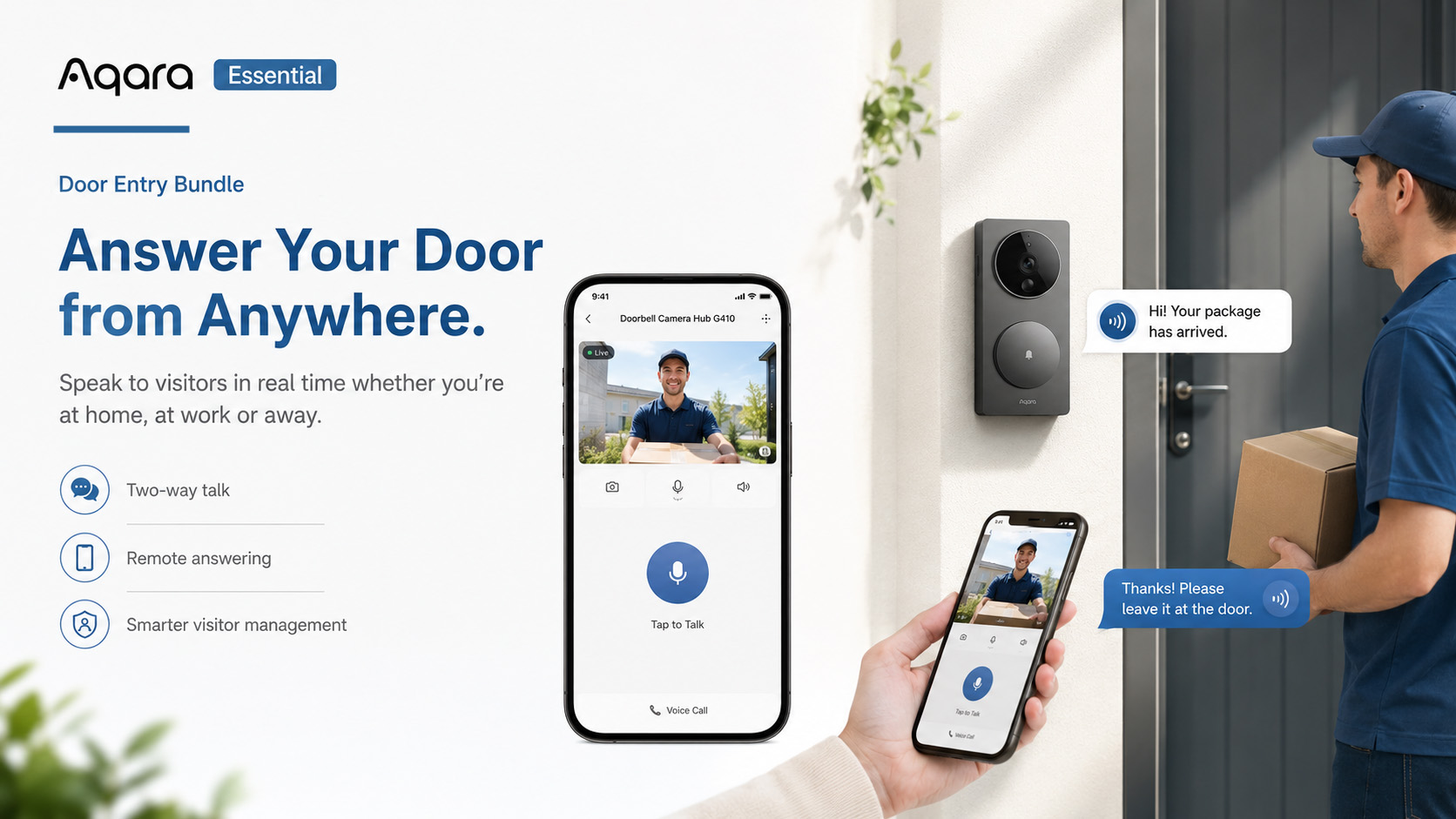
With two-way audio, you can speak directly to visitors from anywhere using your smartphone, whether you’re upstairs, in the office or away from home.
The included 95dB chime ensures you never miss a visitor, while local and encrypted cloud storage options help keep your recordings secure and accessible.
Effortless Keyless Access
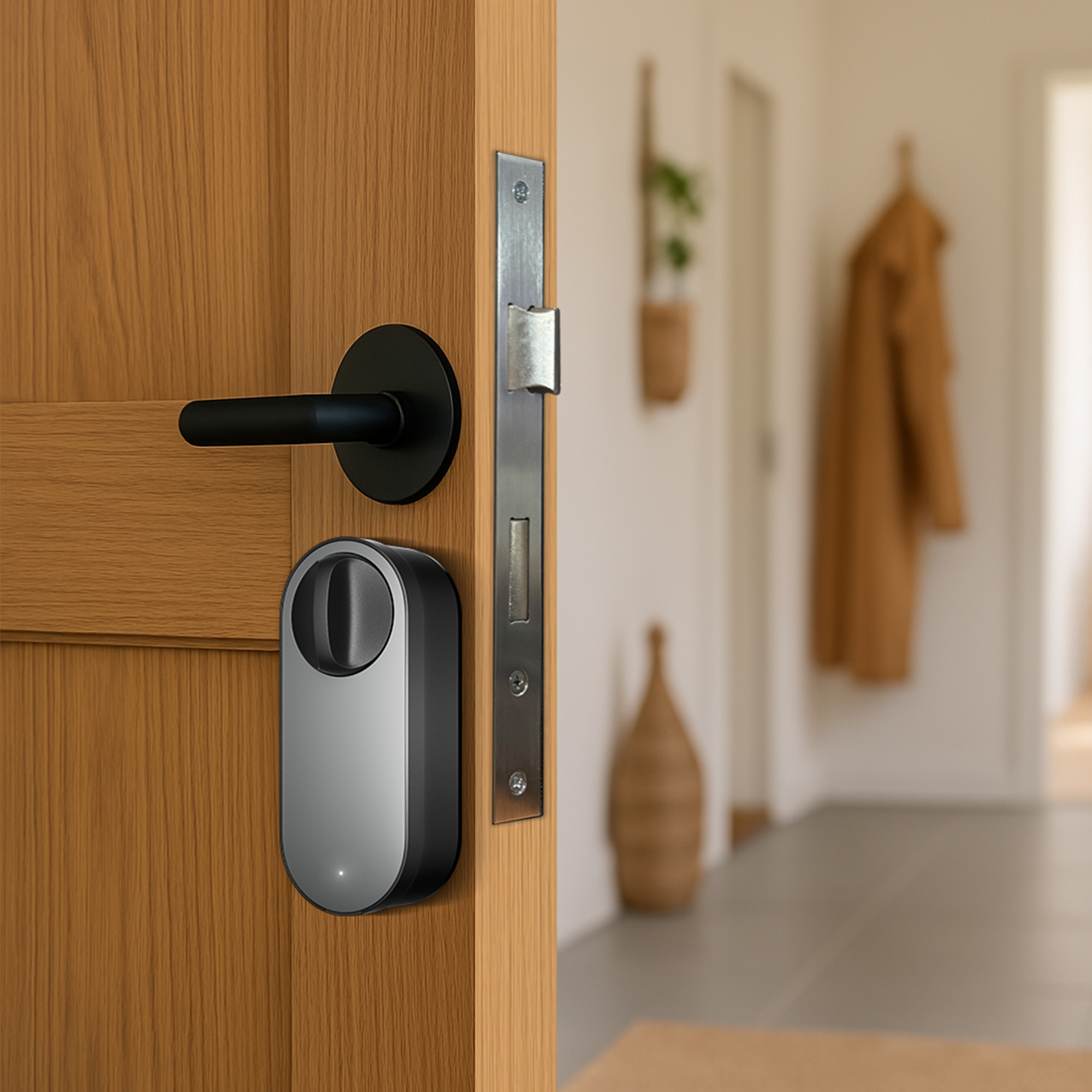
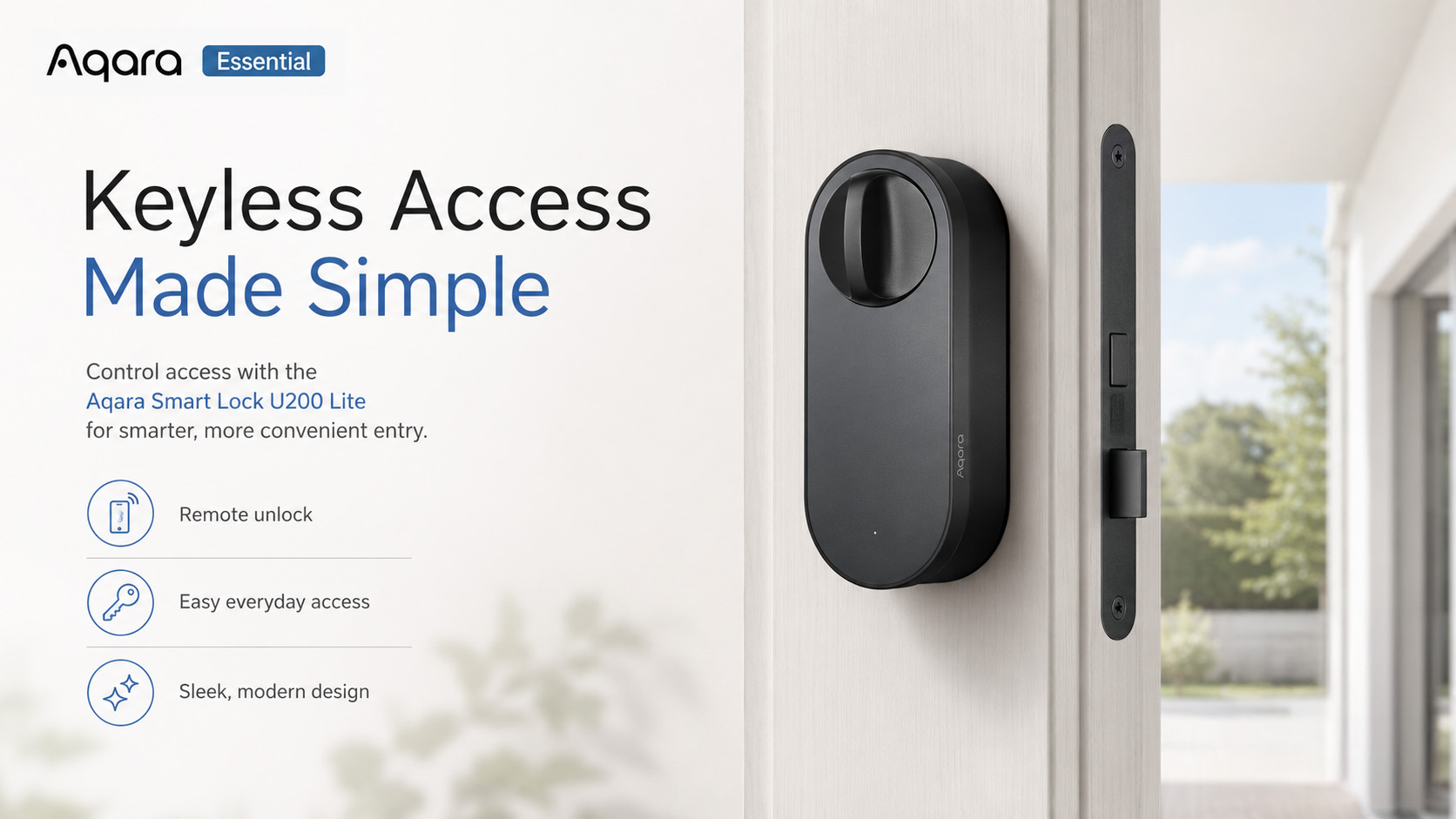
Upgrade your existing door with the Aqara Smart Lock U200 Lite and enjoy convenient, secure access without replacing your entire lock.
The U200 Lite installs directly over compatible existing cylinders without drilling or complicated modifications, making it an ideal solution for homeowners and renters alike.
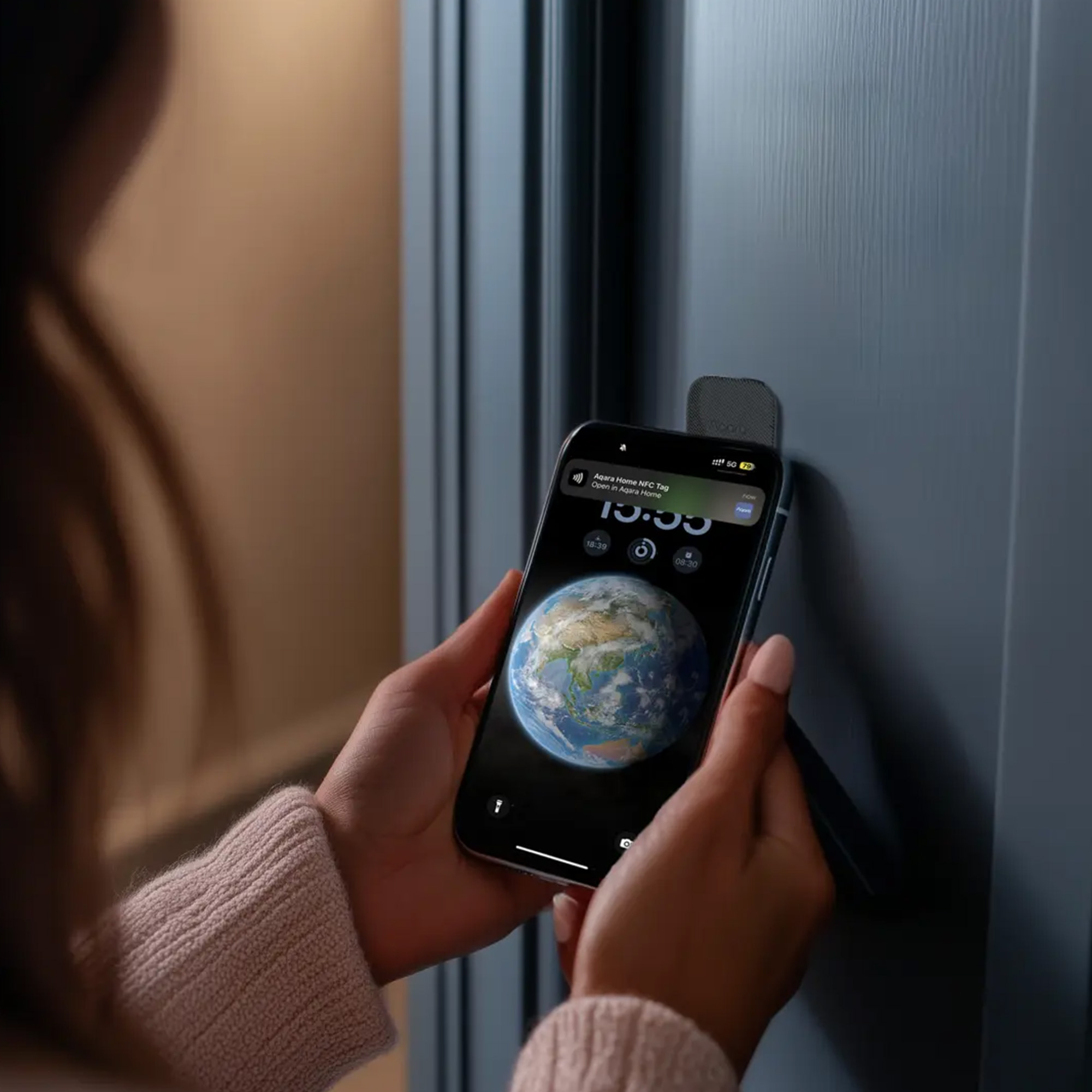
Unlock your door using:
- Aqara Home App
- Bluetooth proximity unlocking
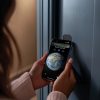
- NFC Sticker Card
- Voice control via supported ecosystems
- Remote access through your smart home platform
The built-in auto-lock function helps ensure your door is secured when closed, while quiet mode provides discreet operation during the evening and overnight.
The Perfect Smart Door Entry Experience
Together, the G410 and U200 Lite create powerful automations that make managing your home easier than ever.
Popular Smart Automations
- View visitors live before granting access
- Unlock the door remotely for family members or trusted guests
- Receive instant alerts when someone approaches your entrance
- Monitor activity even when you’re away from home
- Create personalised routines using Matter and Aqara Home
Designed for Modern Smart Homes
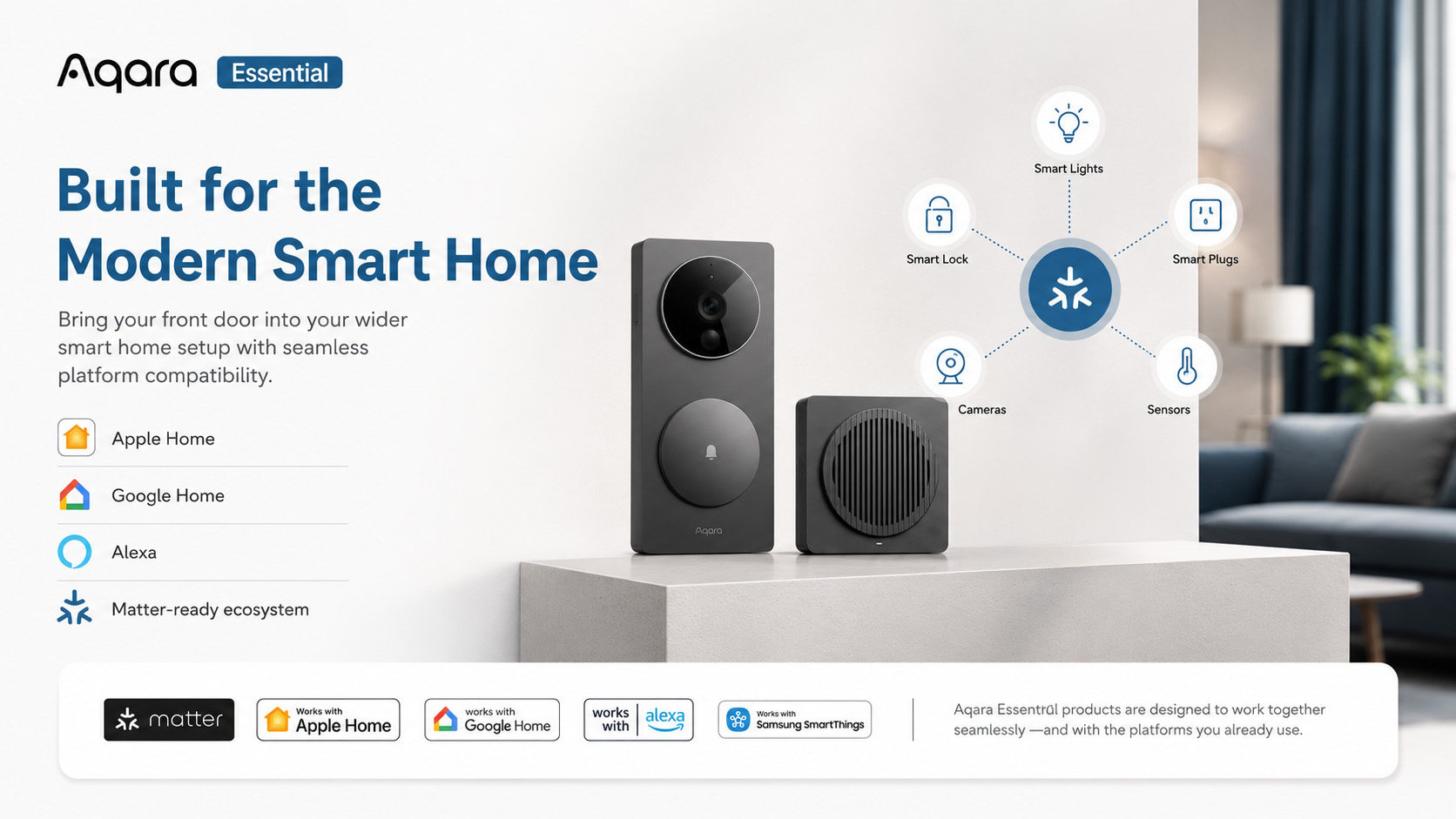
The Aqara Essential Door Entry Bundle is built around the latest smart home standards and integrates seamlessly with leading platforms.
Compatible with:
- Apple Home
- Google Home
- Amazon Alexa
- Samsung SmartThings
- Home Assistant
- Matter over Thread
Whether you’re starting your smart home journey or expanding an existing setup, this bundle provides a reliable foundation for smarter security and convenience.
Key Benefits
✓ Complete smart door entry solution
✓ Crystal-clear 2K video monitoring
✓ Intelligent mmWave radar detection
✓ Two-way audio communication
✓ Secure keyless access
✓ Easy retrofit installation
✓ Remote monitoring and control
✓ Matter-enabled smart home compatibility
✓ Local and encrypted cloud storage options
✓ Built-in chime included
Aqara Essential – Smart Home Solutions Made Simple
The Aqara Essential range has been designed to make smart home technology accessible and straightforward. Each bundle focuses on solving a real household need with carefully selected products that work together seamlessly.
The Door Entry Bundle provides everything needed to create a smarter, safer and more connected entrance for your home.
Frequently Asked Questions
How to add an NFC Sticker Card?
1) Currently, the NFC Sticker Card can only be added in the Aqara Home app. Please add the NFC Sticker Card through the Aqara Home app;
2) After successfully binding the U200 Lite to the Aqara app, enter the door lock’s NFC Sticker Card function. First-time users will see detailed setup instructions. If you need to review the setup steps, click the ? in the top right corner to view detailed instructions.
Why can't I add the NFC Sticker Card?
1) Currently, the NFC Sticker Card can only be added in the Aqara Home app. Please add the NFC Sticker Card through the Aqara Home app;
2) Please ensure your phone supports NFC functionality;
3) Please ensure you have enabled the NFC function on your phone;
4) Do not attach the NFC Sticker Card to metal surfaces;
5) Make sure the NFC Sticker Card overlaps with your phone’s NFC area;
Why can't I use the NFC Sticker Card after adding it?
1) Please make sure you have downloaded the Aqara Home app and check the NFC Sticker Card list in the Aqara app to confirm your NFC card has been successfully added to the door lock;
2) After adding the NFC Sticker Card, do not attach it to metal surfaces as this may affect its functionality;
3) Due to security requirements, the NFC Sticker Card can only be used after unlocking your phone, so please unlock your phone first;
4) Make sure the NFC Sticker Card overlaps with your phone’s NFC area;
Can I add NFC Sticker Cards from other brands?
Yes, but once it is bound to an Aqara lock, if it is deleted or reset, any data previously used with other brands cannot be restored. Additionally, we cannot guarantee compatibility or user experience with NFC Sticker Cards from other brands, so we recommend using Aqara NFC Sticker Cards for optimal performance.
Can the Smart Lock U200 Lite work with a door without a handle?
Yes, the U200 Lite can operate the latch as well, making it suitable for doors with handles or those with only a keyhole. To use this function, enable the “Pull Spring” feature in the settings of Aqara Home app.
Settings -> Door Lock Type -> Pull Spring
What kind of lock is compatible with the U200 Lite?
Compatible Locks: EU Mortise Lock, Part of UK Lift lever lock
What is Emergency Function?
A cylinder equipped with this feature enables it to be unlocked from the outside using a key, even if another key is already inserted on the inside. The U200 Lite is specifically designed for compatibility with cylinders that offer this capability.
Which locks and cylinders are incompatible?
Self-locking locks/Rim locks/Gate locks/Other standardized cylinders that are outdated
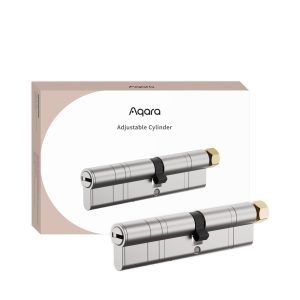
Does Aqara sell Adjustable Cylinder?
Yes, if your lock cylinder does not meet the installation requirements, consider to purchase the Aqara Adjustable Cylinder.
How do I calibrate the door lock?
1) For Aqara Home Answer: Users:
Option 1: Go to “Settings”; “Calibrate Lock” in the app and choose either “Automatic Calibration” or “Manual Calibration.”
Option 2: Long press (3s) the Set Button in the Door Lock for auto-calibration.
2) For Matter Users:
After installation, press and hold the “Set” button on the Lock for 3 seconds to initiate auto-calibration.
What is U200 Lite's Wireless Protocol?
1)The U200 Lite supports Matter over Thread, ensuring seamless interoperability across various smart home ecosystems.
2) Aqara Home Users: No hub is needed, but the Aqara Hub M3, M100 or Camera Hub G5 is recommended for enhanced features like remote control and automations.
3) Matter Users: A Thread Border Router that supports Matter is required.
Do I need a Matter hub to use this product?
1) Aqara Home Users: No hub is needed for control within Bluetooth range, but the Aqara Hub M3, M100 or Camera Hub G5 is recommended for enhanced features like remote control and automations.
2) Matter Users: A Thread Border Router that supports Matter is required.
What functions are available with the Aqara Hub M3, M100 or Camera Hub G5 ?
Binding to the Aqara Hub M3, M100 or Camera Hub G5 allows for automations, remote lock/unlock, and more features in future updates.
Do I need Aqara Home to use this product with other ecosystems?
Basic functions like locking and unlocking work with third-party ecosystems. However, we recommend using the Aqara Home app to access exclusive features and detailed settings such as Manual Calibration, Auto Lock, Auto-Turn Lock/Turn to Lock, the Pull Spring feature, and more.
Why can’t Smart Lock U200 be bound to other ecosystems?
1) If already bound: Enter pairing mode and follow the instructions to bind to another ecosystem.
2) If it is not bound: Reset the device and try again.
What should I do if the U200 door lock cannot be bound to the Home app?
Follow these troubleshooting steps to resolve issues with the Aqara Smart Lock
1) Update Firmware: Ensure U200 Lite’s firmware is updated and follow the recommended reset and setup procedures.
2) After powering on the door lock, please press the lock’s “Set” button once to enter the lock’s pairing mode, then use the Home app to scan the Matter QR code.
3) Reset Apple Home Hub: Reset the Home hub and integrate it with the new Home to test the lock’s functionality. If successful, the issue may stem from the original Home configuration.
4) If the pairing times out, please try resetting the door lock, and delete the Smart Lock U200 Lite in the system on your phone/tablet, then try rebinding the Apple Home app.
5) Thread Border Router Alert: If you receive a ‘Thread Border Router Required’ alert, please check Apple’s support link: https://support.apple.com/en-us/102078
6) Reset Door Lock: Refer to the electronic user manual for instructions on resetting the door lock.
Is it possible to use this product without connecting to a smartphone?
A smartphone is required to connect the Smart Lock U200 Lite to Aqara Home or other Matter ecosystems. After adding the admin and calibrating the lock, it can be used directly.
Is it possible to use Smart Lock U200 Lite without connecting to any hub?
1) Aqara Home App Users: Yes, but remote control requires the Aqara Hub M3, M100 or Camera Hub G5.
2) Matter Users: A 2-in-1 Matter Controller and Thread Border Router is required. You need to use the corresponding hub for the ecosystem you want to add the lock to.
How to reset the lock?
Long press (10s) the Reset Button
If the lock is out of power, how do I unlock the door?
The Smart Lock U200 Lite will alert the user when the battery of the keypad or lock is below 20%, at which point the lock can still work normally for about two weeks.
If the lock is out of power, please use the physical key
What is the average battery life of the U200 Lite?
Up to 6 months with up to 8 daily lock/unlock actions. Battery life may vary based on actual use and conditions.
If the “Pull Spring” function is enabled, it will significantly reduce battery life
What is Quiet Mode, and how do I activate it?
Quiet Mode allows you to unlock the door slowly, reducing noise levels, featuring Quiet/Standard/Fast mode.
Activate it in Aqara Home Settings: Settings -> Quiet Mode
What is the Auto-Lock feature, and how do I enable it?
Thanks to the built-in gyroscope, U200 Lite can remind you with a sound in case you forget to close the door, and even lock the door automatically after you close it. Enable in the Aqara Home app: Settings -> Auto-Lock
How can I update the lock?
Aqara Home Users: Update firmware via the settings page. Keep your phone close during the update (15-20 minutes).
Matter Users: By the launch of the U200 Lite lock, OTA updates via Apple Home are supported.
Note that Aqara Home updates more frequently and earlier than Matter and other ecosystems.
How to use remote lock/unlock?
Aqara Home Users: Bind the lock to the Aqara Hub M3, M100 or Camera Hub G5 for remote features.
Matter Users: Use a 2-in-1 Matter Controller and Thread Border Router. You need to use the corresponding hub for the ecosystem you want to add to.
Does U200 Lite support Wi-Fi?
No, it supports the Thread protocol, which is more stable and offers longer battery life.
What if the lock does not respond after using the App/NFC?
Check if the lock is out of battery. If the issue persists after replacing the batteries, contact customer service.
Videos
Kit Contents
-

Aqara Smart Lock U200 Lite Kit
£129.00 inc. VAT Select options This product has multiple variants. The options may be chosen on the product page -
Sale!
Aqara Doorbell Camera Hub G410 Select
Original price was: £149.99.£129.98Current price is: £129.98. inc. VAT Select options This product has multiple variants. The options may be chosen on the product page
Product Specifications
Physical and Performance Attributes | |||||||||||||||||||||||||||||||||||||||||
|---|---|---|---|---|---|---|---|---|---|---|---|---|---|---|---|---|---|---|---|---|---|---|---|---|---|---|---|---|---|---|---|---|---|---|---|---|---|---|---|---|---|
| Dimensions (L x W x H) | 123 × 69 × 171 mm | ||||||||||||||||||||||||||||||||||||||||
Misc Product Attributes | |||||||||||||||||||||||||||||||||||||||||
Aqara Doorbell Camera Hub G410 Specifications:
Aqara Smart Lock U200 Lite Kit Specifications:
| |||||||||||||||||||||||||||||||||||||||||
You may also like…
-
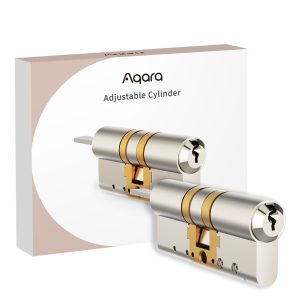
Aqara Adjustable Cylinder (Compatible with Aqara Smart Lock U200)
Read more -
10% OFF!
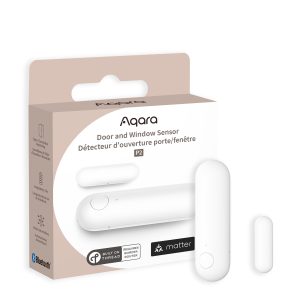
Aqara Door and Window Sensor P2
Original price was: £29.99.£26.99Current price is: £26.99. inc. VAT Add to basket -
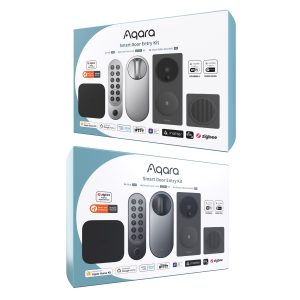
Aqara Smart Door Entry Kit
£399.98 inc. VAT Select options This product has multiple variants. The options may be chosen on the product page -
Sale!
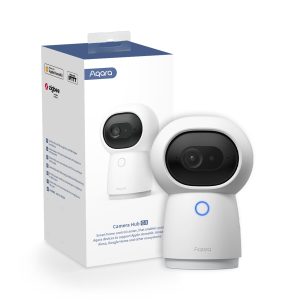
Aqara Doorbell Camera Hub G410 Select
Original price was: £149.99.£129.98Current price is: £129.98. inc. VAT Select options This product has multiple variants. The options may be chosen on the product page