

Aqara Essential Smart Curtain Bundle
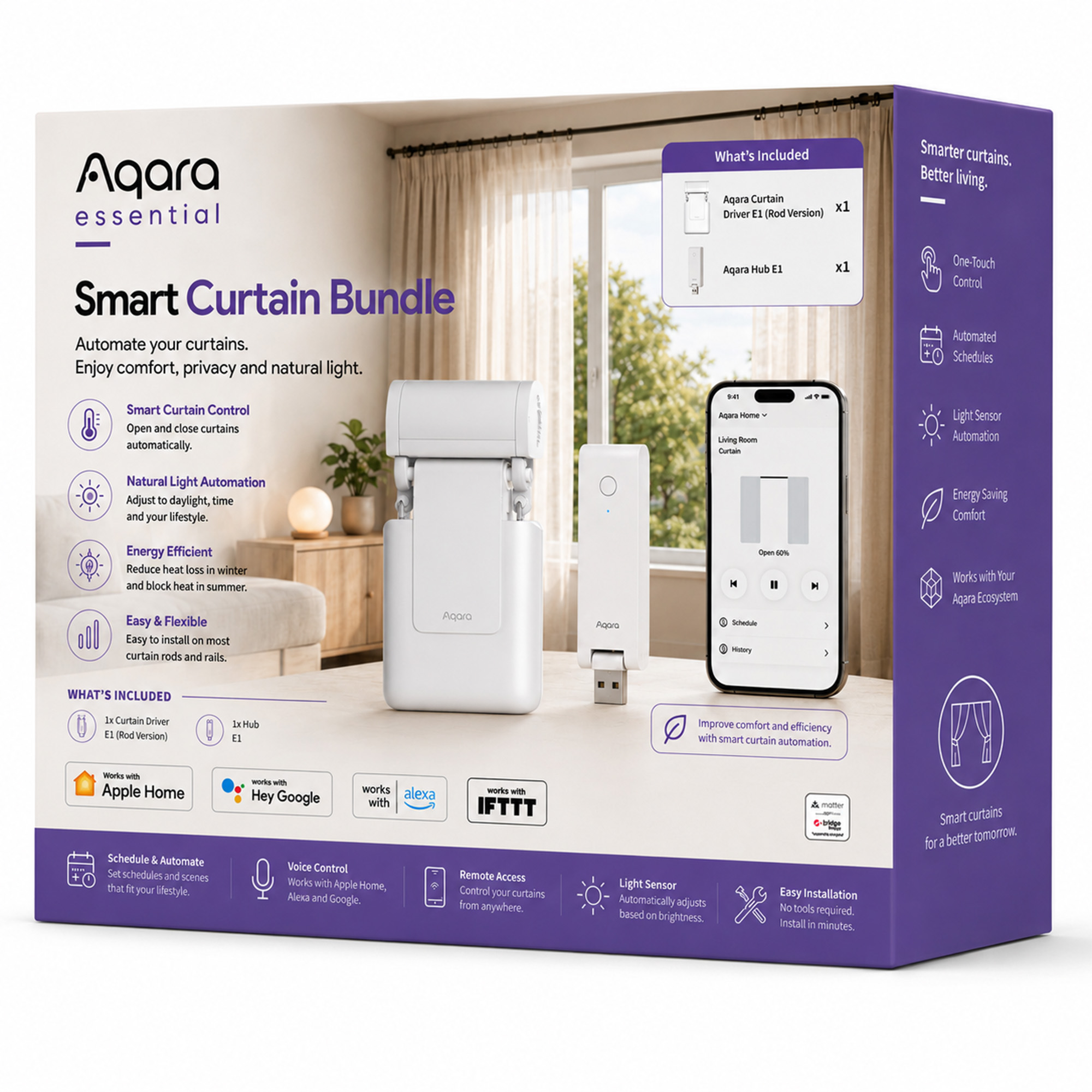
Automate your existing curtains with the Aqara Essential Smart Curtain Bundle, including Curtain Driver E1 Rod Version and Hub E1. Enjoy app control, schedules, voice control and smart light automation.
Total RRP: £129.97
Compatibility
Aqara Essential Smart Curtain Bundle is compatible with the following systems:




Accessories
£99.98 inc. VAT
Description
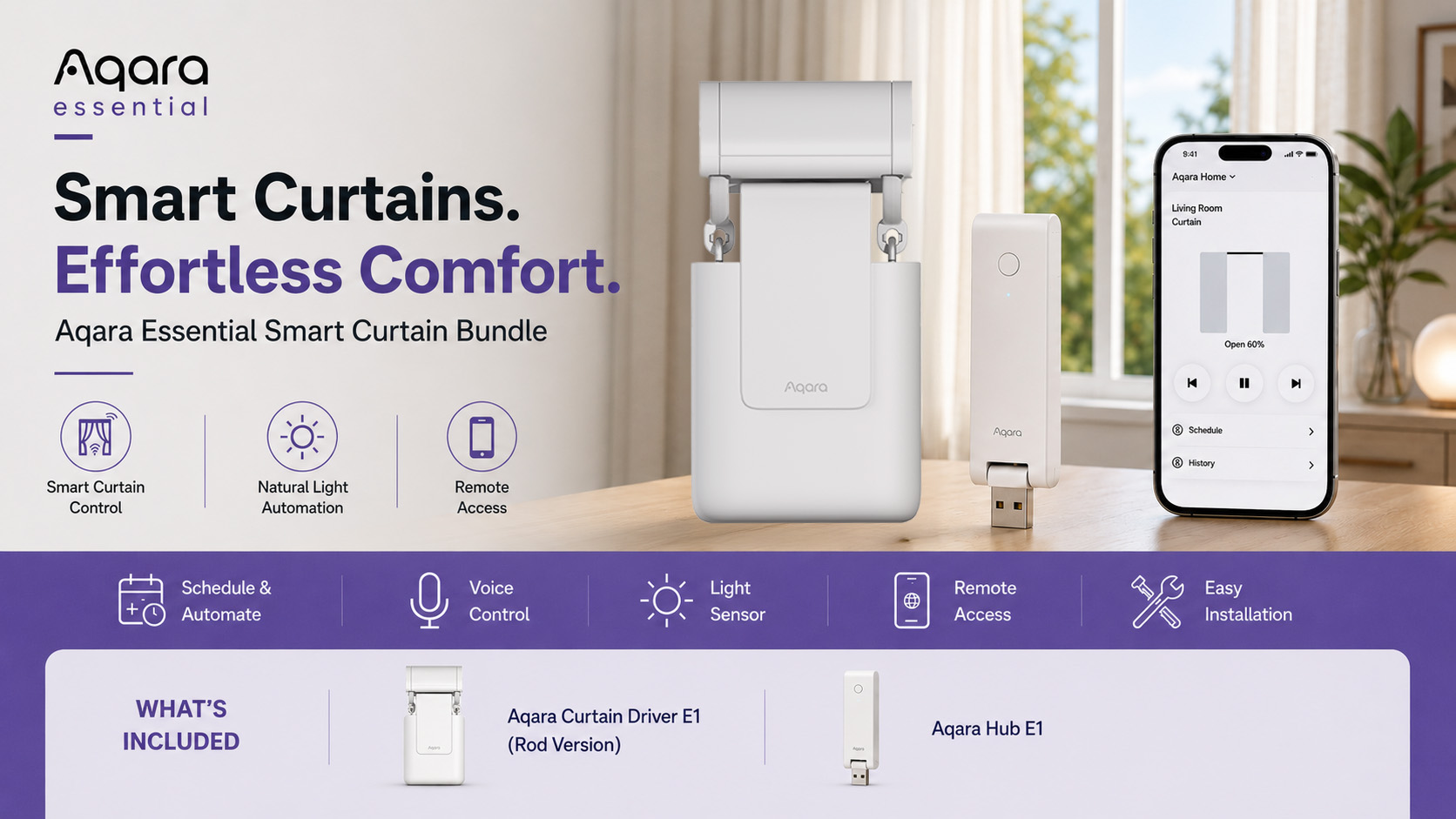
Aqara Essential Smart Curtain Bundle
Wake Up Naturally. Control Your Curtains Effortlessly.
Upgrade your existing curtains with smart automation using the Aqara Essential Smart Curtain Bundle. Designed for easy installation and everyday convenience, this bundle includes everything you need to automate your curtains, control them remotely, and create a more comfortable living space.
Whether you want to wake up with natural sunlight, close your curtains automatically in the evening, or improve privacy while you’re away, this bundle makes curtain automation simple.
With the Aqara Curtain Driver E1 Rod Version and Aqara Hub E1 included, you can enjoy app control, voice control, smart schedules, light-based automation and seamless integration with your favourite smart home ecosystem.
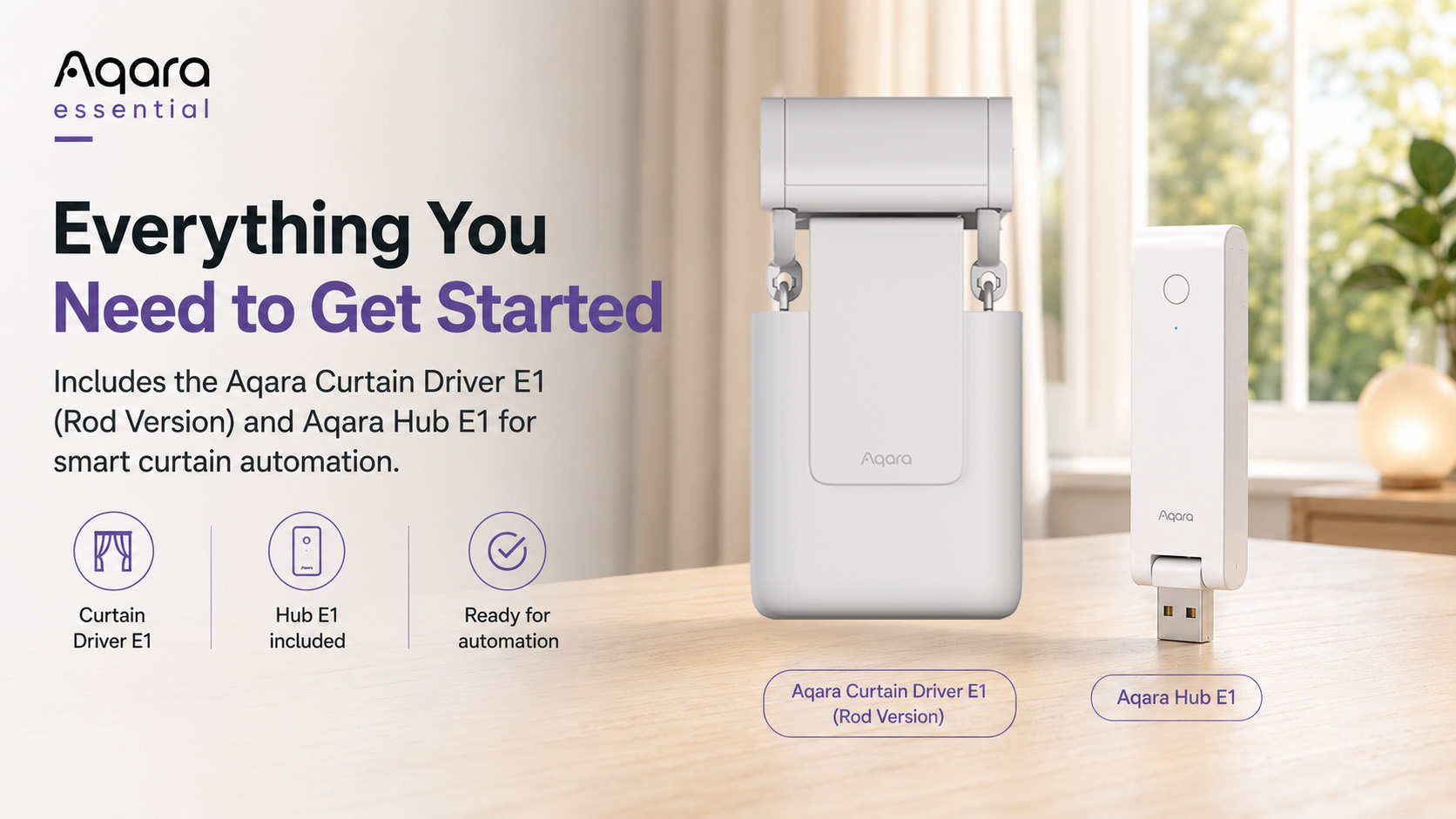
What’s Included
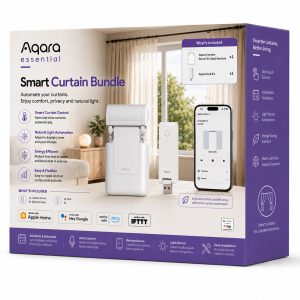
- 1 × Aqara Curtain Driver E1 – Rod Version
- 1 × Aqara Hub E1
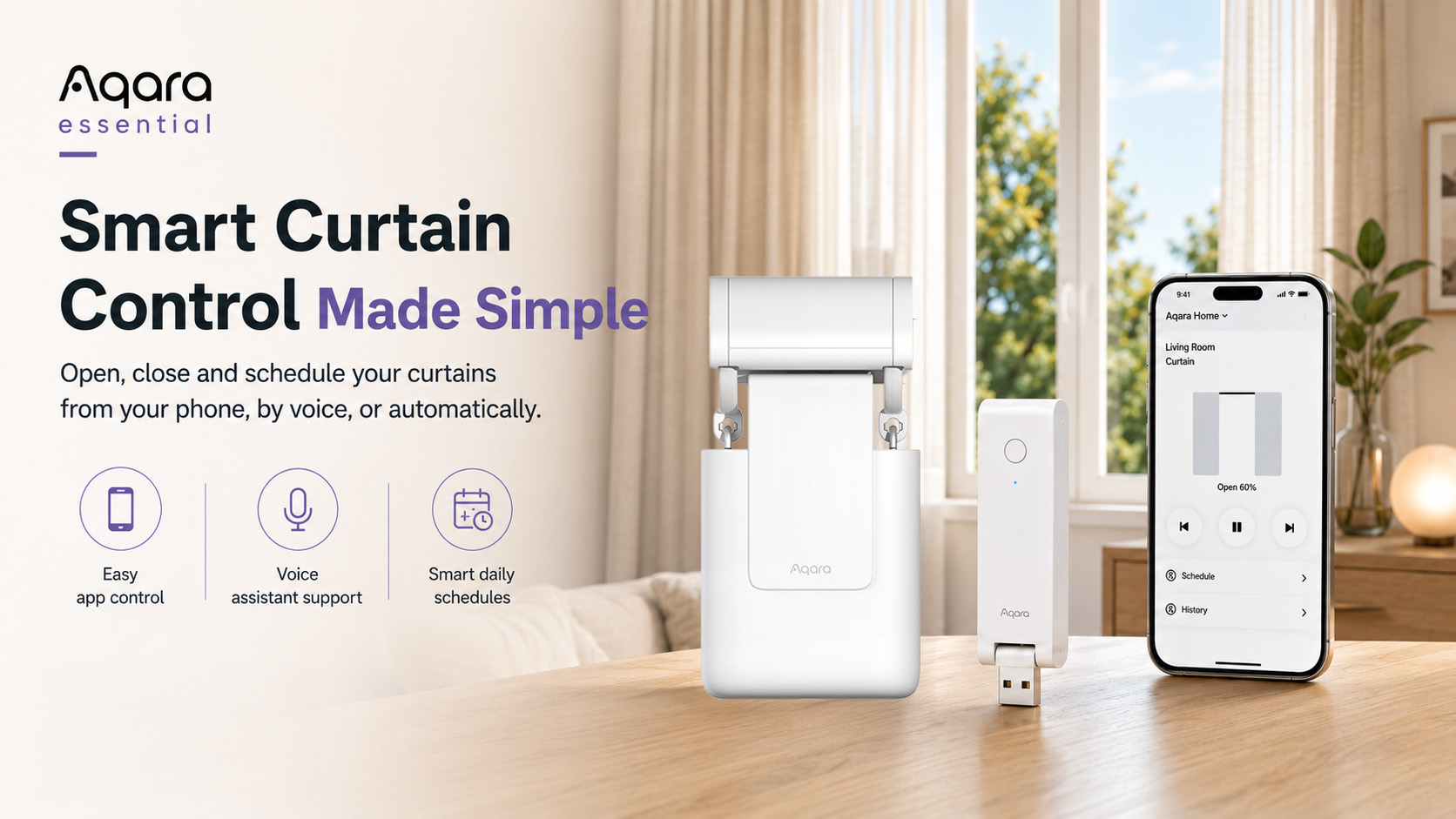
Smart Curtain Control Made Simple
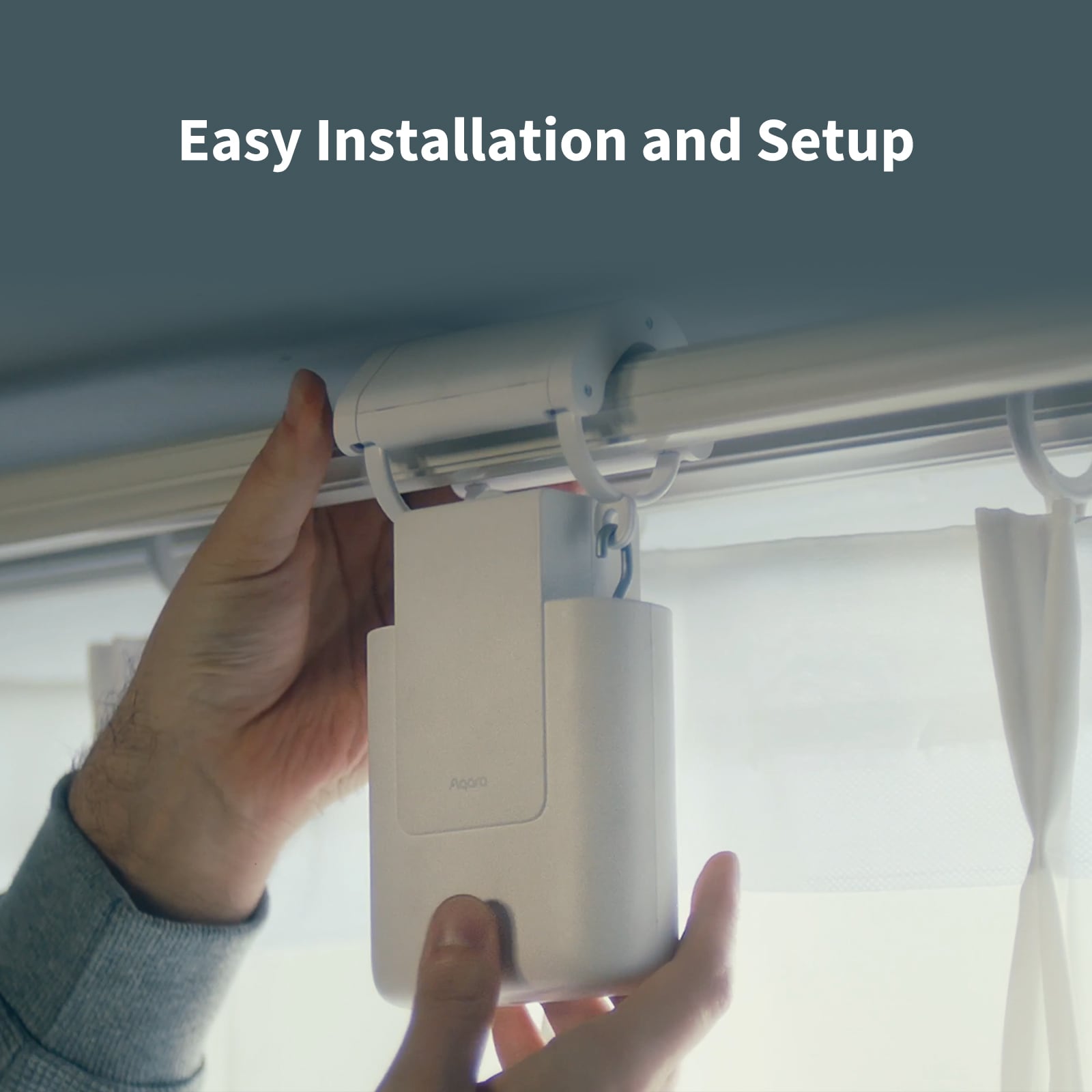
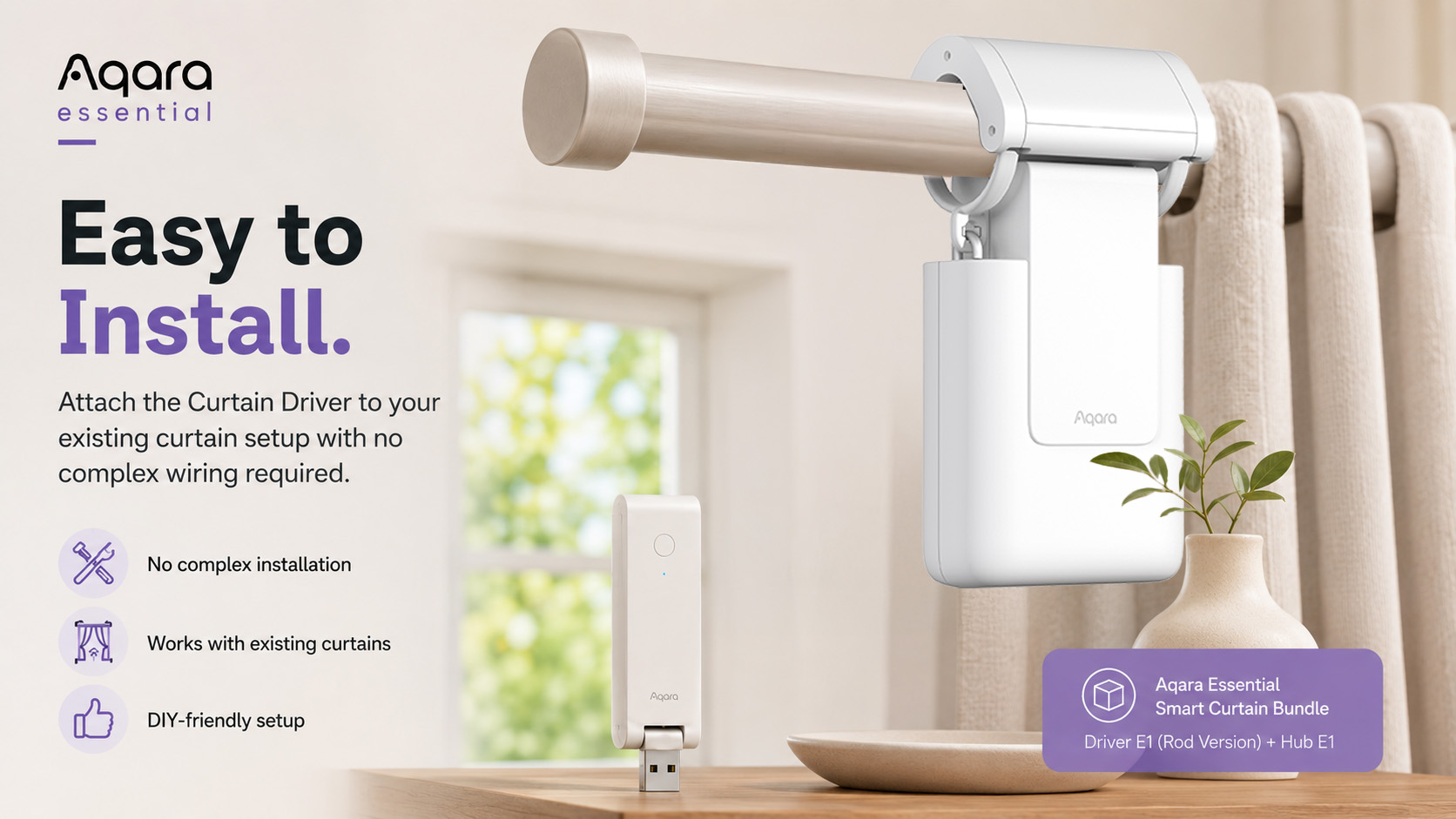
The Aqara Curtain Driver E1 is designed to work with your existing curtains, so there’s no need to replace your curtain rail, rod or fabric. Simply attach the device to your curtain setup, connect it to the Aqara Home app, and start enjoying automated curtain control.
Open, close or adjust your curtains directly from your smartphone, voice assistant or Aqara automation setup.
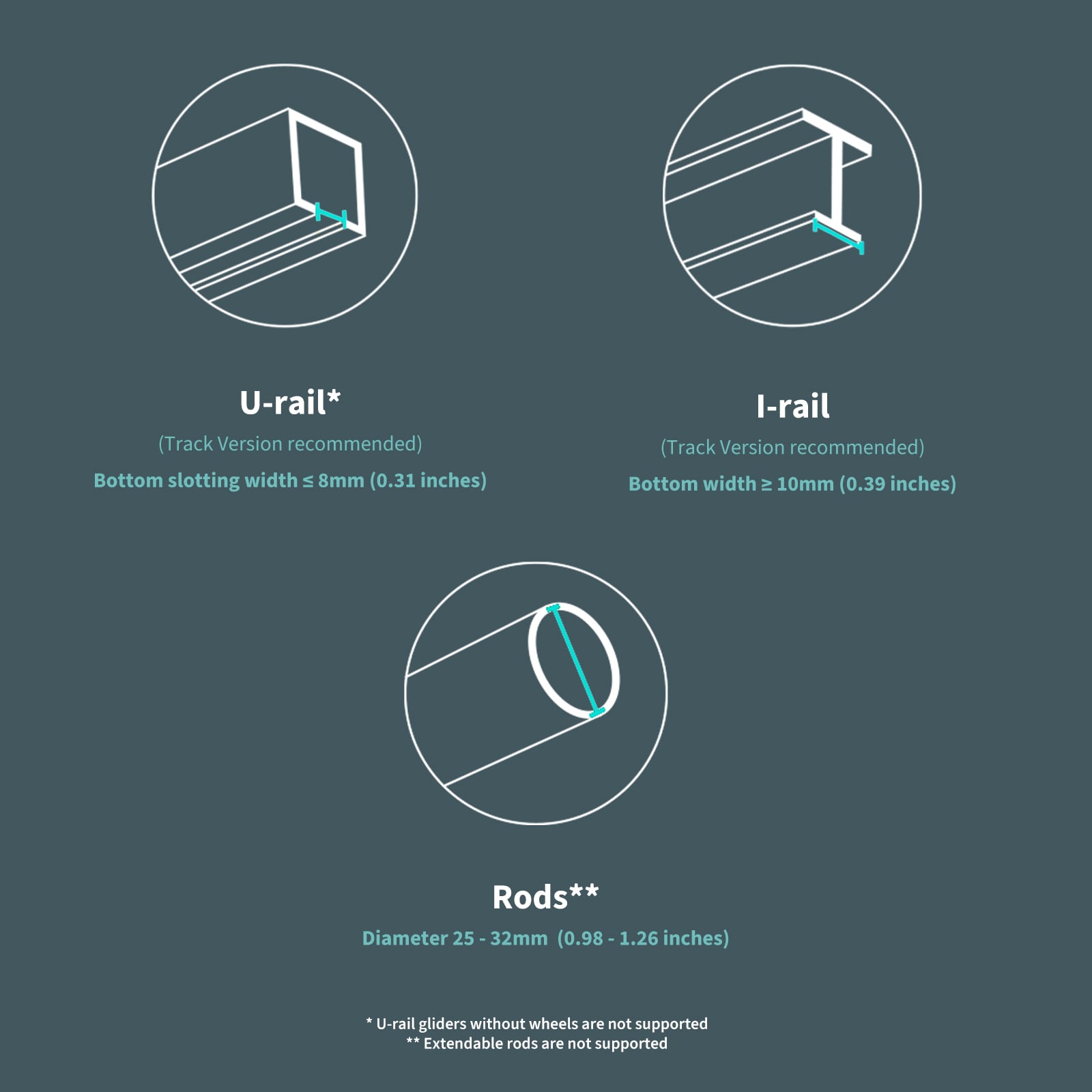
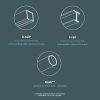
Designed for Rods, U-Rails and I-Rails
This bundle includes the Rod Version of the Aqara Curtain Driver E1, giving you the most flexible compatibility across different curtain setups.
It supports:
- Curtain rods
- U-rails
- I-rails
This makes it a practical option for a wide range of homes, bedrooms, living rooms and home offices.
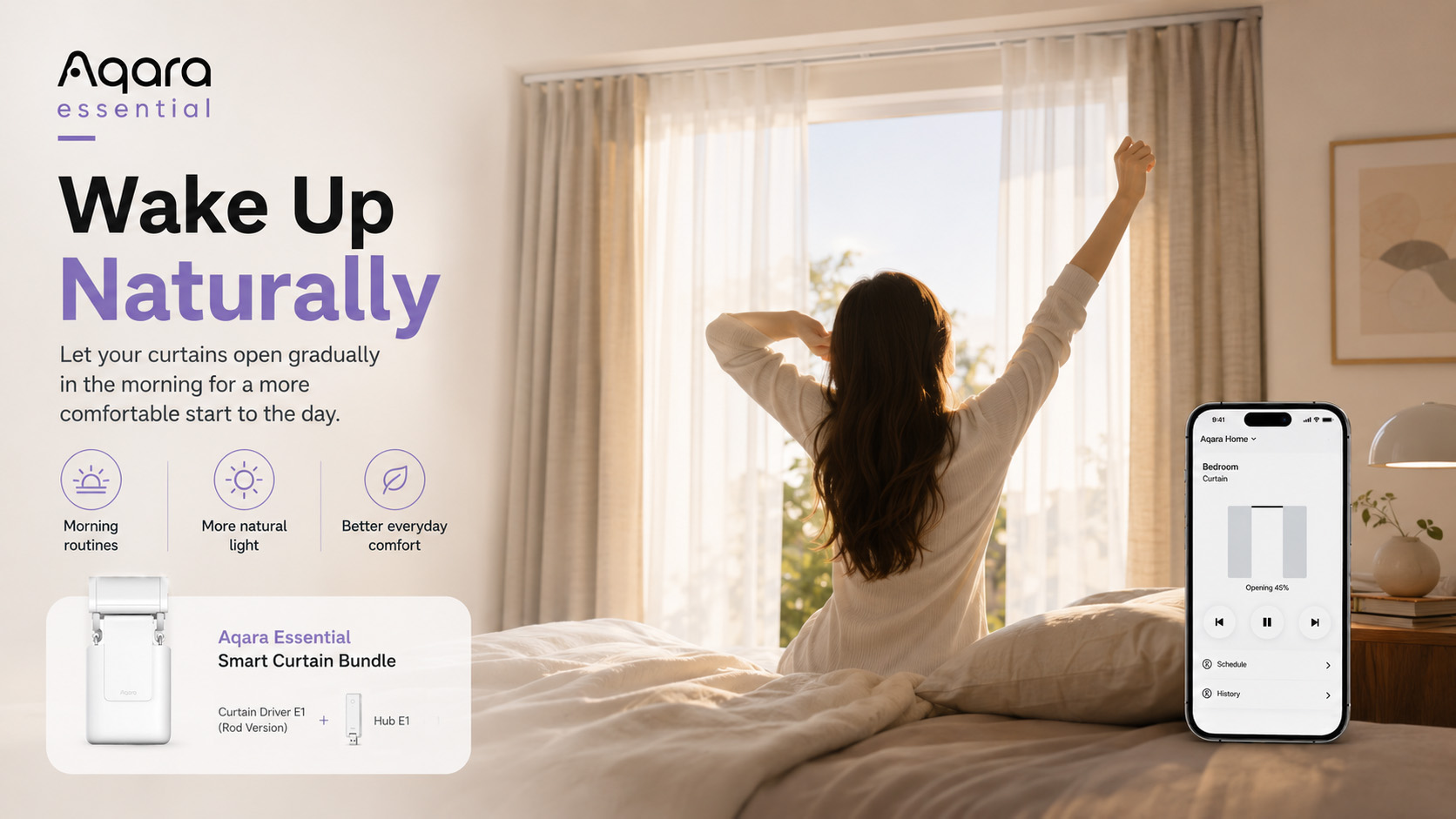
Automate Around Your Daily Routine
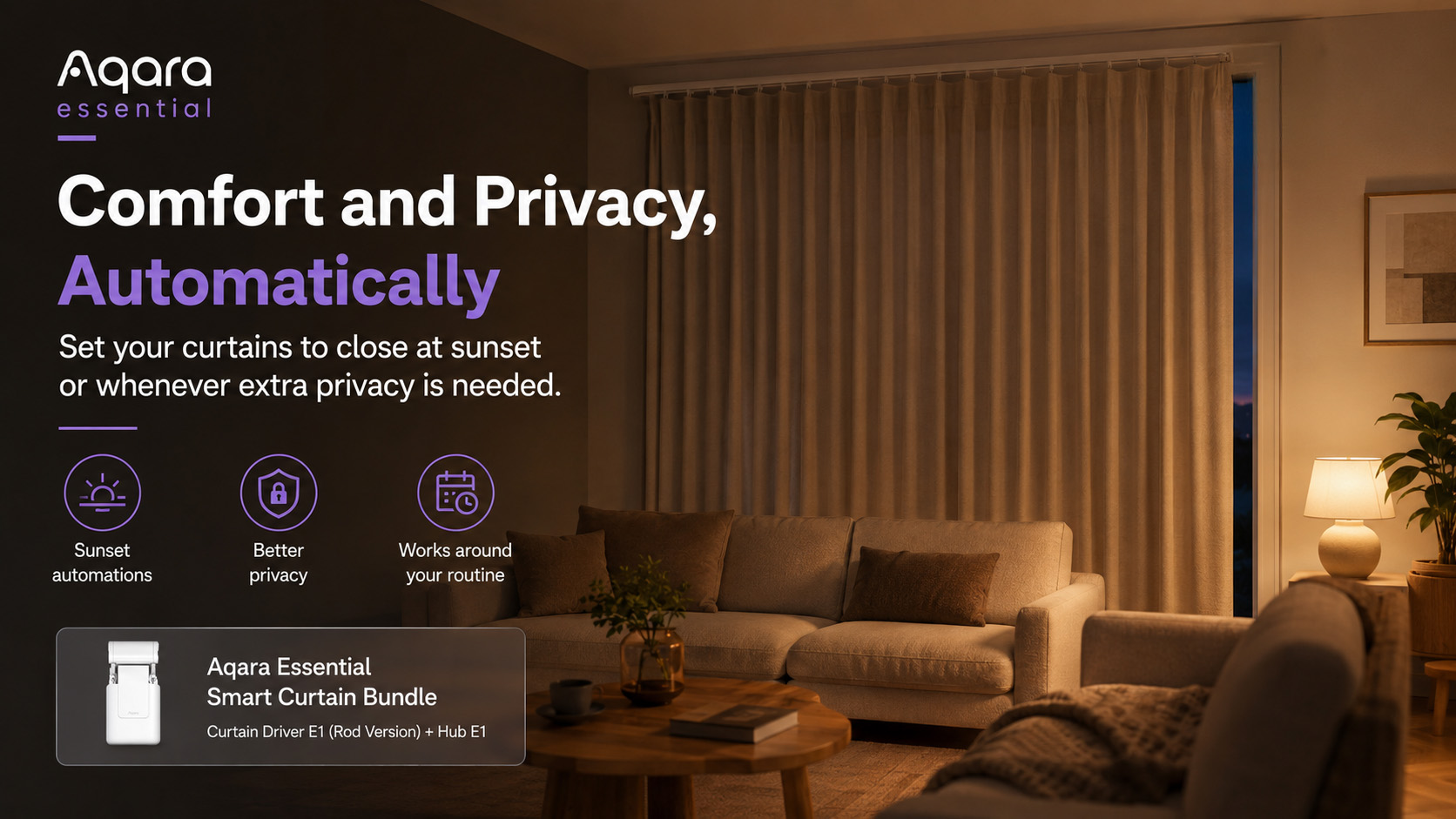
Create schedules that fit your lifestyle. Open your curtains in the morning, close them at sunset, or set them to respond automatically to your daily routine.
Popular automation ideas include:
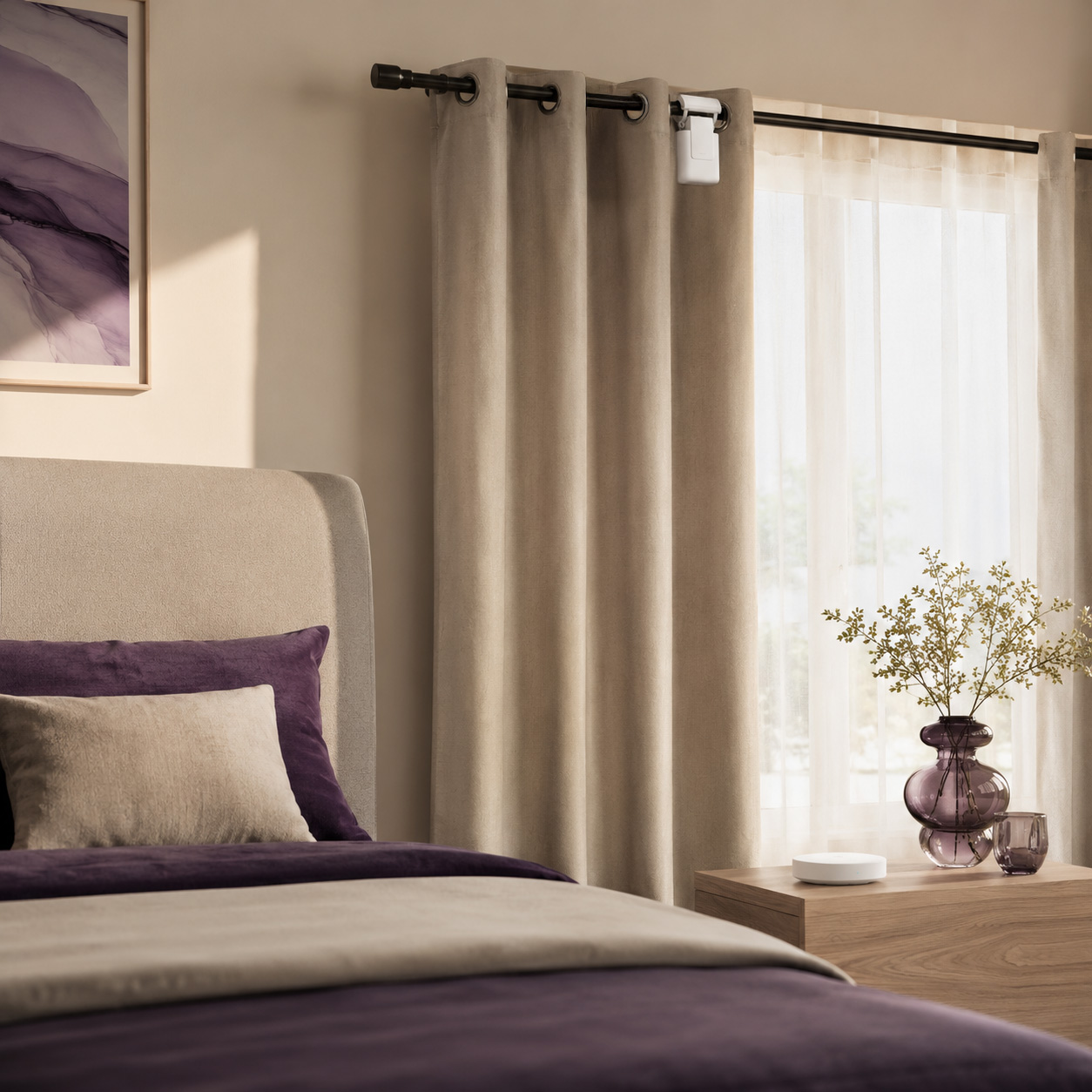
- Open curtains gradually in the morning
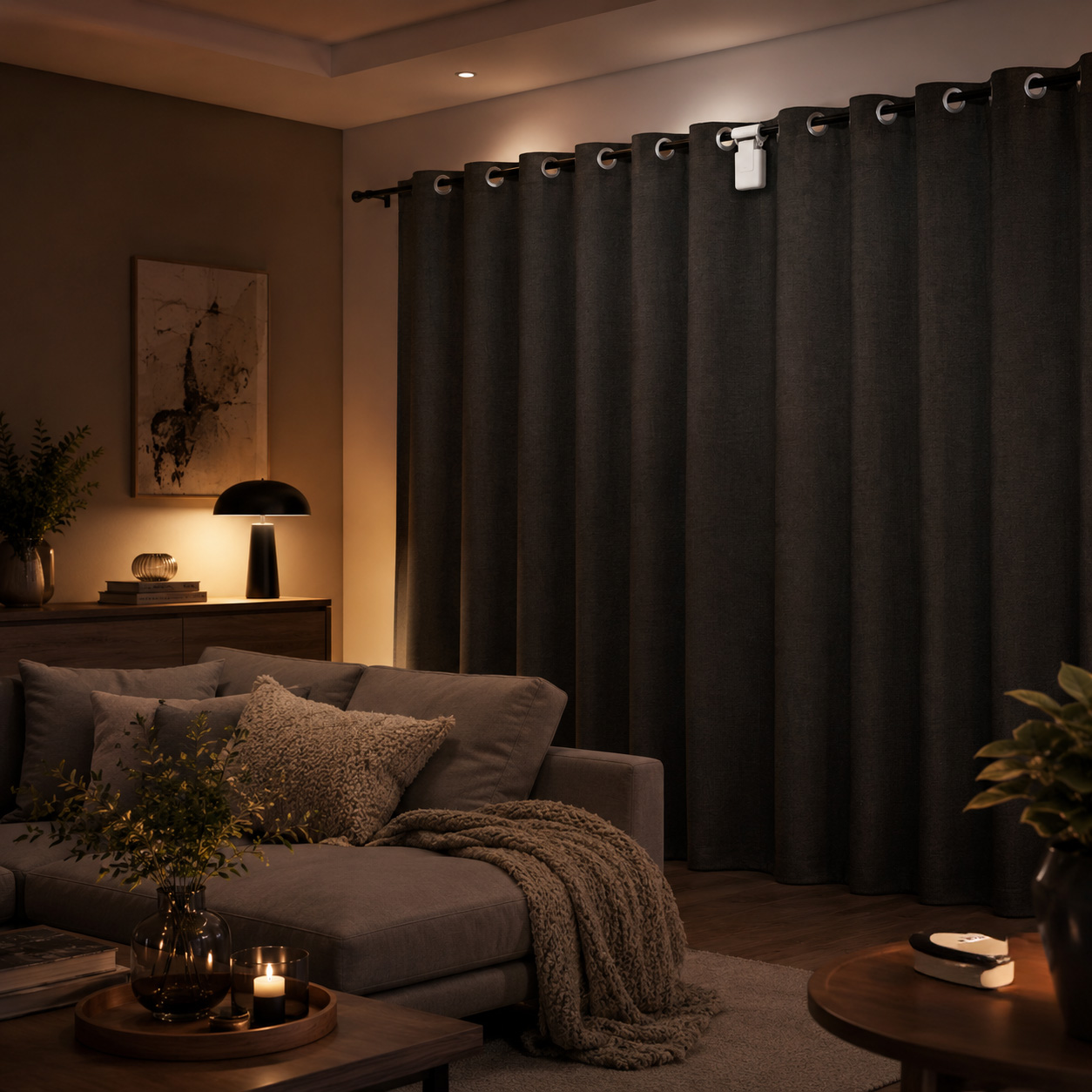
- Close curtains automatically at night
- Adjust curtains based on brightness
- Close curtains when you leave home
- Pair with lighting, heating or security automations
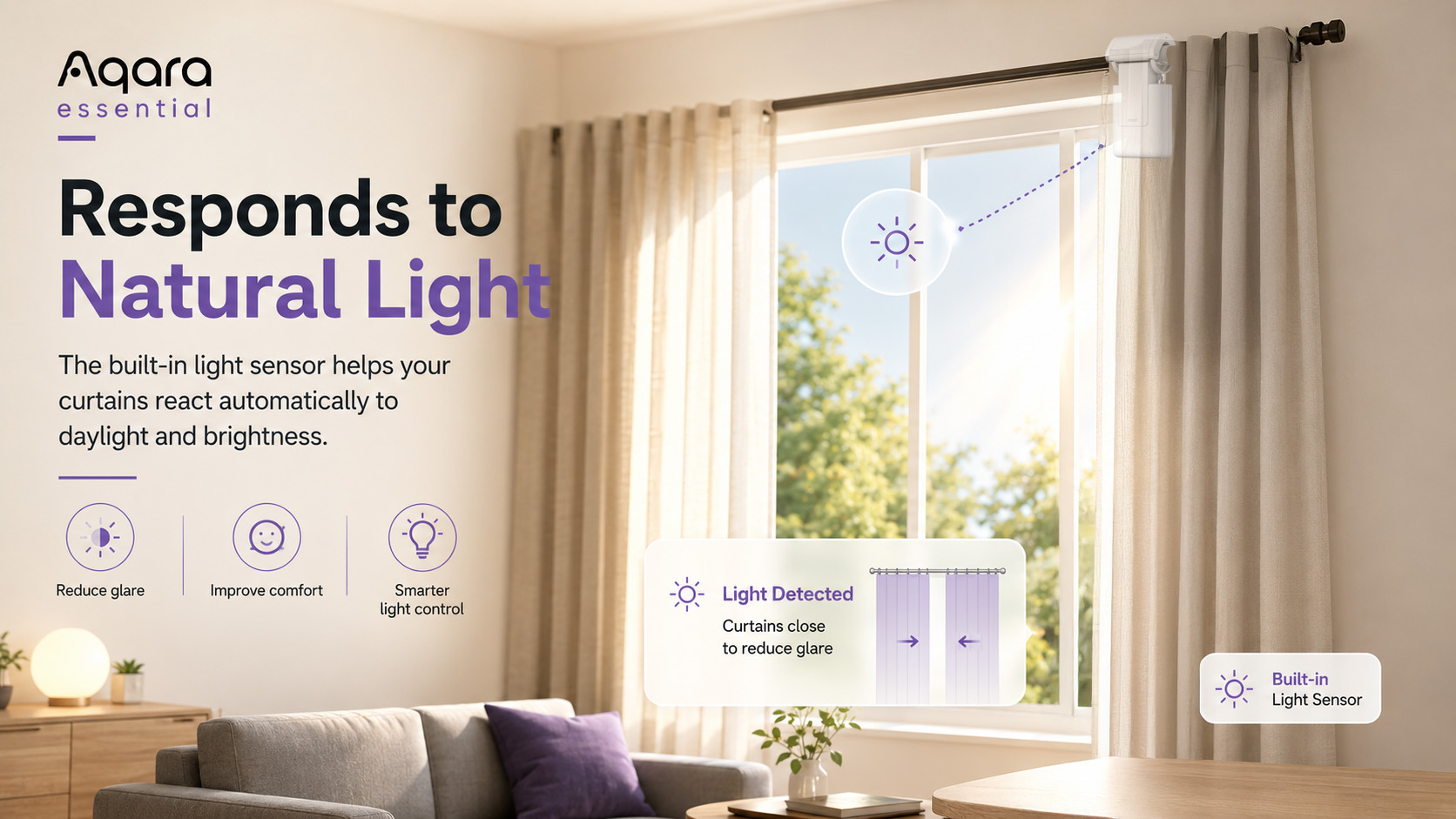
Built-In Light Sensor
The Aqara Curtain Driver E1 features a built-in light sensor, allowing your curtains to respond to the brightness in your room.
For example, you can create automations to close curtains when sunlight becomes too strong or open them when natural light is needed.
This can help improve comfort, protect furniture from direct sunlight, and support better energy efficiency throughout the year.
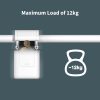
Powerful Performance for Heavier Curtains
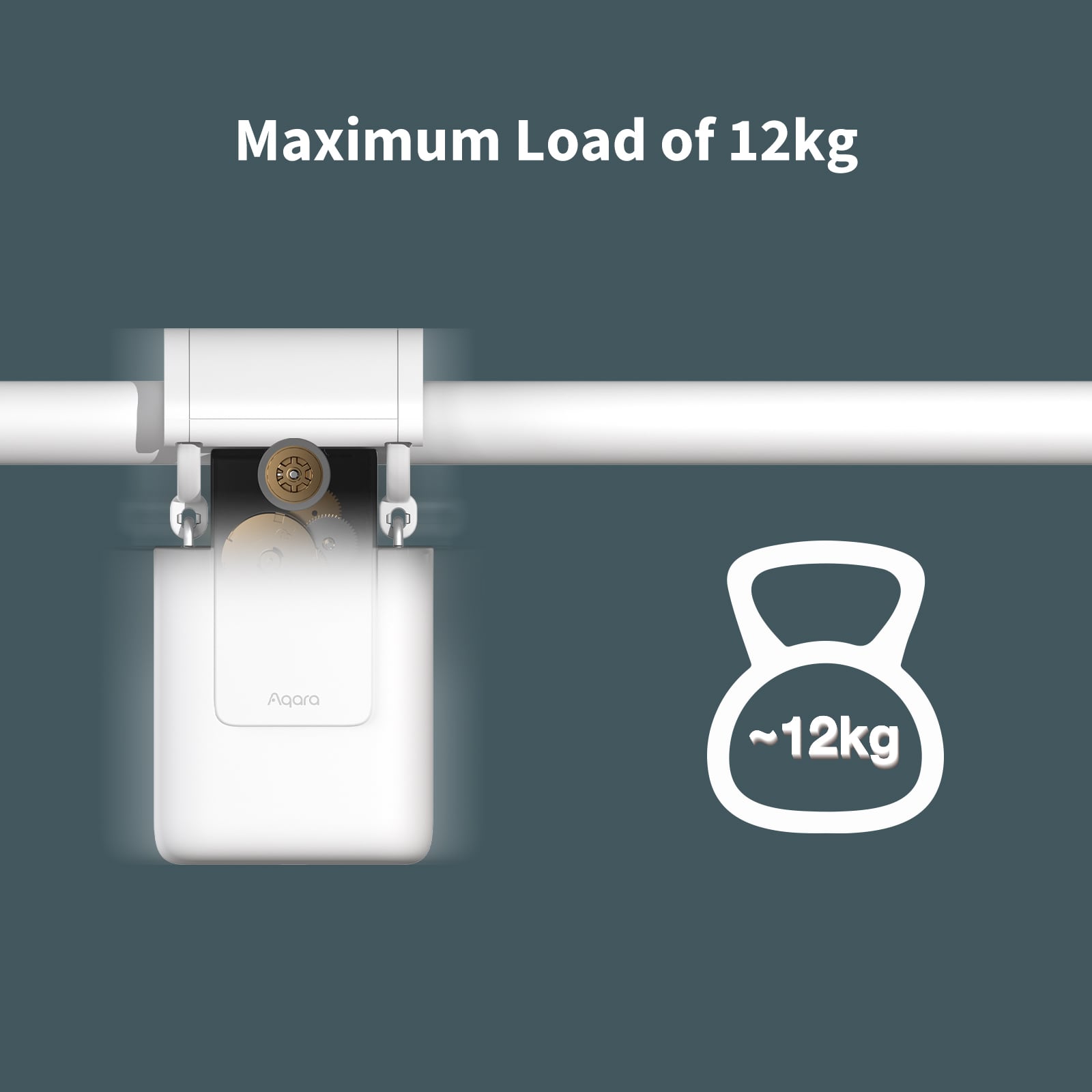
Despite its compact design, the Aqara Curtain Driver E1 is powerful enough to handle curtains up to 12kg, making it suitable for heavier curtain setups as well as everyday household curtains.
You can also group two Curtain Drivers together for double-sided curtains, allowing both sides to open and close at the same time.
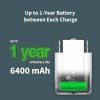
Long Battery Life
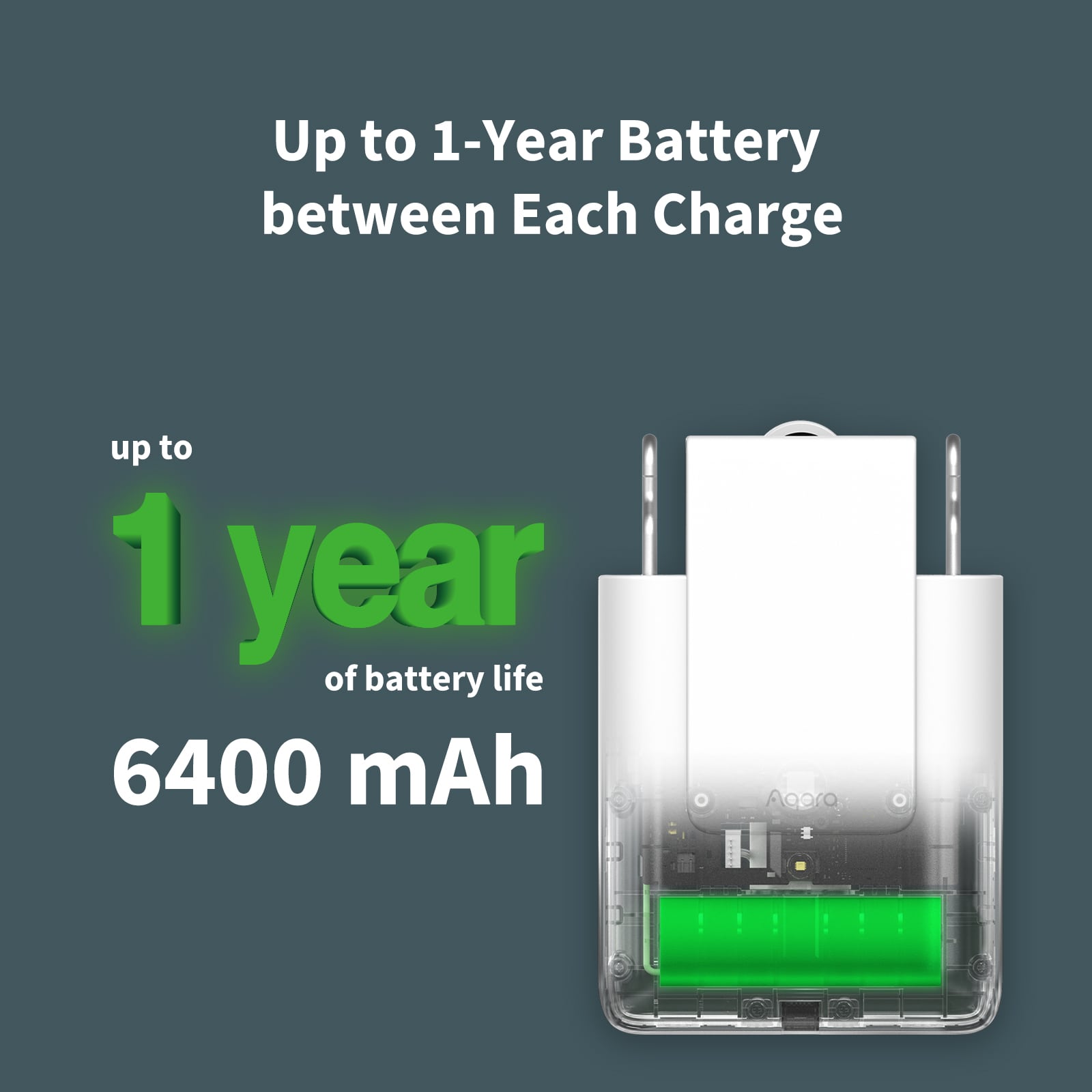
With a large built-in battery and Aqara’s energy-saving technology, the Curtain Driver E1 can last for up to 1 year on a single charge, depending on curtain weight, track length, friction and usage.
Charging is simple using USB-C, and the device can also be powered continuously where suitable.
Control From Anywhere
Forgot to close the curtains before leaving home? No problem.
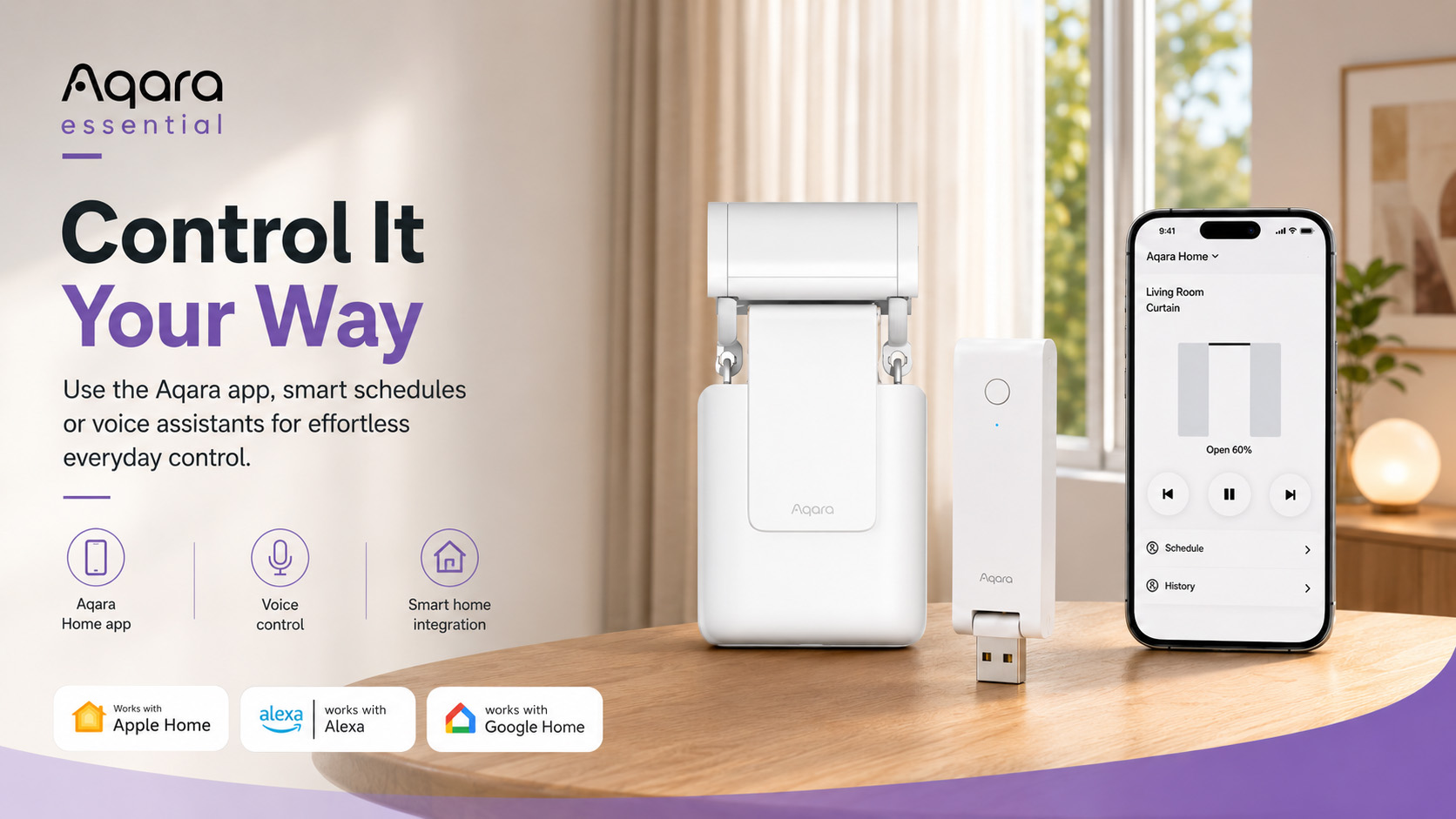
With the Aqara Home app, you can control your curtains remotely, check their status, and create automations from your smartphone.
Perfect for:
- Privacy
- Security
- Comfort
- Energy efficiency
- Everyday convenience
Voice Control With Your Favourite Ecosystem
Once connected through the Aqara Hub E1, your smart curtain setup can work with leading smart home ecosystems and voice assistants.
Control your curtains using platforms such as:
- Apple Home
- Amazon Alexa
- Google Home
- IFTTT
- Aqara Home
Simply ask your voice assistant to open or close the curtains without leaving the sofa.
Aqara Hub E1 Included
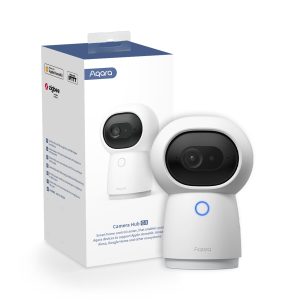
The Aqara Hub E1 is Aqara’s compact yet powerful smart home hub, designed to connect Aqara Zigbee devices and enable advanced automations.
It supports Zigbee 3.0 and can connect up to 128 Aqara devices, making it the perfect starting point for building a wider Aqara smart home system.
The Hub E1 plugs directly into a USB-A port and features a 210° adjustable shaft, giving you flexible placement options around your home.
It can also act as a 2.4GHz Wi-Fi repeater to help improve coverage for other Aqara hubs and supported Wi-Fi devices.
Key Features
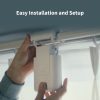
Easy Installation
Attach the Curtain Driver E1 to your existing curtain setup with no complex wiring or major changes required.
Smart Schedules
Set your curtains to open and close automatically based on time, sunrise, sunset or custom routines.
Built-In Light Sensor
Create automations based on room brightness and natural light levels.
Up to 1-Year Battery Life
Enjoy long-lasting performance with Aqara’s energy-efficient design.
Remote App Control
Control your curtains from anywhere using the Aqara Home app.
Voice Assistant Support
Works with popular smart home ecosystems for convenient voice control.
Supports Heavy Curtains
Capable of pulling curtains up to 12kg.
Expandable Aqara Ecosystem
Use the included Hub E1 to connect more Aqara sensors, switches, cameras and smart home devices.
Perfect For
- Bedrooms
- Living rooms
- Home offices
- Bay windows
- Large windows
- Privacy control
- Morning routines
- Energy-saving automations
Why Choose the Aqara Essential Smart Curtain Bundle?
The Aqara Essential Smart Curtain Bundle gives you a simple and reliable way to experience smart curtain automation without replacing your existing curtains.
It combines the flexible Aqara Curtain Driver E1 Rod Version with the compact Aqara Hub E1, giving you everything you need to start automating your curtains and expanding your smart home.
From natural wake-up routines to automatic privacy control, this bundle helps make your home more comfortable, more convenient and more intelligent.
Smarter Curtains Start Here
Enjoy effortless curtain control, natural light automation and everyday comfort with the Aqara Essential Smart Curtain Bundle.
Start with one window, then expand your smart home whenever you’re ready.
Frequently Asked Questions
What kind of curtain rail does the Curtain Driver E1 (Rod Version) support?
The rod curtain driver supports rods with a diameter of 25–32 mm and a smooth surface, however extendable telescopic rods are not supported.
Types of curtains: Compatible with grommet curtains and ring top curtains.
Note: The curtain driver of the rod version can also be used on U-rails and I-rails, and the installation requirements are the same as those for the track version.
What is the maximum bearing capacity for the curtain driver?
The curtain driver has a maximum bearing capacity of 12 kg with both U-rails and rods, and approximately 8 kg with I-rails. However the bearing capacity can be affected by factors such as curtain rings, aging rails and dirtiness.
Why can't the curtains be fully opened or closed after the curtain driver is hung on the rail and clasped?
After the curtain driver is hung on the rail and clasped, it is a necessity to set the route for it via the app or with the button on it.
How can I determine that the curtain driver has been clasped in place?
After the curtain driver is clasped in place, the buzzer will beep twice.
When you view the device from the side, the body of the curtain driver should be perpendicular to the bottom of the guide rail, and the drive wheel should not be stuck in the U-rail groove.
To check the curtain driver is clasped in place you can gently shake the curtains, if the position and posture isn’t easily changed then the curtain driver is clasped in place.
What if the curtains don't open and close automatically when I pull them manually?
Ensure the “Open/close curtains manually” function of the curtains has been enabled on the Aqara Home app. Then you can try to pull the curtain driver in the opposite direction for a distance (about 10 cm) and try again. If you feel it’s hard to pull the curtains by hand, you can pull the second or third fold of the curtains.
How can I reset the curtain driver?
Push and hold the Set button for 5 seconds, and release it until the indicator blinks orange rapidly and the buzzer beeps. Then, the indicator keeps blinking orange rapidly, this indicates that the curtain driver has been successfully reset.
Why does the curtain driver stop before running to the ending point?
This may happen due to any of the following reasons:
- The fully charged curtain driver could deviate from the original route if reinstalled, and it is necessary to set the route for the curtain driver again;
- The curtain driver is not fully clasped in place (the drive wheel is not fully attached to the guide rail);
- Ensure there is no foreign object on the curtain rail;
- Reset the route for the curtain driver in the Aqara Home app and try again;
- The curtain driver could have insufficient power;
- Please make sure that there are no protrusions or steps on the rail caused by installing connecting devices;
- Ensure the hanging rings of the curtain driver are in normal working condition, and there is no deformation caused by poor-quality materials, such as the rings being pulled apart.
Can I pull the curtains directly by hand to stop them halfway while the curtain driver is running?
The curtains will stop, but it may cause damage to the curtain due to the strength of the curtain driver drive wheel. You will have to reset the route for the curtain driver after you stop the curtains by pulling.
Is it normal for the curtain driver to rebound after running to the ending point?
Yes, it is completely normal.
The curtains are actually closed after performing the "open" action; while they are open after performing the "close" action. How can I adjust them in this situation?
Open the Aqara Home app and visit the device page, click in the top right corner to enter Settings > More settings > Curtain basic settings > Adjust the opening/closing direction of the curtain to make adjustments.
The opening direction of the curtain is opposite to the actual opening direction. How can I adjust when the left and right opening directions are different from the settings on the app?
Visit the Aqara Home app and go to the plug-in, click on the top right corner to enter Settings > More settings > Curtain basic settings > Curtain style to select Curtain open to the left or Curtain open to the right.
Does the curtain driver need to be used with a gateway device?
Yes, a hub with ZigBee 3.0 function is required.
Why doesn't the “Ambient light triggered smart connection” function in the app work after I set it?
Ensure the curtain driver is not blocked by walls, pelmets and other obstacles, and it will only work after the sensor is exposed to strong light.
Note: The ambient light triggered smart connection will only work after the timer and the illumination intensity have been met simultaneously. If it is mainly for scheduled opening and closing of the curtains, you are recommended to use the timer function in automation directly.
Can I set the ambient light triggered smart connection after creating a curtain driver group?
There is no option to directly set the ambient light triggered smart connection on the setting page of the curtain driver group, but it is possible to set the function on the setting page of the individual curtain driver device page.
Why does the indicator of the curtain driver blink red or stay red?
This happens when the internal temperature of the curtain driver is beyond the working range. In this case, you need to remove the curtain driver from the curtain rail. If charging is in progress, please disconnect the charging cable and stop charging, and then use it once the temperature returns to the optimal working temperature.
What if the rings at my home are too fragile and pulled apart?
You will have to purchase high-quality gliders in order for the curtain driver to work effectively.
Why isn't the curtain completely closed when the curtain driver has run to the ending point?
Check whether the curtains are blocked by other obstacles or dragged to the ground. You will be unable to close the curtains completely in both of these cases.
Why doesn't the curtain driver move while its drive wheel is running after it is hung on the rail?
- Check whether the curtain driver is clasped in place (the drive wheel is fully attached to the rail). If the curtain driver is not clasped in place, please clasp it in place following the user manual or the instructions in the Aqara Home app and try again. If the curtain driver is clasped in place, please check whether there is any malfunction at the hanging rings of the curtain driver, such as the ring being pulled apart. If there is any malfunction, attempt to restore the ring to its original state, or hang the curtain driver on other rings and try again.
- Check whether the selected curtain style is consistent with the actual situation when adding the curtain driver to the app
How long is the battery life of the Curtain Driver E1?
The battery life is determined by external factors, for example, if the length of the track/rod is 1.5m, the weight of the curtain is 12kg, and the device is scheduled to open and close the curtain once a day, the curtain driver can run for around 9 – 10 months.
However the battery life can be influenced by the friction between the curtain and the track.
Videos
Kit Contents
Product Specifications
Physical and Performance Attributes | |
|---|---|
| Operating Temperature | '-10°C ~ 50°C |
| Operating Humidity | 0-95% RH, no condensation |
You may also like…
-
10% OFF!

Aqara Curtain Driver E1 – Track Version
Original price was: £89.99.£80.99Current price is: £80.99. inc. VAT Add to basket -
10% OFF!
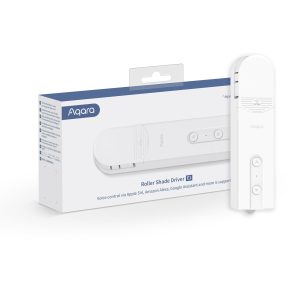
Aqara Roller Shade Driver E1
Original price was: £59.99.£53.99Current price is: £53.99. inc. VAT Add to basket -
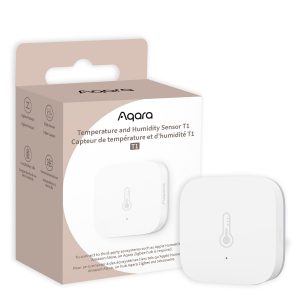
Aqara Temperature and Humidity Sensor T1
£19.99 inc. VAT Add to basket -
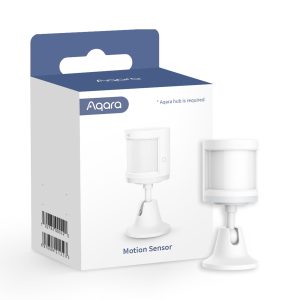
Aqara Motion Sensor
Read more