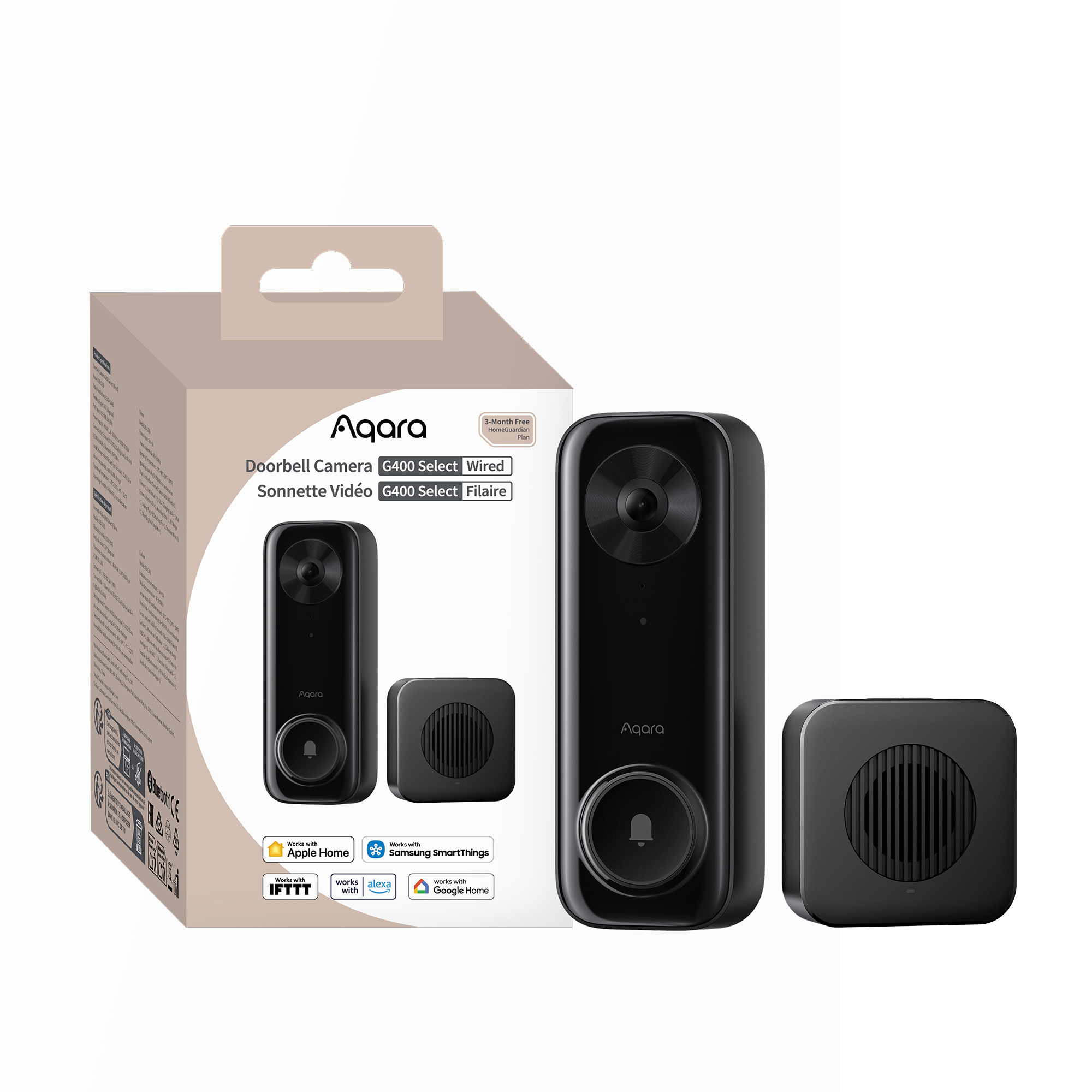
Aqara Doorbell Camera G400 Select (Wired)
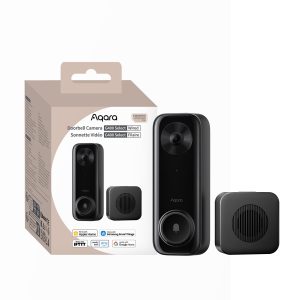
Aqara Doorbell Camera G400 Select (Wired) with PoE or hardwired power, 2K video, 165° view, local AI detection, 24/7 recording, and HomeKit, Alexa & Google support.
Use offer code AQAUKMAR for 15% off!
Compatibility
Aqara Doorbell Camera G400 Select (Wired) is compatible with the following systems:





Accessories
Available on back-order
£99.98 inc. VAT
Description
Aqara Doorbell Camera G400 Select (Wired)
Aqara Doorbell Camera G400 Select, the first always-on doorbell camera with PoE or wired power, keeps your doorstep secure day and night. See every visitor and package in crisp 2K with a 165° ultra-wide vertical view, using invisible infrared night vision. Smart local AI detects people, motion, and custom intrusion zones, sending alerts only when it matters. Unlock, talk, or view live from your favorite smart home apps, or connect with Aqara devices for smarter deliveries. Weatherproof, tamper-proof, Wi-Fi 6 ready, and fully compatible with HomeKit, Alexa, Google, and SmartThings.
Aqara Doorbell Camera G400 Select Features:
- From Face to Floor: View People and Packages: With a 165° ultra-wide vertical view and a 3:4 aspect ratio, the Doorbell Camera G400 Select shows your entire doorway from top to bottom, so you never miss visitors or packages. Sharp 2K resolution reveals faces and delivery details clearly, with adjustable brightness for any lighting. At night, invisible 940nm infrared night vision keeps your doorstep clearly monitored—without drawing attention.
- No Battery to Charge, Solid Hardwired Power: Choose the installation method best suited to your home. PoE power provides a simple and stable installation—a single Ethernet cable transmits both power and data, ensuring reliable operation around the clock. Alternatively, you can connect directly to your existing 8-24V AC/DC doorbell wiring for continuous power without rewiring①. Either way, the Doorbell Camera G400 Select maintains 24/7 power, ensuring your door is always under surveillance.
- Detect Local, with Zone Intrusion: Built-in local AI detects motion and recognizes people without relying on the cloud, so alerts are fast, private, and always available. You can define your intrusion zones by simply dragging and resizing detection areas, and get notified instantly when someone enters or leaves those spaces. This way, you’re alerted only to meaningful activity around your door—no unnecessary notifications, just the moments that matter.
- Reply Faster, Ring Smarter: With the Doorbell Camera G400 Select, you can handle instant replies for unexpected guests through preset or custom quick replies, like “Leave the package, thanks” or “Be right there,” without opening a full voice call. You can also control how many times the doorbell rings, so you never miss an important visitor—or annoy the household with too many rings. Fast, effortless, and always in control.
- Works with Your Smart Home Favorites: The Doorbell Camera works with major smart home platforms—Apple Home② (full HomeKit Secure Video③ with two-way audio), Google Home, Alexa, and SmartThings—so you can view live video, get notifications, and control your doorbell from the apps you already use. For advanced setups, it also supports Home Assistant via RTSP/ONVIF integration, giving you flexibility for professional or customized smart home systems.
- Excellent Aqara Home Integration: Works seamlessly with Aqara smart locks and smart screens, allowing you to view visitors in real time, talk to them, and unlock the door directly. Stream live video to Panel Hub S1 Plus or view visitor snapshots on Thermostat Hub W200. Built-in privacy masking and voice changing features help you confidently manage deliveries and visitor access.
- HomeGuardian Sees What Matters Most: HomeGuardian④ makes your camera work smarter, helping you focus on what truly matters and ignore what doesn’t. With smarter, deeper detection and intelligent automation, it fills the gaps that local-only setups can’t—so you can know, find, and act instantly when it counts. Every G400 purchase includes a free 3-month HomeGuardian Plan, giving you access to advanced cloud-based insights and smarter protection right out of the box.
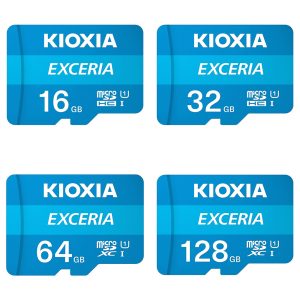
- 24/7 Local Storage, with NAS and ONVIF Support: Never miss a thing. Our doorbell offers 24/7 continuous recording directly to a microSD card⑤. For added peace of mind, all local footage automatically backs up to your SMB NAS⑥ server, keeping your video safe and secure.
- Built for the Outdoors, Ready for Trouble: This doorbell is IP65 waterproof and dustproof, ensuring reliable operation in any weather conditions. Its built-in tamper-proof alarm functions will trigger instantly if anyone attempts to remove or interfere with the doorbell, helping to protect your home security around the clock.
① Supports either 8–24V AC/DC or PoE power, not both simultaneously.
② Within Apple Home, the resolution is limited to 1200p, and it may be downgraded in case of poor network conditions. When both Apple Home and Aqara Home are connected, the maximum resolution of the G400 in Aqara Home will also be downgraded from 1200p x 1600p. It can be restored when HomeKit is disconnected.
③ To use the device with HomeKit Secure Video, an iCloud+ plan, and an Apple home hub are required.
④ Requires HomeGuardian plan, which has a free trial included and activated automatically.
⑤ 24/7 continuous recording and time-lapse photography require inserting a microSD card (not included).
⑥ NAS support requires inserting a microSD card (not included)
Automations
- Office/Focus Mode
WHEN the doorbell is pressed within set time; IF Presence in Home Office, THEN Play custom quick reply: “Hello! I’m currently busy. If you are dropping off a package, please leave it. If there’s any urgency, please press the doorbell to call me.”
Acts as a front-door buffer during work or focus hours. It handles routine interactions (like deliveries) autonomously, and offers a specific instruction to escalate to a real call if the matter is urgent.
(Doorbell Camera G400 Select (Wired))
- Quick Reply on Auto Pilot
WHEN the doorbell is pressed after 23:00; IF Absence in living room, THEN play custom quick reply: “We are asleep. Please leave a video message, and we will get back to you in the morning” at 20% volume.
Automatically manages late-night visitors without waking the household, using low-volume voice response. It also lets the person know they are being watched/recorded, which often causes solicitors or loiterers to leave.
(Doorbell Camera G400 Select (Wired))
- Intelligent Pathway
Time: before bedtime (18:00-23:00); WHEN Doorbell detects an entry into the set zone, THEN Set camera spotlight brightness to 80% & WHEN Doorbell detects an exit from the set zone,THEN Set camera spotlight brightness to 10%
Traditional porch lights stay at 100% all night (wasting energy) or are completely off (unsafe/poor video quality). Now a solution is presented: Uses the doorbell’s Entry/Exit of Intrusion Zones to create a high-visibility path only when someone is present, returning to a “Security Glow” (10%) when the area is empty.
(Doorbell Camera G400 Select (Wired) + Camera Hub G5 Pro – (POE / Wi-fi)
Frequently Asked Questions
Does the doorbell support direct battery and/or solar panel power supply?
This product does not contain a battery and cannot be powered by a solar panel. It can only be powered by AC or DC 8-24 V power supply or PoE.
How to enable the ONVIF function? Why is the image severely distorted after connecting to NVR?
1) Go to the device’s settings page in the app, select “Device Settings” and then “RTSP Configuration”, enable the RTSP function to activate the ONVIF protocol, allowing the device to be discovered and added in third-party video management systems via ONVIF.
2) The default screen display ratio of NVR is 16:9, while the doorbell’s output screen is 3:4. If the NVR does not support adjusting the display ratio, the screen will fill the display window by default, causing image distortion, which is not an Aqara device issue
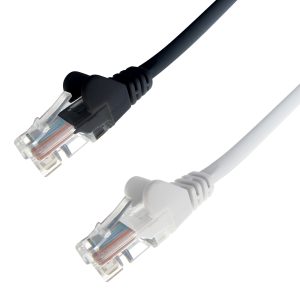
What type of RJ45 Ethernet cable does the doorbell support for PoE connection?
1.The silicone plug on the back of the doorbell is an auxiliary waterproof accessory designed for field-terminated RJ45 connectors. If using pre-terminated Ethernet cables with larger molded connectors, the silicone plug may be omitted without affecting overall waterproof performance.
2) Please ensure that the length of the Ethernet cable between the doorbell and the PoE power supply device is ≤100 meters. It is recommended to use a Category 5e (CAT5E) or higher-grade Ethernet cables
What is the recommended installation height for the doorbell?
The lower the installation height of the doorbell, the smaller the blind spot at the bottom. The recommended installation height is 1.3-1.4m (i.e., the vertical distance from the top edge of the doorbell to the ground). When the installation height is 1.3m, the bottom view blind spot is approximately 0.4m.
Can the chime play a custom ringtone?
No, the outdoor doorbell and indoor chime of this product use RF433/RF315 MHz narrowband signal communication and cannot send voice data, so they do not support playing custom ringtones on the indoor chime.
What are the vertical and horizontal viewing angles of the doorbell?
The doorbell’s vertical viewing angle is 137°, horizontal viewing angle is 98°, and the total diagonal viewing angle is 165°.
After the doorbell connects to Wi-Fi, can it still connect to the network through an Ethernet cable?
When already connected to a Wi-Fi network, if you insert an Ethernet cable for PoE connection, the doorbell will prioritize obtaining power through PoE and achieving wired communication, and the Wi-Fi wireless connection will no longer be active.
Does the doorbell have Hub functionality? Does it support connecting other child devices?
This product does not have Hub functionality and does not support connecting sub-devices.
What AI recognition features does the doorbell support? Is there a fee? Does it support IR night vision?
1) The doorbell supports free local AI detection functions such as motion detection, person detection, and virtual fence.
2) The doorbell also supports cloud AI functions including package recognition, face recognition, pet detection, and vehicle detection after purchasing a HomeGuardian plan.
3) In infrared night vision mode, the target’s color information is lost, which will affect some AI recognition and detection performance, therefor it cannot guarantee 100% recognition accuracy.
What do I need to enable NAS recording on the doorbell?
1) When connecting to NAS via SMB service, you need to insert a microSD card into the doorbell first, and ensure that the doorbell and NAS server are on the same LAN.
2) When connecting to NAS via RTSP, no microSD card is required, but the NAS server needs to support RTSP service, and ensure that the doorbell and NAS server are on the same LAN.
Can you control the indoor chime in the app?
You cannot control or configure the indoor chime’s functions or parameters in the app. You can only complete related operations through the buttons on the indoor chime itself.
How to clear the alarm state triggered by the tamper alarm?
Once triggered, the alarm state cannot be turned off on the device itself (except by forcibly removing the power supply). You need to enter the settings menu in the app, and turn off the Tamper Alarm function switch in AI Detection to end the alarm state.
Can users unbind or rebind the connection between the doorbell and indoor chime themselves? What is the maximum number of chimes that can be bound to a single doorbell?
1) You can press and hold the ringtone switch button on the indoor chime for 10 seconds to unpair it from the doorbell.
2) You can press and hold the doorbell button and the chime volume adjustment button simultaneously for 5 seconds to pair the doorbell and chime.
3) It is recommended that no more than 5 indoor chimes be paired with the same doorbell at the same time (the doorbell comes with only one indoor chime by default).
Videos
Product Specifications
Physical and Performance Attributes | |||||||||||||||||||||||||||||||||||
|---|---|---|---|---|---|---|---|---|---|---|---|---|---|---|---|---|---|---|---|---|---|---|---|---|---|---|---|---|---|---|---|---|---|---|---|
| Weight | 360 grams | ||||||||||||||||||||||||||||||||||
| Dimensions (L x W x H) | 147 × 148 × 106 mm | ||||||||||||||||||||||||||||||||||
Misc Product Attributes | |||||||||||||||||||||||||||||||||||
Aqara Doorbell Camera G400 Select (Wired) Specifications:
| |||||||||||||||||||||||||||||||||||
You may also like…
-

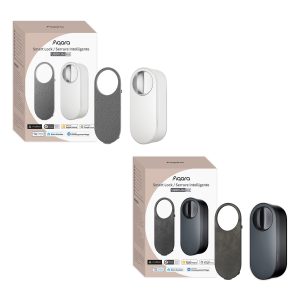
Aqara Smart Lock U200 Lite Kit
£129.00 inc. VAT Select options This product has multiple variants. The options may be chosen on the product page -
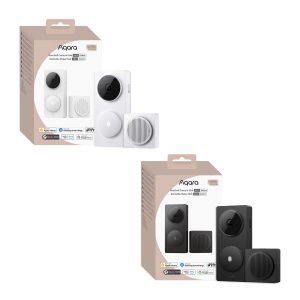
Aqara Doorbell Camera Hub G410 Select
£129.98 inc. VAT Select options This product has multiple variants. The options may be chosen on the product page -
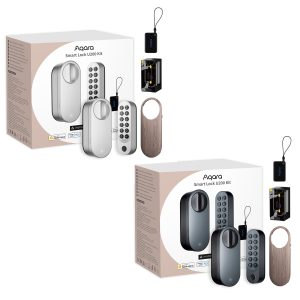
Aqara Smart Lock U200+ Kit
£279.98 inc. VAT Select options This product has multiple variants. The options may be chosen on the product page -
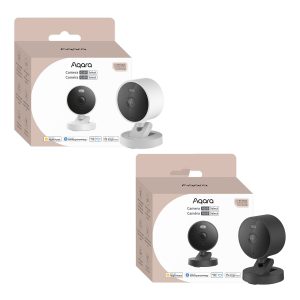
Aqara Camera G100 Select
£36.98 inc. VAT Select options This product has multiple variants. The options may be chosen on the product page