Aqara LED Strip T2
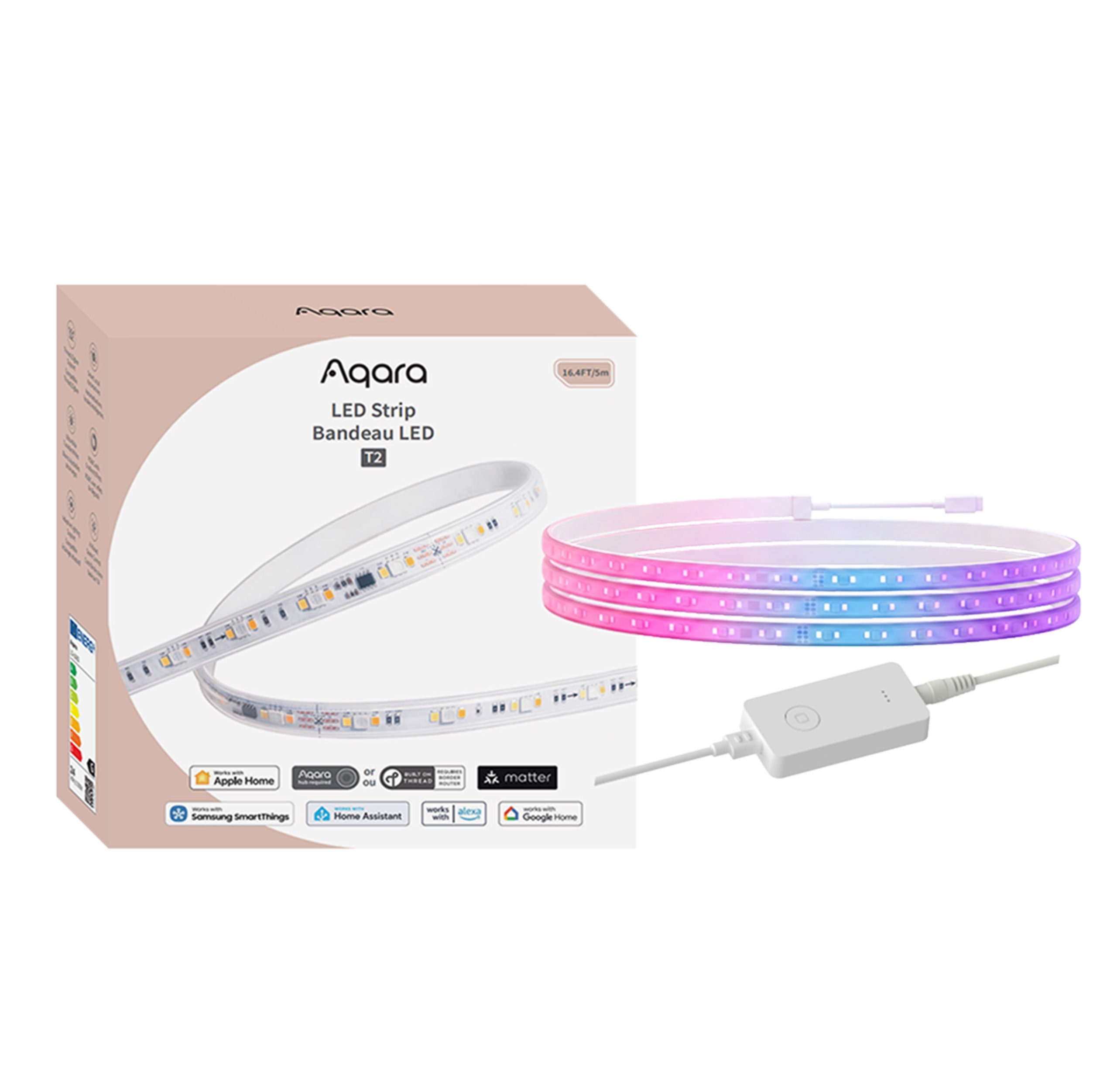
Shop the Aqara LED Strip T2 with 16 million colours, dynamic lighting effects, Matter over Thread, Apple Adaptive Lighting and music sync. 5m length.
20% OFF Launch Offer: Use code AQAUKSL20 at checkout to enjoy 20% off this product for a limited time!
Compatibility
Aqara LED Strip T2 is compatible with the following systems:







£89.99 inc. VAT
Description
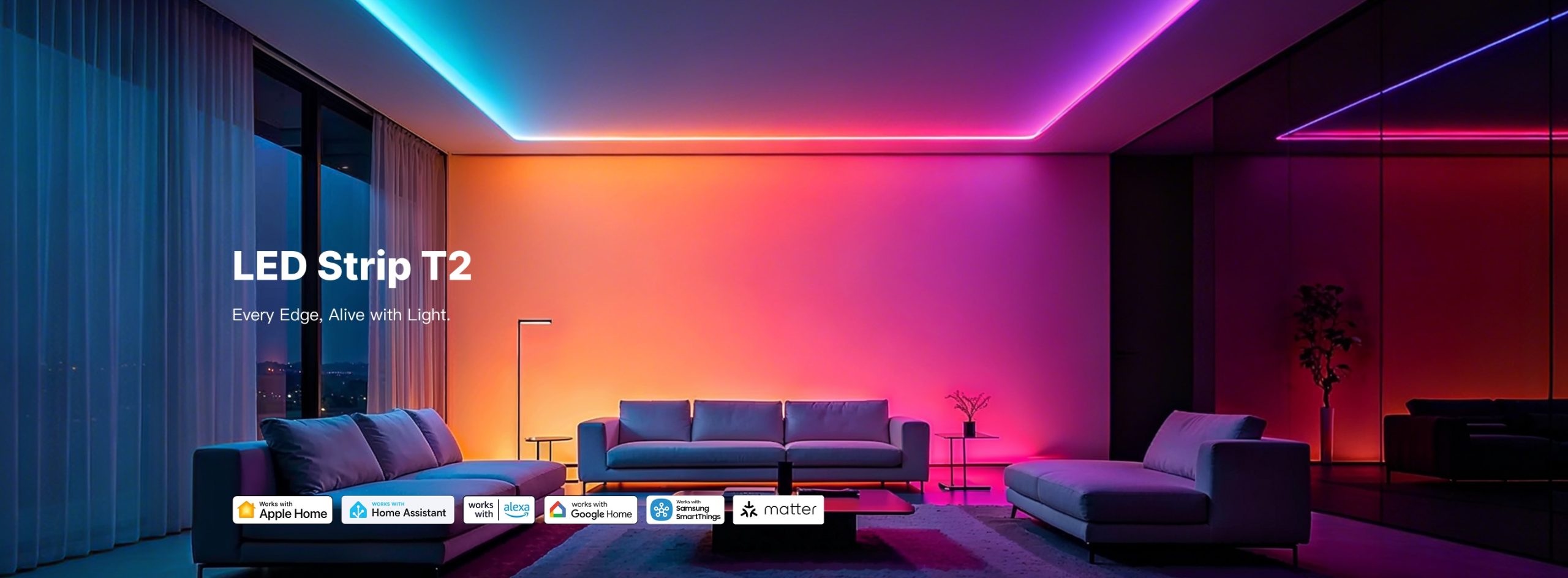
Aqara LED Strip T2
Every Edge, Alive with Light
Add premium, accent and ambient lighting to any room with the Aqara LED Strip T2. With 108 LEDs per meter, dedicated RGBCW channels, and CRI Ra > 90 for true-to-life colours, the T2 delivers smooth gradients and natural white light that beats Govee, Nanoleaf, and Hue in everyday use. 5 m length, cut the strip cleanly at marked points, and connect directly to Apple Home, Google Home, Amazon Alexa, SmartThings, or Home Assistant over Matter with no bridge required.
Aqara LED Strip T2 Features:
- Dual-Protocol Connection: Thread & Zigbee: Choose the protocol that fits your smart home. Matter over Thread connects the device across all Matter-supported ecosystems, while Zigbee offers reliable performance and easy integration with existing Smart Home setups.*A compatible Matter Controller and Thread Border Router are required. Platform availability and supported features may vary by ecosystem, region, and software version.
- Works with Apple Adaptive Lighting: Enjoy Apple’s wellness feature “Adaptive Lighting,” which follows the natural rhythm of the sun to support better sleep and mental well-being. The T2 automatically tunes its white colour temperature throughout the day to match daylight, no manual adjustment required. *A Thread-enabled Apple home hub is required.
- Customised and Built-In Lighting Effects: Instantly personalise your space with a vast library of preset scenes, dynamic multi-colour effects, AI colour extraction from your own photos, and real-time music syncing with a built-in microphone. Brings presets, addressable effects, photo-derived palettes, Apple Adaptive Lighting, and music sync into one creation system—well beyond basic color picking.
- Immersive Home Ambience: Create an immersive ambience through your entire home and control the lights in the way that feels most natural—speak, gesture, rotate the Cube, or tap a compatible controller, all without always reaching for your phone. Beta-tested with Aqara + Apple Home + SmartThings running simultaneously; automation triggers such as leak and door/window sensors plus W200 occupancy were reported as flawless and responsive across all three platforms.
- From Natural Light to Bold Colours: Create the right ambience with premium white lighting and vibrant colours. Each 16 ft ≈ 5 m segment includes 540 LEDs, delivering 108 LEDs/m for smooth colour transitions, more consistent brightness, and deeply immersive dynamic effects. Ultra-wide tuneable white 2000K–9000K with smooth dimming, up to 1,750 lumens, and Ra > 90 — true-colour reproduction that beats Nanoleaf & Hue (both CRI > 80).
- Easy Setup with Adjustable Length: Adjustable length and easy installation. Cuttable 5 m—so the strip fits the installation instead of forcing excess cable into view. Get a cleaner, made-to-measure result with less planning friction and less wasted visible strip; cable clips, end caps, and mounting clips are included in the box.
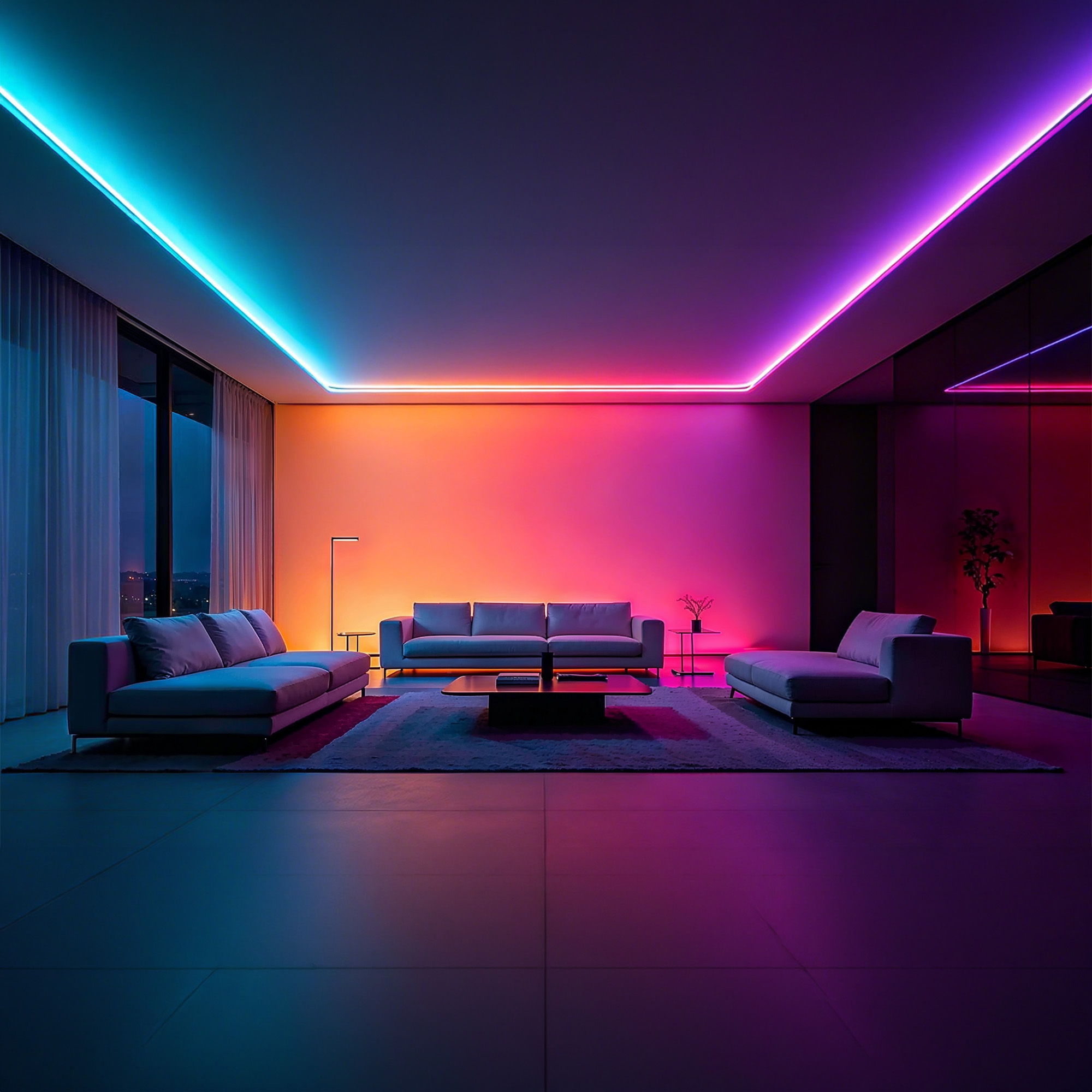
Flexible, segmented lighting brings vivid colours, full range tunable whites and dynamic effects to furniture, ceilings, shelves and entertainment spaces.


Vividly Brighten Your Home with Aqara Smart Lights
Bring your lights alive with Aqara sensors, cameras, door locks and more. Creating the right atmosphere for every moment.


Dual-Protocol Connection Matter over Thread & Zigbee
Connect to Any Matter Hub You Already Use
Choose the protocol that fits your smart home. Matter over Thread connects the device across all Matter-supported ecosystems, while Zigbee offers reliable performance and easy integration with existing Smart Home setups.
*To access Aqara-specific features, a compatible Aqara hub (Hub M3, Hub M100, Hub M200, Camera Hub G350, Doorbell Camera Hub G410, or Camera Hub G5 Pro) running firmware version V4.5.8.0 or later is required.
*To use the device with a particular Matter ecosystem, a Matter controller of that ecosystem and a Thread Border Router are required.

Stronger Connections. Lower Power Consumption.


Customised and Built-In Lighting Effects


Customised and Built-In Lighting Effects
Preset Effects
Access an expansive library of one-tap preset configurations for major holidays like Christmas and Halloween, or everyday moods.
Static & Dynamic Effects
Lighting effects can remain still, or they can shift and move throughout the lighting segments in several different patterns.
Photo-To-Colour Palette
Use the Scene Assistant or Smart Colour Pickup to turn any picture into a custom lighting palette.
Real-Time Music Sync
Using the built-in microphone, the lights detect nearby music and respond with stretch, pulse, dash and flash effects to create an immersive atmosphere.
Speak. Gesture. Twist. Tap. Automate.
Your Lights, Your Way.


Speak. Gesture. Twist. Tap. Automate.
Your Lights, Your Way.
Describe it. AI lights it.
Share a thought, feeling or image, and let the Scene Lighting Assistant turn it into lighting magic.
Reliable Local Automations
Executes instant automations with Aqara sensors and controllers, such as triggering soft path lights via presence sensors and activating custom lighting scene modes.
Flexible, AI-Enhanced Lighting Control
Control your lights your way with voice, Aqara cameras, the Cube, switches, dials, sensors, smart locks and more.
Apple Adaptive Lighting
Enjoy Apple's wellness feature "Adaptive Lighting", which follows the natural rhythm of the sun to support better sleep and mental well-being.


*To use this functionality, a Thread-enabled Apple home hub is required.
From Natural Light to Bold Colours

Massive Lighting Colour Selection
2000K-9000K Ultra-Wide tunable white light can easily switch from cozy accent tones to sharp architectural or security lighting.

1750lm Premium Brightness
1750lm for substantial ambient and accent lighting.

High Colour Rendering Index
Ensures true-to-life colour quality for everyday lighting.

Segmented RGB+CCT Lighting Control
Combines vibrant RGB colours with tunable whites and individual segment control for dynamic, multi-colour effects.
Cut-to-Length Design and Easy Installation


Aqara LED Strip T2 Automation Examples:
1. Welcome Home
Enjoy a warm and convenient welcome as soon as you arrive home. When the door is unlocked, the indoor lights turn on automatically to illuminate the entryway and main living area.
WHEN the Aqara Smart Lock is unlocked; THEN the indoor lights turn on automatically.
(Aqara Smart Lock + Floor Lamp T1 + LED Strip T2 + LED Downlight T2 + LED Bulb T2 (E14/E12) + Hub M3)
2.Movie Time Mode
Create the perfect atmosphere for watching TV. When someone is detected in front of the TV, the lights automatically adjust to a comfortable brightness for an immersive viewing experience.
WHEN the presence sensor detects someone in front of the TV; THEN the indoor lights switch to Movie Mode.
(FP400 + Floor Lamp T1 + LED Strip T2 + LED Downlight T2 + LED Bulb T2 (E14/E12) + Hub M3)
3.Nighttime Pathway Lighting
Move around safely without disturbing others. When nighttime movement is detected, the LED Strip T2 provides soft, low-level illumination to guide your way.
WHEN motion is detected at night in the bedroom or hallway; THEN the LED Strip T2 turns on at low brightness.
(Motion Sensor or FP400 + LED Strip T2 + Hub M3)
4.Away Mode
Save energy and simplify your daily routine. When everyone leaves home and the door is locked, the system automatically turns off all indoor lights to make sure no lights are left on.
WHEN everyone leaves home and the Aqara Smart Lock is locked; THEN all indoor lights turn off automatically.
(Aqara Smart Lock + Floor Lamp T1 + LED Strip T2 + LED Downlight T2 + LED Bulb T2 (E14/E12) + Hub M3)
Frequently Asked Questions
What protocols does this device support?
This device is dual-protocol and works with both Zigbee* and Thread**.
Thread and Zigbee offer essentially the same features, but Mars Tech is supported only in Zigbee mode.
* To work with Aqara Home in Zigbee mode, a Zigbee hub is required. Supported hubs include the Hub M3, Hub M100, Hub M200, Camera Hub G350, Doorbell Camera Hub G410 and Camera Hub G5 Pro, running firmware version V4.5.8.0 or later.
** To use the device with a specific Matter ecosystem, you need that ecosystem’s Matter controller and a Thread Border Router.
Can this device use Thread and Zigbee at the same time?
No. The device uses Zigbee by default. To use Thread, either remove the device in the Aqara Home app or press and hold the control button for 5 seconds to reset the network. Then pair the device again, tap “Switch Protocol” on the device pairing screen, select the protocol you want and follow the in-app instructions to complete the setup. Switching protocols may take a few minutes to load. Please note that switching protocols is equivalent to restoring factory settings: all settings configured under the previous protocol will be deleted.
Can this device be added to Apple HomeKit?
Yes. In Zigbee mode, first add the device to an Aqara hub, then add it to HomeKit through the hub. In Thread mode, you can add it to HomeKit directly by scanning the Matter code on the product itself.
How many ecosystems can this device be added to at the same time?
This device can be added to up to 5 ecosystems at the same time.
Can this device be used without being connected to a network?
When the light strip is not connected to a network, it still works as a regular light strip once powered on. However, to use app control, smart connectivity or other features, youmust first connect the light strip to the network.
What does the control button do?
Single press: Turn the light on or off.
Double press: Switch between quick scenes (which you can set up in the app).
Triple press: Test the effective range (the hub will play a tone).
Press and hold for 5 seconds: Reset the network.
Press 10 times in a row: Restore factory settings.
Can the light strip be cut?
Yes. If you need to cut the light strip, cut it only at the arrow marks on the strip, as cutting elsewhere may damage it. After cutting, seal the strip with a silicone end cap. Please note that the minimum bend angle of the light strip is 90 degrees, and bends must avoid the positions of the LEDs.
How do I reset the device?
Remove the device in the Aqara Home app or press and hold the control button for 5 seconds. A reset only clears the network pairing. Other settings and records are kept, but saved “My Scenes” will be deleted.
How do I restore the device to factory settings?
Press the control button 10 times in a row. Restoring factory settings returns the device to its initial state and clears all settings and data.
Is this device waterproof?
No. It is not waterproof and is intended for use in dry indoor environments only.
Videos
Product Specifications
Physical and Performance Attributes | |||||||||||||||||||||||
|---|---|---|---|---|---|---|---|---|---|---|---|---|---|---|---|---|---|---|---|---|---|---|---|
| Dimensions (L x W x H) | 222 × 215 × 74 mm | ||||||||||||||||||||||
Misc Product Attributes | |||||||||||||||||||||||
Aqara LED Strip T2 Specifications:
| |||||||||||||||||||||||
You may also like…
-

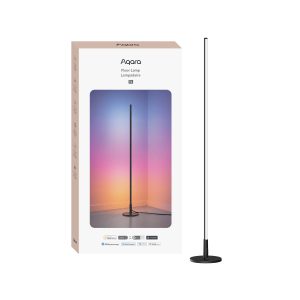
Aqara Floor Lamp T1
£99.98 inc. VAT Add to basket -
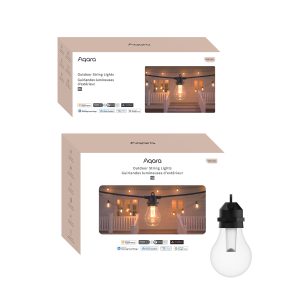
Aqara Outdoor String Lights H1
Price range: £119.99 through £179.99 inc. VAT Select options This product has multiple variants. The options may be chosen on the product page -
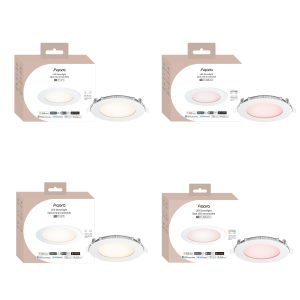
Aqara LED Downlight T2
Price range: £43.99 through £49.99 inc. VAT Select options This product has multiple variants. The options may be chosen on the product page -
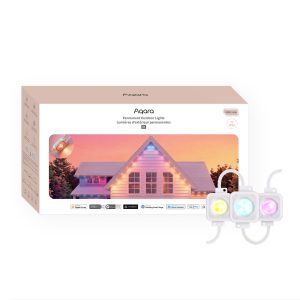
Aqara Permanent Outdoor Lights H1
Price range: £189.98 through £479.99 inc. VAT Select options This product has multiple variants. The options may be chosen on the product page